
Finder Windows 1.8.0
Switch Finder Windows on Mac from One Floating Panel
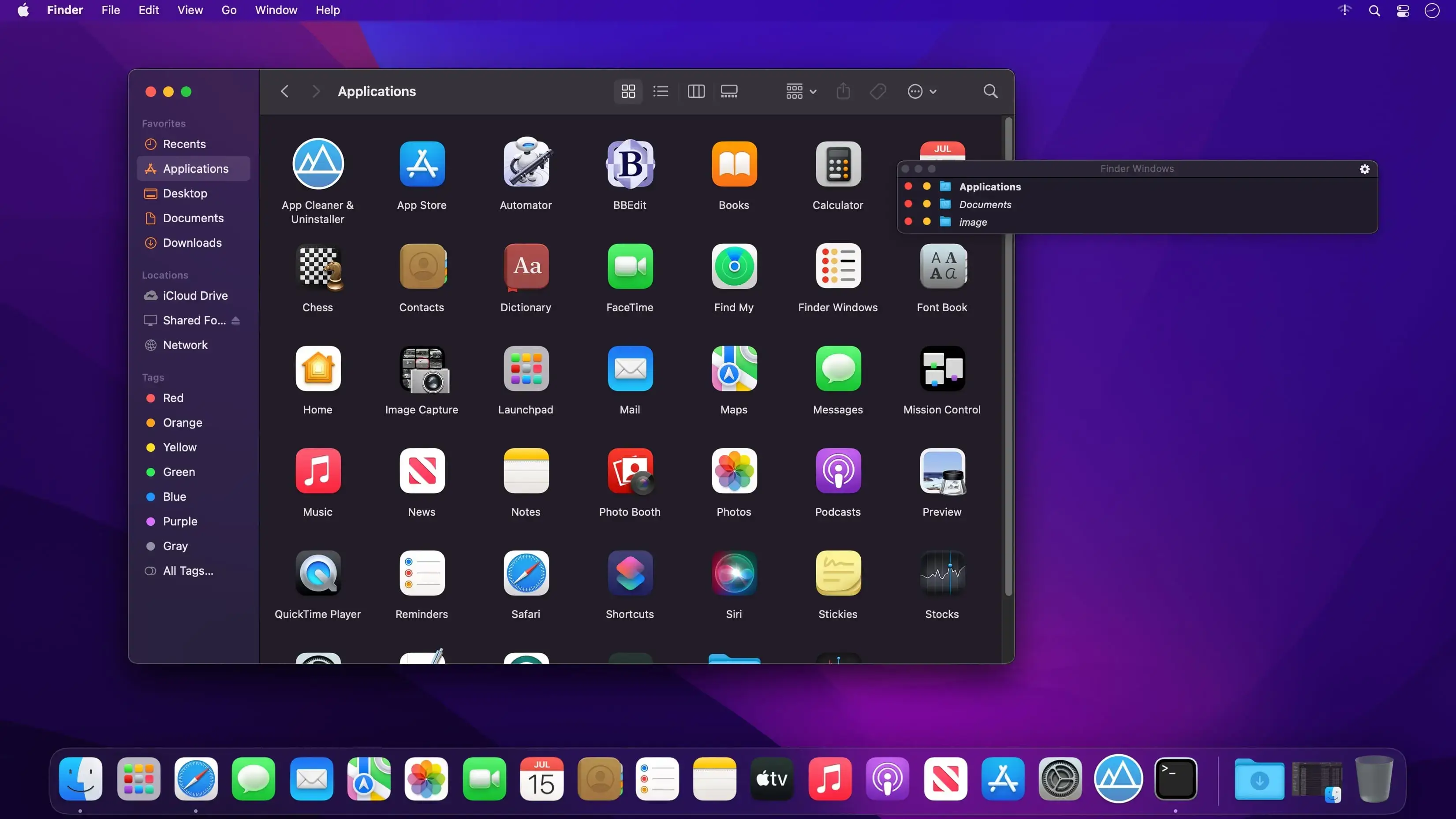
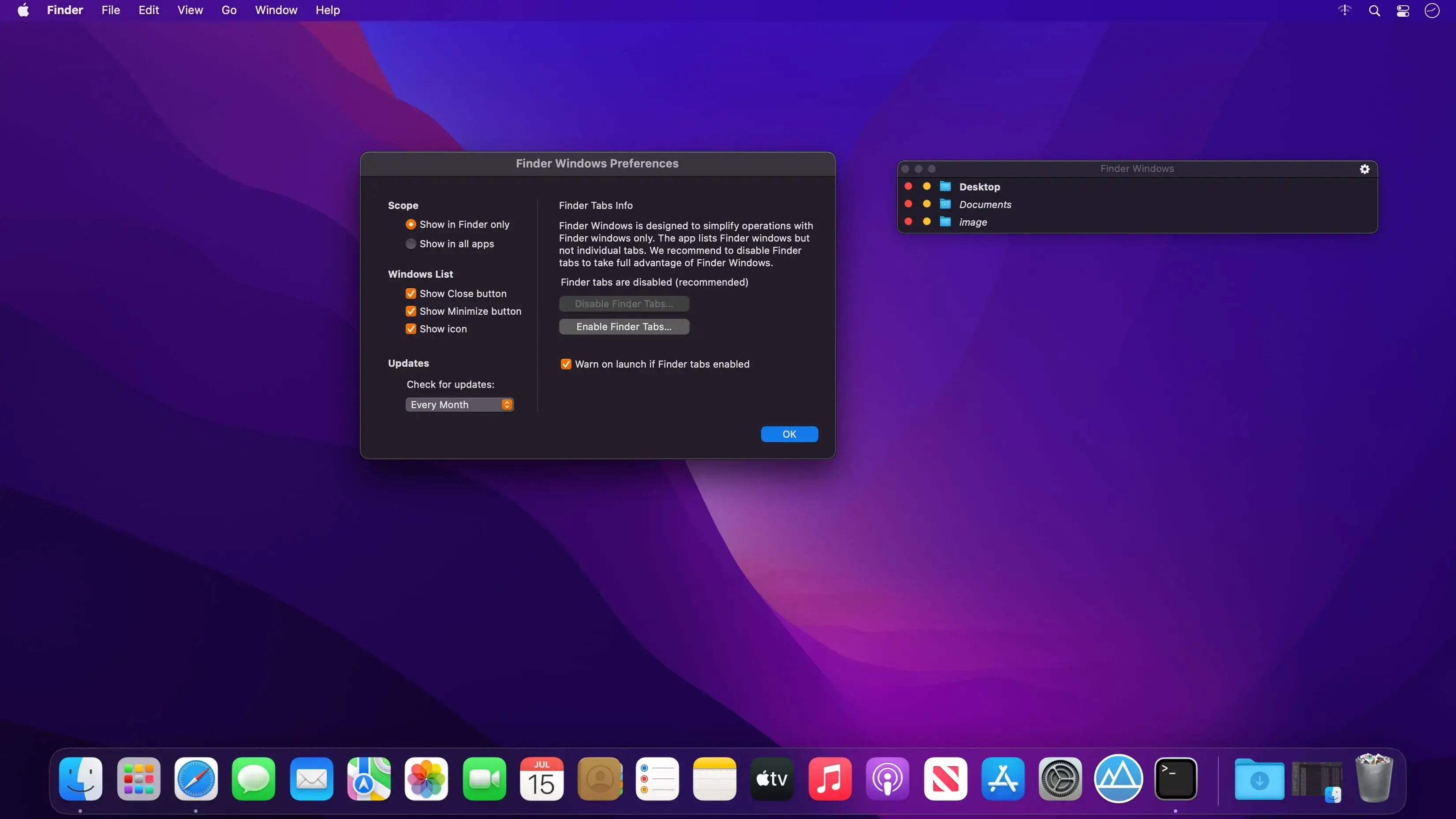
Finder Windows is a floating panel for macOS that gives you instant access to the list of open Finder windows at any time. Instead of hunting for the right folder among a constantly changing mess of windows, you can glance at the list and select the one you need.
What you can do
Keep your open folders in view and get to the right one without searching through the Finder's Windows menu.
- Floating panel: access the list of open Finder windows at any time
- Open windows list: see all your open Finder windows in one place
- Instant selection: pick the window you want straight from the list
- Quick closing: close the windows you don't need anymore
Who it's for
Finder Windows is a good fit if you:
- Use the Finder on a regular basis
- Always have several, or tons of, Finder windows open
- Don't use Finder tabs because you find them inconvenient or useless for file management
- Keep reaching for the Finder's Windows menu and wish it could be easier
Try Finder Windows and see how it simplifies your everyday Finder operations.
Version 1.8.0
- Hold ⌘ while clicking a window name to bring only that window to the front.
Frequently asked questions
How do I install the app?
Mount the image, drag the app into the "Applications" folder and launch it. If the system blocks the launch, allow it in "System Settings → Privacy & Security".
The app is damaged or won't launch
Reinstalling from a fresh image usually helps. Make sure your macOS version matches the one listed in the compatibility specs.
How do I update?
Download the new version from the site and install it over the current one — your settings will be preserved.
The download link doesn't work
Try a mirror or a download manager. For large files the browser often drops the connection.
How do I completely remove the app?
Use an uninstaller utility — it cleans up the service files that remain after moving the app to the trash.





Choose a download source
Finder Windows 1.8.0 · 8.57 MB