
Things 3.25
A task manager for Mac that keeps your to-dos in order
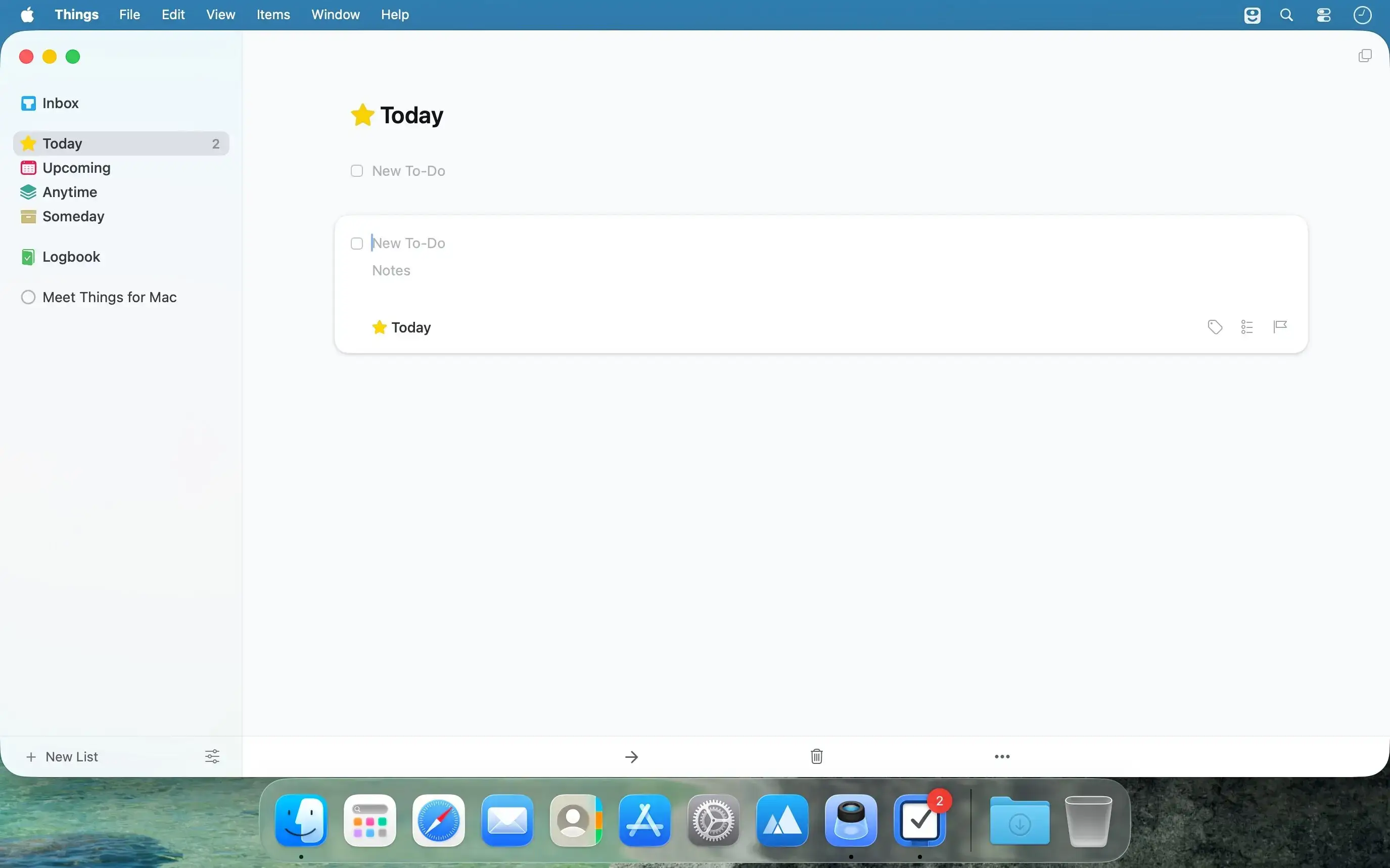
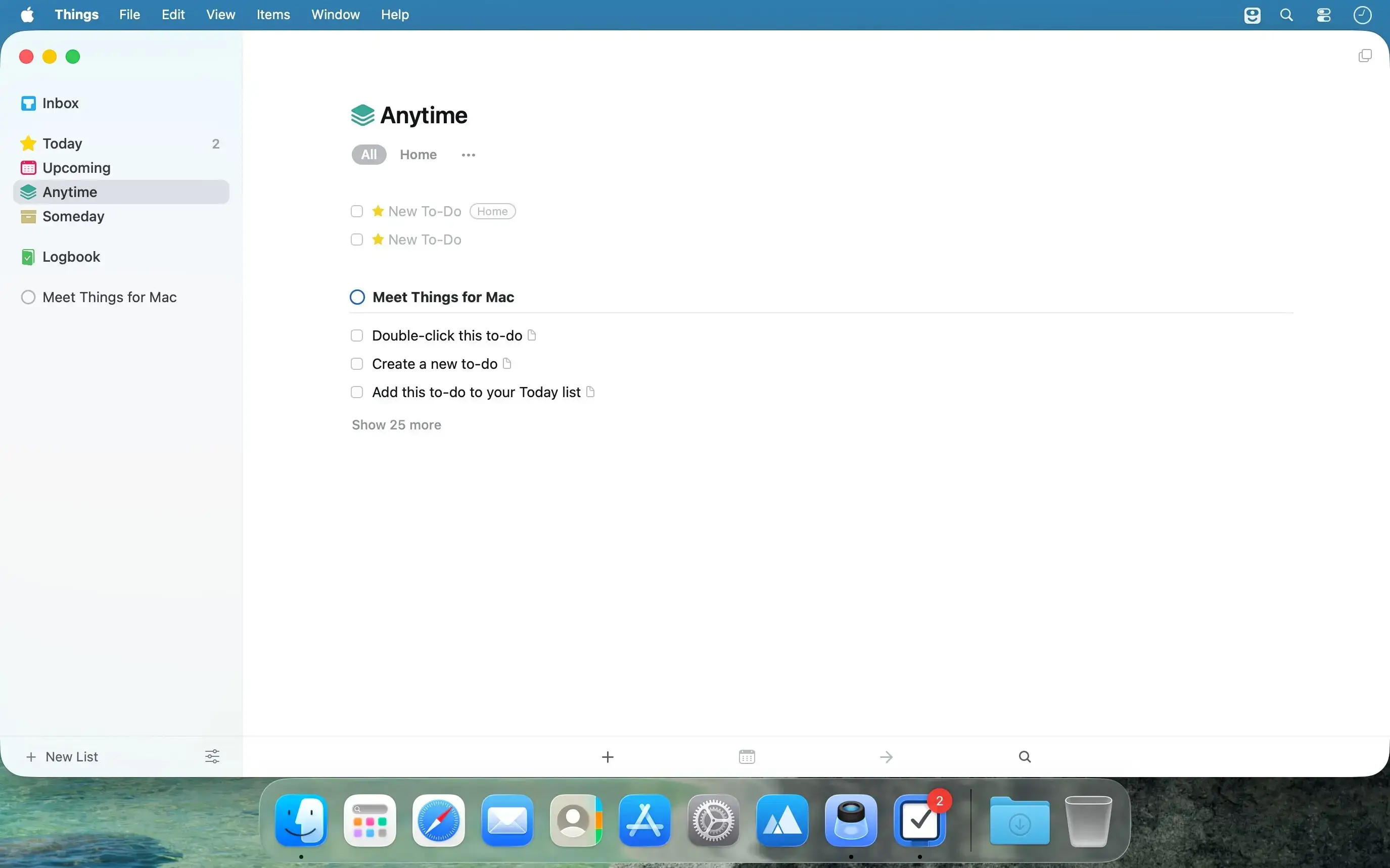
Things is a task management solution that helps to organize your tasks in an elegant and intuitive way. Things combines powerful features with simplicity through the use of tags and its intelligent filter bar. A Leopard style source list allows for quick and easy focusing. Together with a beautiful user interface, Things aims at the seemingly impossible: making task management both easy and fun.
Our screencast is a great introduction.
- The big picture. A Leopard-style source list lets you easily focus without ever switching view modes or wrapping your head around filter criteria.
- A magical tag bar automatically appears when needed and adapts to the currently displayed list. It lets you drill down even the longest list of To-Dos. Hierarchical tags? We got you covered!
- Teamwork. Things offers convenient collaboration features. Easily delegate tasks to members of your team. (This is work in progress.)
- No columns! Whether it's multiple tags, dates or notes, To-Do items display their information on an as needed basis. No more space wasted by empty or irrelevant column cells!
- Out of your head, out of your way. A quick entry HUD lets you enter any idea the moment it hits you. Never let the thought of an unfinished business distract you again.
- Yours forever. We won't lock you in. Things will use an open XML file format to store your data. (Not yet activated.)
- Things even supports GTD, so if you're familiar and comfortable with GTD concepts, you'll feel right at home.
Version 3.25
Introducing fully-optimized Touch support on Mac! With intuitive swipe gestures, smooth drag and drop, touch-optimized menus, and numerous refinements throughout, using Things on a touchscreen Mac feels natural, fluid, and effortless.
Swipe
- Swipe right on a to-do to reveal the dialog for scheduling it
- Swipe left on a to-do to toggle selection
- With two fingers, swipe up/down in a list to select multiple items
Expand to-dos
- Tap once to select a to-do, then tap again to expand it. Double-tapping also works
Drag & drop
- Smooth, responsive dragging of individual to-dos and headings, or multiple selected items together
- Touch-and-hold lifts all selected items, not just the one under your finger
- Improved handling of large selections that extend beyond the visible screen
Menus & pickers
- Custom menus and date pickers now display taller rows and larger tap targets when opened via touch
Other refinements
- Touch and hold on a checkbox to cancel a to-do or checklist item
- Improved sidebar resizing via touch
- Improved drag-and-drop for checklist items inside a to-do
- Larger tap targets for buttons throughout the app
- Numerous smaller refinements and polish throughout
Frequently asked questions
How do I install the app?
Mount the image, drag the app into the "Applications" folder and launch it. If the system blocks the launch, allow it in "System Settings → Privacy & Security".
The app is damaged or won't launch
Reinstalling from a fresh image usually helps. Make sure your macOS version matches the one listed in the compatibility specs.
How do I update?
Download the new version from the site and install it over the current one — your settings will be preserved.
The download link doesn't work
Try a mirror or a download manager. For large files the browser often drops the connection.
How do I completely remove the app?
Use an uninstaller utility — it cleans up the service files that remain after moving the app to the trash.


Choose a download source
Things 3.25 · 39.83 MB
Previous versions
Things 3.25
Previous versions are available to registered users.