JixiPix Impresso Studio Pro 1.0.4
Photo to Painting Software for Mac, Made for Print
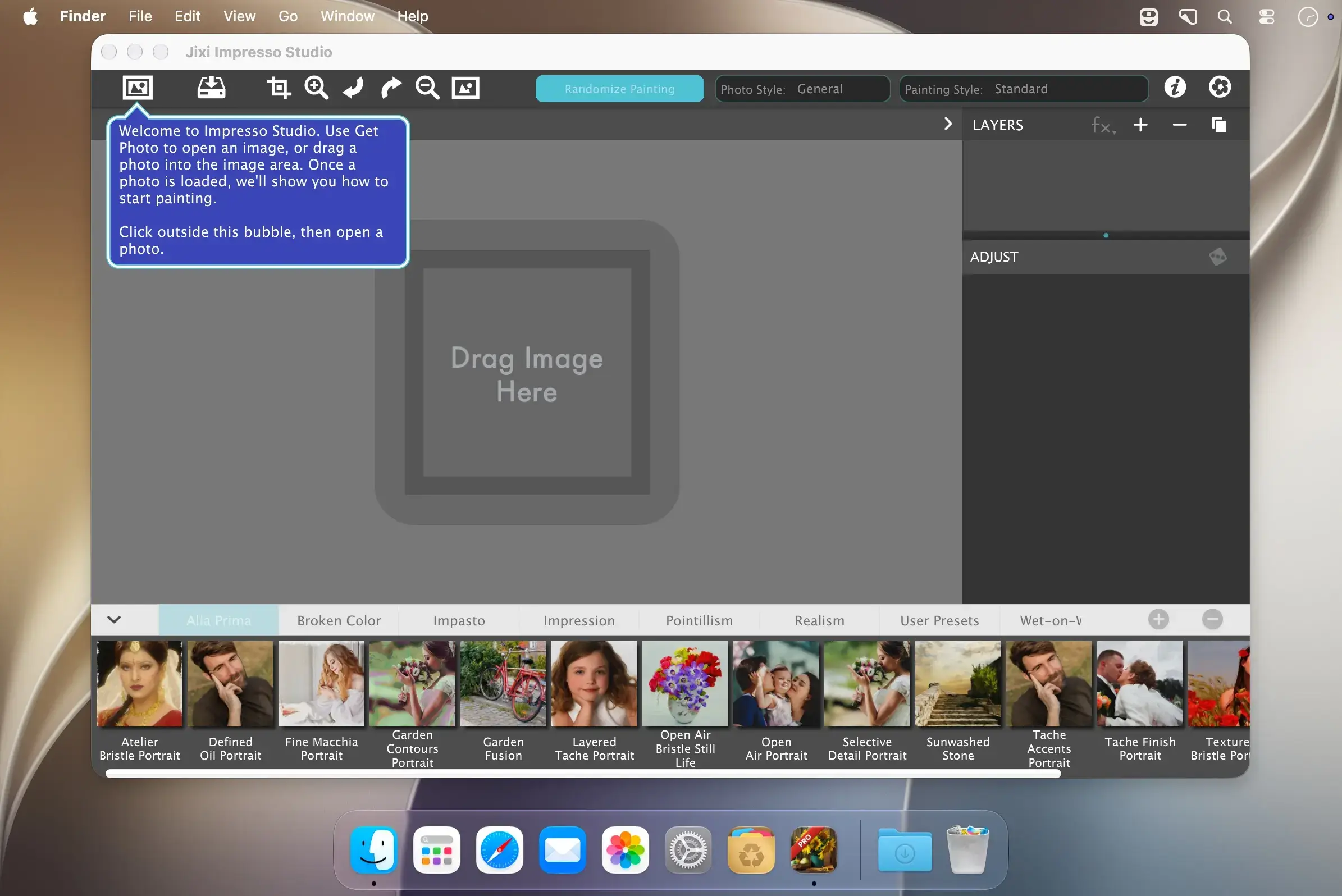
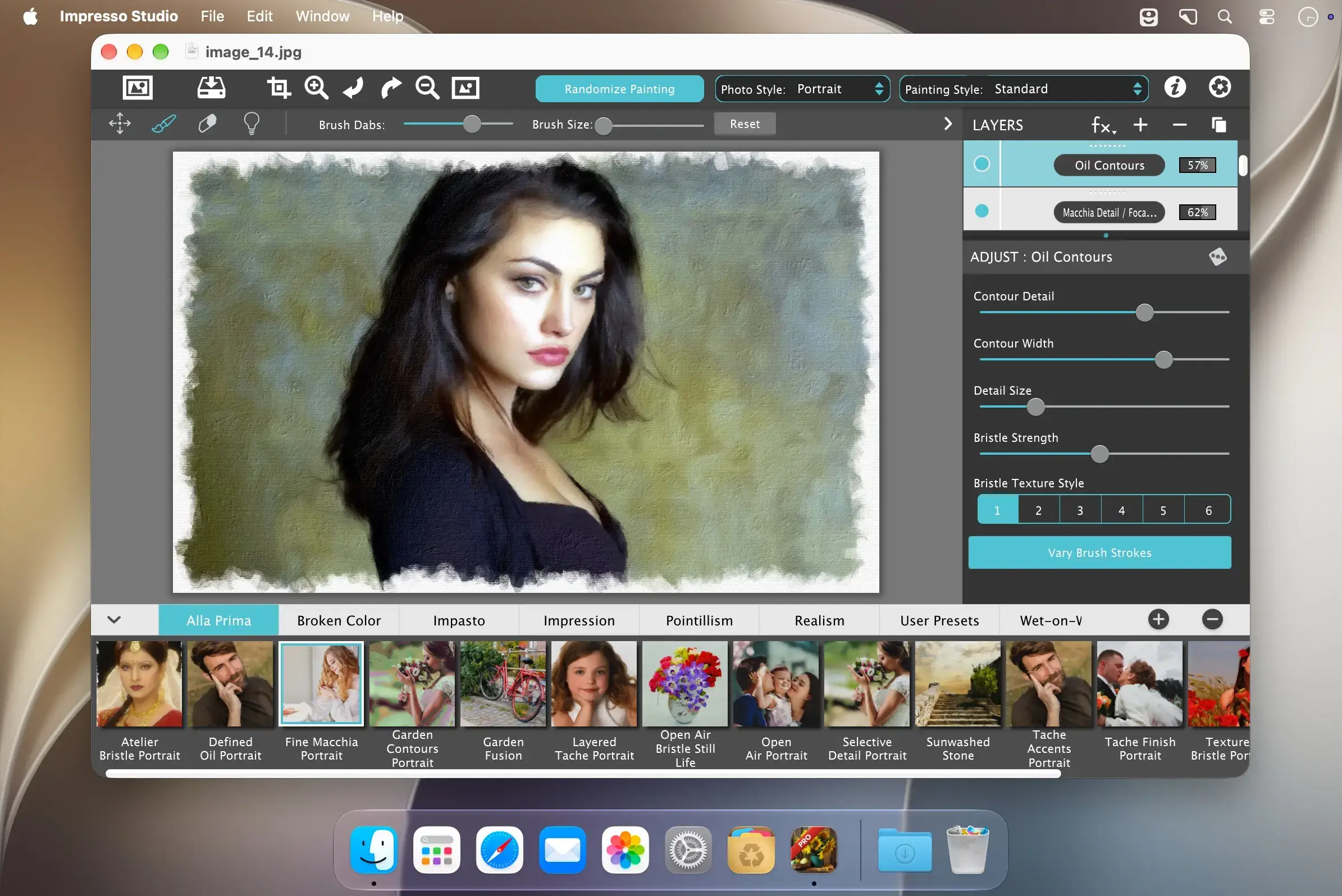
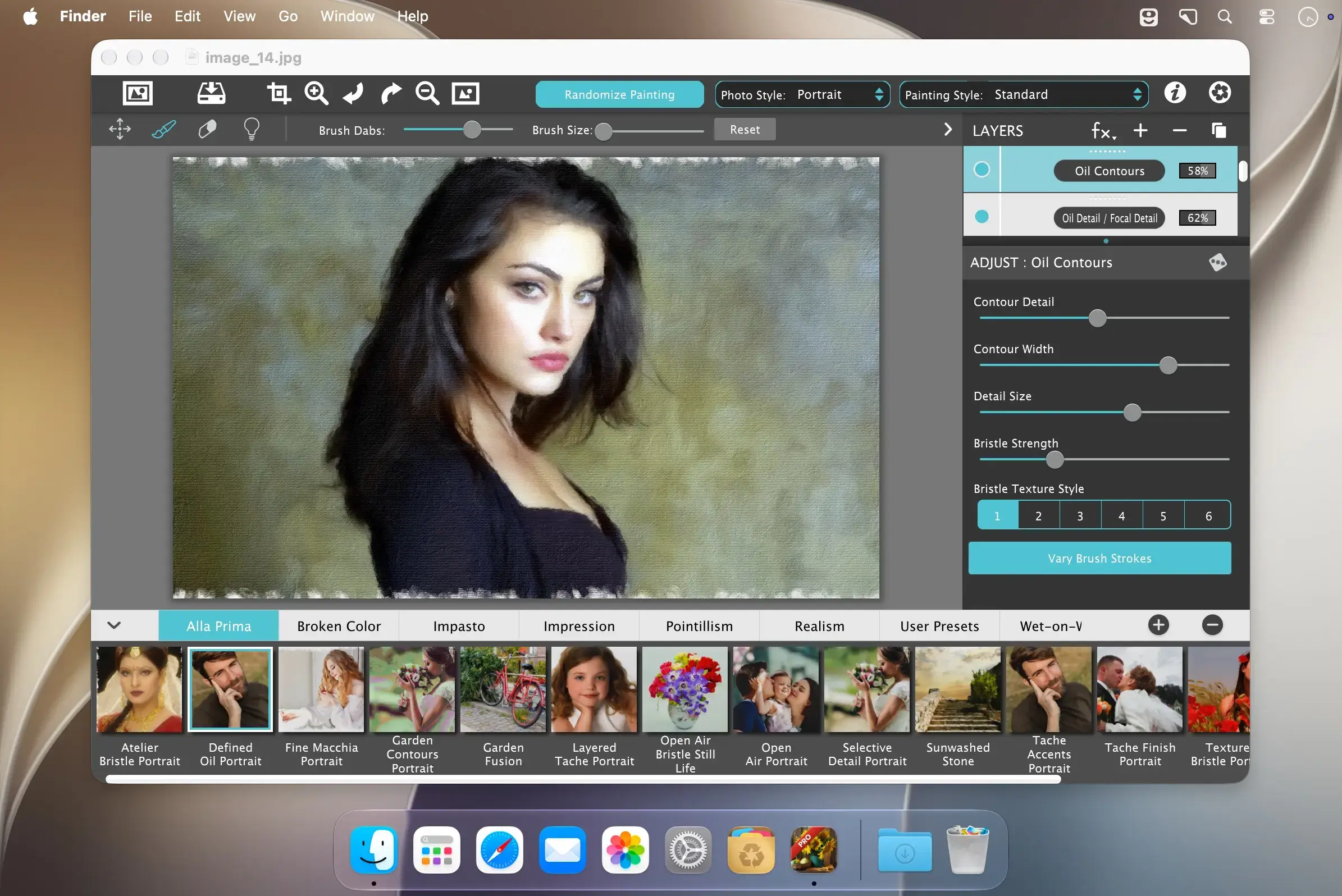
JixiPix Impresso Studio Pro is a standalone Mac app that transforms photos into paintings, then combines paint effects with layers and brushes to create print-worthy artwork. It is made for artists and photographers who want creative control and enough detail for even the largest print.
Paint in one click or build layer by layer
Randomize Painting builds the layers, brushwork, color and texture for you, guided by a Photo Style for portraits, pets, landscapes or still life. If you prefer to work by hand, Smart Layers and brushes let you blend multiple paint styles, and you can attach effects to a single paint layer so a texture or color treatment changes only that part of the painting.
Paint styles
Choose from nine paint styles to shape the look of your painting.
- Alla Prima and En Plein Air: two of the paint styles included in the app.
- Soft Paint: enhances foreground subjects.
- Background Paint: creates distance in the scene.
- Aged Paint: adds craquelure to paintings.
- Tache: an ultra-impressionism effect that covers paintings with broken brush strokes.
- Impressionism: broken strokes and lively color, from loose impressions to finer definition.
- Pointillism: rebuilds your photo from individual dots, with four dot styles.
- Macchia: bold, overlapping patches of color that can mingle like wet paint.
Impasto styles
Add raised, textured paint to your images.
- Palette Knife: broad, raised knife strokes that follow the contours of your image.
- Flat Impasto: wide, flat marks for a bold, graphic painting.
- Oil Fusion: connected oil strokes whose color and relief flow together.
- Macchia Fusion: Macchia's color patches blended into a smoother surface, or mixed with knife strokes.
- Petal Stroke: sculpted, petal-shaped dabs, ideal for flowers and foliage.
- Bokeh Impasto: rounded, raised daubs that read as soft circles of light.
Detail effects
Bring back definition where it matters.
- Oil Detail: fine oil strokes that follow contours to restore faces and small features.
- Macchia Detail: small Macchia marks that add definition without heavy buildup.
- Oil Contours: traces your photo's outlines with fine oil brush marks.
Finishing effects
Complete the painting with extra texture, color and edges.
- Glaze: five glaze styles add another layer of brush texture and relief.
- Texture Relief: embosses texture into the paint, or uses Wear Through to reveal the layers beneath.
- Tratto: drawn contour lines for an illustrative edge.
- Stylized Color: recolors the photo with a new palette before a layer paints it.
- Oil Study edge: a broken painted border with underpainting showing through.
Brushwork controls
Refine how your strokes look and behave.
- Conform Strokes slider: brings out detail naturally while retaining the brushwork, so large brush sizes and abstract brush styles still keep visual clarity.
- Bristle Styles: three options, Textured, Thick and Smooth, that give strokes dimensional bristle depth and a more natural, hand-painted look.
- Brush Styles: eleven brush styles, with an easy-to-use brush library that lets you see each style before applying it.
Canvas and edges
Frame your painting the way you want.
- Artistic Edge: pick an edge from a library of edges designed by JixiPix artists.
- Square: automatically adds a simple but elegant edge.
- Custom: import one of your own edges.
- Resize and rotate: each edge style can be resized and rotated to fit the canvas.
Frequently asked questions
How do I install the app?
Mount the image, drag the app into the "Applications" folder and launch it. If the system blocks the launch, allow it in "System Settings → Privacy & Security".
The app is damaged or won't launch
Reinstalling from a fresh image usually helps. Make sure your macOS version matches the one listed in the compatibility specs.
How do I update?
Download the new version from the site and install it over the current one — your settings will be preserved.
The download link doesn't work
Try a mirror or a download manager. For large files the browser often drops the connection.
How do I completely remove the app?
Use an uninstaller utility — it cleans up the service files that remain after moving the app to the trash.


Choose a download source
JixiPix Impresso Studio Pro 1.0.4 · 541.44 MB