JixiPix Grungetastic 2.70.8
Grunge photo effects for Mac, made with distressed textures.
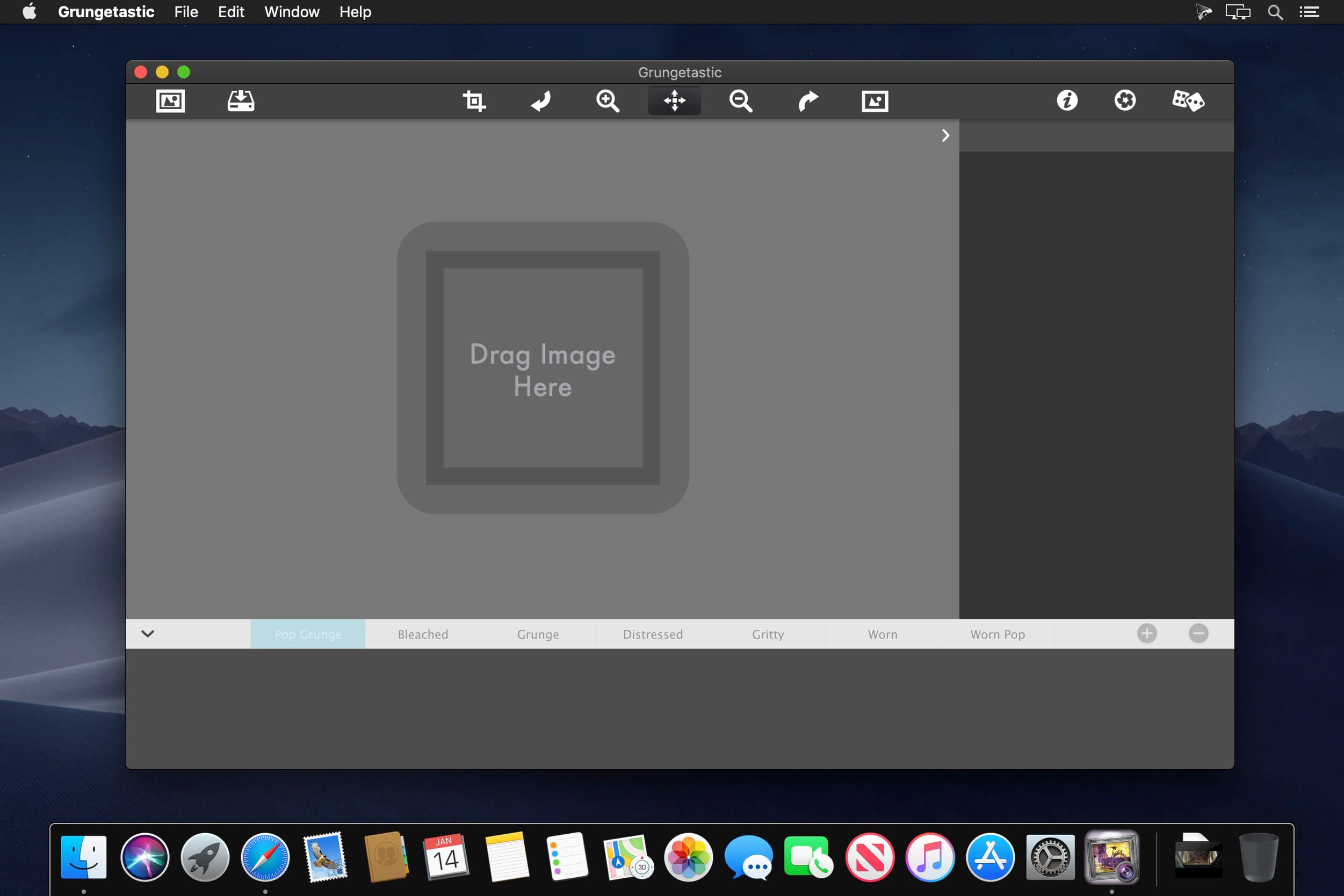
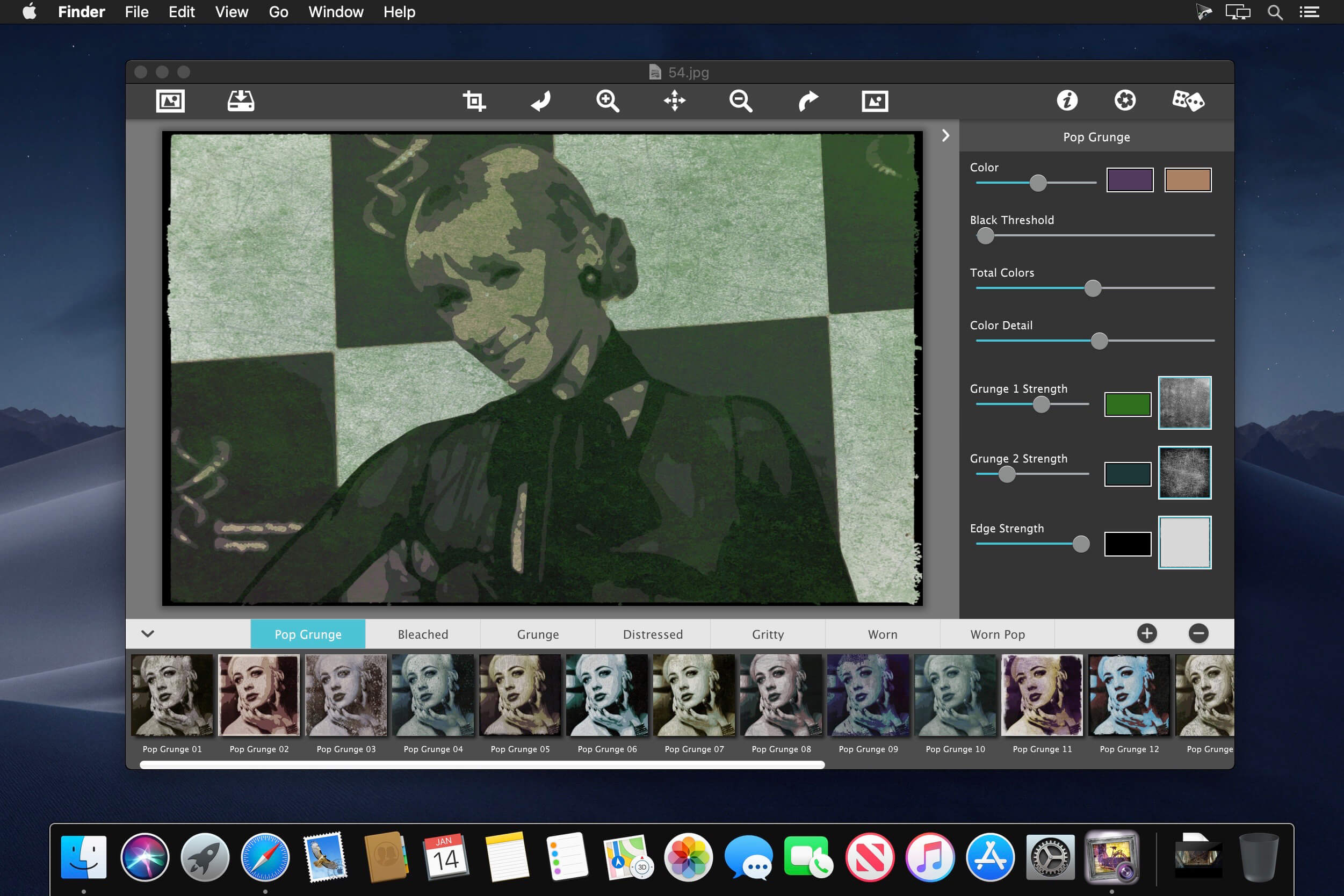
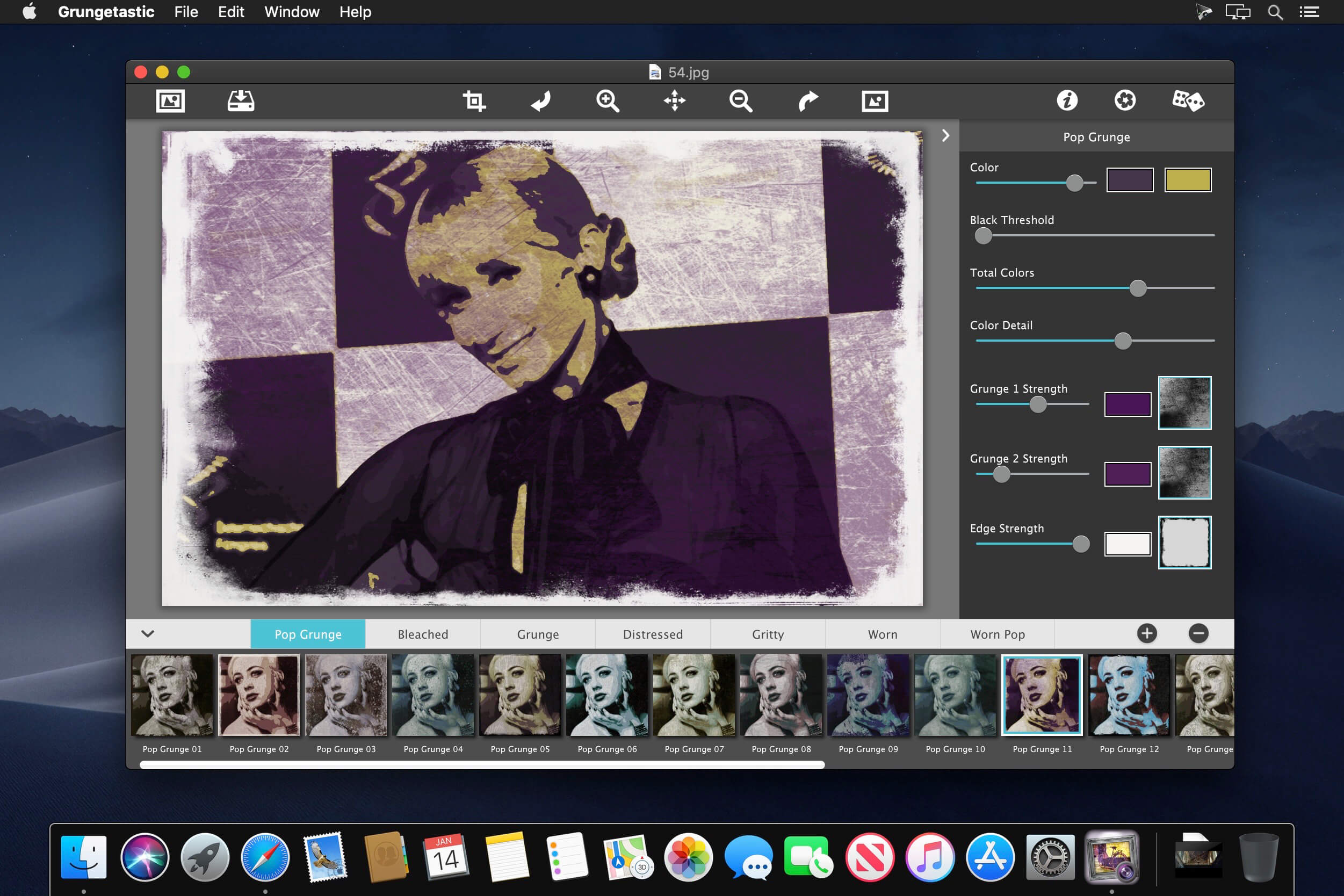
Turn photos on your Mac into grunge-style artwork with seven distinctive looks, distressed textures, and hands-on controls for image tone and texture color.
Build a look with layered grunge
Grungetastic offers a range of textured treatments and adjustable image toning for creating grunge effects. It can automatically combine two grunge textures, and you can adjust the colorization of the textures.
- Seven grunge styles: Classic Grunge, Bleached Grunge, Worn Pop, Worn Grunge, Gritty Grunge, Distressed, and Pop Grunge.
- Automatic texture combining: Combine two grunge textures for variation.
- Adjustable toning and colorization: Customize image toning and the colorization of grunge textures.
- 140 grunge textures: Choose from distressed and scratched textures.
- 140 one-touch settings: Apply a grunge setting with one touch.
Try Grungetastic for Mac and give your photos a grunge look.
Frequently asked questions
How do I install the app?
Mount the image, drag the app into the "Applications" folder and launch it. If the system blocks the launch, allow it in "System Settings → Privacy & Security".
The app is damaged or won't launch
Reinstalling from a fresh image usually helps. Make sure your macOS version matches the one listed in the compatibility specs.
How do I update?
Download the new version from the site and install it over the current one — your settings will be preserved.
The download link doesn't work
Try a mirror or a download manager. For large files the browser often drops the connection.
How do I completely remove the app?
Use an uninstaller utility — it cleans up the service files that remain after moving the app to the trash.




Choose a download source
JixiPix Grungetastic 2.70.8 · 99.36 MB