Image Resizer - Resize Photos 4.3
Resize images on Mac without losing quality
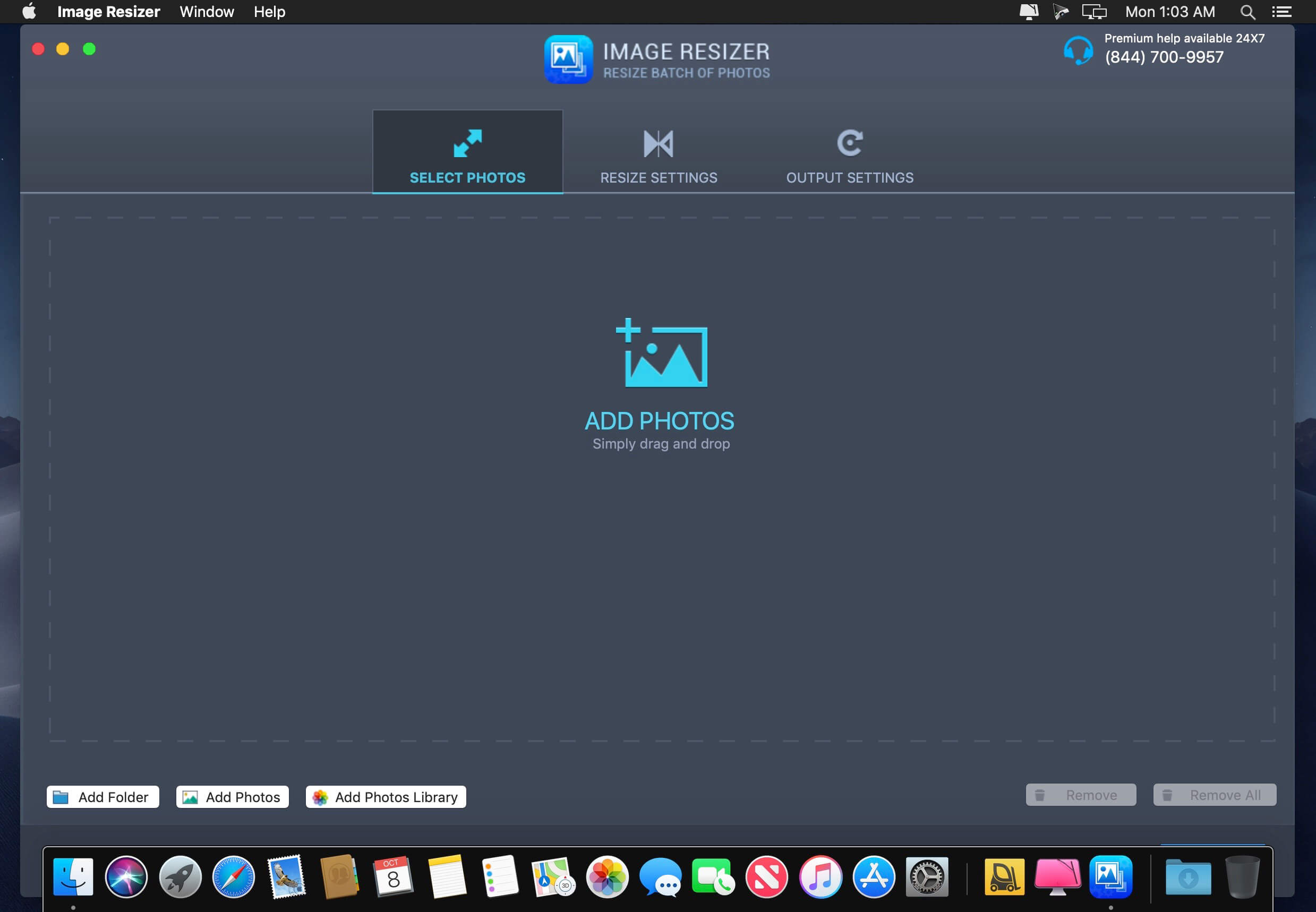
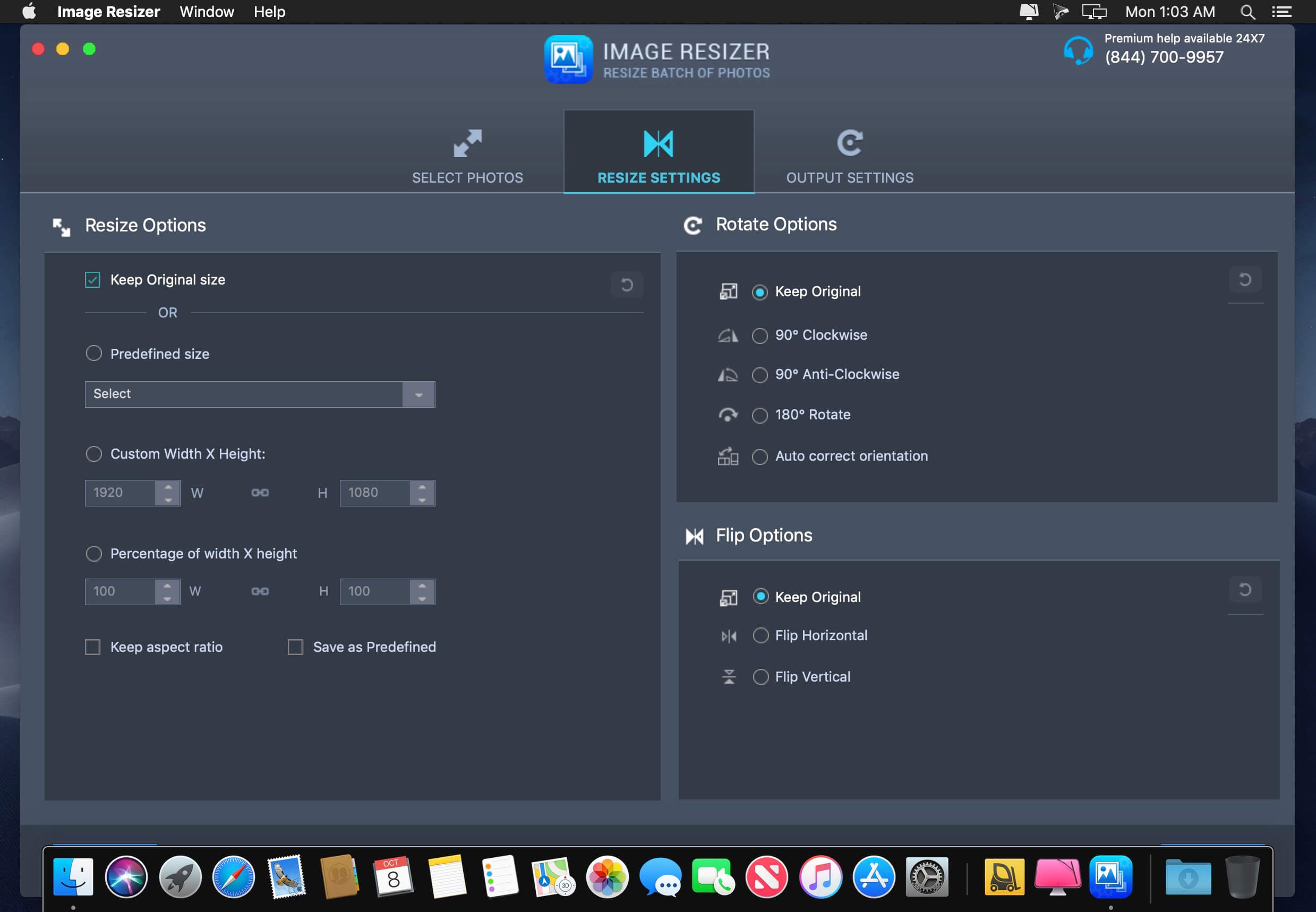
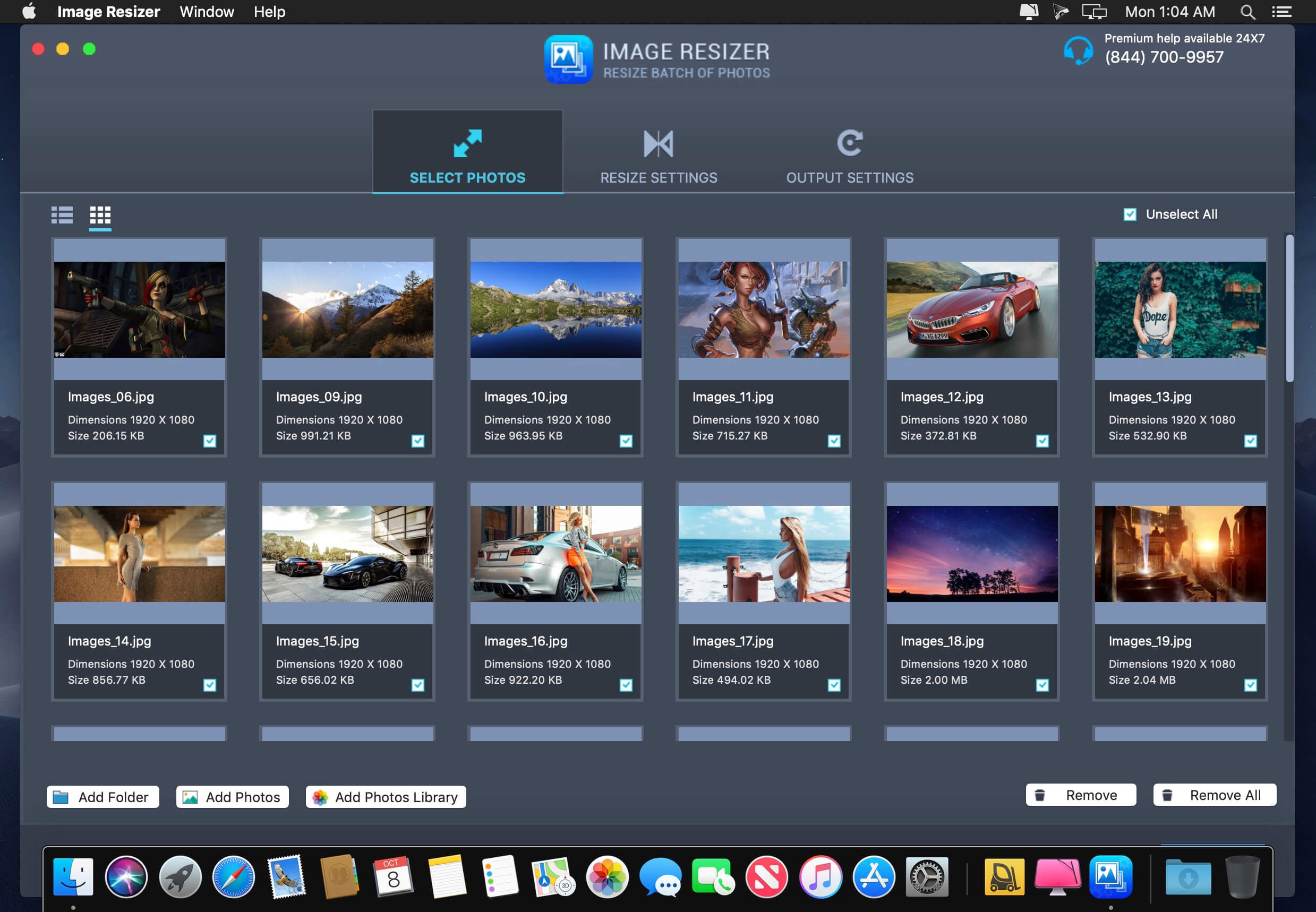
Image Resizer for Mac reduces the size of your photos in seconds, so large files no longer stand in the way of sharing them with family and friends. Pick images from your Photos Library, Photos or any folder on your Mac, and resize a single photo or a whole batch without compromising resolution and quality.
More than resizing
Alongside resizing you can crop, rotate and flip an image in any direction, or convert it to another format. Choose an output resolution or resize by percentage, rename the files, compress them and send the results to a destination folder of your choice. Predefined settings and a user-friendly interface keep the whole process quick and simple.
- Resize single or batch photos: work on one image or a whole set at once.
- High quality results: resize and convert images without losing quality.
- Easy image compression: shrink file sizes quickly.
- Predefined settings: apply ready-made options to save time.
- Format conversion: easily convert pictures into different formats.
- Output options: select an output resolution, rename files, compress and choose a specific destination folder.
- Rotation and flip: rotate 90 degrees clockwise or anti-clockwise, rotate 180 degrees, and flip horizontally or vertically.
- Custom size: choose a custom size or resize a photo by percentage.
Download Image Resizer for Mac and shrink your photos in seconds.
Version 4.3
- Compatible with the latest macOS.
- Minor bug fixes and improvements.
Frequently asked questions
How do I install the app?
Mount the image, drag the app into the "Applications" folder and launch it. If the system blocks the launch, allow it in "System Settings → Privacy & Security".
The app is damaged or won't launch
Reinstalling from a fresh image usually helps. Make sure your macOS version matches the one listed in the compatibility specs.
How do I update?
Download the new version from the site and install it over the current one — your settings will be preserved.
The download link doesn't work
Try a mirror or a download manager. For large files the browser often drops the connection.
How do I completely remove the app?
Use an uninstaller utility — it cleans up the service files that remain after moving the app to the trash.





Choose a download source
Image Resizer - Resize Photos 4.3 · 5.46 MB
Previous versions
Image Resizer - Resize Photos 4.3
Previous versions are available to registered users.