calibre 9.19.0
Calibre: E-book library manager to convert, organize, and sync books.

Your e-book library, under control
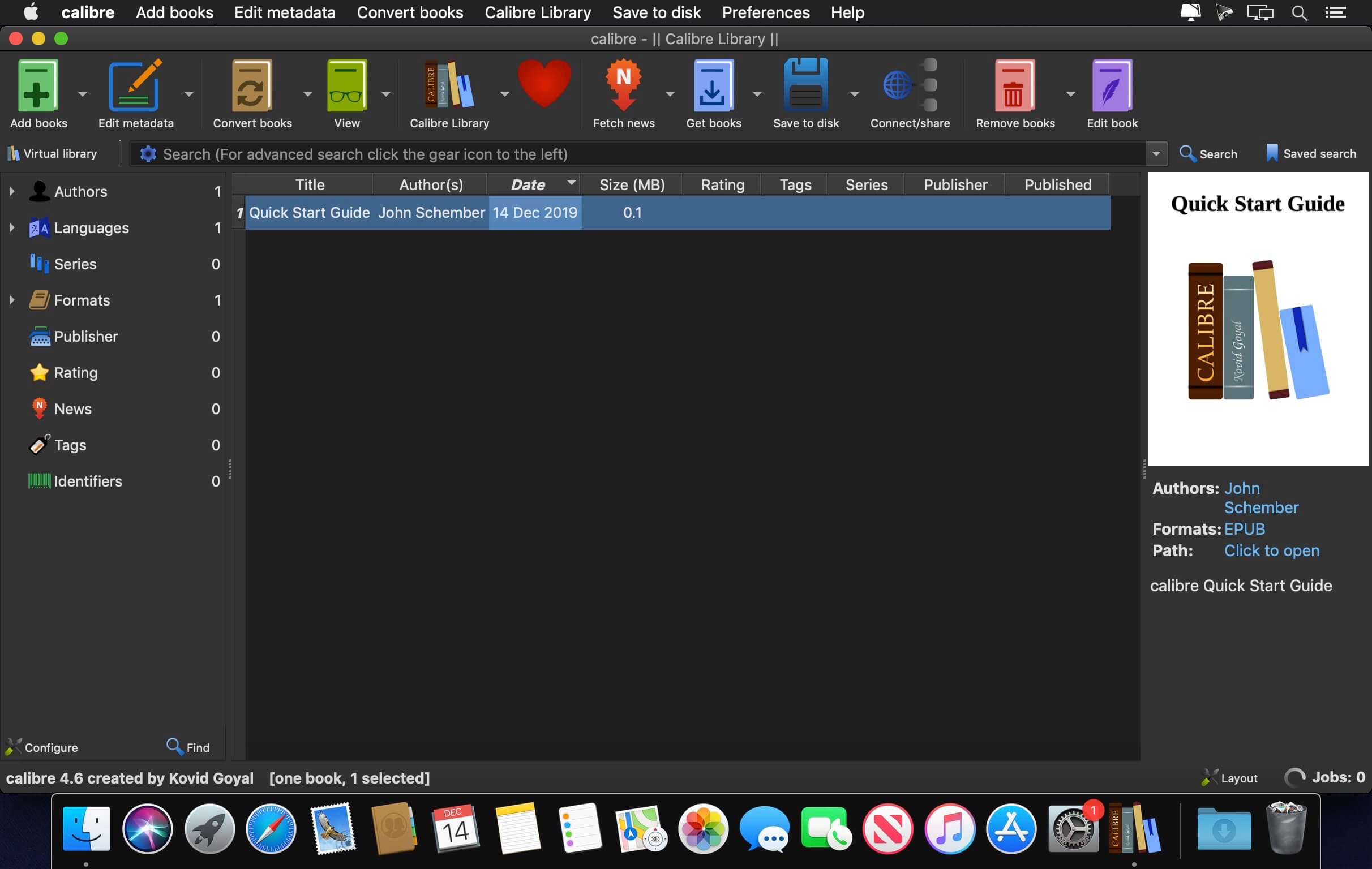
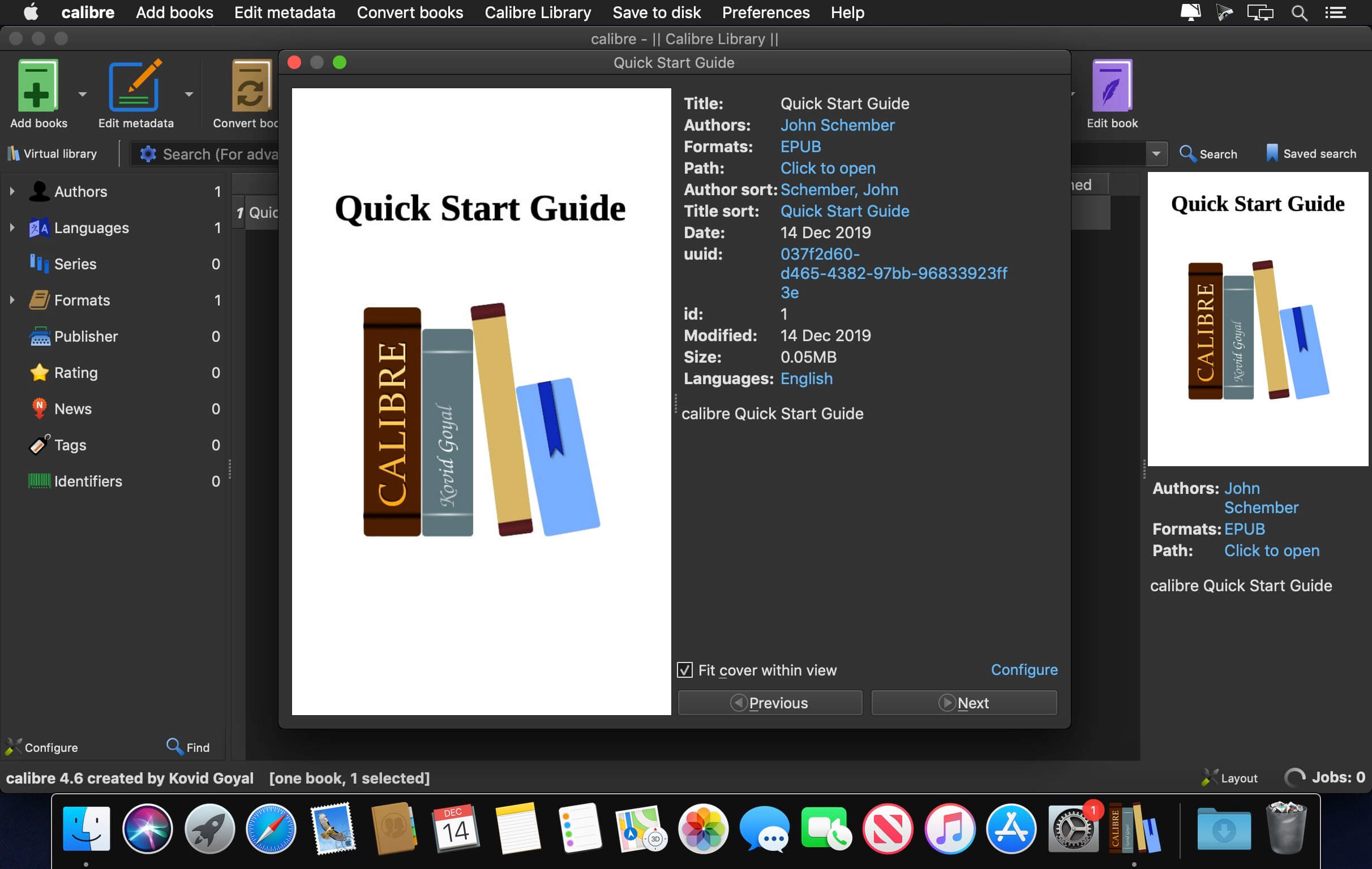
Bring your books together in one organized library on macOS. Calibre helps you keep track of your collection, convert books between formats, and sync them with supported e-readers.
Manage, convert, and sync with ease
Keep your collection organized and make your books easier to find.
- Library management: Keep books with multiple formats together in a single entry, then add tags and comments to make them easier to find.
- Format conversion: Convert e-books between a wide variety of supported formats with flexible conversion options.
- E-reader syncing: Use device drivers to sync books with supported e-readers and devices.
Make your e-book collection easier to manage. Get started with Calibre for macOS.
Version 9.19.0:
New features:
- Edit book: Add grammar checking and suggestions for rewriting sentences
- Grammar, style and typography issues are underlined in the code view as you edit, with suggested corrections available by right clicking. Tools->Check grammar lists the issues in the whole book, allowing them to be corrected, ignored or their rules disabled. For English text, a neural network can also suggest rewrites of sentences for grammar, fluency, clarity, simplicity, formality or paraphrasing. The data needed for checking a language is downloaded, with confirmation, when first needed. All processing is local to your computer and no AI is used.
- PDF Input: Greatly improve detection of paragraphs, headings and columns
- Paragraphs that continue across columns and pages are joined, headings wrapped onto several lines are joined, words split over two lines are de-hyphenated, columns with narrow gutters are detected and running heads such as chapter titles are removed.
- Content server: Allow downloading metadata and covers in the book metadata editor
- Content server and E-book viewer: Many more accessibility improvements for keyboard and screen reader users, including dialogs, the footnote popup, the Read aloud and audio ebook controls, the color scheme and selection bar settings and rating books at their end
- Content server: Allow non-ASCII passwords
- Get books: Use a browser to search the Amazon stores, so that stores other than Amazon US return results
- Conversion: Speed up building large Tables of Contents and splitting large HTML files for EPUB output
- Edit book: Check book: Speed up fixing many link and id errors
- Auto-add: Improve detection of files that are still being downloaded
Bug fixes:
- Fix a regression in 9.16 that broke restoring the sort of the book list when it included fields that cannot be sorted on
- RTF Output: Fix nested lists and other nested block elements being run together into a single paragraph
- RTF Input: Fix conversion of files using East Asian, Thai and Vietnamese code pages
- ebook-meta/ebook-convert: Fix the --rating option being interpreted as out of ten instead of a number of stars
- Edit metadata dialog: Fix setting metadata from a format doubling the rating
- Edit book: Check book: Fix case mismatches in the OPF manifest causing the auto-fix to delete the file
- Polish book: Fix updating the cover adding a new cover page each time
- Fix extracting the cover from calibre generated SVG cover pages
- Fix setting the title of EPUB 3 books whose first title is a subtitle
- Conversion: Generate valid ids for non-ASCII Markdown headings
- PDF Input: Fix Table of Contents entries that link via jаvascript actions
- Heuristics: Preserve page anchors when dehyphenating across pages
- Fix reading damaged ZIP files whose data descriptors lack a signature
- PDF metadаta: Fix escaped strings being carried over from corrupted XMP metadata
- Decode numeric HTML entities as specified by HTML5
- Kobo driver: Handle boolean columns stored as either text or integers
- MTP driver: Show a clearer error message on Windows when the device stops responding
- Fix icons in the system tray menu showing as missing on some Linux desktops
- E-book viewer/Edit book: Fix the close button in the Inspector toolbar not working
- Content server: Fix changed covers not being shown until the page is reloaded
- Content server: Fix an error when pressing OK while editing a rating or enumeration whose value is not one of the choices
- Metadata download: Fix camoufox being downloaded over and over when installing it fails
New news sources:
- Various Swedish, Finnish, Sami, Meänkieli, Romani and Yiddish news sources by Jonatan Nyberg
- Improved news sources:
- Dagens Nyheter
- Dagens Industri
- Ekot
- Fokus
- Live Law
Frequently asked questions
How do I install the app?
Mount the image, drag the app into the "Applications" folder and launch it. If the system blocks the launch, allow it in "System Settings → Privacy & Security".
The app is damaged or won't launch
Reinstalling from a fresh image usually helps. Make sure your macOS version matches the one listed in the compatibility specs.
How do I update?
Download the new version from the site and install it over the current one — your settings will be preserved.
The download link doesn't work
Try a mirror or a download manager. For large files the browser often drops the connection.
How do I completely remove the app?
Use an uninstaller utility — it cleans up the service files that remain after moving the app to the trash.



Choose a download source
calibre 9.19.0 · 389.62 MB
Previous versions
calibre 9.19.0
Previous versions are available to registered users.