
Volume Maximizer 1.0.1
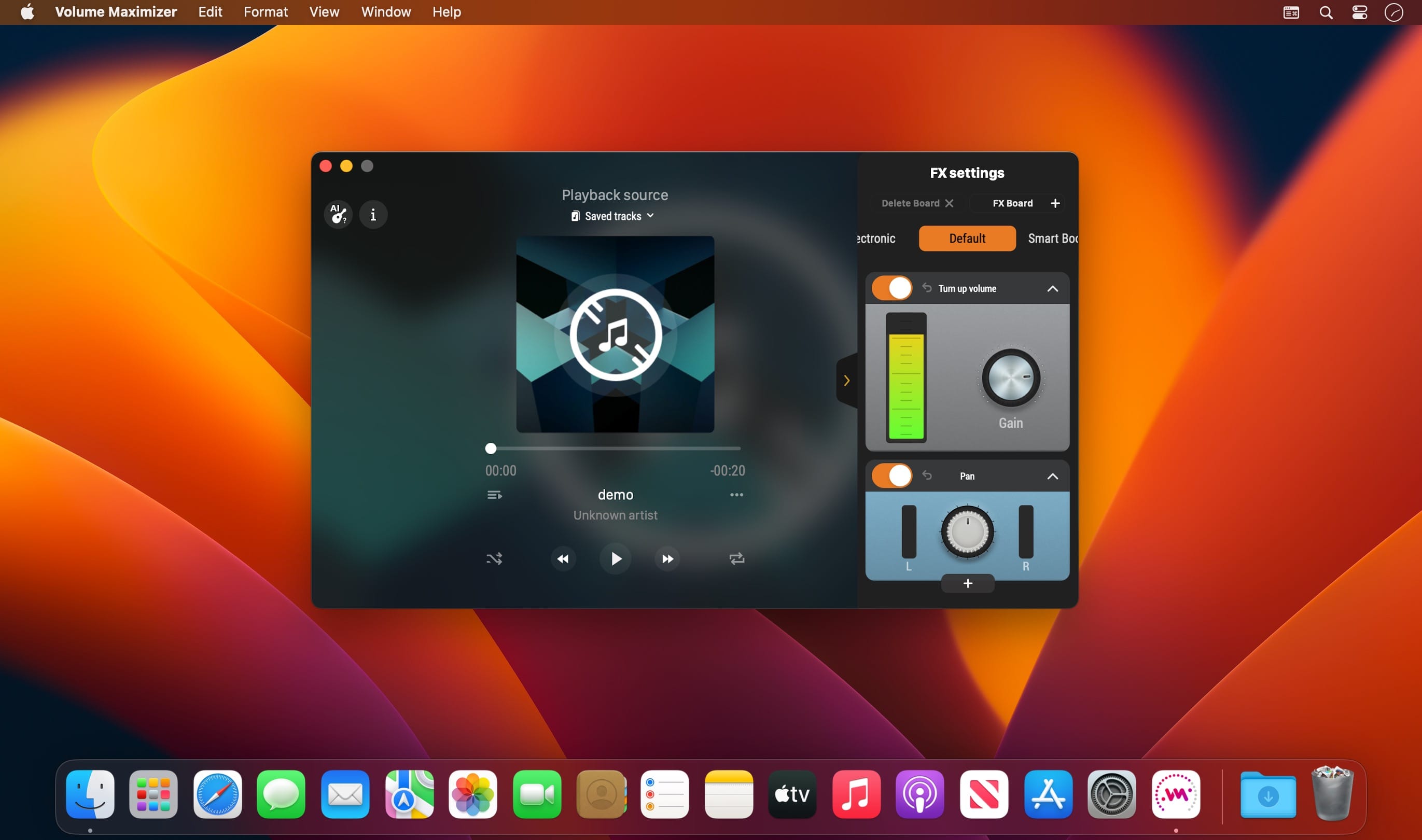
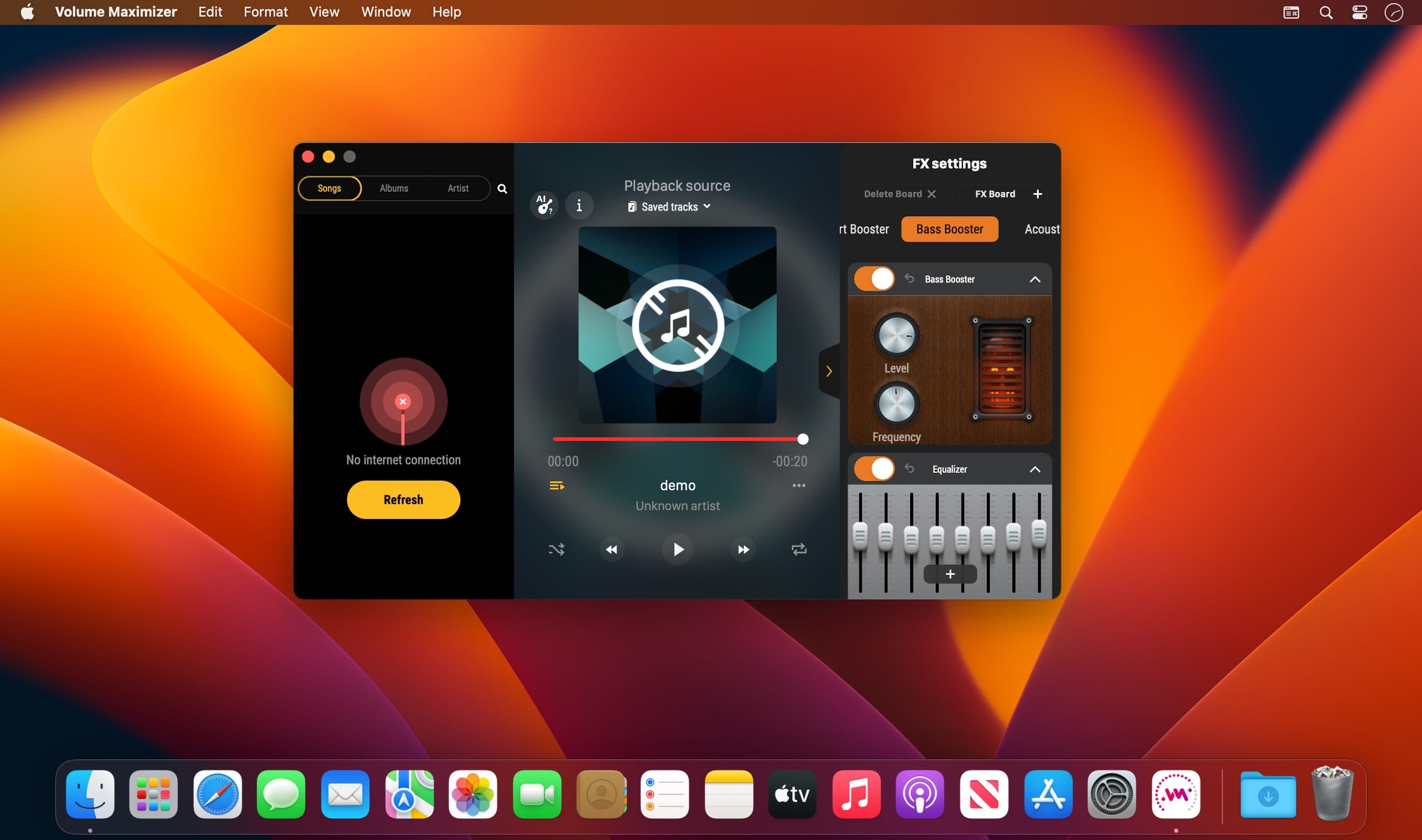
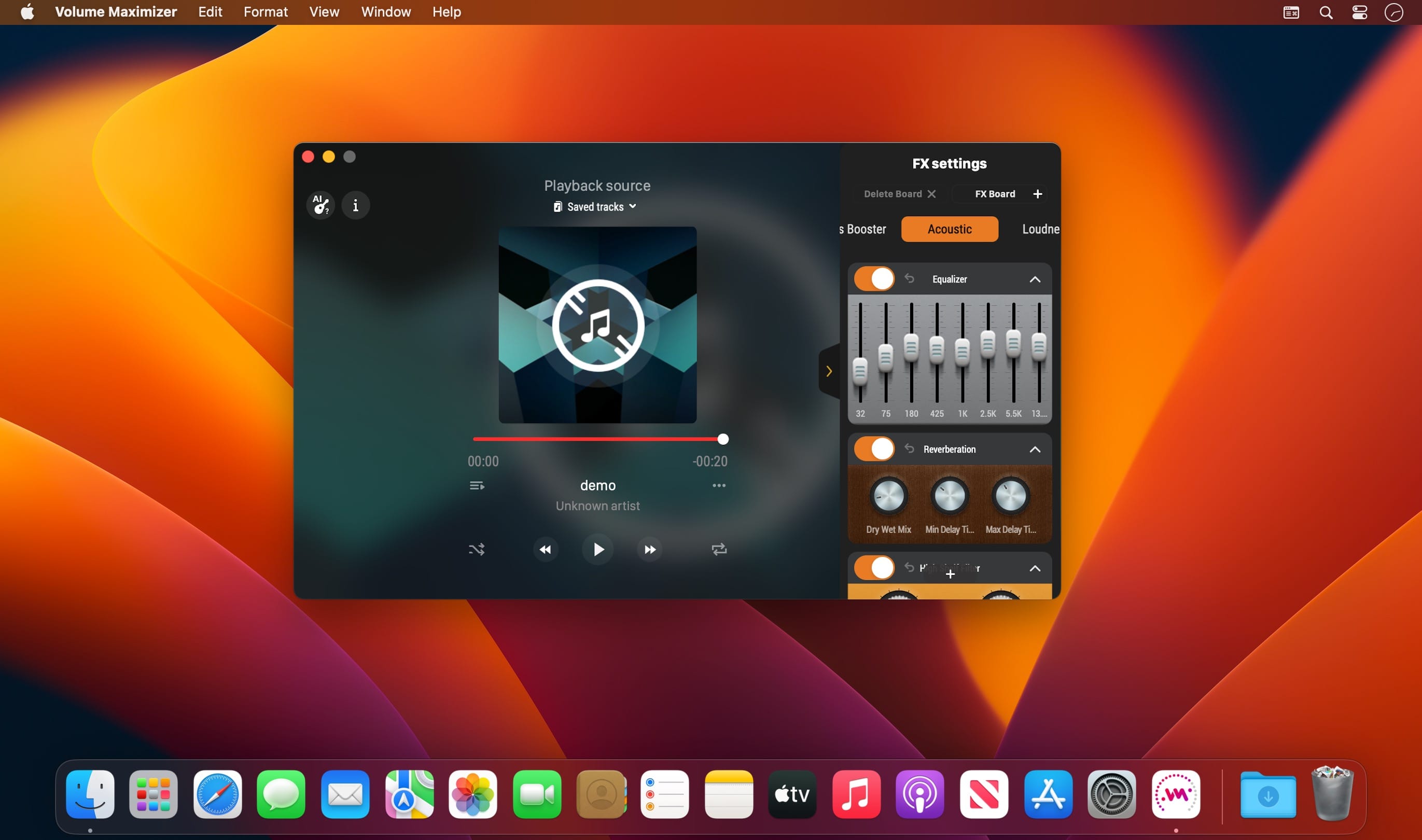
Music player with equalizerMusic player with equalizer. Discover the world of amazing sounds! Expand your music player's capacity and get a high-quality sound with mind-blowing effects.
- Wide range of presets with ready-made settings or creating of your own;
- Professional 8-band or 3-band equalizer;
- Bass and volume booster for powerful sounding of your favorite music;
- AI recognition of track's instruments;
- Sound effects and adjusting sound settings - filters, compressor and much more at your disposal.
Easily and simply customize the sound of any track. Download the app now to replace your boring player with a new one to enjoy music opportunities and high-quality sound!
Version 1.0.1
- Less bugs! Not that we’re trying to say there were any bugs before. But there are definitely fewer now
Frequently asked questions
How do I install the app?
Mount the image, drag the app into the "Applications" folder and launch it. If the system blocks the launch, allow it in "System Settings → Privacy & Security".
The app is damaged or won't launch
Reinstalling from a fresh image usually helps. Make sure your macOS version matches the one listed in the compatibility specs.
How do I update?
Download the new version from the site and install it over the current one — your settings will be preserved.
The download link doesn't work
Try a mirror or a download manager. For large files the browser often drops the connection.
How do I completely remove the app?
Use an uninstaller utility — it cleans up the service files that remain after moving the app to the trash.


Choose a download source
Volume Maximizer 1.0.1 · 54.82 MB