
MiGiC 1.0
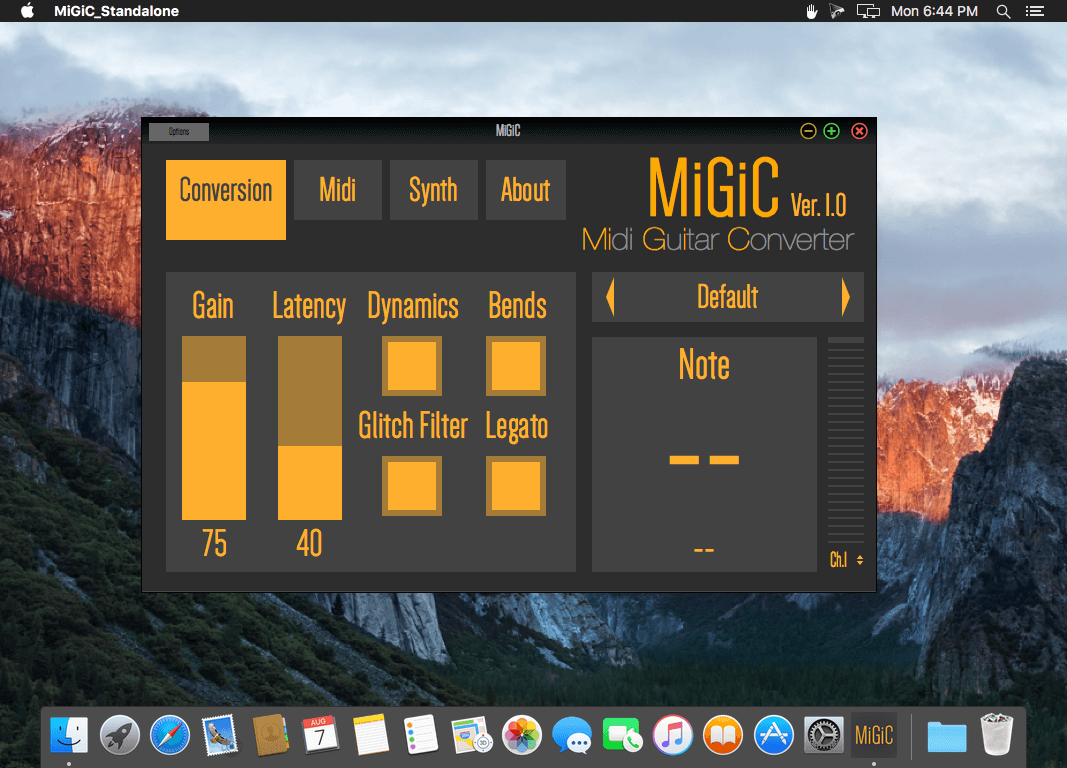
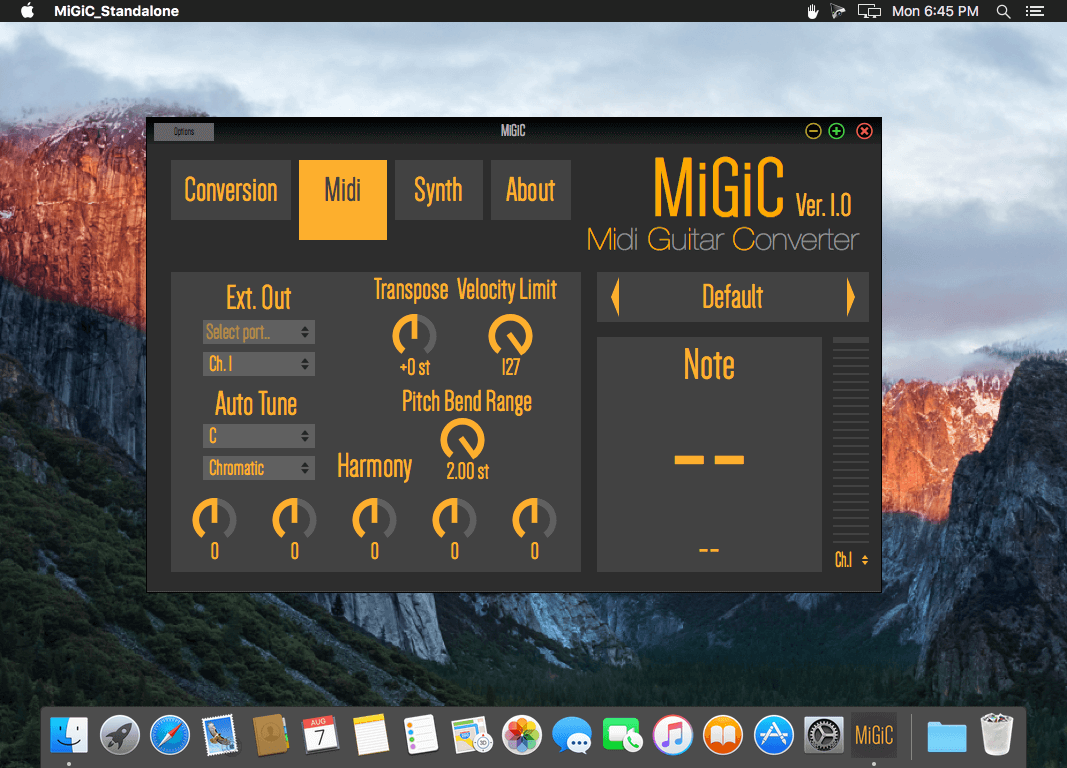
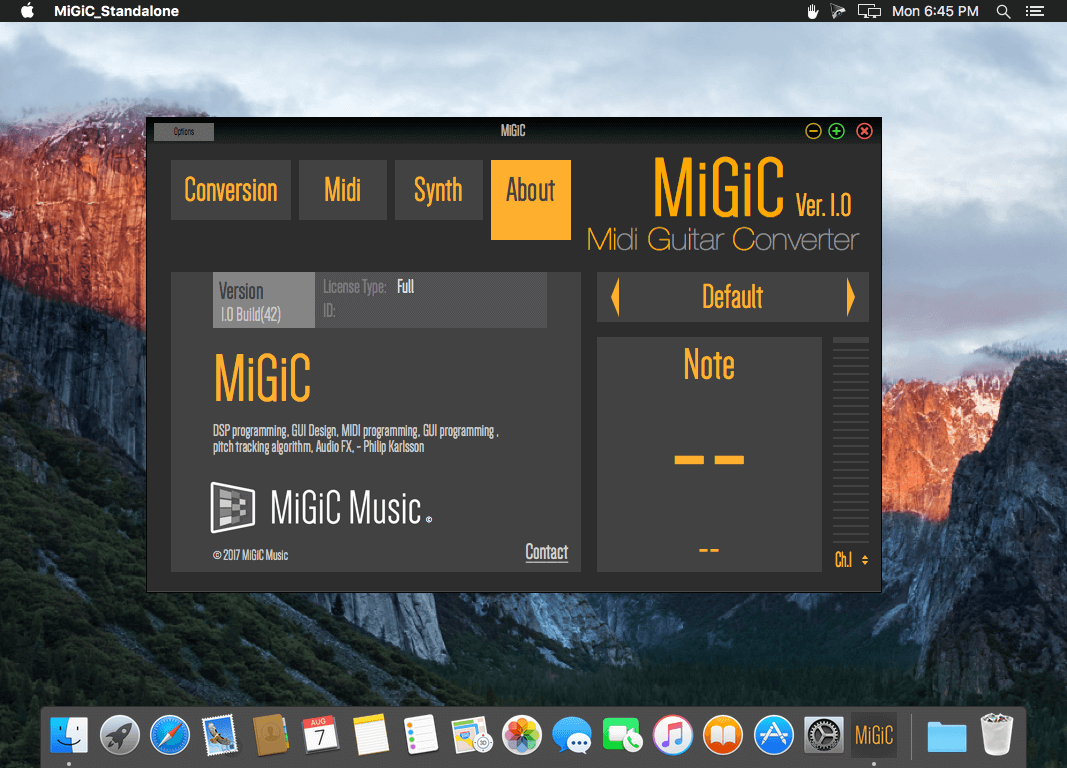
MiGiC 1.0 is now released! It includes multiple cool features that will make your music experience even better. With every download we now include a standalone version with integrated synthesizers. This means that with MiGiC 1.0 you only need a computer to start creating your own music!
This version includes:
- A completely new, very fast and accurate note tracking algorithm.
- Authentic capturing of bends and legato (used separately or together).
- Extended DAW compatibility for the plugin version.
- Standalone version includes 5 authentic instruments and also supports external synths (VST/AU).
- Possibility to save your own presets.
Frequently asked questions
How do I install the app?
Mount the image, drag the app into the "Applications" folder and launch it. If the system blocks the launch, allow it in "System Settings → Privacy & Security".
The app is damaged or won't launch
Reinstalling from a fresh image usually helps. Make sure your macOS version matches the one listed in the compatibility specs.
How do I update?
Download the new version from the site and install it over the current one — your settings will be preserved.
The download link doesn't work
Try a mirror or a download manager. For large files the browser often drops the connection.
How do I completely remove the app?
Use an uninstaller utility — it cleans up the service files that remain after moving the app to the trash.
VersionMiGiC 1.0
DeveloperMiGiC Music AB
CompatibilitymacOS 10.10 or later
LanguageEnglish
IncludesK'ed by TNT
Related posts
-
 Arturia V Collection 5 2017.07
Music & Audio6.17 GB
-
 Native Instruments KOMPLETE 11 Standalone, AU, VST
Music & Audio12.48 GB
-
 ON1 Effects 2019.7 13.7.0.8098
Photography1.13 GB
-
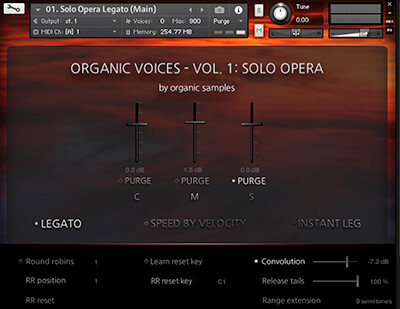 Organic Samples Organic Voices Vol 1 - Solo Opera v1.1
Music & Audio2.24 GB
-
 ON1 Effects 2020.1 v14.1.1.8865
Photography885.8 MB
Information
Visitors in the group Guests cannot leave comments on this publication.
Choose a download source
MiGiC 1.0 · 16.98 MB