
TS Calc 1.8.2
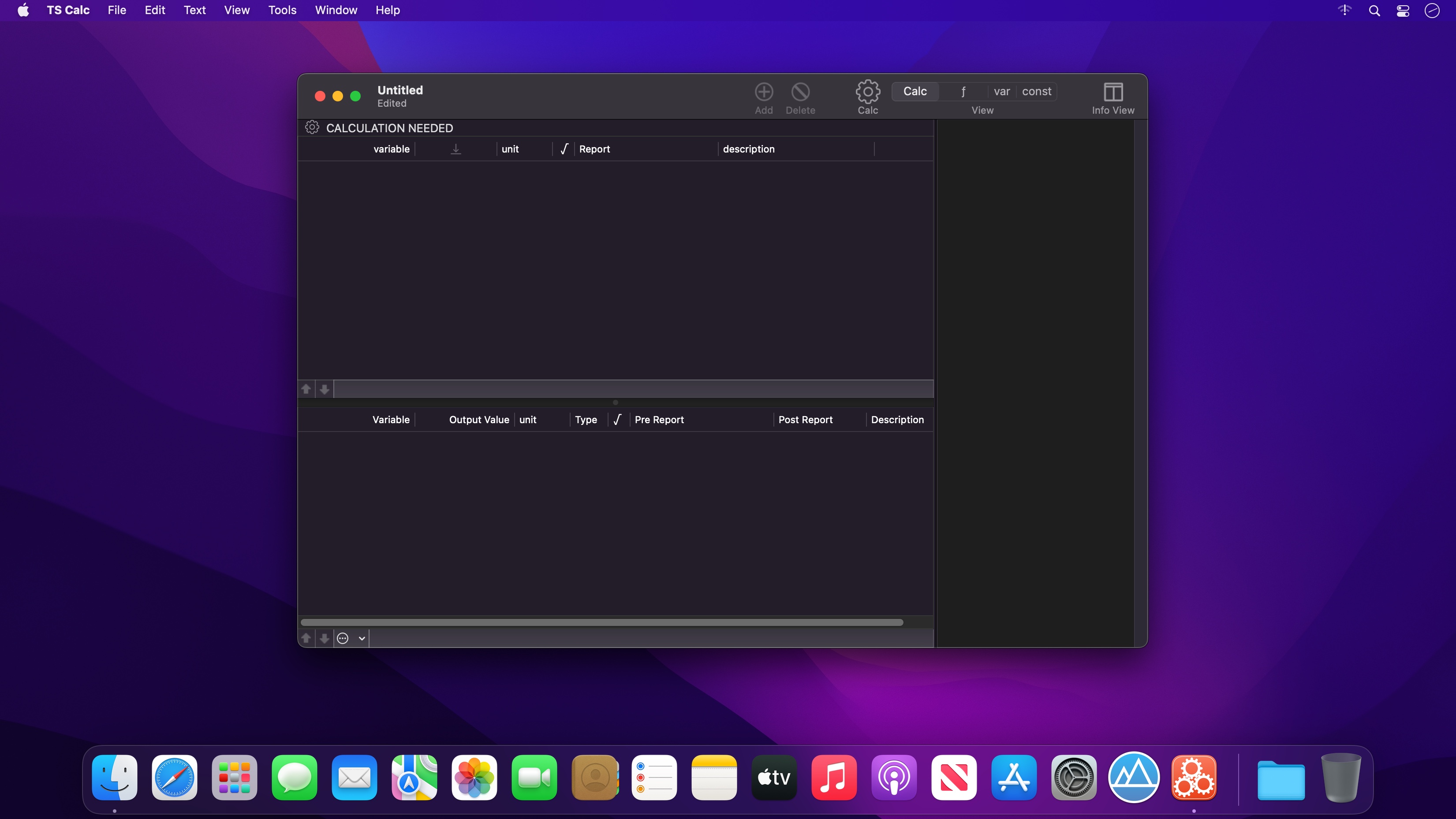
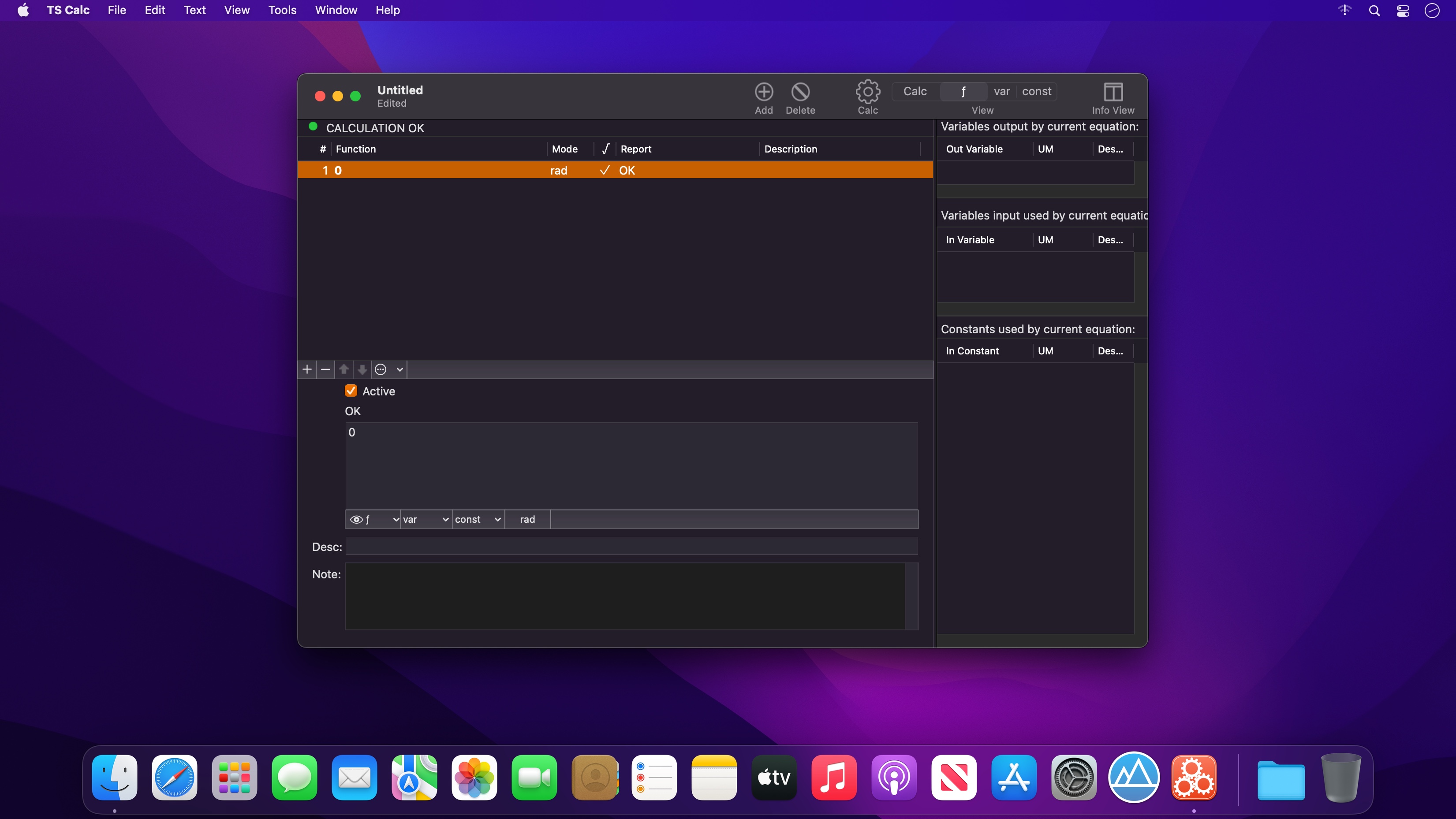
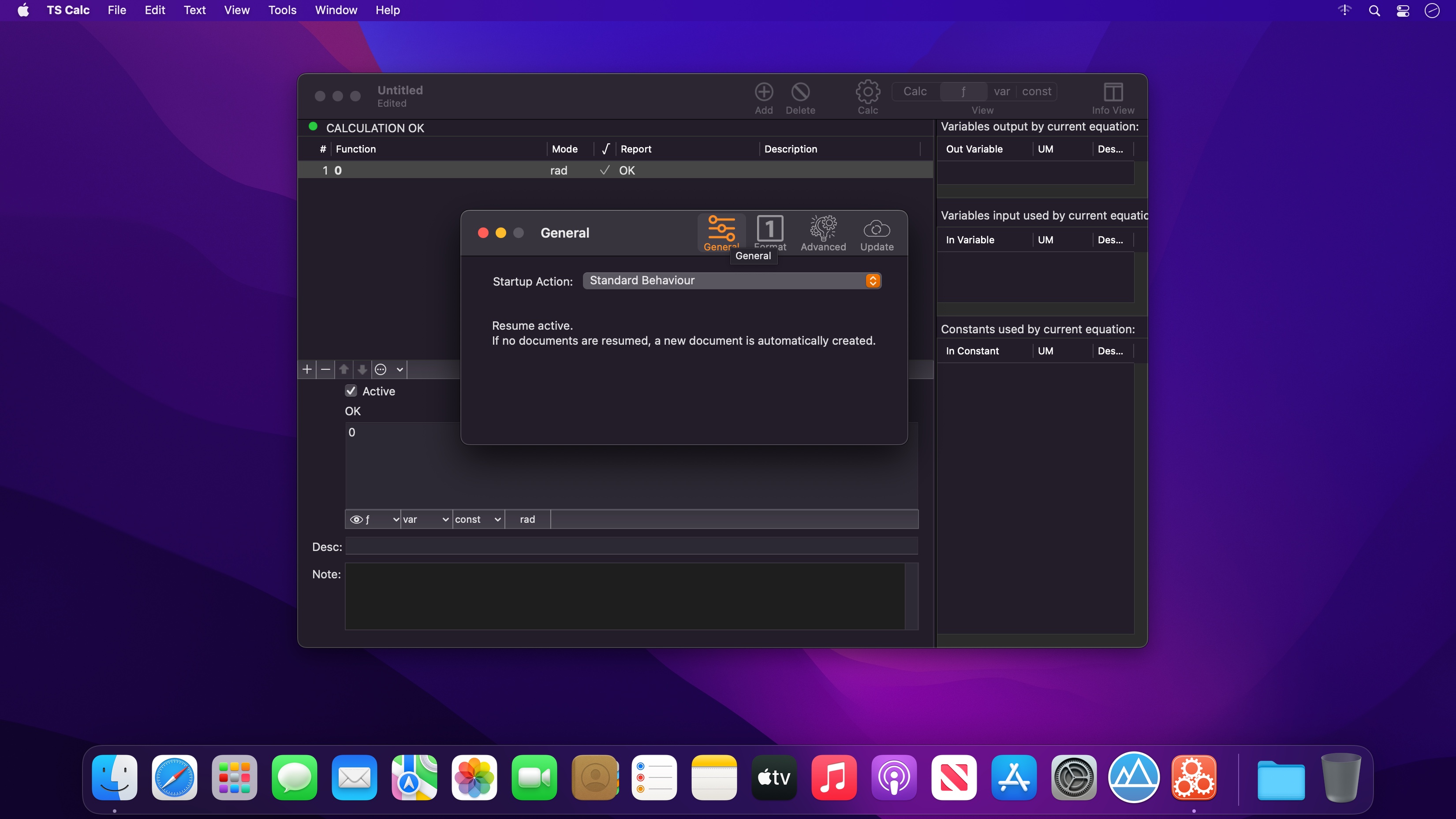
The mathematical equations tool. TS Calc implements numeric resolution of calculation models you can use for any mathematical technical problems. It is a complete different approach to solve math problems respect to the usual one using a spreadsheets.
Document based. You can create a different documents for any model to solve.
WHAT TO INSERT IN A DOCUMENT
- A list of equations solving the problems
- A list of variables used by equations (also auto inserted while you input equations)
- A list of constants used by the equations (also auto inserted while you input equations)
- A description of the problem in RTFD with rich text and images
FEATURES
- Uses standard math syntax with parenthesis and standard operators
- Provides and extended diagnostic tool to catch errors
- Automatic insertion of variable parsing equations
- Popup for insertion of available functions
- Variables and constants have a table listing them
- Uses a math calculation engine entirely developed internally with an impressive speed and efficiency.
- Variables and constants can also be manually added and edited
- Import/Export of functions and constants
- Allows to see where variables and constant are used and how
- Any variable can be moved to the constant table and vice versa
- Any view offers an info panel with additional info
- Can specify acceptable range value for input and output
- Values can be imported/exported using a powerful import/export functionalities
- Up to 16 decimal digit precision
- RTF note to provide additional info regarding the document
- Document based, you can create an unlimited number of pre-made documents with pre-inserted equations. You can use one document for any math problem
- Native math engine is C based, in house developed and optimized for the Mac
- PDF tutorial is included inside the application under the Help menu
- Easy to use. You can start to work and be productive from the first minutes
- Dark Mode and Light mode enabled
Version 1.8.1
- Various Optimizations
Frequently asked questions
How do I install the app?
Mount the image, drag the app into the "Applications" folder and launch it. If the system blocks the launch, allow it in "System Settings → Privacy & Security".
The app is damaged or won't launch
Reinstalling from a fresh image usually helps. Make sure your macOS version matches the one listed in the compatibility specs.
How do I update?
Download the new version from the site and install it over the current one — your settings will be preserved.
The download link doesn't work
Try a mirror or a download manager. For large files the browser often drops the connection.
How do I completely remove the app?
Use an uninstaller utility — it cleans up the service files that remain after moving the app to the trash.



Choose a download source
TS Calc 1.8.2 · 8.07 MB