
Planner 5D Premium 4.17

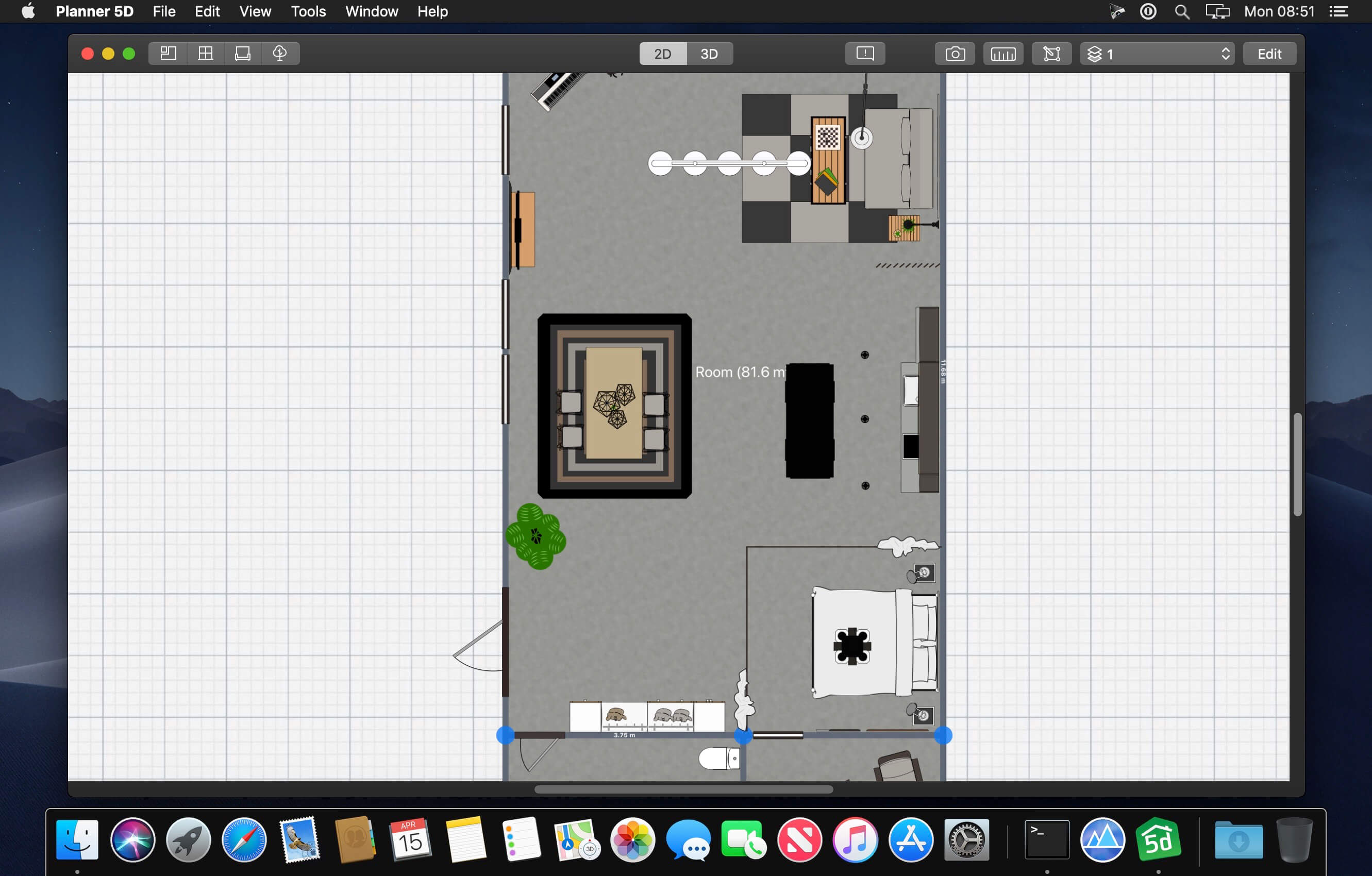
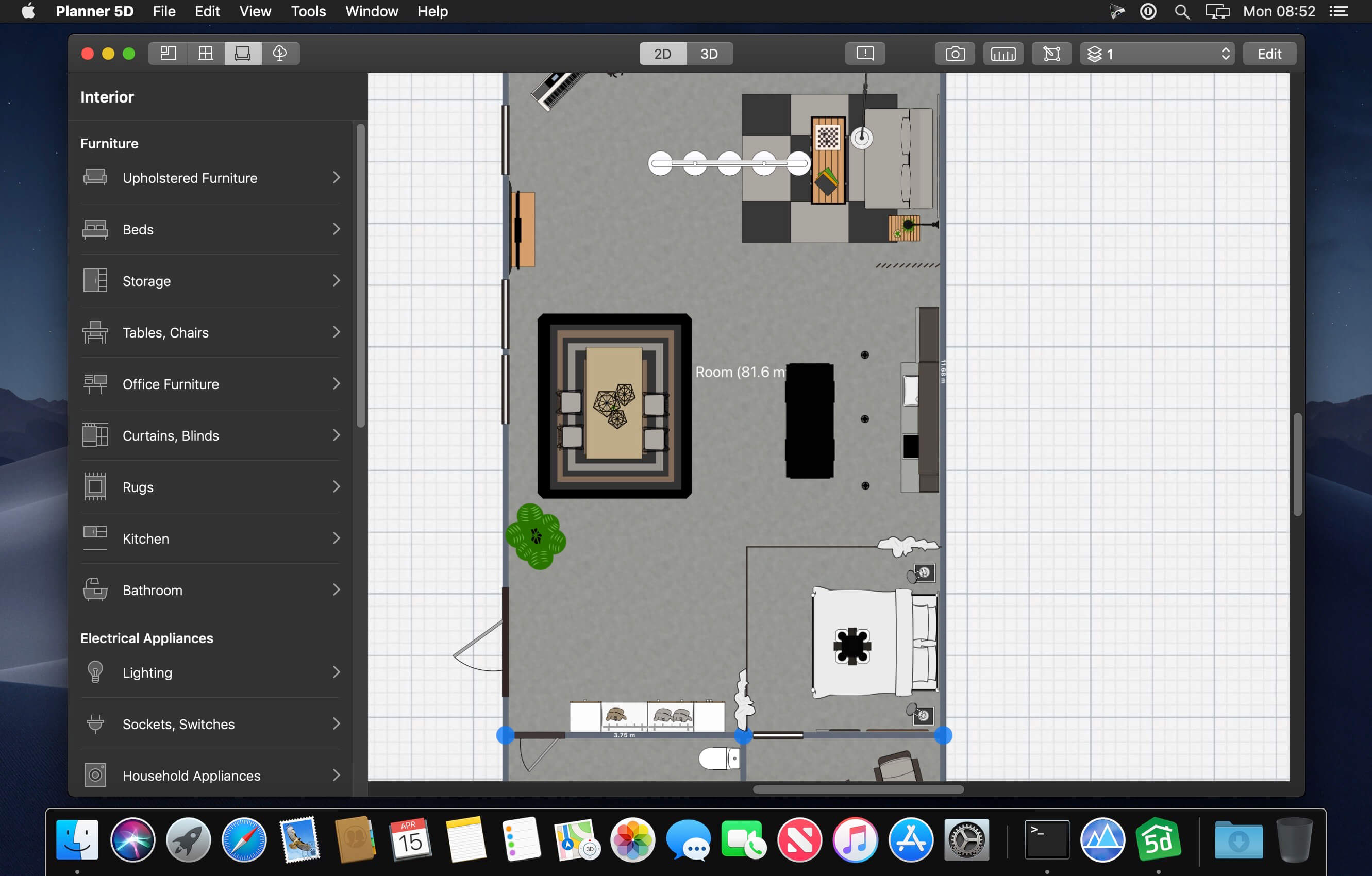
Whether you’re remodeling, renovating, or designing your dream home, Planner 5D has you covered! Create detailed 2D & 3D floor plans, browse a 3000+ item catalog, and create photo-realistic images of your projects. With over 2 million downloads, Planner 5D makes interior design easier than ever!
Features:
- Drag and drop design in both 2D & 3D modes
- User-friendly features that do not require special skills
- Create a completely unique home - from the floorplan to the finishing details
- Browse the regularly updated 3000+ item catalog complete with furniture, appliances, decor, household items, landscape features and more
- Create exceptionally detailed and personalized design in both the interior and exterior of your project
- “Snapshot” function to create photo-realistic images of your projects with realistic lighting, textures, and shadows
- Sign in with Google+ or Facebook to work on your projects on any platform, including your laptop or other mobile device
- Switch between Metric and Imperial systems of measurement
- Save and share your projects with friends, family and home professionals
- Work on downloaded projects offline
- Completely Ad-free
- Multi-language
Free Version
- 2D and 3D editor
- 150+ item catalog
- Unlimited number of projects
- Multi-platform synchronization
- 600+ item catalog of colors, textures and patterns to personalize your design
Premium Version
- Access to the entire 3000+ item catalog
- Ability to alter the size and appearance of all furniture
Other Features
- Apple Pencil support
- 3D Touch support
- Follows Apple Design Guidelines
- Split-screen multitasking on iPad
- Basic Accessibility features for the visually impaired
Version 4.17
- Bug fixes and performance improvements
Frequently asked questions
How do I install the app?
Mount the image, drag the app into the "Applications" folder and launch it. If the system blocks the launch, allow it in "System Settings → Privacy & Security".
The app is damaged or won't launch
Reinstalling from a fresh image usually helps. Make sure your macOS version matches the one listed in the compatibility specs.
How do I update?
Download the new version from the site and install it over the current one — your settings will be preserved.
The download link doesn't work
Try a mirror or a download manager. For large files the browser often drops the connection.
How do I completely remove the app?
Use an uninstaller utility — it cleans up the service files that remain after moving the app to the trash.
Related posts





Choose a download source
Planner 5D Premium 4.17 · 324.9 MB
Previous versions
Planner 5D Premium 4.17
Previous versions are available to registered users.