
AirServer 7.2.6
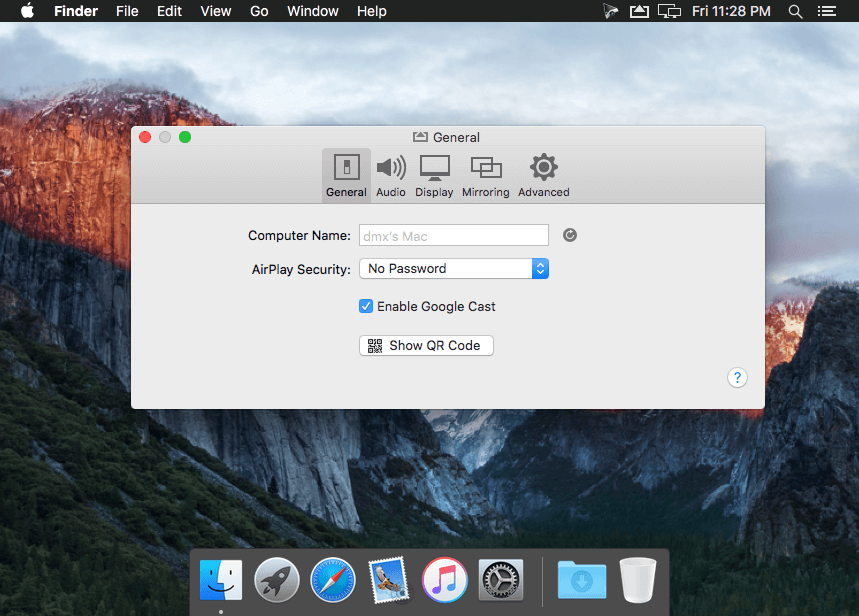
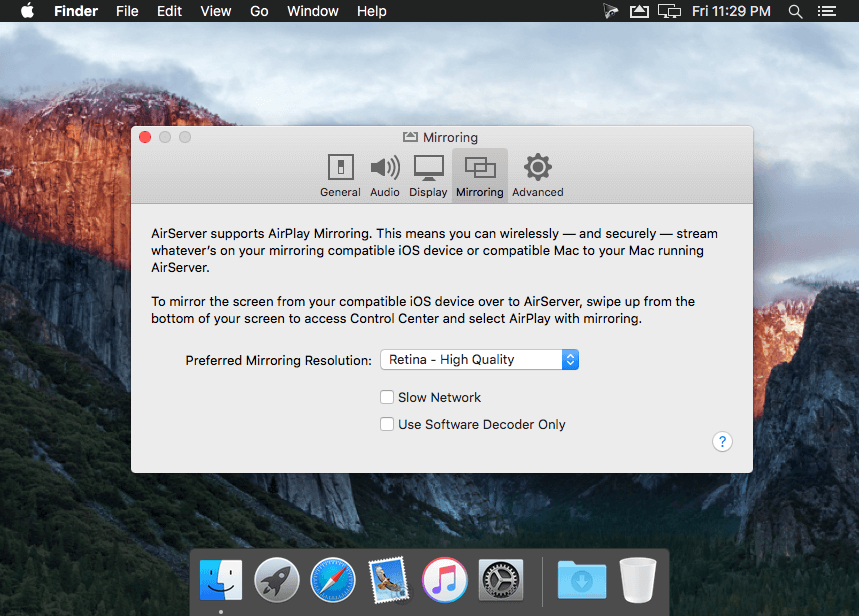
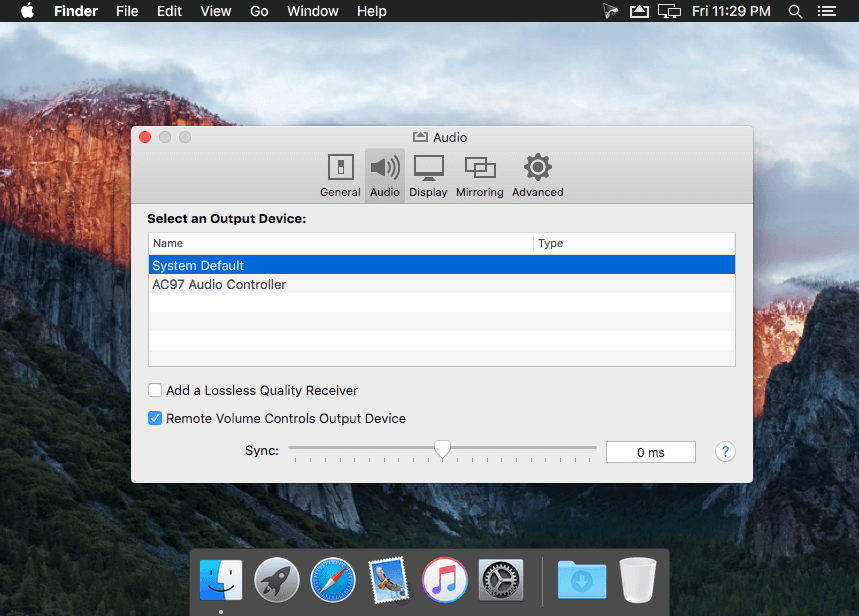
AirServer is a Mac application that adds AirPlay/AirTunes audio, video, photo, slideshow and mirroring receiving capabilities to your Mac. With AirServer you can now receive audio, videos, photos or slideshows from any AirPlay compatible application running on your Mac, PC or iOS device.
Supported connections
- HDMI
- DVI
- VGA
- DisplayPort
- Thunderbolt
- iPad (2nd generation or newer, including retina models)
- iPad mini (all versions, including retina models)
- iPhone (4s or newer, including 5s)
- iPod touch (5th generation or newer)
Networking
- LAN 10/100/1000
- Wi-Fi (802.11a/b/g/n/ac)
- Bluetooth networking (Mac only)
- Supports direct computer to iPad (ad-hoc) networking - works in restricted networks such as universities and businesses
Mirroring
- 1080p Full-HD Mirroring (all devices)
- Projector resolution optimizations
- Real-time hardware accelerated picture enhancement
Version 7.2.6:
Updated:
- Fixed protocol compatibility with Oculus update 18.
- Improved Google Cast discovery.
Updated:
- Google Cast implementation
- AirServer logo in Activation panel when dark mode is enabled in MacOS Mojave
- Minimize button not working
- Issue with Apple Clips application that caused mirroring session to stop when started up
- Issue with iOS timer that caused mirroring session to stop when turned off from notification
- Issue that stopped the mirroring session when opening various apps (ExplainEverything, ScratchJr, …)
- Issue that caused mirroring to stop when enabling VoiceOver on iOS
- Issue that caused the mirroring session to drop after 20 seconds when mirroring YouTube videos from the app
- Issue that caused the mirroring session to drop after a video had finished playing
- Compatibility with Microphone privacy setting in MacOS Mojave. This prevented voiceover recording
Frequently asked questions
How do I install the app?
Mount the image, drag the app into the "Applications" folder and launch it. If the system blocks the launch, allow it in "System Settings → Privacy & Security".
The app is damaged or won't launch
Reinstalling from a fresh image usually helps. Make sure your macOS version matches the one listed in the compatibility specs.
How do I update?
Download the new version from the site and install it over the current one — your settings will be preserved.
The download link doesn't work
Try a mirror or a download manager. For large files the browser often drops the connection.
How do I completely remove the app?
Use an uninstaller utility — it cleans up the service files that remain after moving the app to the trash.
VersionAirServer 7.2.6
DeveloperApp Dynamic ehf.
CompatibilityOS X 10.8 or later, 64-bit processor
LanguageEnglish
IncludesK'ed by TNT





Choose a download source
AirServer 7.2.6 · 14.02 MB
Previous versions
AirServer 7.2.6
Previous versions are available to registered users.
Comments 3