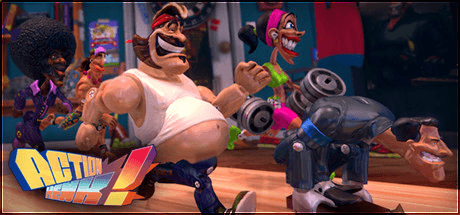
Action Henk
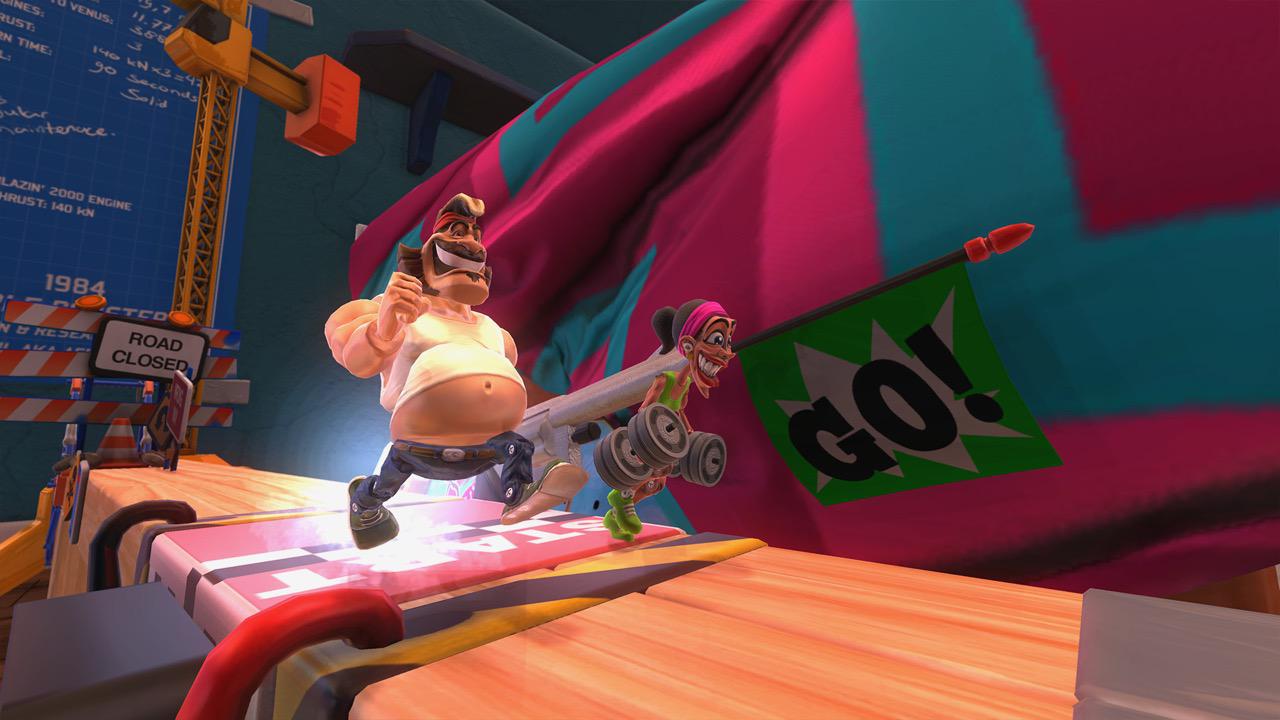
Run, jump and butt-slide into the glorious toy-filled world of Action Henk! Become a master of momentum and defy physics as you race against a band of ragged 90s action figures to once and for all prove that Action Henk is the fastest of them all!
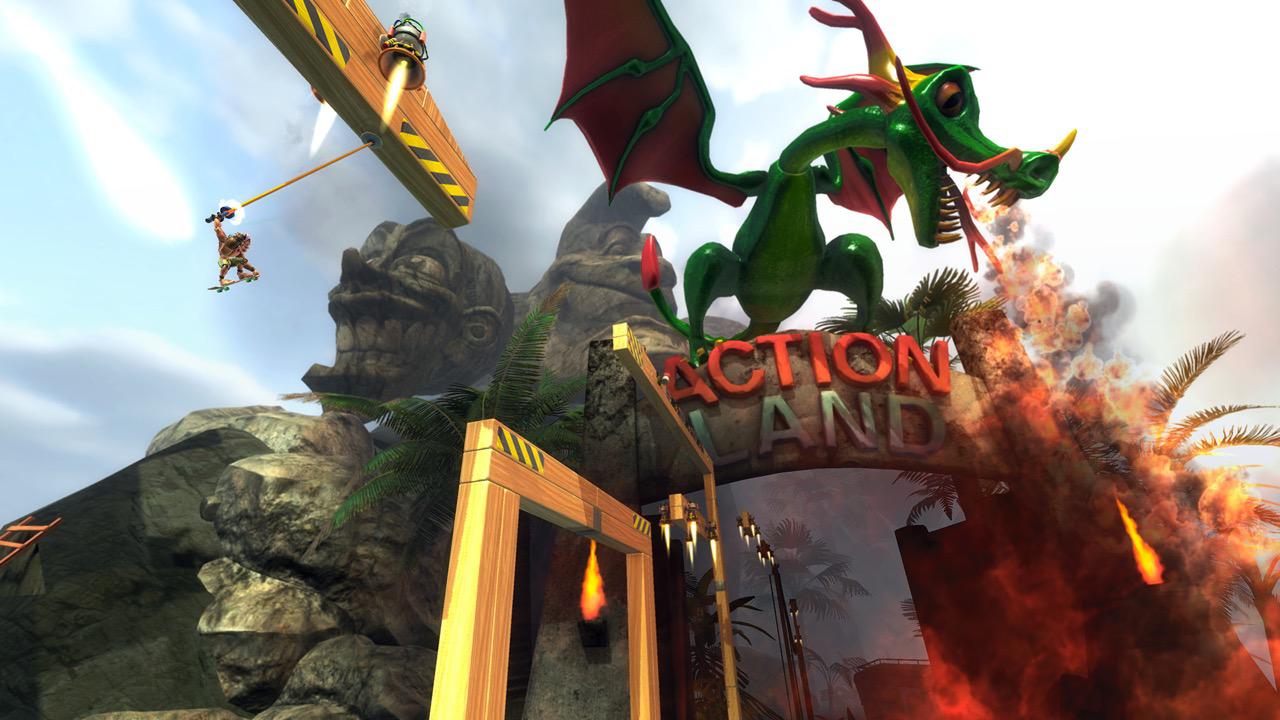
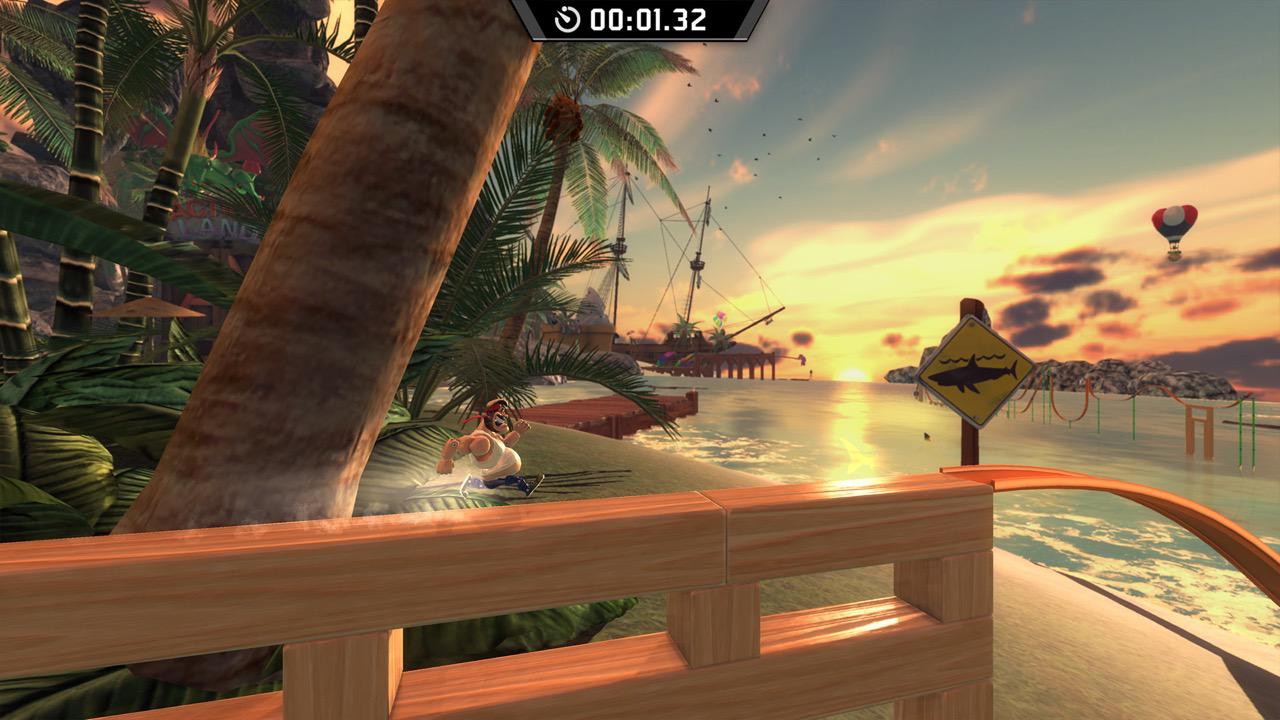
With over 70 tracks all set in different environments, 5 playable characters, dedicated grappling hook levels, a whole host of medals to beat, and a full-fledged level editor, Action Henk is ready to be played on Windows, Mac & Linux.
- Challenging levels: Tackle over 70 unique levels filled with jumps, slides, and tricky shortcuts. Can you master every twist and turn to beat your friends and gain your rightful place on the leaderboards?
- Level editor: Open up Henk's toybox and construct dazzling levels only limited by your own imagination! Share your tracks with the world, and race your way through vast amounts of user created content!
- Challenge your friends: Load up your favorite levels and race against your friends’ ghosts to see who is truly the best! Beat their times and instantly send them a notification to rub in your newly gained victory. Up for a real challenge? Use the built-in Twitch chat integration to take on up to 20 viewers’ ghosts at once!
- Unlockable characters: Play as the slightly out-of-shape Action Henk or any of the five unlockable action figures, and race through the singleplayer campaign and bonus levels to earn a full toy wardrobe of distinctive skins!
- Online Multiplayer: Tired of your local friends? Jump onto the internet for real-time races against speed fanatics all around the world!
- Bouncing beats: A pumping soundtrack by demoscene musician Wiklund, a professionally voiced cast of ragged 90s action figures, and sound design by the critically acclaimed Power Up Audio.
Screenshots
Frequently asked questions
How do I install the app?
Mount the image, drag the app into the "Applications" folder and launch it. If the system blocks the launch, allow it in "System Settings → Privacy & Security".
The app is damaged or won't launch
Reinstalling from a fresh image usually helps. Make sure your macOS version matches the one listed in the compatibility specs.
How do I update?
Download the new version from the site and install it over the current one — your settings will be preserved.
The download link doesn't work
Try a mirror or a download manager. For large files the browser often drops the connection.
How do I completely remove the app?
Use an uninstaller utility — it cleans up the service files that remain after moving the app to the trash.
VersionAction Henk
DeveloperRageSquid
GenreAction, Indie, Racing
Release Date11 May, 2015
CompatibilityOS X 10.6 or higher
LanguageEnglish, French, German, Dutch, Finnish, Swedish, Danish
IncludesCourtesy of ACTiVATED

Information
Visitors in the group Guests cannot leave comments on this publication.
Choose a download source
Action Henk · 983.53 MB