
Tayasui Sketches Pro 6.8
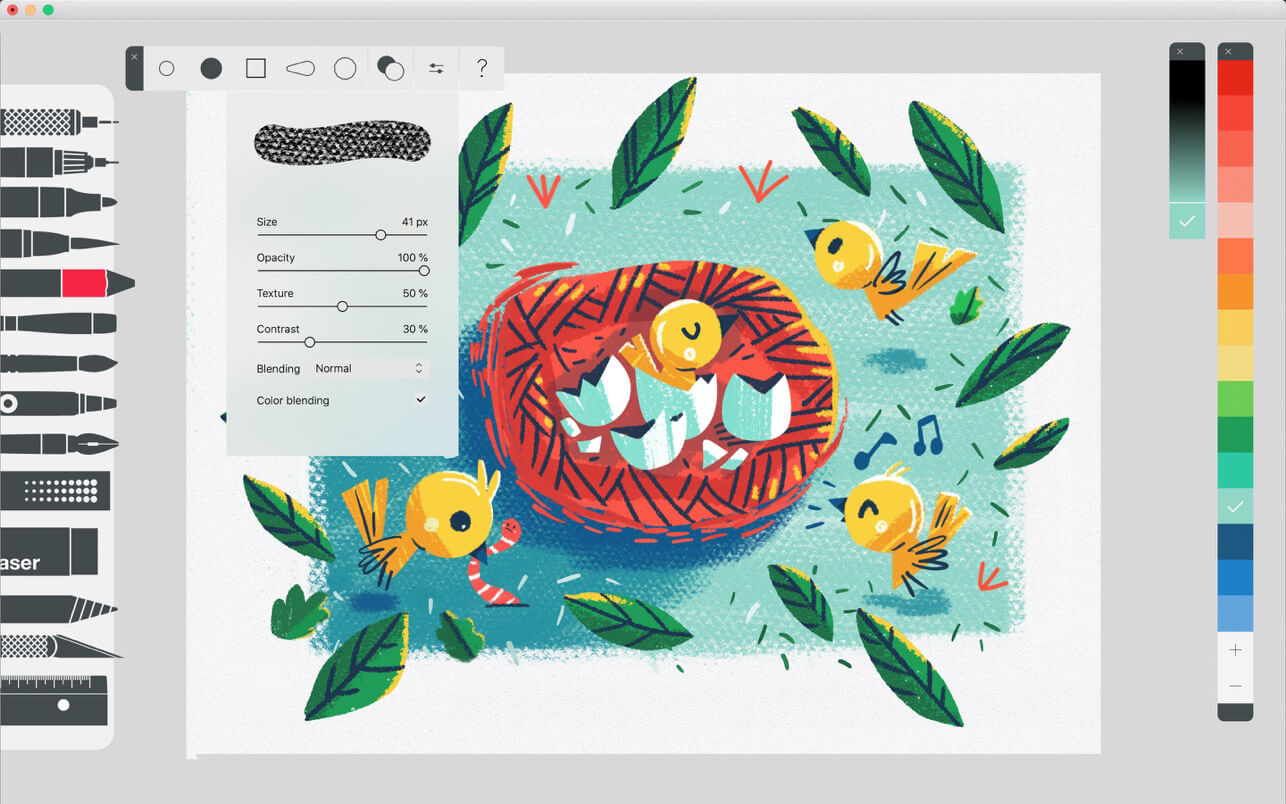
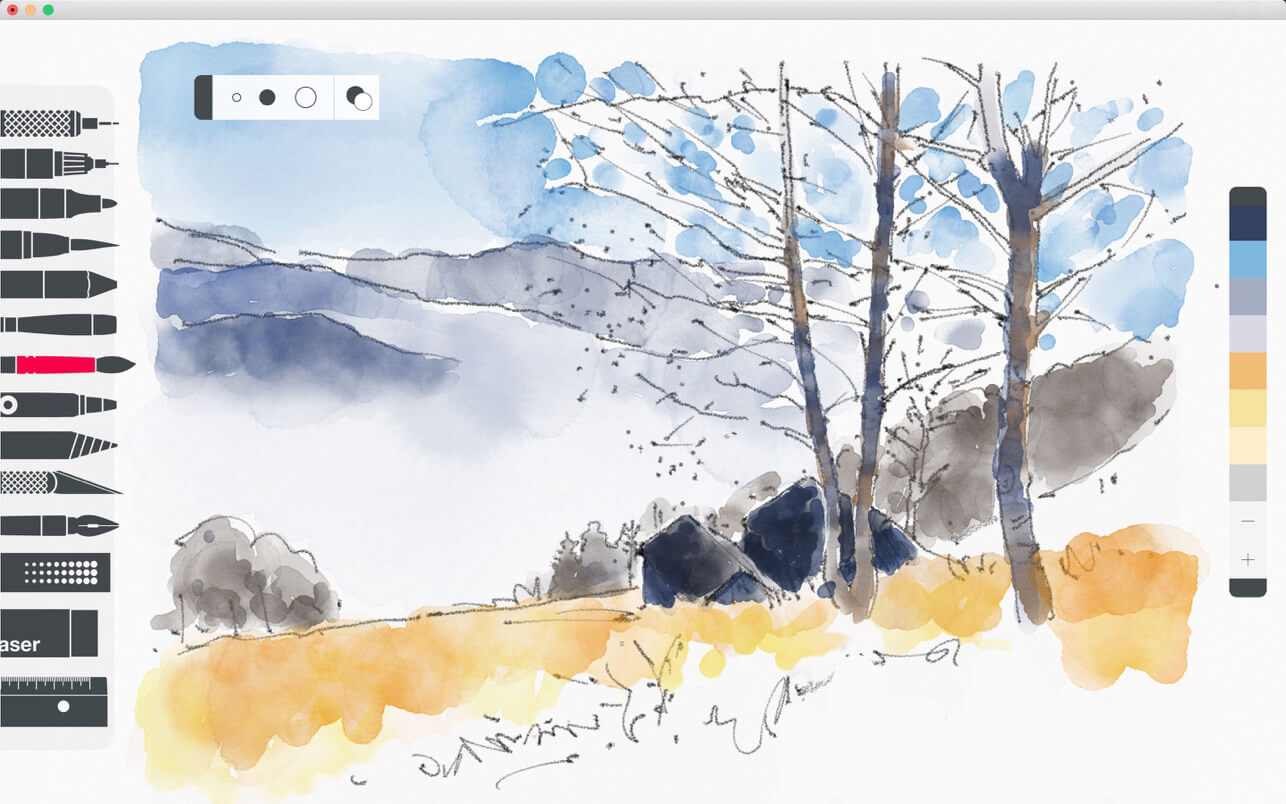
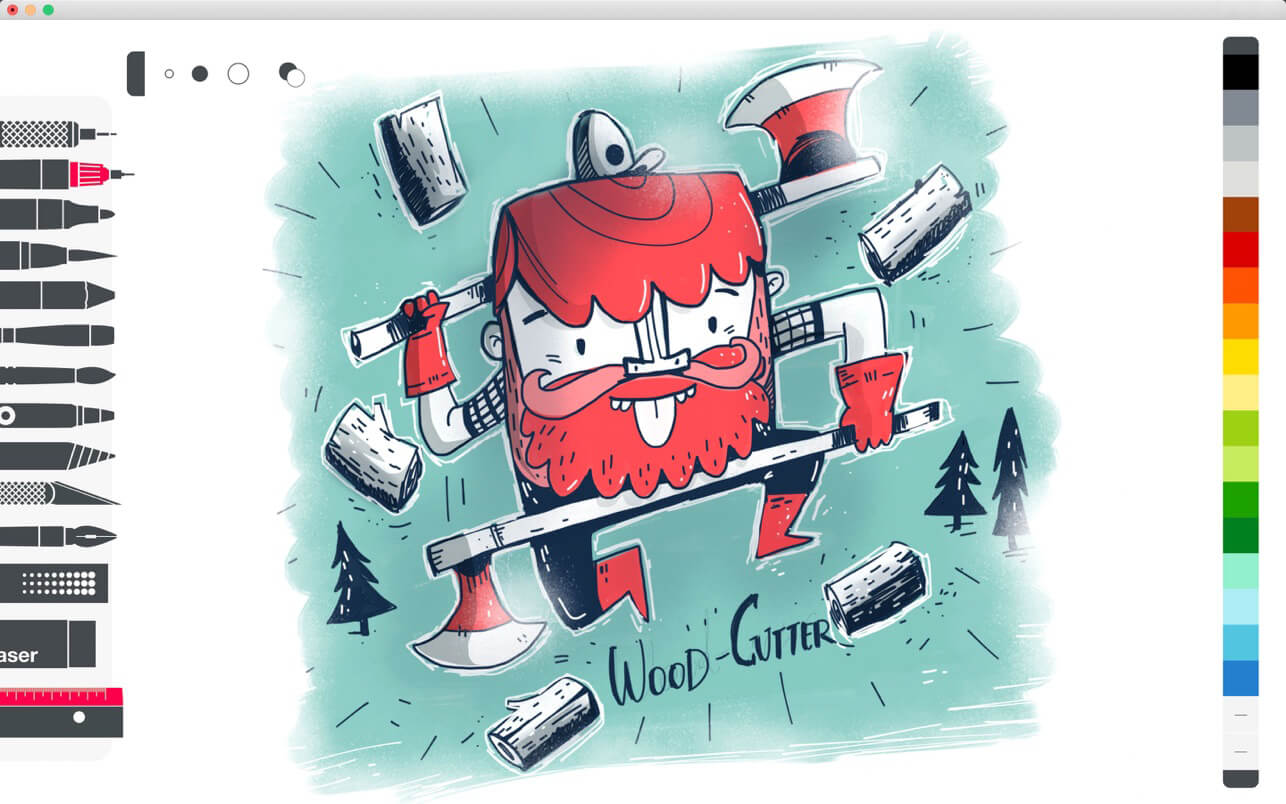
Because beautiful tools make beautiful drawings, we endlessly refined Sketches brushes to create the most realistic drawing tools.
With a modern and clean UI, Sketches is the most versatile and user-friendly sketching app available on Mac.
Features
- Over 20 ultra realistic tools
- Incredibly realistics watercolor wet brushes
- Smart Brushes Editor
- Color Eyedropper
- Color editor
- Import photos
Layers
- Use up to 12 layers to simplify your task
- Export them as separate PNG with transparency
Stylus support
- Sketches GUI has been designed from the ground up with Styluses in mind and the brushes are even more realistic while using tablets.
A fast and efficient UI with a touch of Zen
- A very clean and simple to use UI offering a lot of powerful functions in a lean design.
List of tools
- Pen
- Rotring
- Felt Pen
- Pen Brush
- Oil Pastel
- Watercolor Dry and Wet brushes
- Acrylic brush
- Airbrush
- Area and Filling tool
- Patterns
- Eraser
- Cutter
- Smudge tool
- Ruler
Version 6.8
- Bug fixing and stability improvements
Frequently asked questions
How do I install the app?
Mount the image, drag the app into the "Applications" folder and launch it. If the system blocks the launch, allow it in "System Settings → Privacy & Security".
The app is damaged or won't launch
Reinstalling from a fresh image usually helps. Make sure your macOS version matches the one listed in the compatibility specs.
How do I update?
Download the new version from the site and install it over the current one — your settings will be preserved.
The download link doesn't work
Try a mirror or a download manager. For large files the browser often drops the connection.
How do I completely remove the app?
Use an uninstaller utility — it cleans up the service files that remain after moving the app to the trash.



Choose a download source
Tayasui Sketches Pro 6.8 · 169.76 MB
Previous versions
Tayasui Sketches Pro 6.8
Previous versions are available to registered users.