
Back to Bed (2014)
Back to Bed is an artistic 3D puzzle game with a surreal twist. It tells the story of Bob, an unlucky narcoleptic who has a tendency of falling asleep in his boring office and then proceeding to sleepwalk into the dangers of the big city. Luckily, Bob has a subconscious guardian named Subob, whom spawns from the mind of Bob and whose job it is to protect the sleepwalker from any danger and guide him back to the safety of his bed.
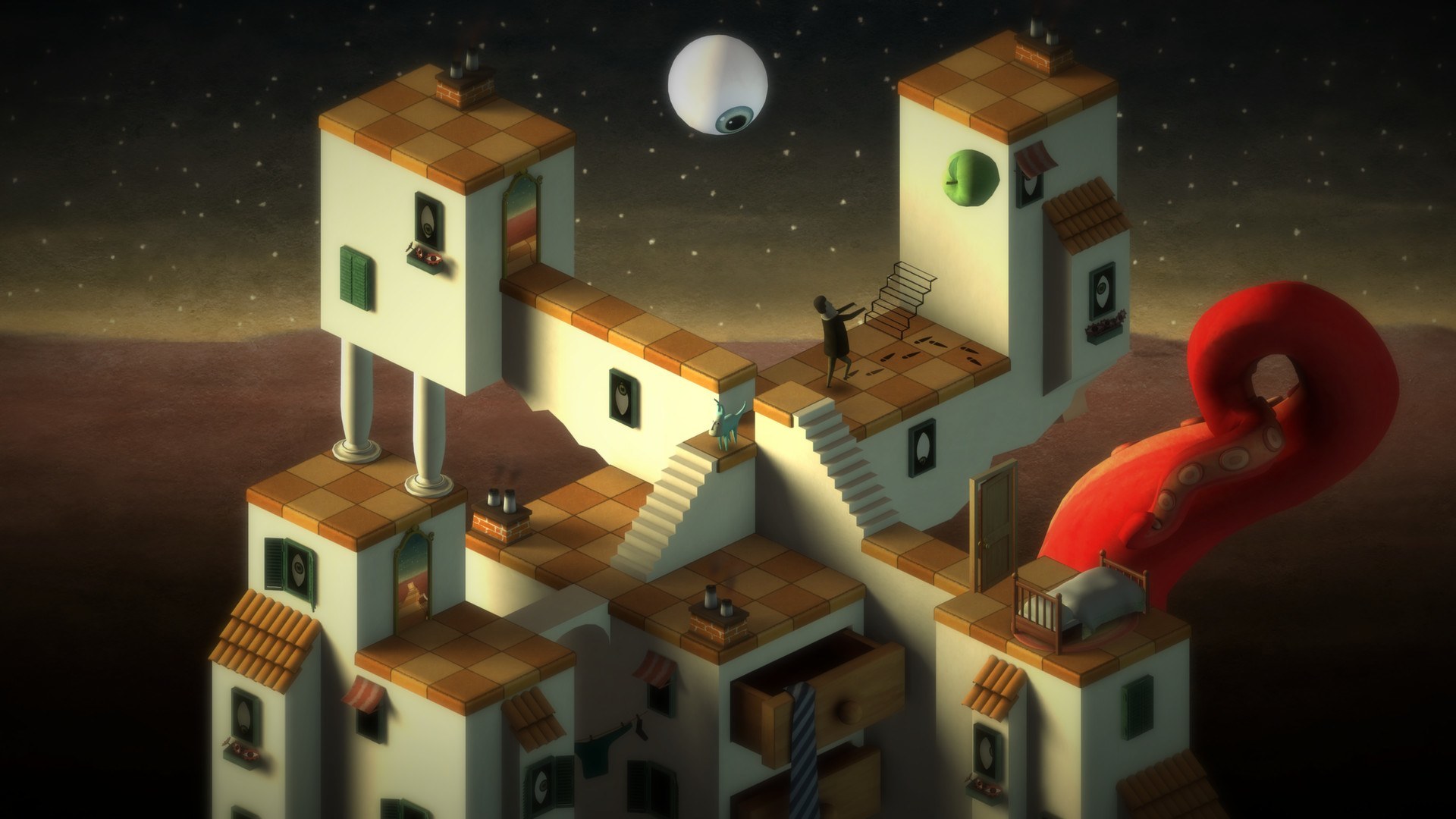
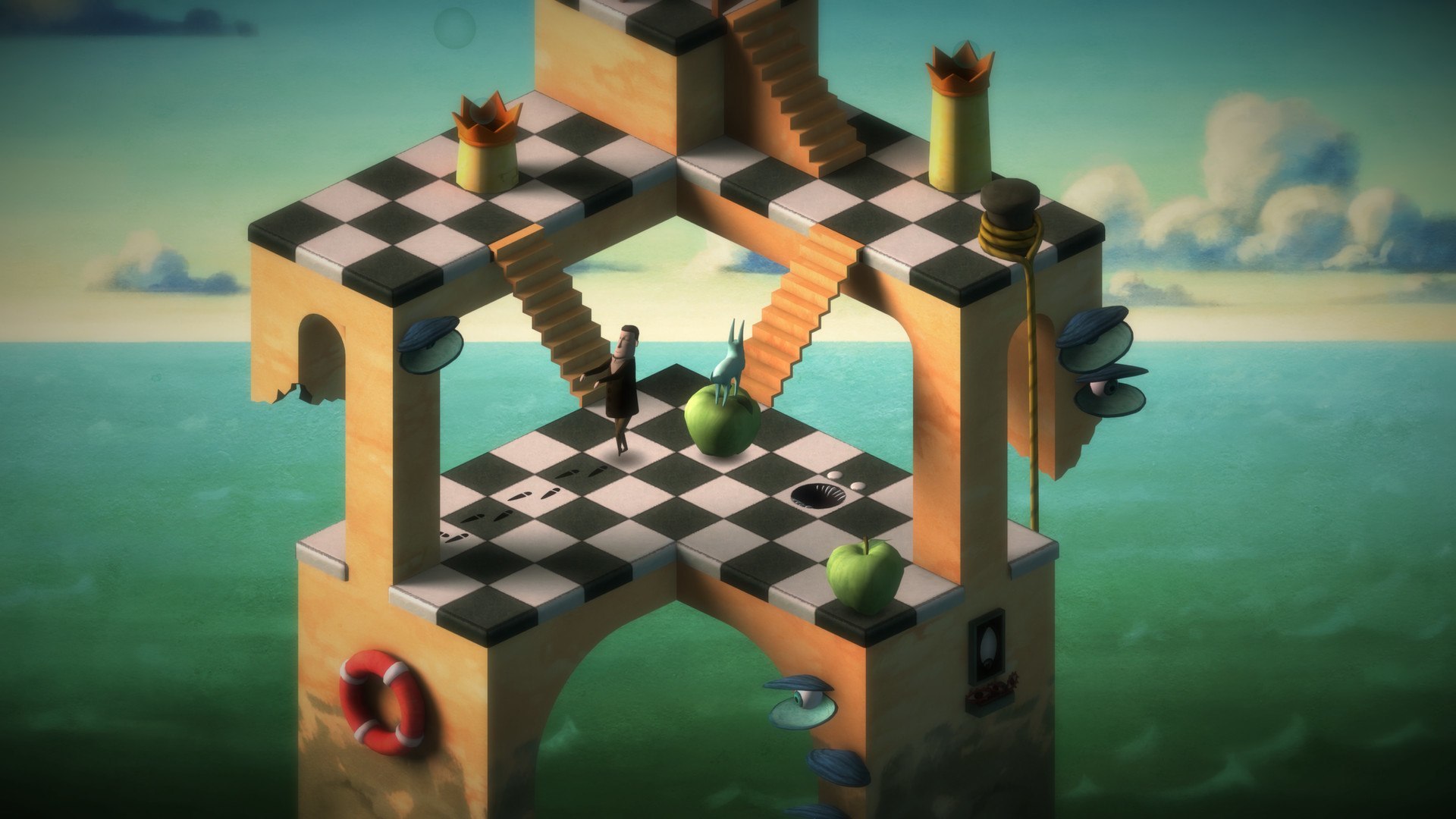
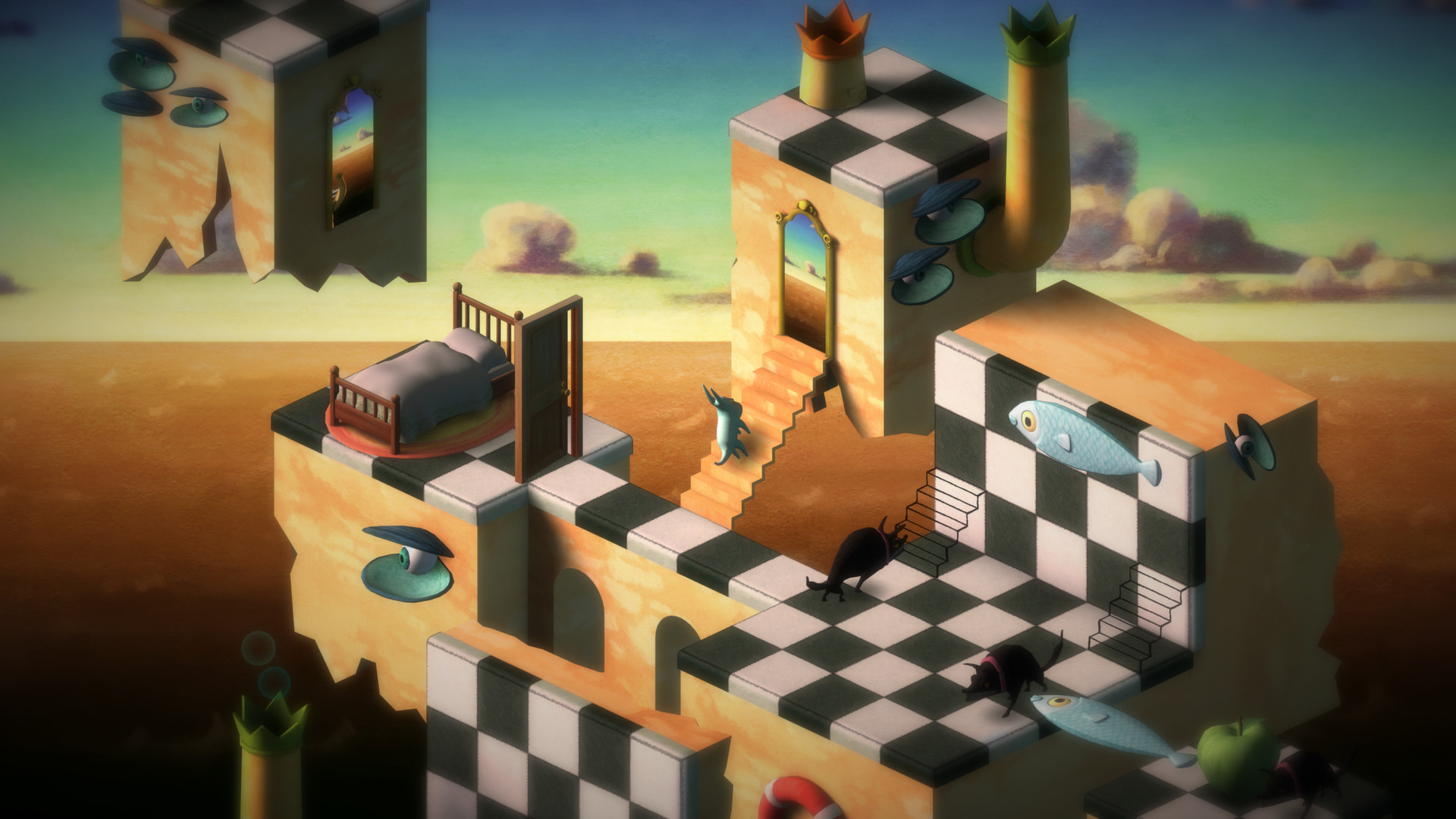
The ever vigilant Subob must guide the constantly sleepwalking Bob on a journey through a series of surreal painting-like cityscapes where the boundary between Bob's dreams and reality have vanished, as Subob is part of Bob's subconsciousness. The result is an artistic dream world that is recognizable, yet totally different from the real world, where many things are not what they seem and dangers to the sleepwalker lurks deeper in.
Key features
Unique surreal and artistic game universe
A strange but beautiful dream universe that mixes elements from the real world and the world of dreams to create something unique, surreal and sometimes a bit scary.
Isometric puzzle levels
Navigate detailed 3D puzzles that defy the laws of physics, wherein the player must manipulate the strange environment to create a safe path for Bob and avoid the dangers of the puzzle.
Two characters as one
Play as the embodied subconsciousness, in the form of a small guardian creature, trying to save its own sleepwalking body from dangers of the the dream world.
Picturesque visual style
Discover the feeling of playing in a piece of art set in a digital frame. A visual style inspired by hand-painted techniques, surreal art and impossible shapes.
Nightmare mode
Unlock a hard mode of the game, made for those who truly want to test their puzzle solving skills and enjoy thinking many steps ahead, or who are just too stubborn to give up.
Screenshots
Frequently asked questions
How do I install the app?
Mount the image, drag the app into the "Applications" folder and launch it. If the system blocks the launch, allow it in "System Settings → Privacy & Security".
The app is damaged or won't launch
Reinstalling from a fresh image usually helps. Make sure your macOS version matches the one listed in the compatibility specs.
How do I update?
Download the new version from the site and install it over the current one — your settings will be preserved.
The download link doesn't work
Try a mirror or a download manager. For large files the browser often drops the connection.
How do I completely remove the app?
Use an uninstaller utility — it cleans up the service files that remain after moving the app to the trash.
VersionBack to Bed
DeveloperBedtime Digital Games
GenreCasual, Indie
Release Date6 Aug, 2014
CompatibilityOS X 10.6.8 or later, 64-bit processor
LanguageMultilanguage
IncludesPre-K'ed




Information
Visitors in the group Guests cannot leave comments on this publication.
Choose a download source
Back to Bed (2014) · 441.71 MB