
Adobe After Effects 2026 v26.0.0
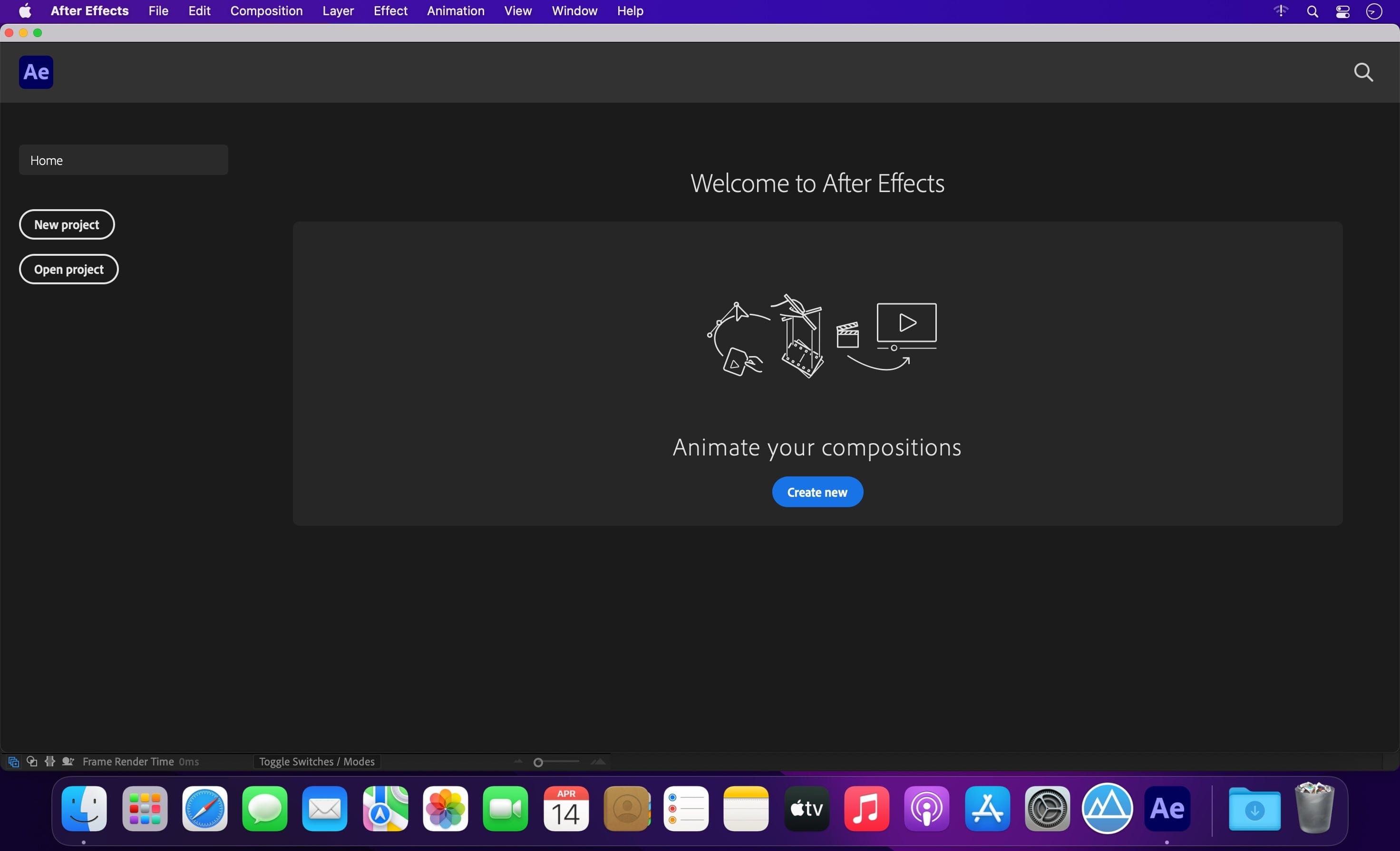
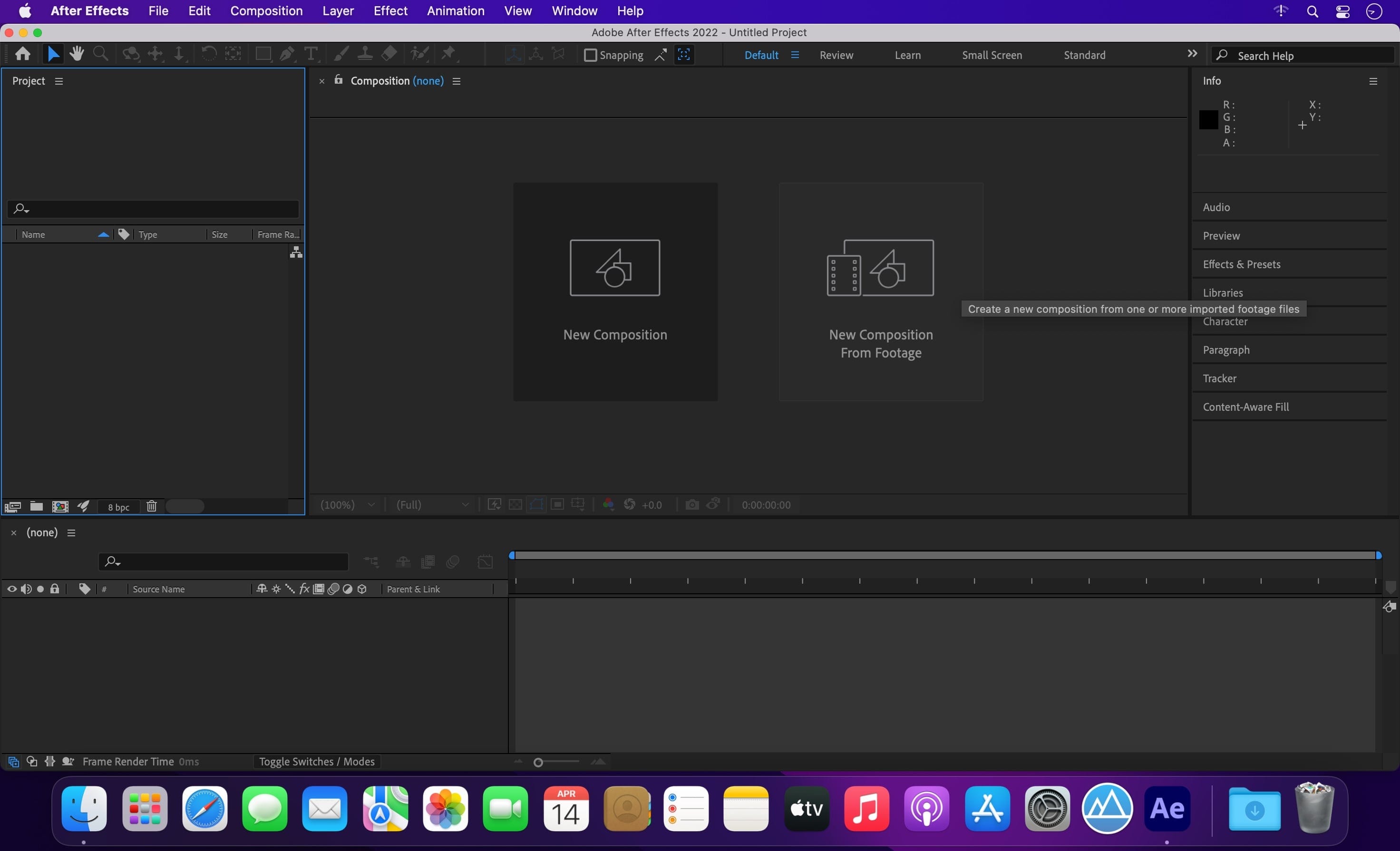
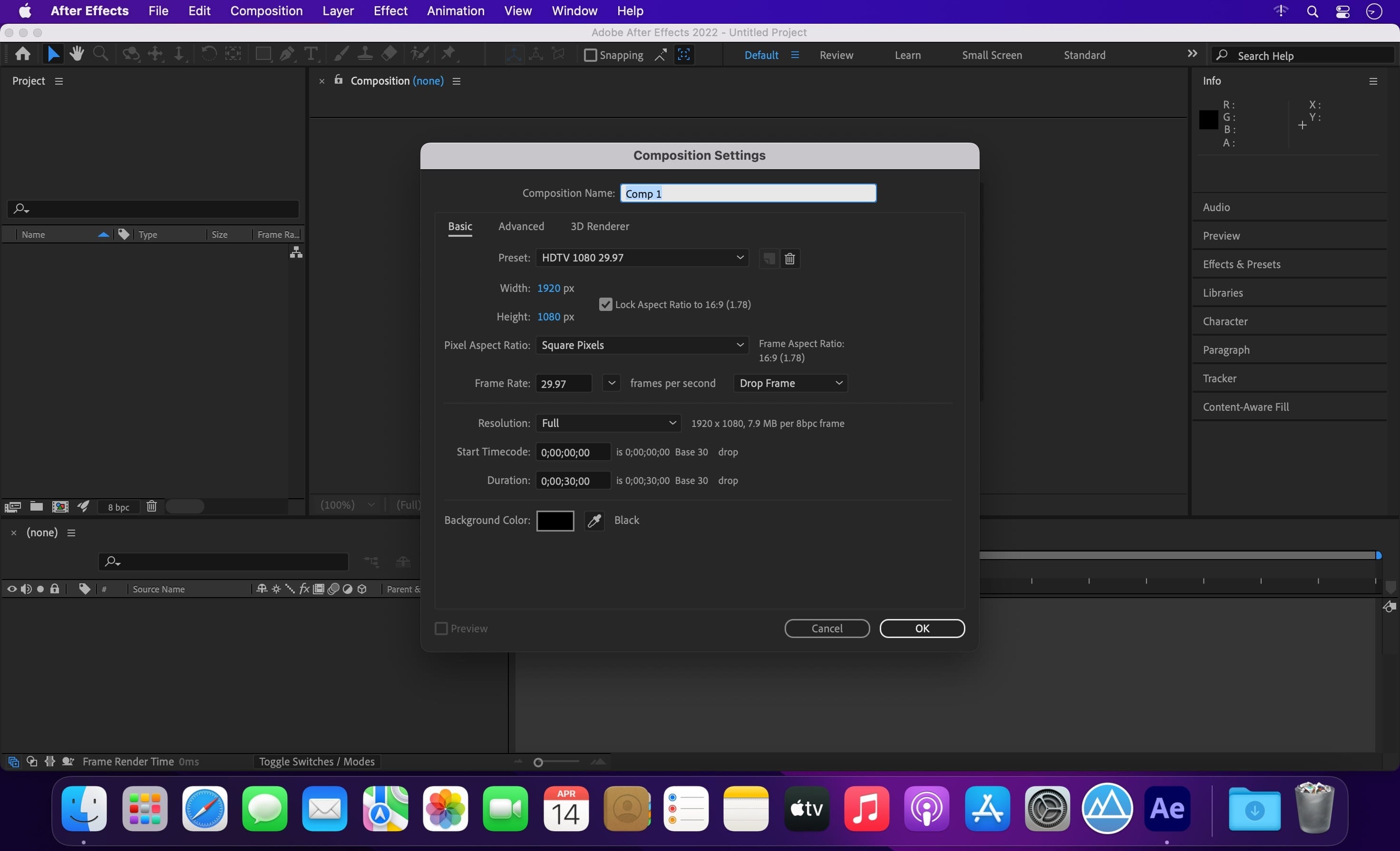
Multimedia composition utilities are a breed of applications commonly designed to be used by professionals, to create compelling products combining all sorts of media and content as effortless and intuitively as possible.
Adobe's After Effects is one of the top such solution nowadays, owing chiefly to its extensive list of features and ability to greatly improve your workflow once you get used to its extensive collection of powerful tools and features.
Adobe After Effects makes it simple to add a large variety of effects to videos and, because it comes bundled with numerous tools to help you create you own creative visual effects (e.g. 3D camera tracker, warp stabilizer, edge refiner and pixel motion blur), you won't feel the need for more pre-sets.
The Adobe After Effects utility also comes with Creative Cloud integration that enables you to keep your workspace's settings synchronized across various machines.
After Effects also has a built-in project sharing network, Behance, which allows you to effortlessly share work in progress shots of your designs and projects so that you can get instant feedback from your network of colleagues and various professionals around the world.
What's more, Adobe After Effects also makes it possible to add custom 3D scenes and objects designed using CINEMA 4D without having to go through multi-pass rendering in-between.
After Effects features support for multiple dimensions that helps you to fluidly switch between 2D, 2.5D, and extruded 3D spaces, in order to get the best angle for customizing the object your currently working on.
Besides, once you get the hang of it, you can even mix together 2D and 3D content within the same composition, to make the end result even more startling and eye-catching.
The After Effects composition platform manages to bring together all the tools a professional needs to create breathtaking and thrilling multimedia products with ease, while also taking advantage of Adobe's Creative Cloud collaboration and sharing features.
Version 2026 v26.0.0
Release notes were unavailable when this listing was updated.
- Full list of changes should be available soon here
Frequently asked questions
How do I install the app?
Mount the image, drag the app into the "Applications" folder and launch it. If the system blocks the launch, allow it in "System Settings → Privacy & Security".
The app is damaged or won't launch
Reinstalling from a fresh image usually helps. Make sure your macOS version matches the one listed in the compatibility specs.
How do I update?
Download the new version from the site and install it over the current one — your settings will be preserved.
The download link doesn't work
Try a mirror or a download manager. For large files the browser often drops the connection.
How do I completely remove the app?
Use an uninstaller utility — it cleans up the service files that remain after moving the app to the trash.





Choose a download source
Adobe After Effects 2026 v26.0.0 · 6.85 GB
Previous versions
Adobe After Effects 2026 v26.0.0
Previous versions are available to registered users.