
Native Instruments Creator Tools 1.5.2.0
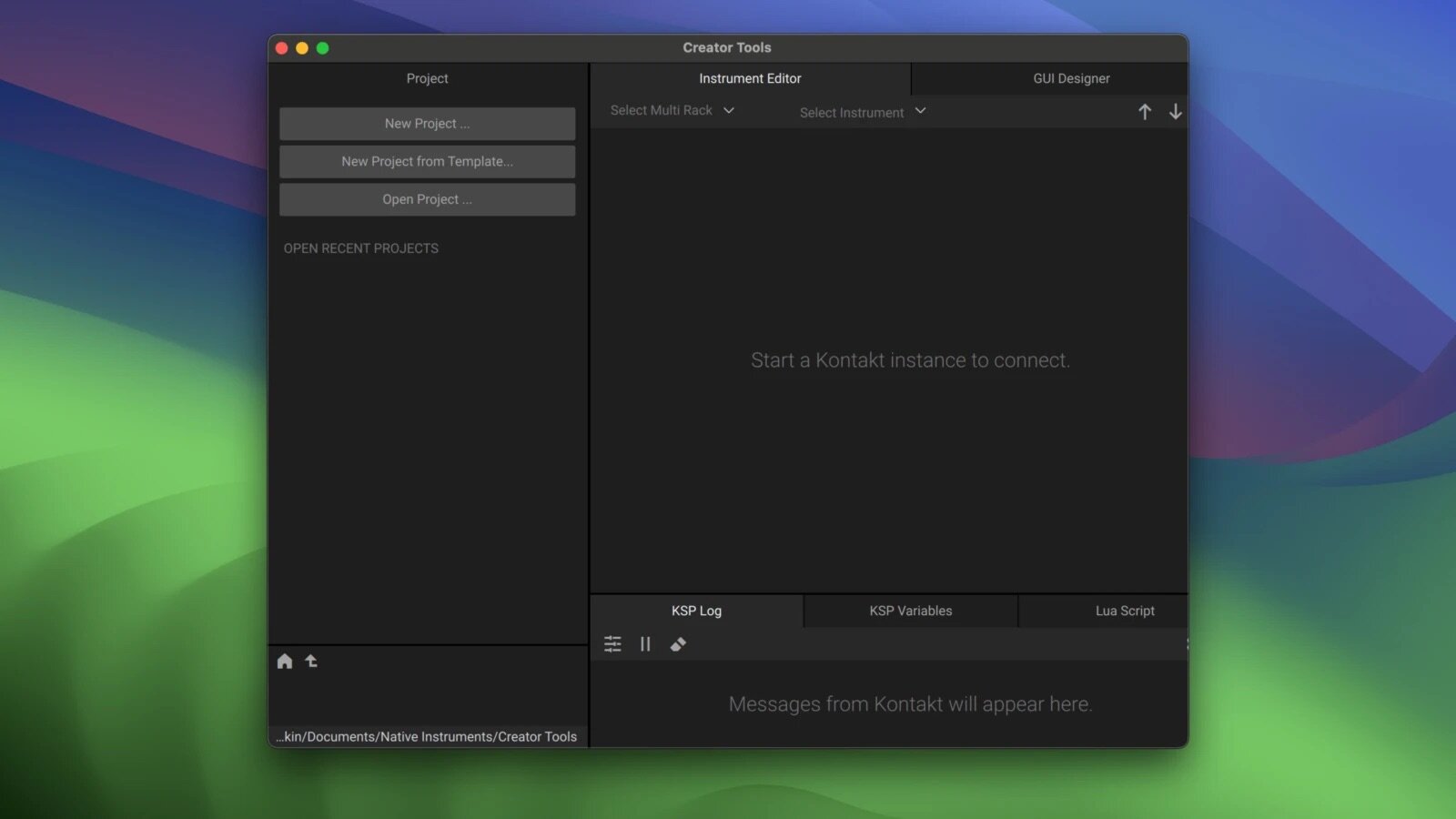
CREATOR TOOLS are a suite of tools designed and developed to support the instrument creation process of KONTAKT 7.
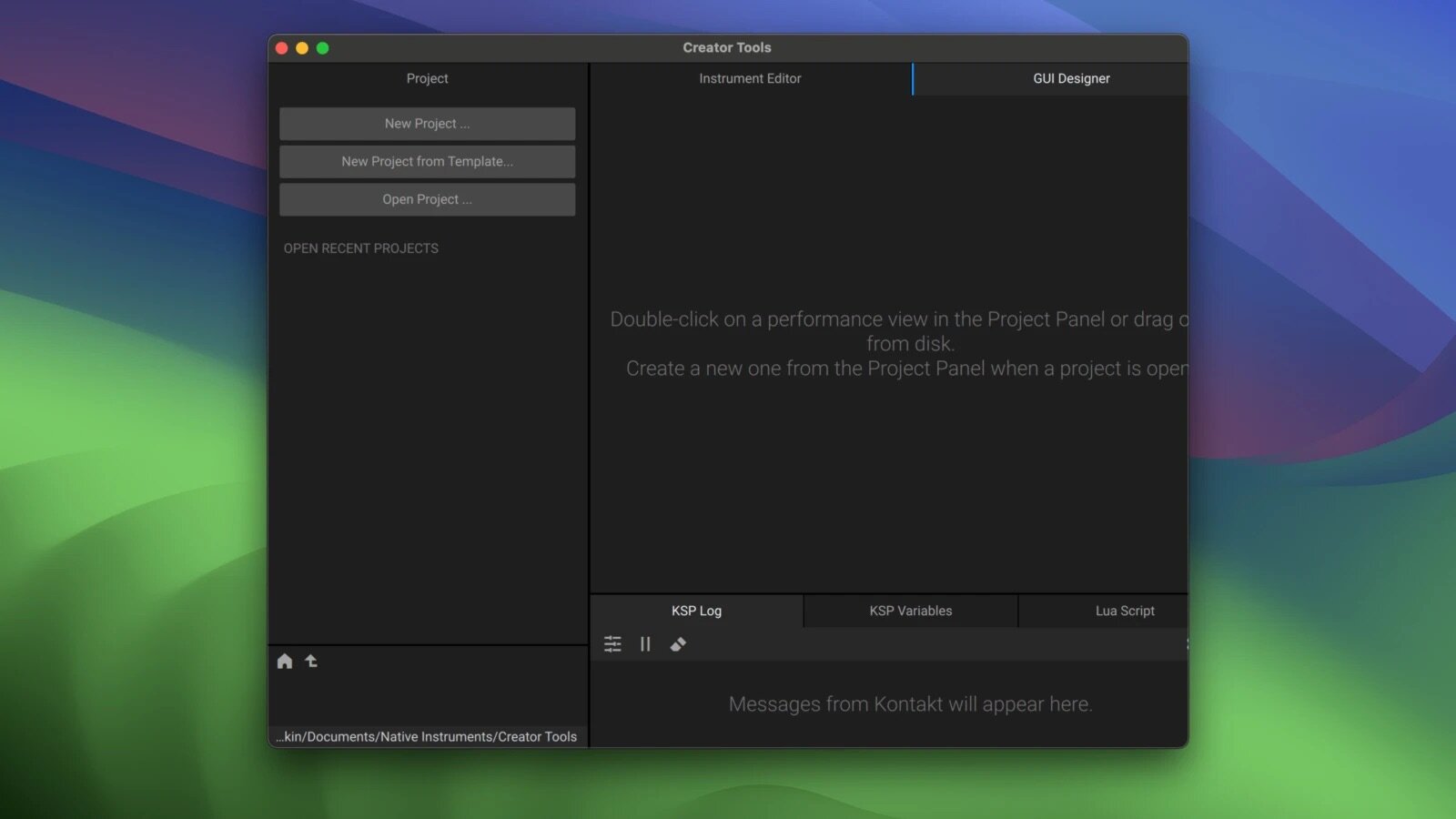
KONTAKT 7 ships with a standalone application suite – CREATOR TOOLS – to aid the instrument creation processes. It consists of three elements
- Debugger, for identifying and fixing problems in KONTAKT script;
- Instrument Editor, which can load and run Lua scripts to automap samples, duplicate and batch rename groups, and copy settings from one part of an instrument to another;
- GUI Designer, which allows creators to assemble, customize, and reuse KONTAKT performance views and controls without the need to write code.
Project Panel
The Project Panel consists of the Project Manager and the File Browser. The Project Manager allows you to collect files and folders and organize them in groups in order to quickly access a project’s assets. The File Browser allows you to view files on your computer storage devices and open them directly from within the tools.
KPS Log
The Log helps you detect and fix possible issues while building your instrument. It receives notifications generated by any KONTAKT instance and logs messages, warnings, errors.
- Select different filtering options for the log
- Pause the debugging session
- Clear the log content
- Access the log settings
Version 1.5.2.0:
- Release notes were unavailable when this listing was updated.
Frequently asked questions
How do I install the app?
Mount the image, drag the app into the "Applications" folder and launch it. If the system blocks the launch, allow it in "System Settings → Privacy & Security".
The app is damaged or won't launch
Reinstalling from a fresh image usually helps. Make sure your macOS version matches the one listed in the compatibility specs.
How do I update?
Download the new version from the site and install it over the current one — your settings will be preserved.
The download link doesn't work
Try a mirror or a download manager. For large files the browser often drops the connection.
How do I completely remove the app?
Use an uninstaller utility — it cleans up the service files that remain after moving the app to the trash.


Choose a download source
Native Instruments Creator Tools 1.5.2.0 · 125.32 MB