
Bitwig Studio 6 v6.0.3
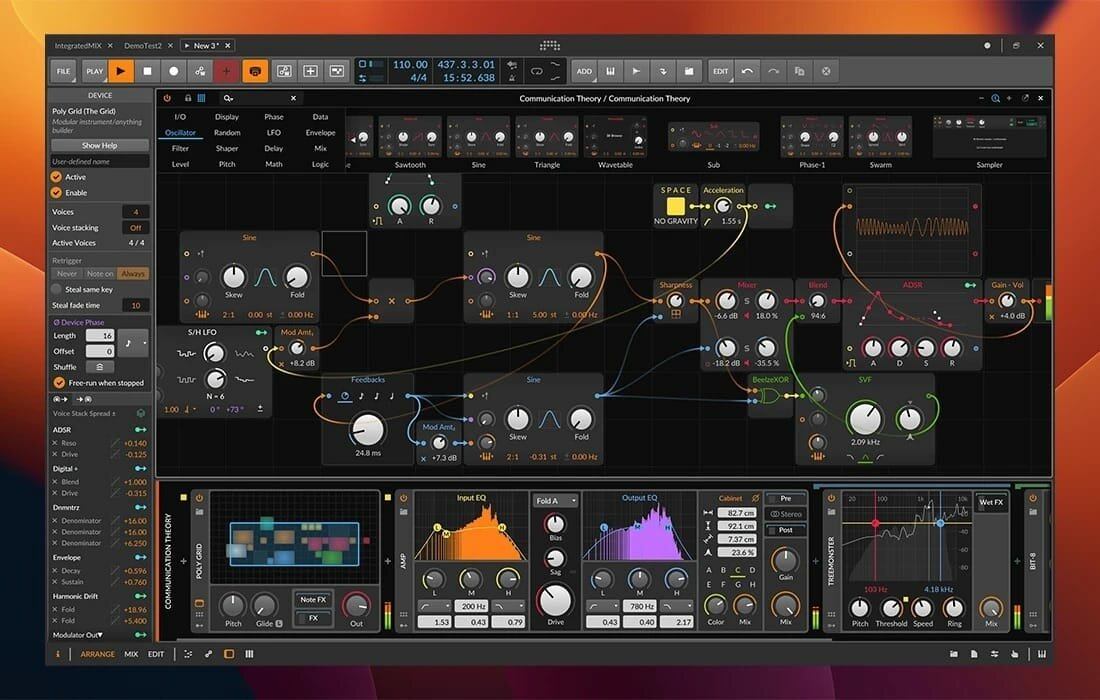
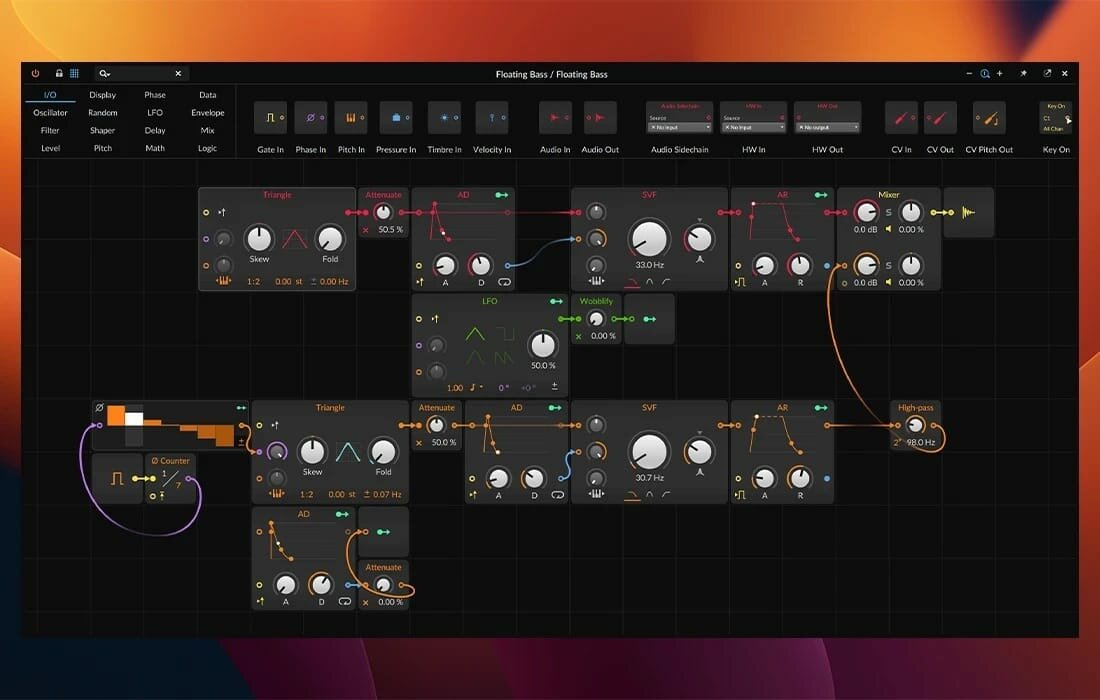
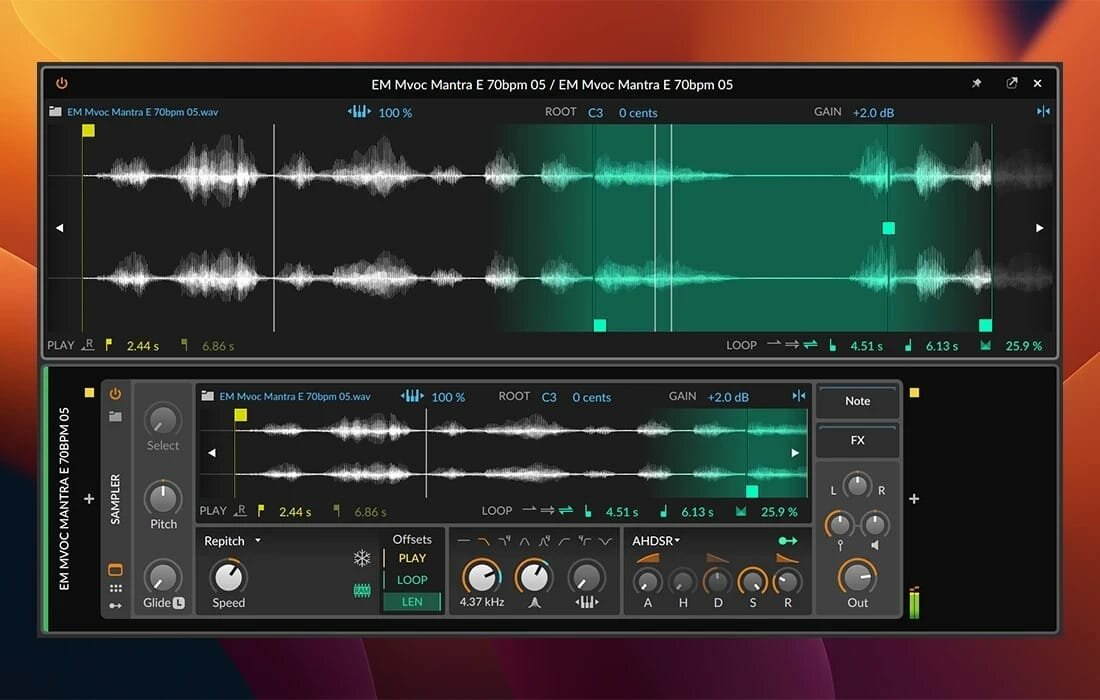
Designed to provide music producers with a high level of control over every step of the music creation process, Bitwig Studio is a full-featured and cross-platform (works on macOS, Linux, Windows) sound and music designing tool.
Besides its impressive collection of sound creation tools, which we will discuss further on, it must be pointed out that Bitwig Studio also comes with a set of in-built instruments, effects, and also offers support for VST plug-ins that makes it easy to design custom sounds with no more than a few mouse clicks.
Of course, if you have a very advanced understanding of music and the whole process behind its creation, Bitwig Studio will not disappoint, as audio and note expressions, histogram-based editing, smart controller integration, automatic slicing, layer editing, and advanced bounce-in-place functions are but a few treats on the table.
What’s more, Bitwig Studio enables you to work with multiple projects at the same time, as well as to link and interconnect many parameters between devices, thus making modulating seem like a walk in the park.
With the help of the “Detail Editor”, you can edit multiple tracks in the same view, as well as stretch, split, pitch, pan, copy, reverse, add, move, and arrange audio effects or parts of tracks as you wish.
With the help of the Bitwig Studio’s “Dynamic Object Inspector”, you have the possibility to select and edit multiple notes and events. Bitwig Studio also enables you to easily modify any of the built-in audio devices or build your very own.
Taking all things into consideration, Bitwig Studio is a comprehensive audio creation tools, which was designed from the ground up to meet the requirements of any music producer or musician. With the right amount of musical knowledge and skill, there really isn’t much you can’t do with this software in terms of music creation.
Version 6.0.3:
- Release notes were unavailable when this listing was updated.
Frequently asked questions
How do I install the app?
Mount the image, drag the app into the "Applications" folder and launch it. If the system blocks the launch, allow it in "System Settings → Privacy & Security".
The app is damaged or won't launch
Reinstalling from a fresh image usually helps. Make sure your macOS version matches the one listed in the compatibility specs.
How do I update?
Download the new version from the site and install it over the current one — your settings will be preserved.
The download link doesn't work
Try a mirror or a download manager. For large files the browser often drops the connection.
How do I completely remove the app?
Use an uninstaller utility — it cleans up the service files that remain after moving the app to the trash.

Choose a download source
Bitwig Studio 6 v6.0.3 · 553.4 MB
Previous versions
Bitwig Studio 6 v6.0.3
Previous versions are available to registered users.