iZotope Ozone 11 Advanced v11.2.0
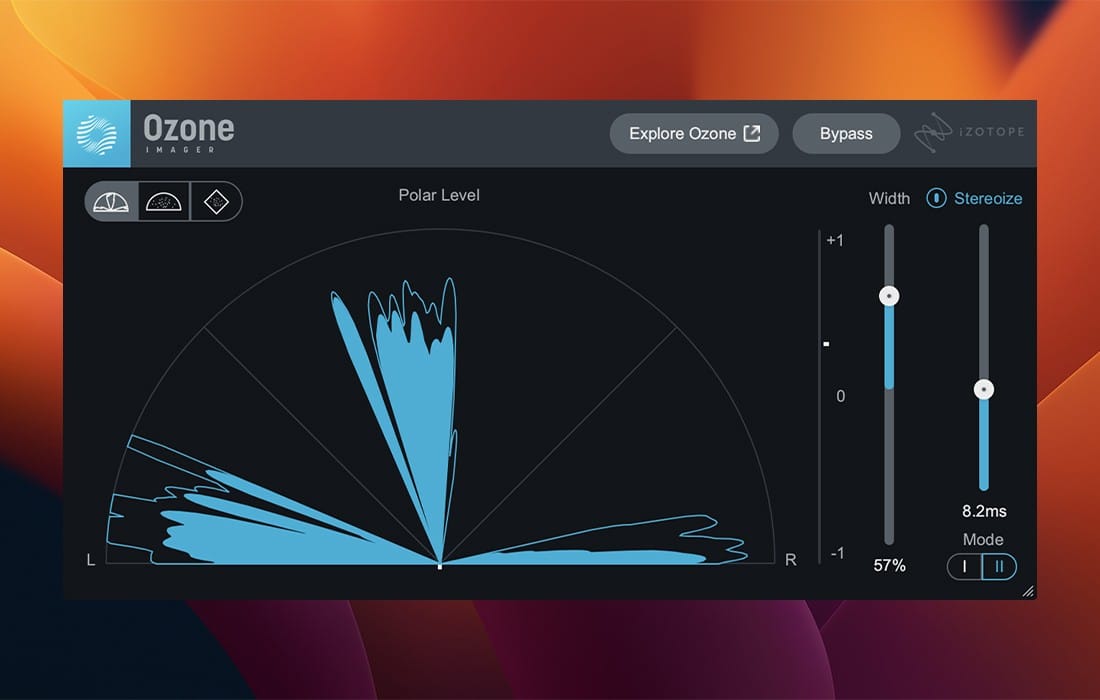

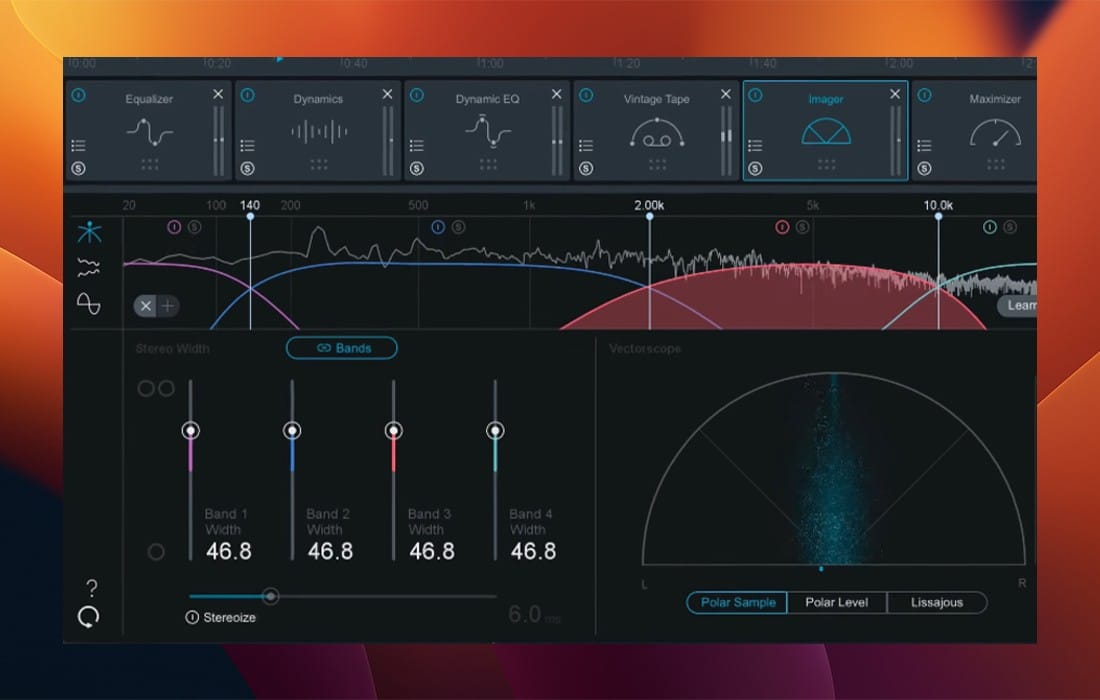
Craft the perfect listening experience with the ultimate collection of mastering tools. Whether you're putting the finishing touches on the next chart-topping hit or producing your first song, Ozone 11 delivers cutting-edge processing and AI-powered workflows. Effortlessly make your tracks release-ready and unlock the full potential of your productions.
What's new in Ozone 11?
Clarity Module[Advanced]
Pure magic
The Clarity module adaptively maximizes the spectral power of your tracks. In other words, it does the science for you, so your music sounds professional, polished, and louder without penalties. You're going to want to use this on everything.
Stem Focused[Advanced]
Go beyond mastering
Harness the power of AI to rescue problematic mixes in ways that were previously impossible. Apply any Ozone module to an isolated stem to control the internal balance of a mixed file with mind-blowing precision. Mix revisions are a thing of the past.
Transient/Sustain[Standard and Advanced]
New dimensions
Unlock your creative potential by separately enhancing the transient and sustain. Get the most out of your masters with this innovative addition to the classic tools, or explore new sonic frontiers by leveling up the latest, cutting-edge Ozone modules.
Upward Compress[Standard and Advanced]
Level up your masters
Boost quiet sections while preserving fast transients with this novel transparent compression circuit. Increase density and detail with one intuitive slider that replaces complex parallel routing, gain-staging, and level-matching.
Assistive Vocal Balance[Elements, Standard and Advanced]
Find the sweet spot
Achieve the clear, perfectly-balanced vocals that will bring out the emotion in your music. Through analyzing hundreds of top songs, our Master Assistant learned how to sit the vocals in the mix, and with our new AI Vocal Checker, you never have to worry about levels again.
Frequently asked questions
How do I install the app?
Mount the image, drag the app into the "Applications" folder and launch it. If the system blocks the launch, allow it in "System Settings → Privacy & Security".
The app is damaged or won't launch
Reinstalling from a fresh image usually helps. Make sure your macOS version matches the one listed in the compatibility specs.
How do I update?
Download the new version from the site and install it over the current one — your settings will be preserved.
The download link doesn't work
Try a mirror or a download manager. For large files the browser often drops the connection.
How do I completely remove the app?
Use an uninstaller utility — it cleans up the service files that remain after moving the app to the trash.





Choose a download source
iZotope Ozone 11 Advanced v11.2.0 · 292.86 MB
Previous versions
iZotope Ozone 11 Advanced v11.2.0
Previous versions are available to registered users.