
iZotope Nectar 4 Advanced v4.0.1

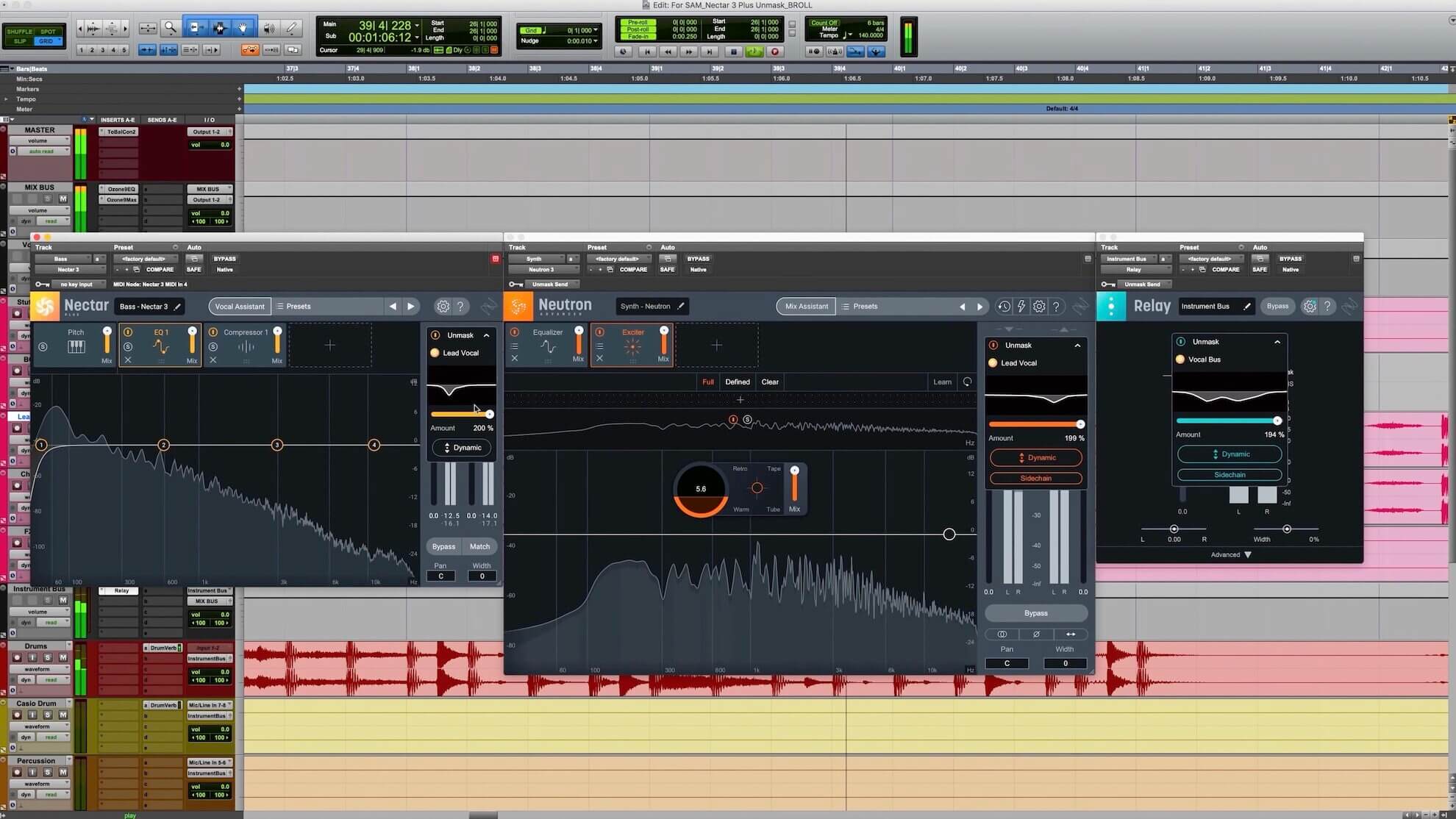
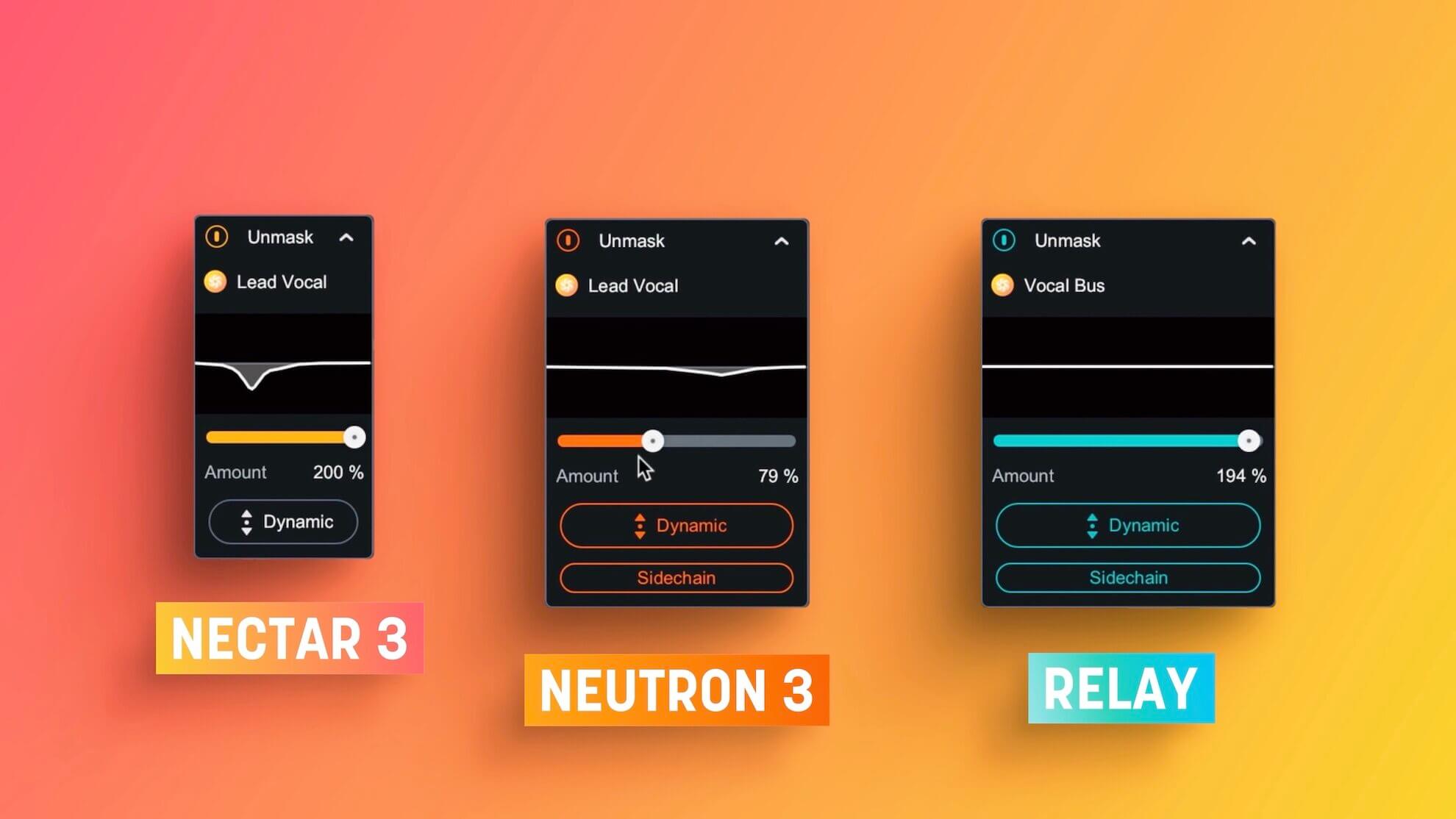
Nectar 4 boasts a complete set of tools for mixing, producing, and designing vocals. Explore new modules like Auto-Level for consistency, Voices for vocal layering, Backer for background singers, and Vocal Assistant for easy and powerful processing. Unleash a suite of powerful plugins for complete control over your vocal sound.
What's new in Nectar 4?
Reference any voice
Audiolens is compatible with Nectar 4, allowing you to tone-match any vocal sound. Separate the vocal from your reference track and gain valuable information to create a starting point for your mix.
In sweet harmony
Instant, easy vocal layers: the Voices module gives you the ability to create complicated layers for your vocal production without needing to learn voice-leading and harmonic motion. Find a preset similar to your desired sound, then tweak it to your liking.
Instantly consistent vocals
ALM (Auto Level module) is an intelligent and transparent alternative to compressors. Placed at the start of your signal chain, it acts like a recording engineer, effortlessly managing vocal levels. ALM provides consistent volume levels without introducing unwanted artifacts like traditional compressors, giving you a clean and natural sound.
Who’s backing you today?
With the Backer module, you can now create background singers that sit behind your main vocal. Pick from eight different styles or import your own acapella to further customize your sound. Finish up a demo with different flavors of vocalists, creatively destroy ad-lib tracks, or create something new altogether.
Build your own chain
Nectar Advanced comes with a powerful suite of brand-new plugins. Integrate the power of Nectar into your DAW template and build your own custom chains for every vocal in your production.
Help is here
Vocal Assistant now provides a broad interface for making simple and helpful decisions for your vocal production without getting lost in the details of vocal mixing.
Frequently asked questions
How do I install the app?
Mount the image, drag the app into the "Applications" folder and launch it. If the system blocks the launch, allow it in "System Settings → Privacy & Security".
The app is damaged or won't launch
Reinstalling from a fresh image usually helps. Make sure your macOS version matches the one listed in the compatibility specs.
How do I update?
Download the new version from the site and install it over the current one — your settings will be preserved.
The download link doesn't work
Try a mirror or a download manager. For large files the browser often drops the connection.
How do I completely remove the app?
Use an uninstaller utility — it cleans up the service files that remain after moving the app to the trash.


Choose a download source
iZotope Nectar 4 Advanced v4.0.1 · 2.48 GB