Charrua Soccer 8.45
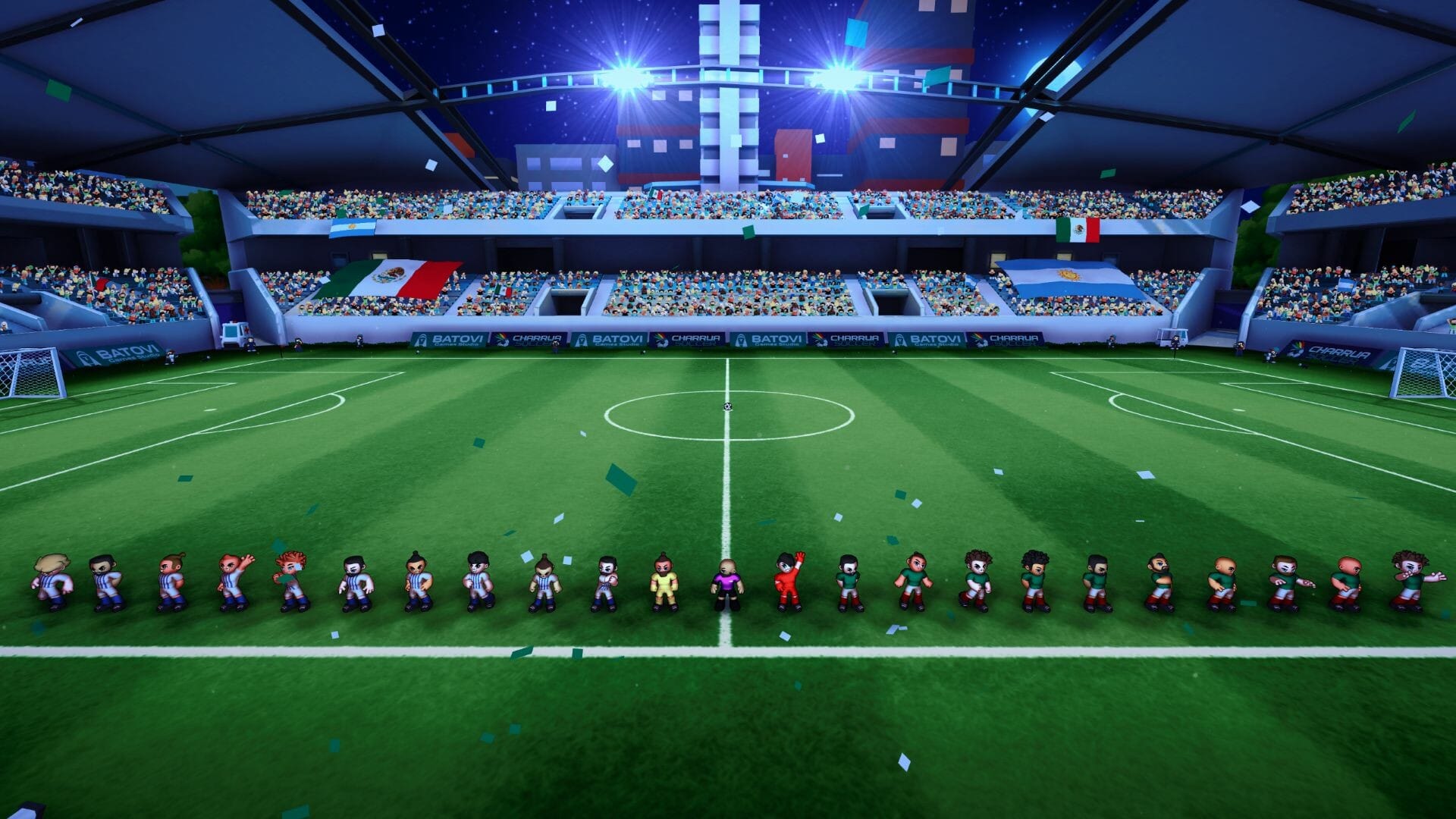
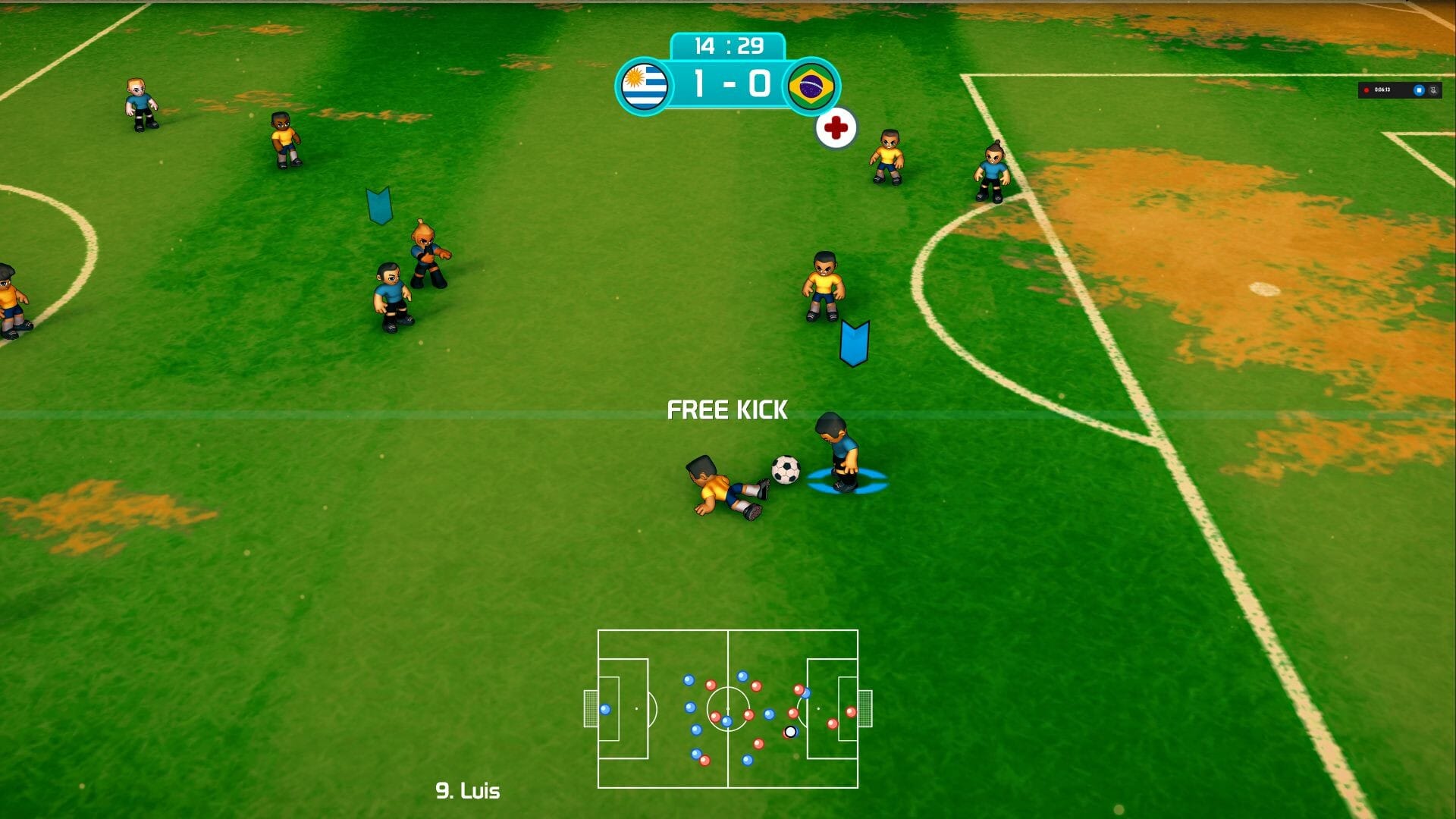

With a lot of action and adrenaline, we bring you only the most fun part of arcade soccer!
You can play in single-player mode (player VS. computer), two players (player VS. player), tournaments, and party mode to share with friends.
Play modes:
- Friendly match and penalty shootouts
- Tournaments - play the most important competitions!
- Career Mode! - create your team from scratch and lead it to glory!
- Themed Events - crazy game modes with amazing characters.
- Party tournaments - have fun with friends and family!
Available tournaments:
- Charrua Tournament and Charrua A and B Leagues
- European, American Cups
- Olymcharrua Cups (male and female)
- Global Cup (male and female)
- Global Cup 1930 (evoking the first international cup with a retro touch)
- USA Leagues (male and female)
- Eurochamp League and Liberty Cup
Characteristics:
- Simplified controls for casual players, with the possibility to connect a wireless compatible controller of your choice.
- Easy to learn and enjoy, with clean and challenging gameplay.
- Configurable assisted mode, to help you in the actions you prefer or disable it to increase the challenge.
- Retro-style 3D art resembling old games and evoking nostalgia.
- Party modes: play with your friends in different game modes.
- Fouls, free kicks, yellow and red cards, injuries, and penalties!
- Women's, men's, and mixed soccer.
- Deep gameplay: short pass, long pass, directional shot, controlled shot or lob shot, player skills, and much more.
- Lots of Animations (overhead kick, scorpion kick, scissors kick, diving header, etc.)
- Challenging AI. Teams with very different game playing styles (for example, Catenaccio from Italy or Tiki-taka like Brasil).
- Manage team formation and strategy, player changes and much more.
Frequently asked questions
How do I install the app?
Mount the image, drag the app into the "Applications" folder and launch it. If the system blocks the launch, allow it in "System Settings → Privacy & Security".
The app is damaged or won't launch
Reinstalling from a fresh image usually helps. Make sure your macOS version matches the one listed in the compatibility specs.
How do I update?
Download the new version from the site and install it over the current one — your settings will be preserved.
The download link doesn't work
Try a mirror or a download manager. For large files the browser often drops the connection.
How do I completely remove the app?
Use an uninstaller utility — it cleans up the service files that remain after moving the app to the trash.

Choose a download source
Charrua Soccer 8.45 · 728.05 MB