A.Convert - Audio Converter 1.0.1
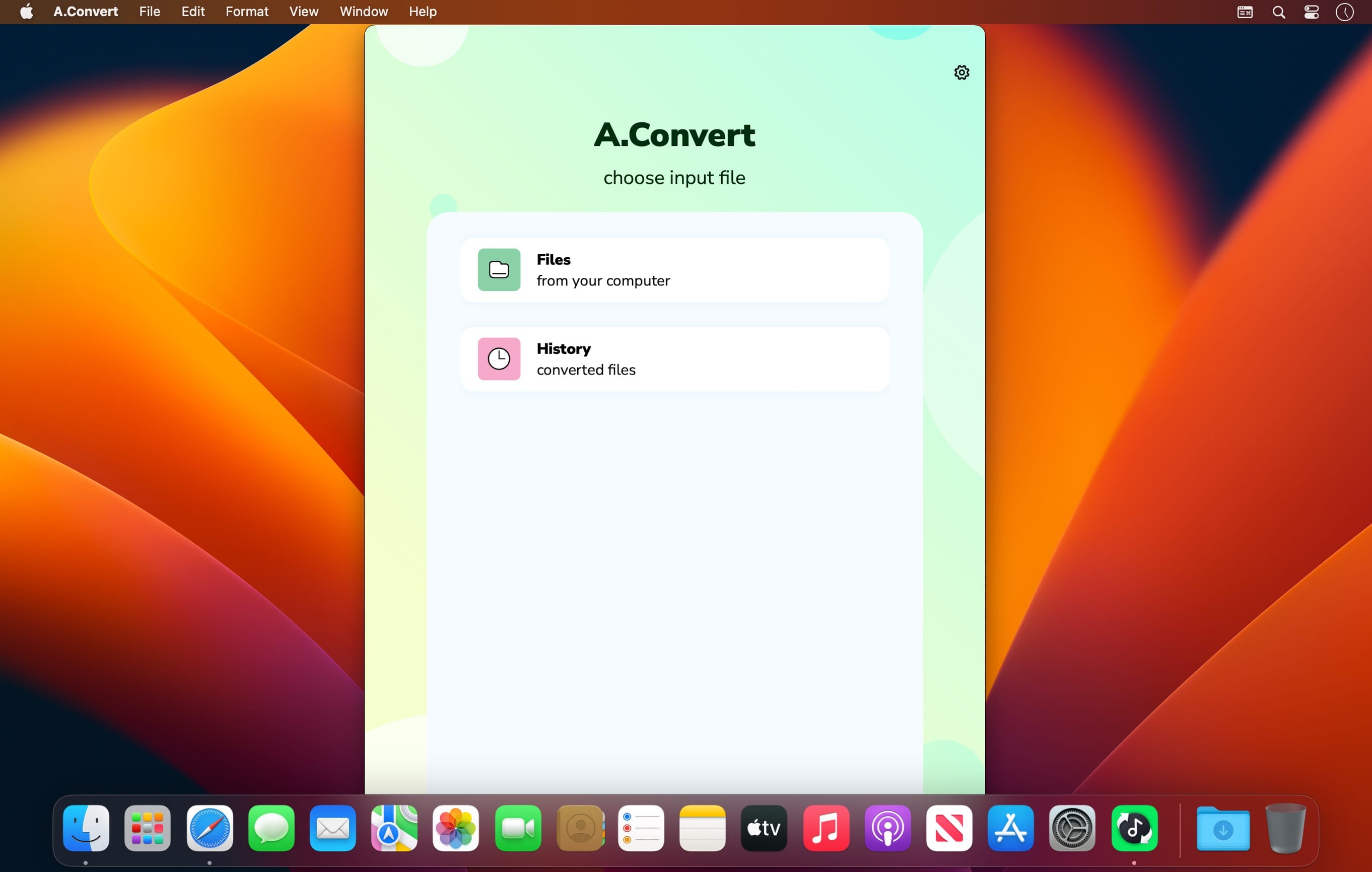
Music player with equalizerMusic player with equalizer. Discover the world of amazing sounds! Expand your music player's capacity and get a high-quality sound with mind-blowing effects.Convert your files quickly and easily.
Lots of formats for input and output file as well as advanced converting algorithm make the tool useful in both everyday life and professional tasks. Audio to audio converting or video to audio - you can do what you need
Useful features
- Audio to audio or video to audio converting;
- Instant convertation;
- Output files in .mp3, .m4a, .aac, .flac, .ogg, .wav;
- History with all your converted files;
- Save and share wherever you want.
Version 1.0.1
We did a great job to release this update. Now it will be easier and more pleasant for you to work with our app!
- We fixed bugs that didn’t allow you to work properly with the app;
- We made minor changes to improve the app stability.
Frequently asked questions
How do I install the app?
Mount the image, drag the app into the "Applications" folder and launch it. If the system blocks the launch, allow it in "System Settings → Privacy & Security".
The app is damaged or won't launch
Reinstalling from a fresh image usually helps. Make sure your macOS version matches the one listed in the compatibility specs.
How do I update?
Download the new version from the site and install it over the current one — your settings will be preserved.
The download link doesn't work
Try a mirror or a download manager. For large files the browser often drops the connection.
How do I completely remove the app?
Use an uninstaller utility — it cleans up the service files that remain after moving the app to the trash.

Choose a download source
A.Convert - Audio Converter 1.0.1 · 109.3 MB