
AnyMP4 Video Converter 8.2.30
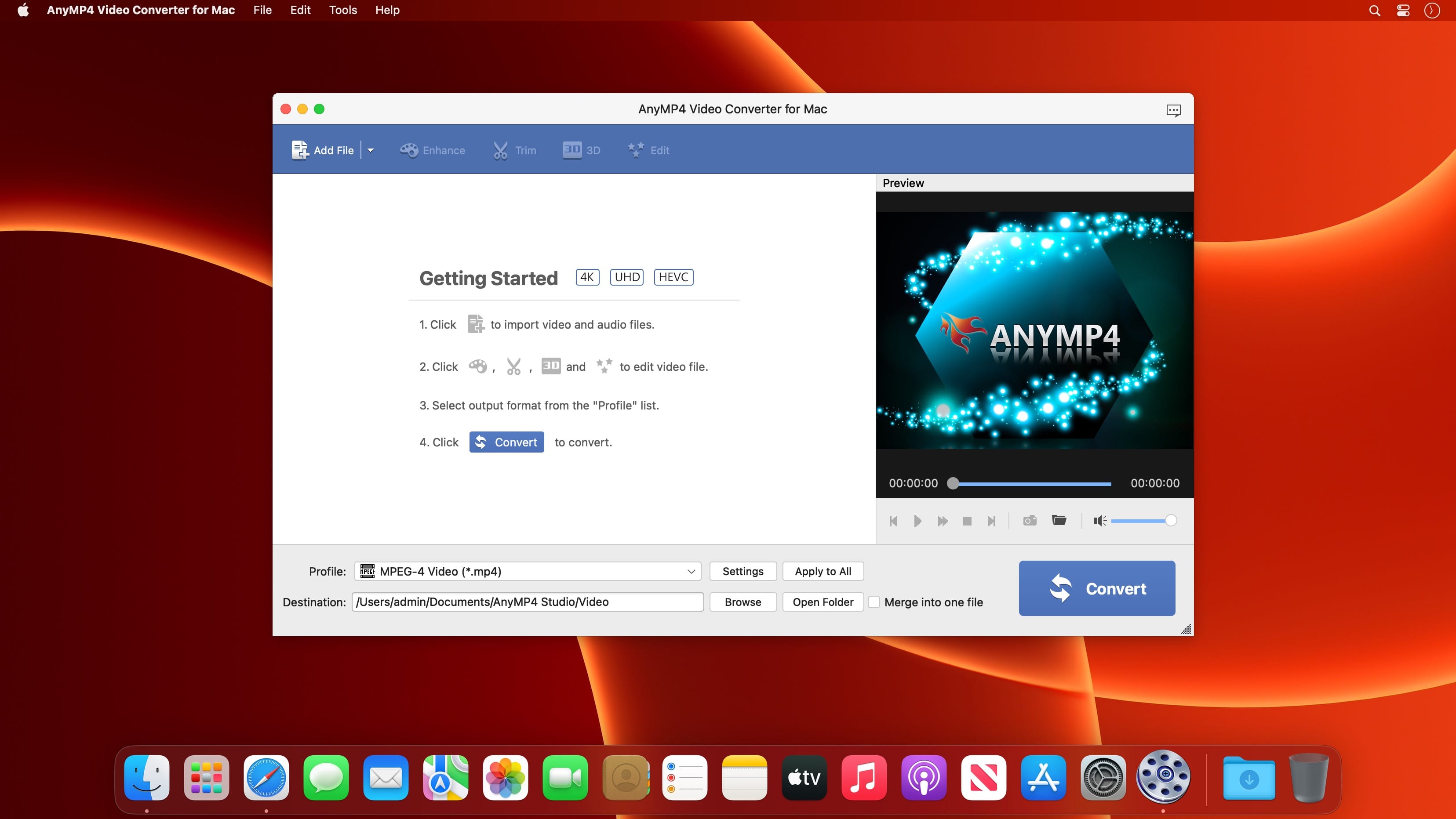
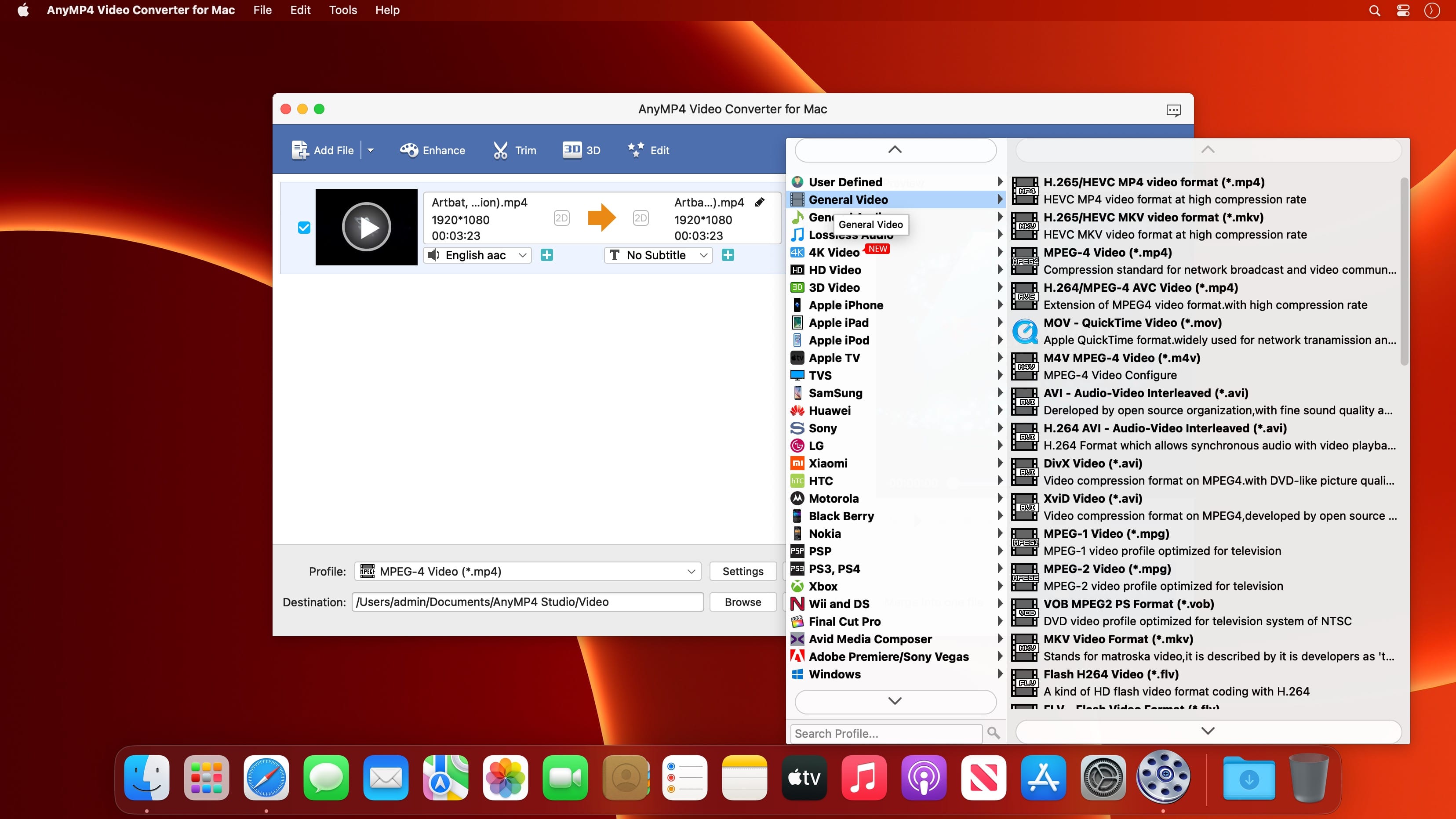

As the versatile and outstanding Mac video converting software, AnyMP4 Video Converter for Mac has powerful converting function to convert any video format like 4K H.265/HEVC Video(*.mp4), 4K H.264/MPEG-4 AVC Video (*.mp4), WebM-VP9 4K WebM Video (*. webm), AVI, FLV, MP4, M4V, MKV, MOV, 3GP, 3G2, MTV, SWF, WMV, ASF, TS, DV, WebM, and more to 4K UHD/1080p HD/SD, and 3D video format with super-fast speed and high output quality.
This Mac Video Converter also enables you to extract audio track from video and convert it to your preferred audio format, such as FLAC, WAV, WMA, AAC, ALAC, AC3, AIFF, AMR, AU, MP3, MP2, M4A, MKA, OGG.
Version 8.2.30:
- Release notes were unavailable when this listing was updated.
Frequently asked questions
How do I install the app?
Mount the image, drag the app into the "Applications" folder and launch it. If the system blocks the launch, allow it in "System Settings → Privacy & Security".
The app is damaged or won't launch
Reinstalling from a fresh image usually helps. Make sure your macOS version matches the one listed in the compatibility specs.
How do I update?
Download the new version from the site and install it over the current one — your settings will be preserved.
The download link doesn't work
Try a mirror or a download manager. For large files the browser often drops the connection.
How do I completely remove the app?
Use an uninstaller utility — it cleans up the service files that remain after moving the app to the trash.


Choose a download source
AnyMP4 Video Converter 8.2.30 · 50.8 MB