All to MP3 Audio Converter 3.4.1
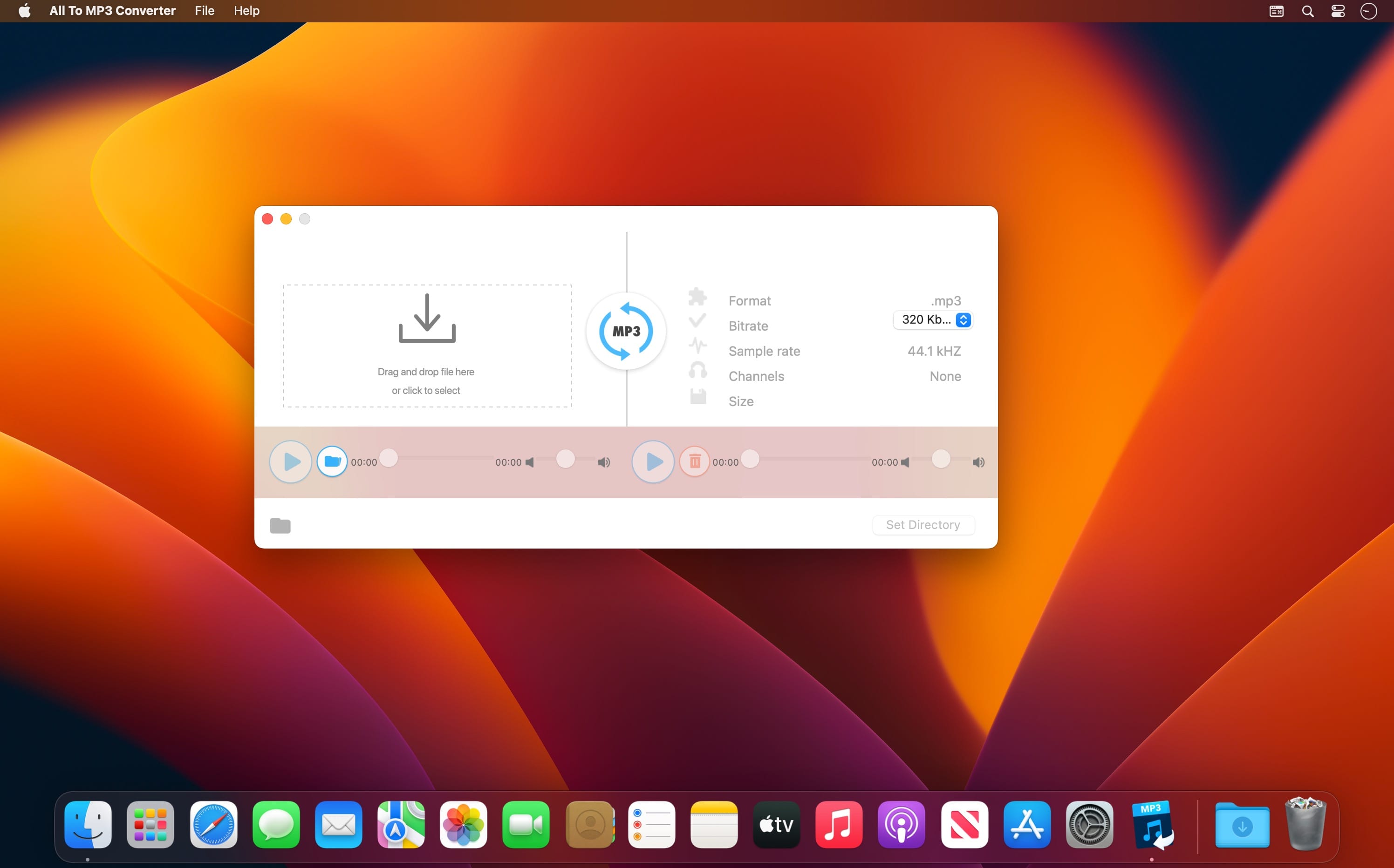
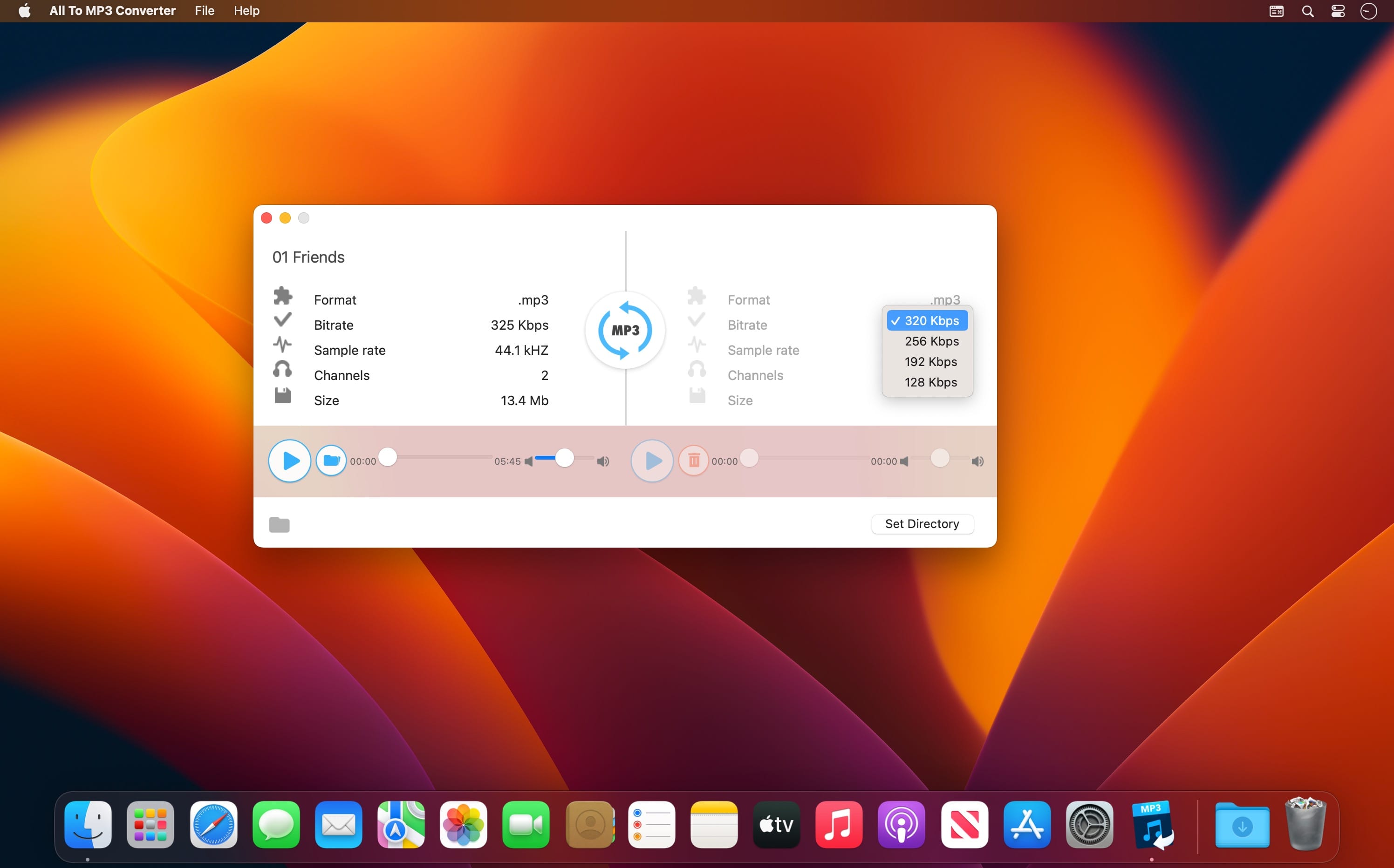
Any audio files to MP3 format in one click!
Universally applicable audio utility - All To MP3 Audio Converter. Plenty of formats, bitrate setup and high-quality MP3 files as a result!
INPUT AUDIO FORMATS:
- AIF, AIFF, AIFC, CDA, CDDA, CAF, M4V, MP4, M4A, MOV, QT, WAV, WAVE, BWF, AMR, AC3 and more.
- All To MP3 Audio Converter FUNCTIONALITY:
- Pre-listen uploaded (and converted) audio files
- Output files bit rate setup (320, 256, 192, 128 kbps)
- Playback on any devices after conversion
- Audio channels and sample rate information
High-quality music in your favorite format with All To MP3 Audio Converter utility.
Version 3.4.1
- Thanks to your feedback, we found and got rid of some annoying bugs in this update.
Frequently asked questions
How do I install the app?
Mount the image, drag the app into the "Applications" folder and launch it. If the system blocks the launch, allow it in "System Settings → Privacy & Security".
The app is damaged or won't launch
Reinstalling from a fresh image usually helps. Make sure your macOS version matches the one listed in the compatibility specs.
How do I update?
Download the new version from the site and install it over the current one — your settings will be preserved.
The download link doesn't work
Try a mirror or a download manager. For large files the browser often drops the connection.
How do I completely remove the app?
Use an uninstaller utility — it cleans up the service files that remain after moving the app to the trash.



Choose a download source
All to MP3 Audio Converter 3.4.1 · 83.46 MB
Previous versions
All to MP3 Audio Converter 3.4.1
Previous versions are available to registered users.