
Audio Normalizer 1.1.0
Screenshots
Click to enlarge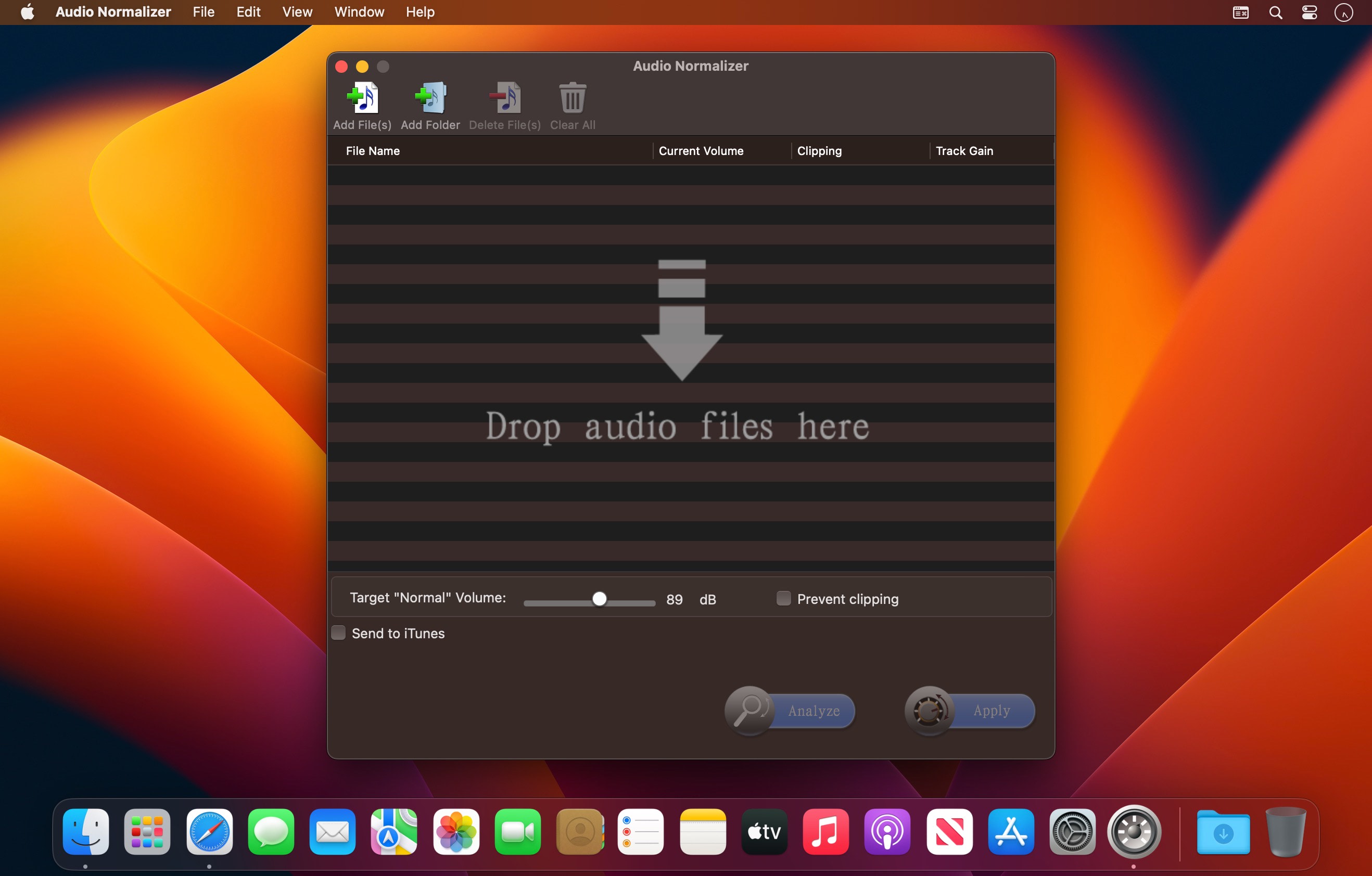
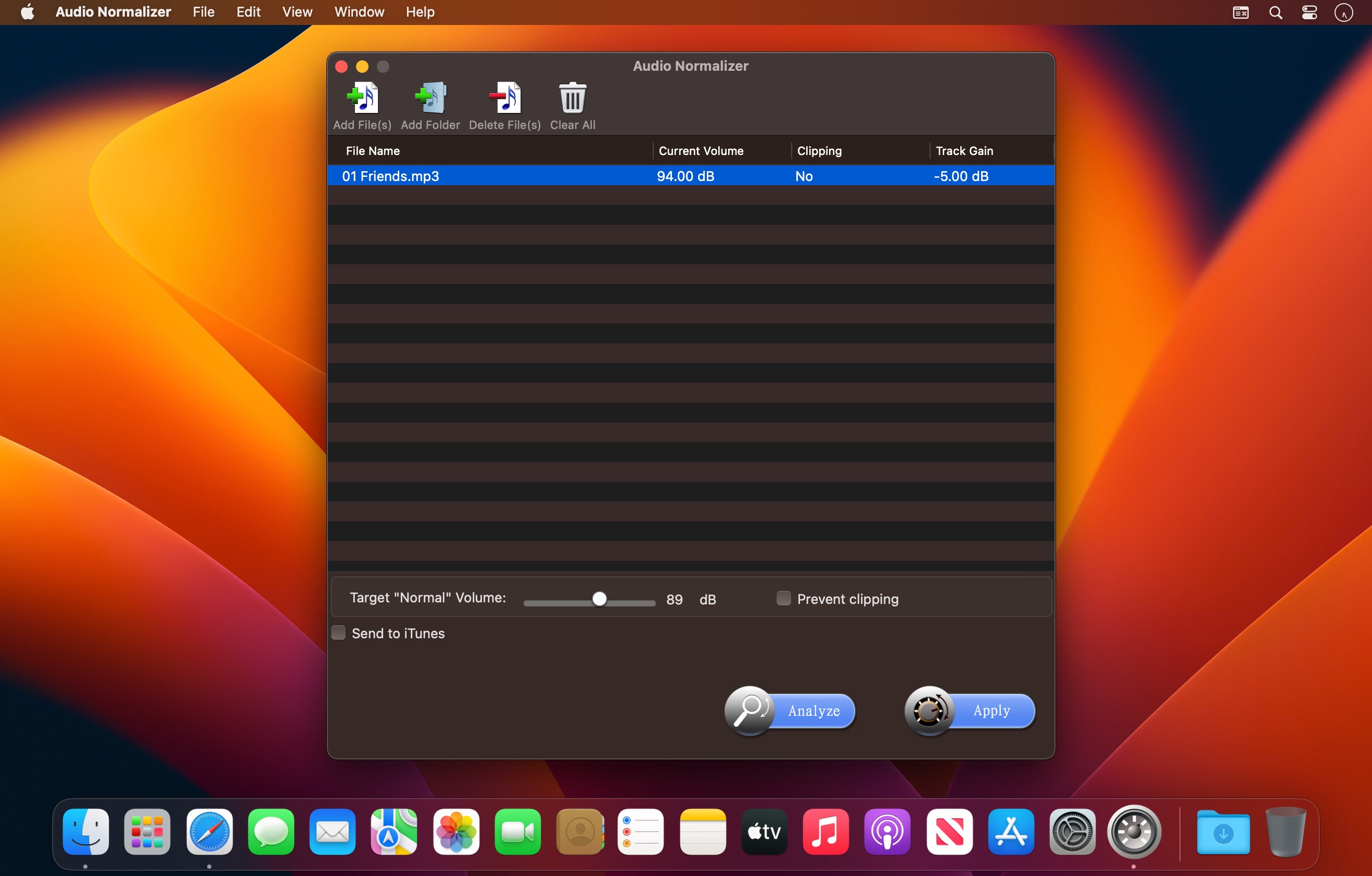
Audio Normalizer ensures that all your songs could be controlled and adjusted to the same volume level. Most popular audio file formats like mp3, aac, wav, flac, wma, m4a, ac3, au and ogg are supported.
Are you tired of constantly adjusting your music's volume? Is it annoying? Download Audio Normalizer now.
Features
- Adjust the volume of single audio file.
- Equalize multi-audio files to the same volume with just a click of the mouse!
- Supports batch processing.
- Supports mp3, aac, wav, flac, wma, m4a, ac3, au, ogg files.
- You can custom volume level.
- Awesome Usability: All the features above are fun and incredibly easy to use through a modern and clear user interface.
Please note that volume of DRM-protected files can not be analyzed and adjusted.
Version 1.1.0
- Perfect compatible with the latest operation system 10.15.
Comments
No comments yet. Be the first.
Information
Visitors in the group Guests cannot leave comments on this publication.