
Jaksta Media Recorder 3.0.2 (310)
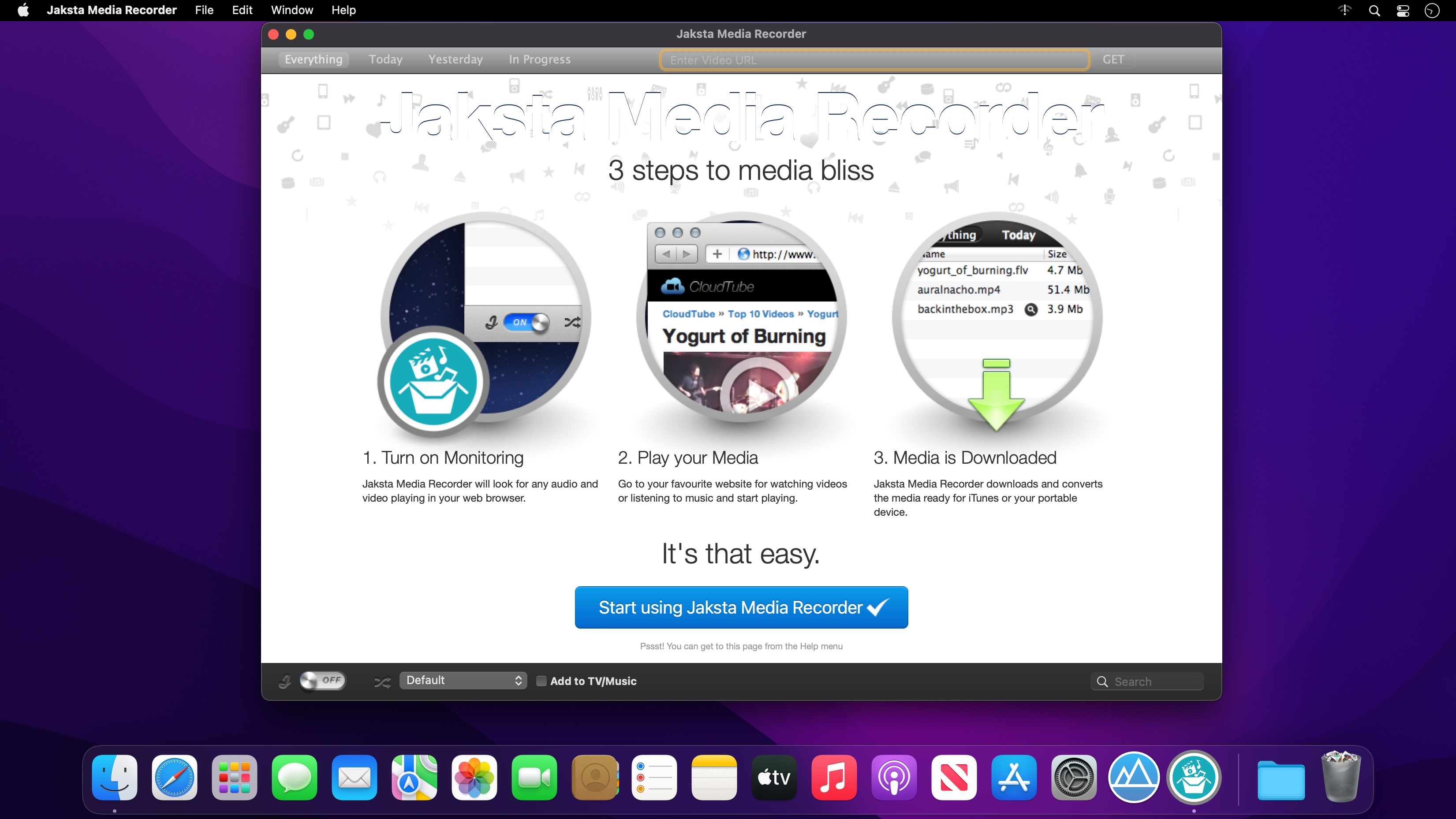

The Video and Music Downloader that Captures Video & Audio from 100,000+ Web Sites!
More than just an ordinary video and music downloader, Jaksta Media Recorder makes it incredibly easy to save and convert videos and music from thousands of web sites directly to your Mac.
Rip Video and Music from 100,000+ sites with these features
- Video Downloader
- Music Downloader
- iTunes Friendly
- Automatic Conversions
- Fast - upto 10x faster than playback
- Easy - Captures as you watch or listen
THE BEST YOUTUBE DOWNLOADER
Jaksta Media Recorder can download YouTube videos. Use Jaksta Media Recorder for your YouTube downloads as it is the best YouTube downloader for Mac.
HIGH SPEED, HIGH QUALITY RECORDING
How does it work? As you play video or audio, Jaksta Media Recorder copies the file directly from the originating server. This downloading technique means that the quality of the recorded files are perfect digital copies of the original, and media is captured up to 10x faster than playback time. This makes Jaksta Media Recorder the best Mac video downloader in it's class.
CAPTURE ALL COMMON STREAM FORMATS AND PROTOCOLS
Jaksta Media Recorder will download video and audio from any web site using these common formats or protocols
- FLV
- HTTP
- RTMP
- ICECAST
- WMV
- ASF
- MP3
- MP4
- SWF
- and more ...
AUTOMATICALLY CONVERTS TO ALL POPULAR FORMATS
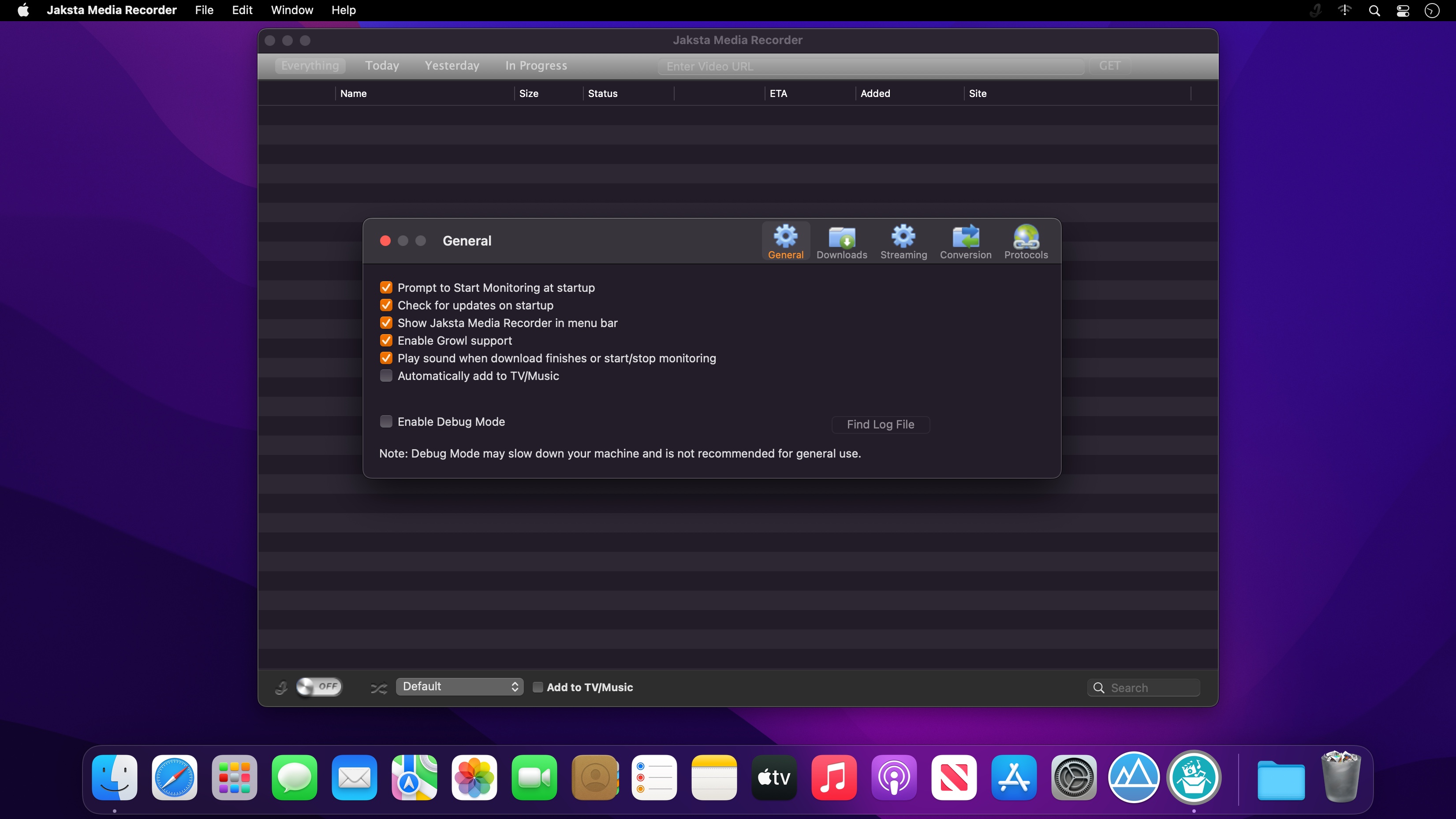
Select from one of the conversion options on the main screen, and downloaded video or audio files are automatically converted. You can also choose to have files imported into iTunes.
- Mac/Quicktime
- iPod
- iPhone
- iPad
- Apple TV
- PSP
- PS3
- Android
- MP3
- MOV
- MPEG-4
- AVI
- and more ...
Version 3.0.2 (310):
- Release notes were unavailable when this listing was updated.
Frequently asked questions
How do I install the app?
Mount the image, drag the app into the "Applications" folder and launch it. If the system blocks the launch, allow it in "System Settings → Privacy & Security".
The app is damaged or won't launch
Reinstalling from a fresh image usually helps. Make sure your macOS version matches the one listed in the compatibility specs.
How do I update?
Download the new version from the site and install it over the current one — your settings will be preserved.
The download link doesn't work
Try a mirror or a download manager. For large files the browser often drops the connection.
How do I completely remove the app?
Use an uninstaller utility — it cleans up the service files that remain after moving the app to the trash.




Choose a download source
Jaksta Media Recorder 3.0.2 (310) · 46.35 MB