Ziggurat 20608
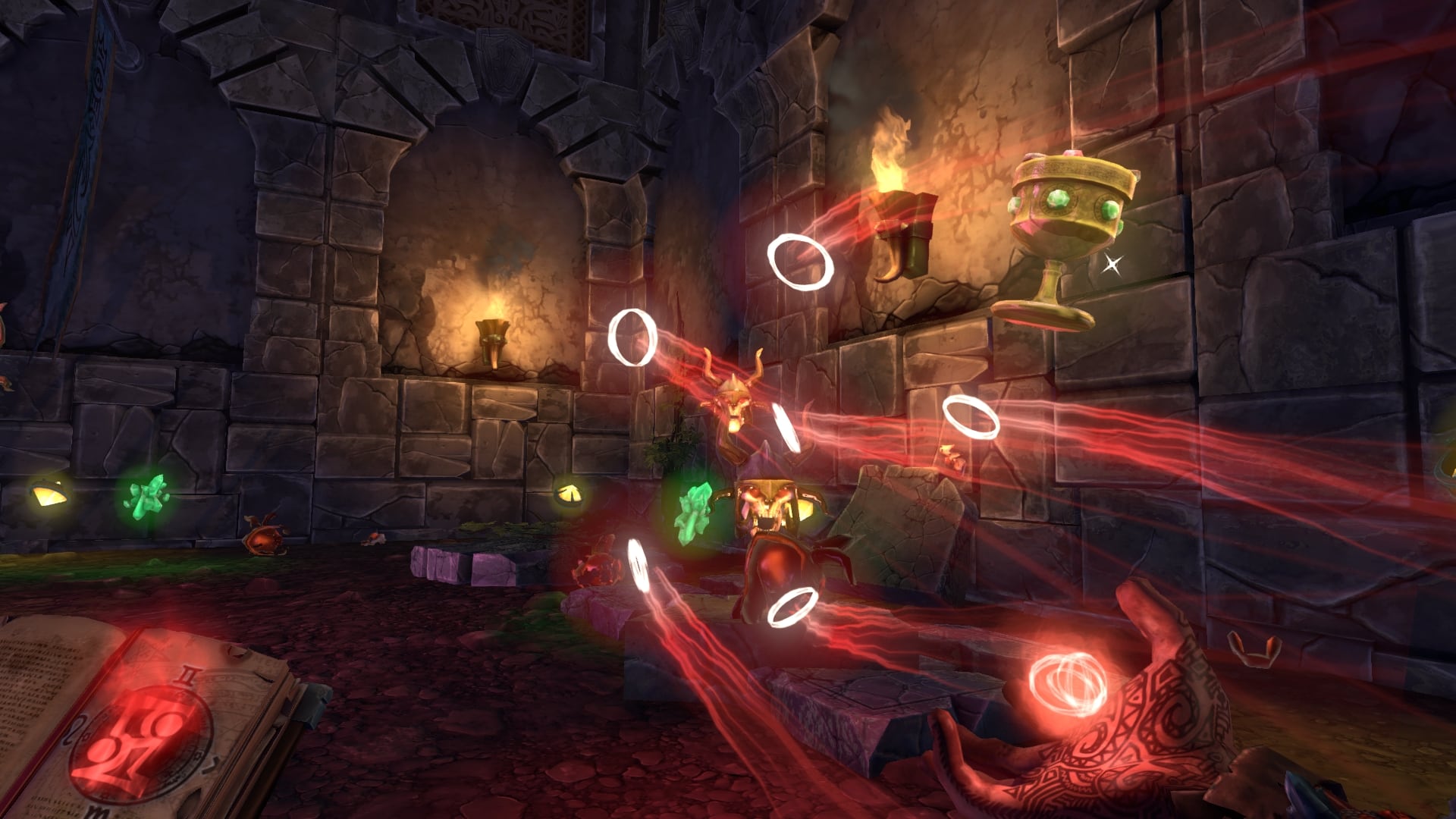
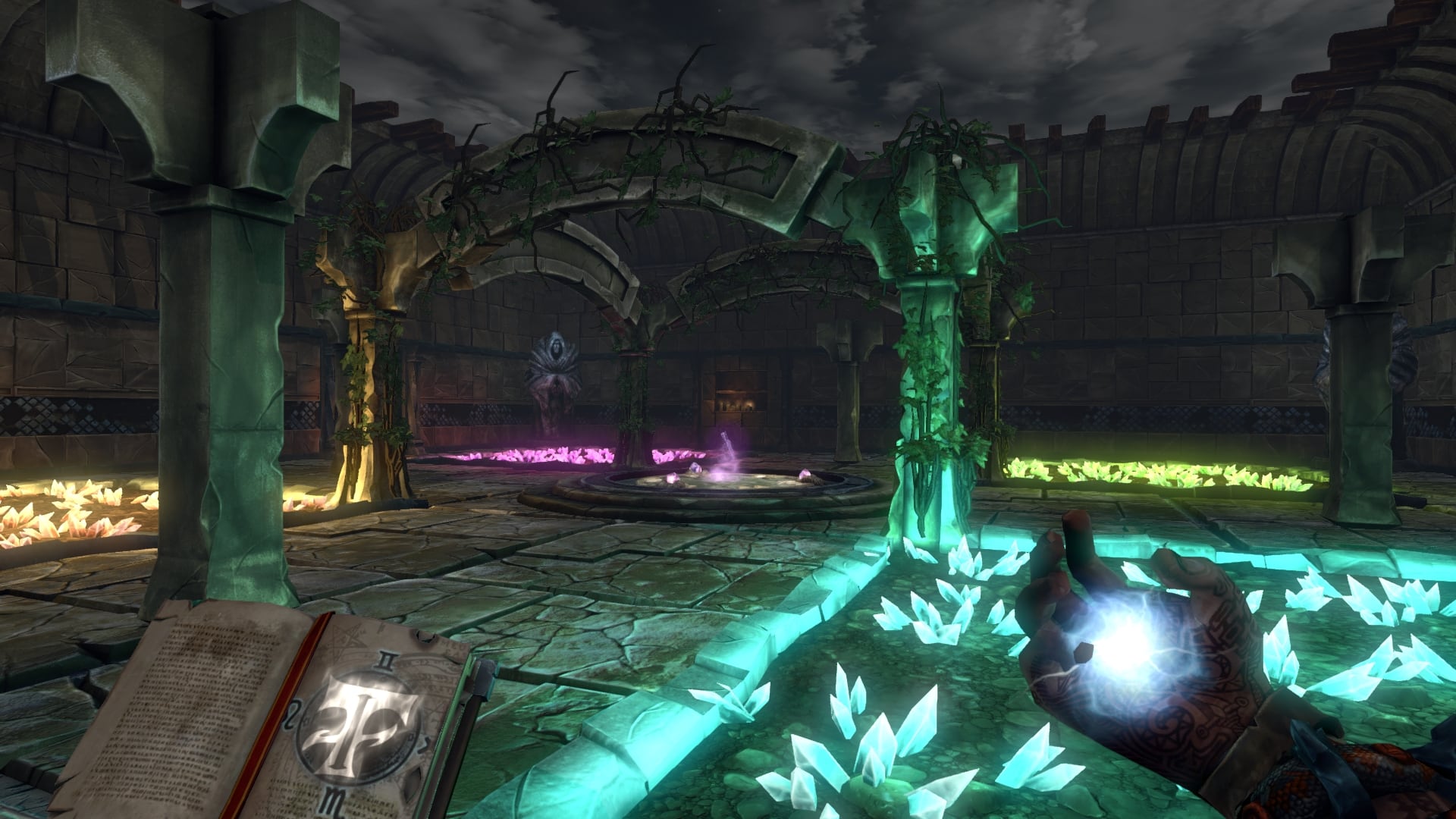

Dungeon-Crawling First Person Shooting at its finest! Fast-paced combat! Dozens of perks, spells and enemies! Level ups! Random Dungeons! Traps! Badass bosses! Carrots! Ziggurat is the best combination of First Person Shooter and Rogue-LITE you have ever seen.
Become a neophyte sorcerer, and get ready for your rite of passage: Enter the labyrinth and face dangerous challenges to prove your worth and become a powerful wizard!
The game focuses on fast-paced first person shooting, with an old-school vibe, and updated handling and game mechanics. Dungeon crawling and RPG/Roguelike elements are added into the mix, resulting in a fun, challenging and varied game, with lots of content to discover.
Fight almighty bosses, get through rooms filled with traps, and treasures that may help you in your journey... Each game is a whole new experience!
Unlike most Rogue-thingies, on Ziggurat your combat skills will be the most important asset to keep advancing. Leveling up and randomly generated content is there to improve variety and make each game different, not to make the game a roll dice or an unbearable grind.
Most perks are designed to change the way you have to play or the weapons you'll want to use. Do you want more speed in exchange for less health, or maybe is better to have mana regeneration? Increase drop rate, or refill ammo here and now? No number game here, simple and direct choices.
We've also ensured that, as a proper FPS game, the experience is quick and direct. There's no inventory to manage or the need to compare two almost equal item drops, just weapon selection, and mana/health are usually the bargaining chip.
A whole arsenal of magic and alchemic weapons will be at your disposal. Wreak havoc among your enemies, but watch your mana reserves or you might regret it later!
Magic staves, spellbooks, magic wands... dozens of weapons with different attack strategies that help keeping the game fresh!
Frequently asked questions
How do I install the app?
Mount the image, drag the app into the "Applications" folder and launch it. If the system blocks the launch, allow it in "System Settings → Privacy & Security".
The app is damaged or won't launch
Reinstalling from a fresh image usually helps. Make sure your macOS version matches the one listed in the compatibility specs.
How do I update?
Download the new version from the site and install it over the current one — your settings will be preserved.
The download link doesn't work
Try a mirror or a download manager. For large files the browser often drops the connection.
How do I completely remove the app?
Use an uninstaller utility — it cleans up the service files that remain after moving the app to the trash.


Choose a download source
Ziggurat 20608 · 651.07 MB