PDF Expert 3.11
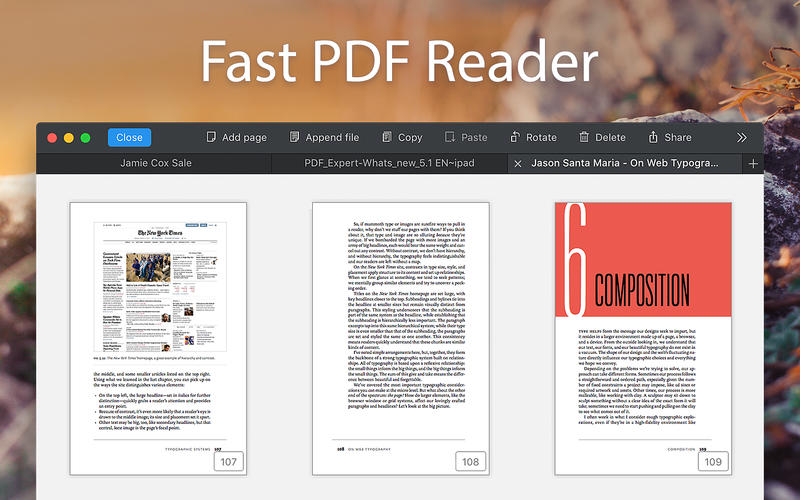
PDF Expert - springs into action with smooth scrolling and fast search from the first document you select. PDFs open instantly, whether they are just small email attachments or 2000-page reports.
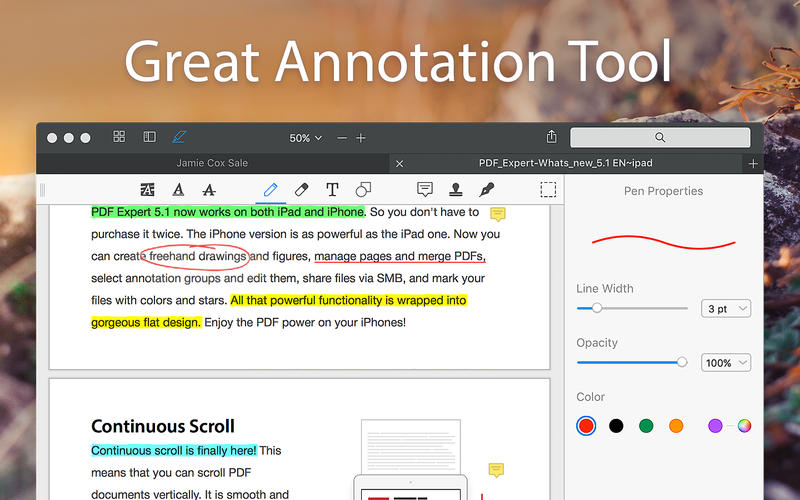
- Professional Annotation Tool - From simple changes to marathon editing sessions, PDF Expert lives up to its name. Powerful yet easy-to-use tools are just a click away so you can leave your mark in record time.
- Read - An award-winning, lightning-fast, tabbed document viewer will get you through multiple PDFs faster than ever.
- Excellent for Form Filling - PDF Expert provides the best experience for filling out PDF forms. Text fields, checkboxes, radio buttons, and other form elements work as you expect, and all the information you enter is saved within the form. Even complex interactive forms with jаvascript work impressively well.
- An Easy Way to Sign Documents - Signing document on your Mac is as simple as it could be. Just type your name on a keyboard and PDF Expert will transform it into beautiful handwriting. Or use your Macbook’s trackpad and write with your finger. You can even use signatures already created in PDF Expert for iOS.
- Wide Sharing Options - You don’t work alone, and neither does PDF Expert. When it’s time to send documents to clients, coworkers, and everyone in between, PDF Expert has top-notch support for your Mac’s system-wide share sheet and other apps. If an app accepts PDFs, PDF Expert can get them there.
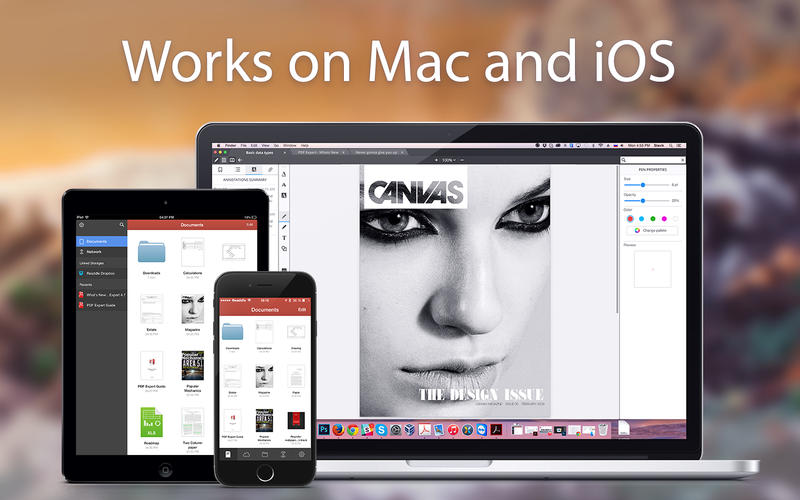
- Works across all your devices - Use PDF Expert on any Apple device - Mac, iPad, and iPhone. Use Apple’s Continuity and Handoff features to seamlessly transfer document from one device to another and continue editing where you left.
Version 3.10.22
- We’ve made a round of technical refinements in this update to keep your experience smooth and stable.
Frequently asked questions
How do I install the app?
Mount the image, drag the app into the "Applications" folder and launch it. If the system blocks the launch, allow it in "System Settings → Privacy & Security".
The app is damaged or won't launch
Reinstalling from a fresh image usually helps. Make sure your macOS version matches the one listed in the compatibility specs.
How do I update?
Download the new version from the site and install it over the current one — your settings will be preserved.
The download link doesn't work
Try a mirror or a download manager. For large files the browser often drops the connection.
How do I completely remove the app?
Use an uninstaller utility — it cleans up the service files that remain after moving the app to the trash.

Choose a download source
PDF Expert 3.11 · 110.45 MB
Previous versions
PDF Expert 3.11
Previous versions are available to registered users.
Comments 5