Babel: Choice
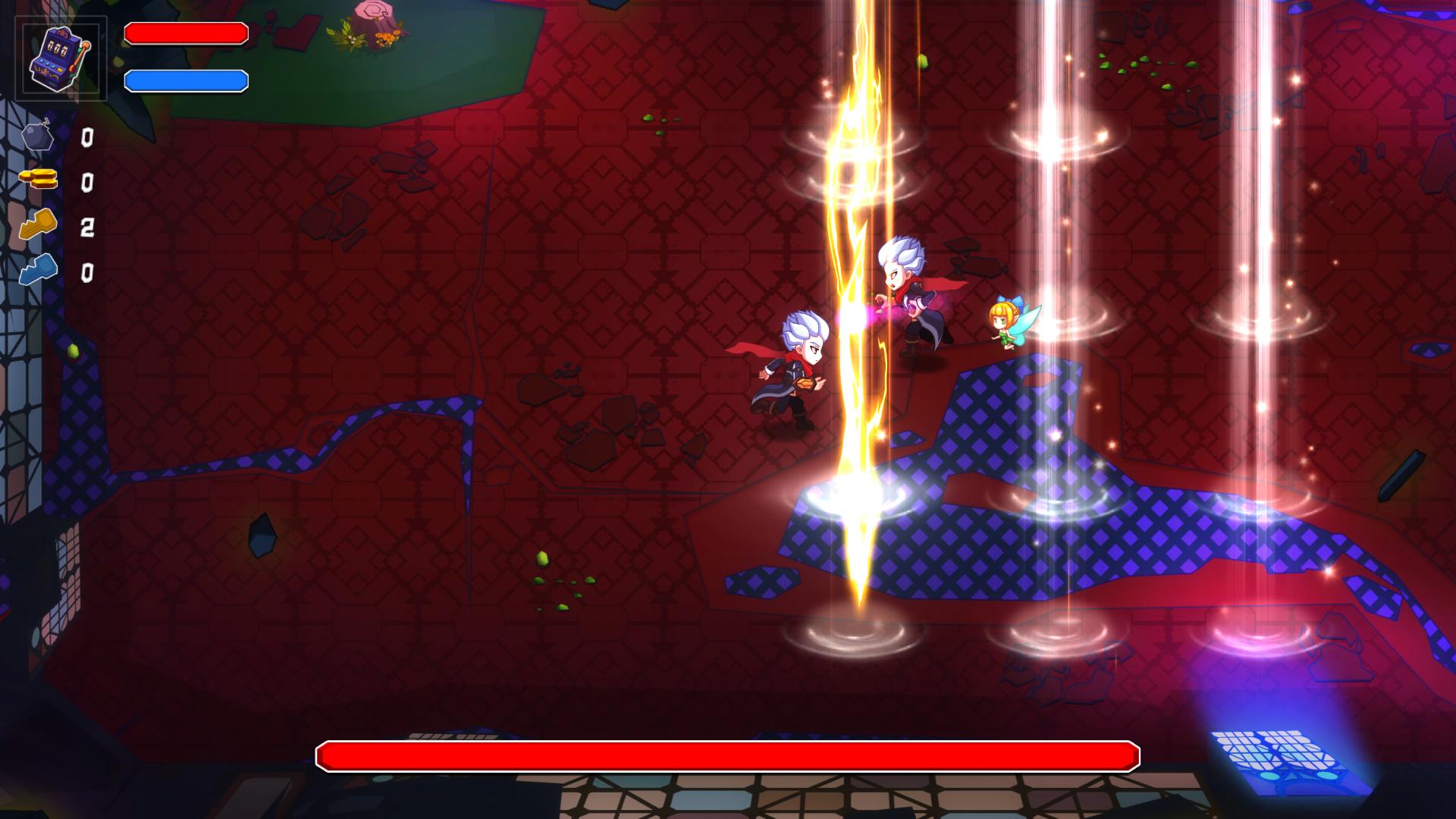
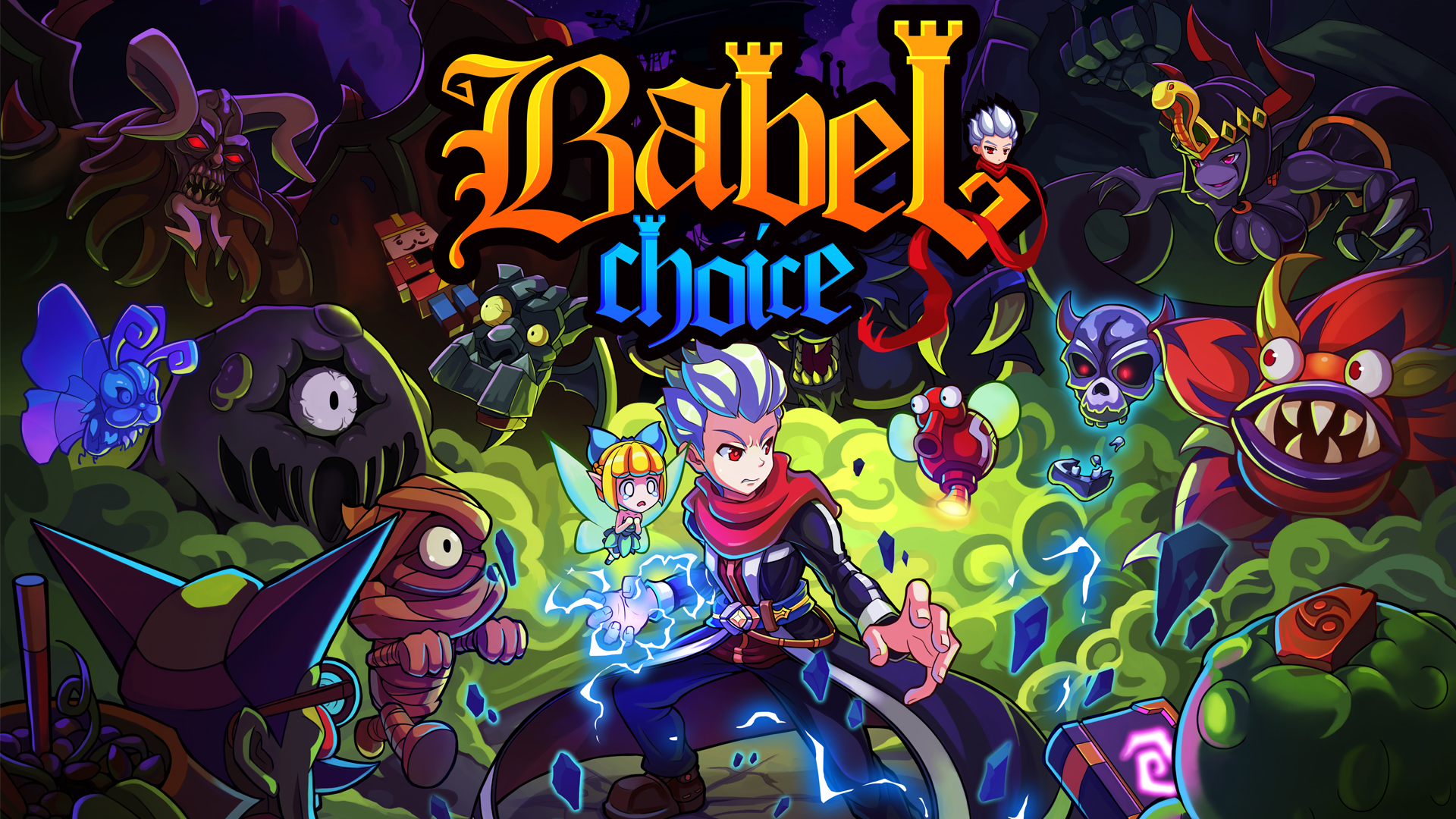
Babel: Choice is a 2D action-adventure Roguelike game which combines with the elements of RPG and shooting games. In the game, the player will play the part of Alexander, the son of the evil duke, aiming to break through the perilous and capricious Tower of Evil.
The female human Lena was brought to justice by her kin for being in love with the evil duke and then was burnt alive, which made Lena’s lover, the evil duke Rednaxela, extremely furious. For revenge, Rednaxela summoned the demons to go to Babel, the portal to the human world. As the son of the human Lena and the evil duke Rednaxela, Alexander goes to Babel alone to find the truth in a bid to save the humankind. In face of the destruction of the world and the only kinship, what choice will Alexander make?
Main features:
Multiple scenarios
– garden, library, colosseum, Acheron, church, etc.
Random maps
– more then 100 randomly arranged levels to enable the players have different game experience every time.
Various props
– with over 150 active props, passive props, masks, imps, the players can have a joyful prop collection and enjoy the fun accompanied with a variety of props.
Challenge Boss
– besides over 30 kinds of monsters with different behaviors, there are more than 20 kinds of Bosses with different personalities.
Resource allocation
– by reasonably allocating and using limited keys and bombs, the players can obtain more props to grow stronger and stronger.
Hidden elements
– there are many hidden rooms and props in the game. When the players pass a level, a whole new role will be unlocked. Different roles have different characteristics, thus new game experiences are created for the players.
Original music
- Music by Russian artist Stanislav Bulaev (Stallod orch.) and Danish artist Roald Strauss.
Malice from the production team
– if you fail to address the challenge (it is quite possible), you will lose all proceeds, including collected props, your growth, your imps.
Screenshots

Frequently asked questions
How do I install the app?
Mount the image, drag the app into the "Applications" folder and launch it. If the system blocks the launch, allow it in "System Settings → Privacy & Security".
The app is damaged or won't launch
Reinstalling from a fresh image usually helps. Make sure your macOS version matches the one listed in the compatibility specs.
How do I update?
Download the new version from the site and install it over the current one — your settings will be preserved.
The download link doesn't work
Try a mirror or a download manager. For large files the browser often drops the connection.
How do I completely remove the app?
Use an uninstaller utility — it cleans up the service files that remain after moving the app to the trash.
VersionBabel: Choice
DeveloperSogoal
GenreAction
Release Date12 Feb, 2016
CompatibilityOS X 10.7 or later, 64-bit processor
LanguageEnglish
IncludesPre-K'ed



Information
Visitors in the group Guests cannot leave comments on this publication.
Choose a download source
Babel: Choice