XCOrganizer 1.2.3
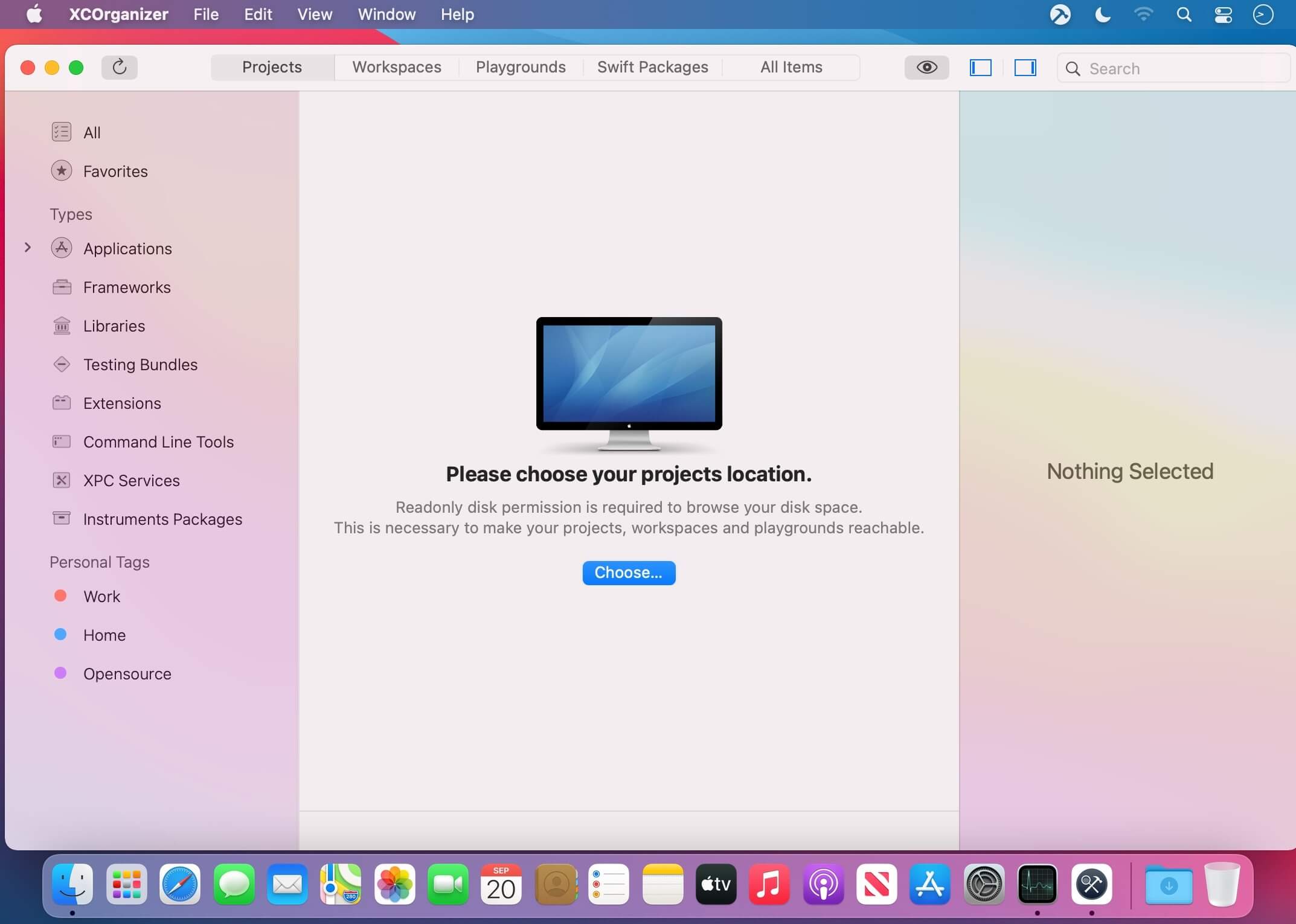
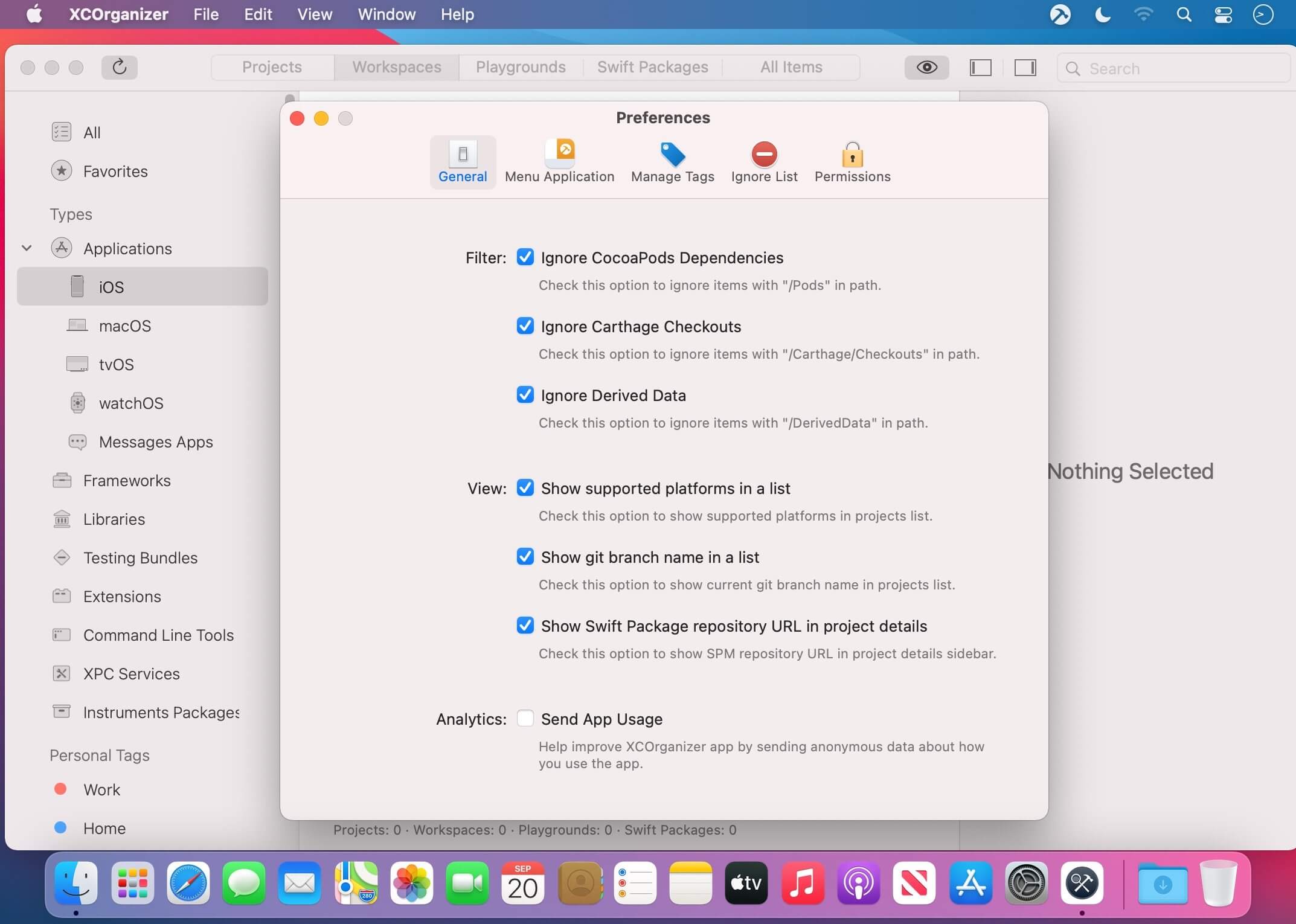

XCOrganizer is a tool that lets you easily locate any project on a disk. Browse through Xcode Projects, Xcode Workspaces, Swift Playgrounds, and Swift Packages grouped by types. Assign tags based on project goals. Add whatever you’re working on to favorites. Humans can’t possibly keep track of all project names. XCOrganizer can.
Group By Kind
- All the projects are grouped by kinds, so If you know, that you are looking for some newly built XCFramework, or, for example, Apple Watch extension, it’s easier than ever to find it by selecting the group.
- XCOrganizer easily sorts all the items for you. Check it out.
Personal Tags
- Any Xcode Project (as well as workspace, playground and Swift package) could be easily marked with predefined tags like (Work, Home or Opensource) and even more, you can create your own tags to keep everything sorted. You can also assign the whole folder to the specific tag.
Quick Search
- Have doubts about the naming? “CoolProj” or “CoolProject”? All items are indexed, so no matter, just type it and get your results.
Favorites
- The easiest way to keep something shorthand is to bookmark it. Add your project to favorites.
View on the App Store
- Open your project's product on the App Store right from the application. Never miss the link.
Menu application
- Want some shortcut? You have quick access to your favorite items in status bar application.
QuickLook Extension
- Preview your project's details right from QuickLook or Spotlight.
Version 1.2.3
- Alternate actions have been added to the menu.
- Fixed an issue when ignored items showed up in the menu.
Frequently asked questions
How do I install the app?
Mount the image, drag the app into the "Applications" folder and launch it. If the system blocks the launch, allow it in "System Settings → Privacy & Security".
The app is damaged or won't launch
Reinstalling from a fresh image usually helps. Make sure your macOS version matches the one listed in the compatibility specs.
How do I update?
Download the new version from the site and install it over the current one — your settings will be preserved.
The download link doesn't work
Try a mirror or a download manager. For large files the browser often drops the connection.
How do I completely remove the app?
Use an uninstaller utility — it cleans up the service files that remain after moving the app to the trash.



Choose a download source
XCOrganizer 1.2.3 · 23.87 MB