
Pocket cleaner Pro 1.6.1
Screenshots
Click to enlarge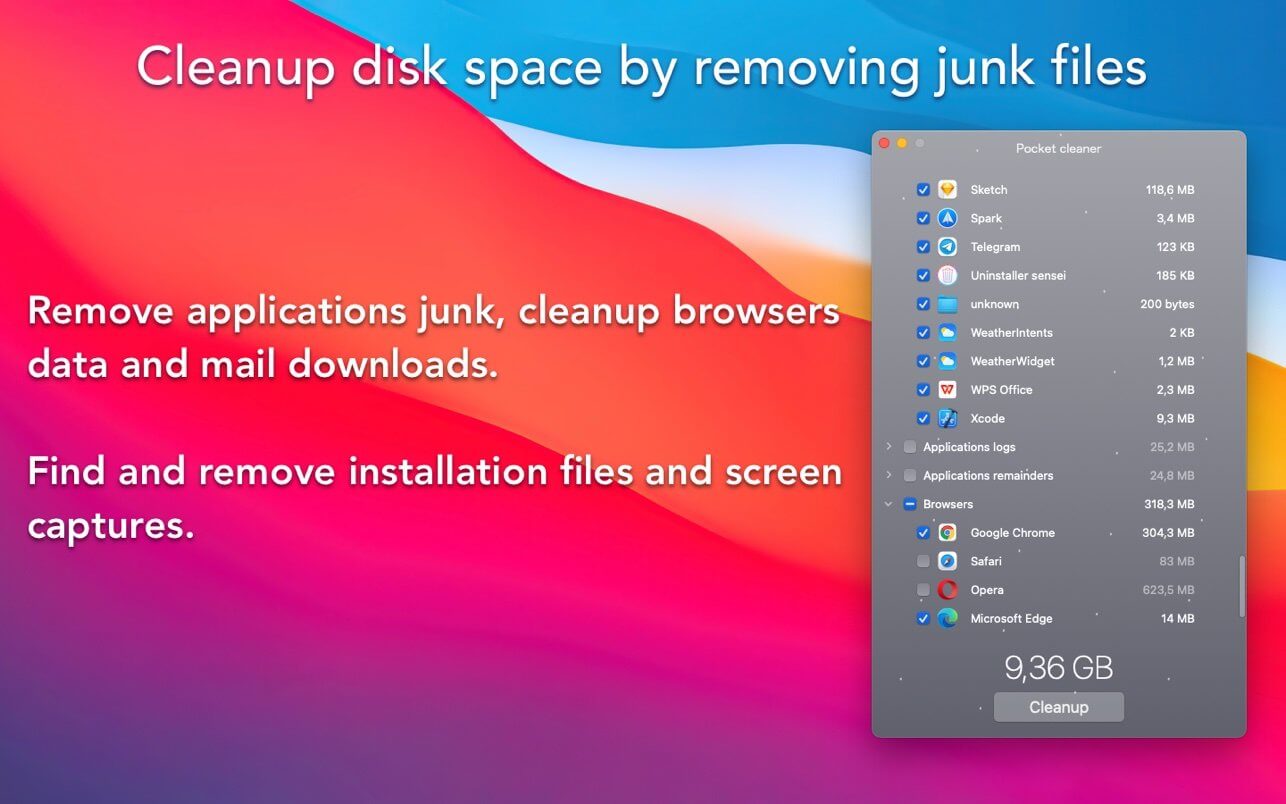

Pocket cleaner Pro the application that includes ToolKit for cleanup disk space from unneeded junk files that contains on your Mac.
Uninstaller tool is software for completely removing applications and leftover files that associated with app.
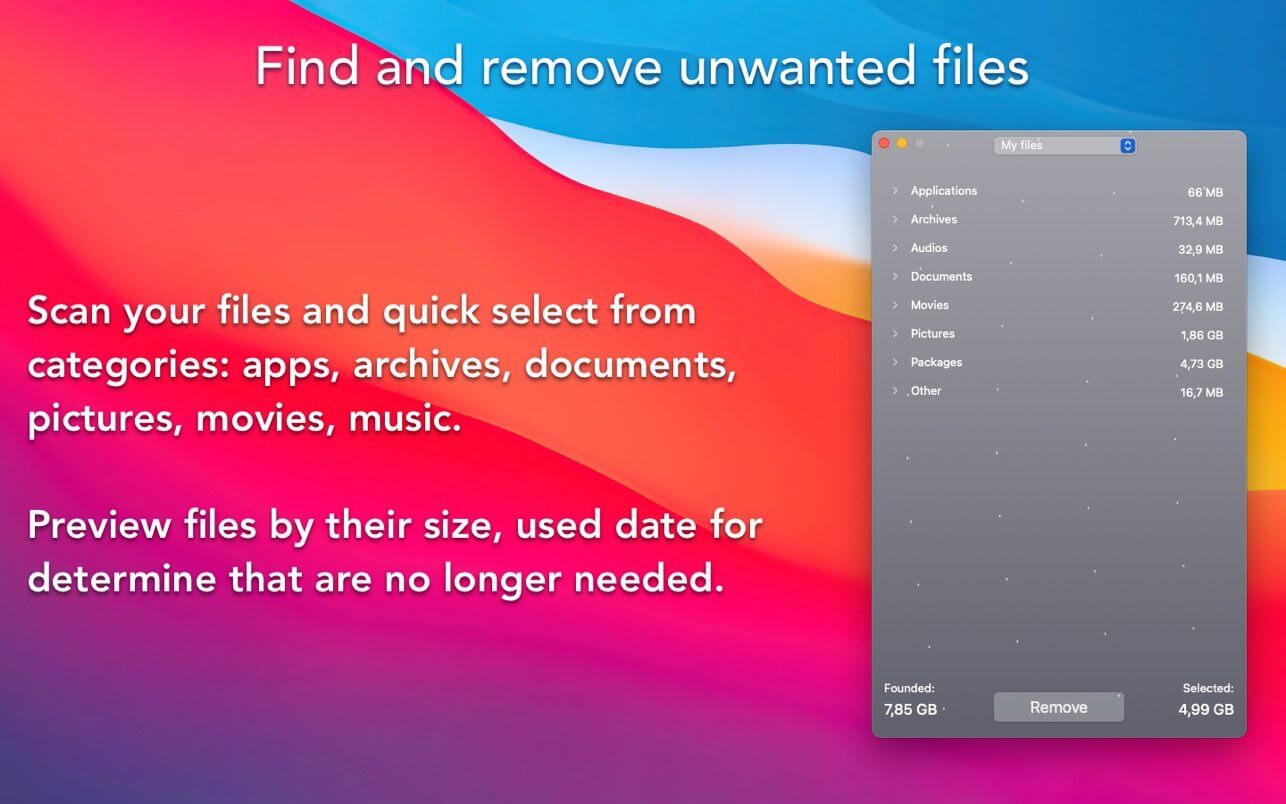
Unwanted files Finder scan your files and allows you to quick select from their categories: apps, archives, documents, pictures, movies, music and packages. Sort files for determine that are no longer needed.
DISK CLEANUP TOOLKIT
- Delete applications remainder files from previously incorrectly removed applications
- Cleanup application cache files for speed up application work and free up disk space.
- Cleanup application logs files for free up disk space from files that usually unnecessary.
- Find and delete used installation package files, that no longer need.
- Delete mail attachments that contains on your disk after email was opened.
- Browsers can store a lot of data like cookies, caches, this can take up a lot of disk space and can be cleaned.
- Find and remove screenshots that are no longer need.
- Scan your files and quick select and delete files that no longer needed.
UNINSTALLER
- Remove installed applications by select from list.
- Drag & drop applications to directly to app or to dock icon for deletion.
- Remove applications that a long time not been used.
- Reset app to initial state for cleanup application data or if app does not work properly.
UNWANTED FILES FINDER
- Preview files in categories: apps, archives, documents, pictures, movies, music and packages.
- Sort files by their size: small, medium and large.
- Sort files by last open date: on this week, in this month, in this year and over year.
- Remove permanently or move files to the Trash.
Version 1.5.9
New:
- Added Xcode Junk item in Disk Cleanup ToolKit for search and remove unneeded files that was created during development.
- Added Xcode Archives item in Disk Cleanup ToolKit for removing archives for previously releases.
Improved:
- Improved user experience in Disk Cleanup ToolKit component.
Comments
No comments yet. Be the first.
Information
Visitors in the group Guests cannot leave comments on this publication.