
Techtool Pro 14.0.2 Build 7175
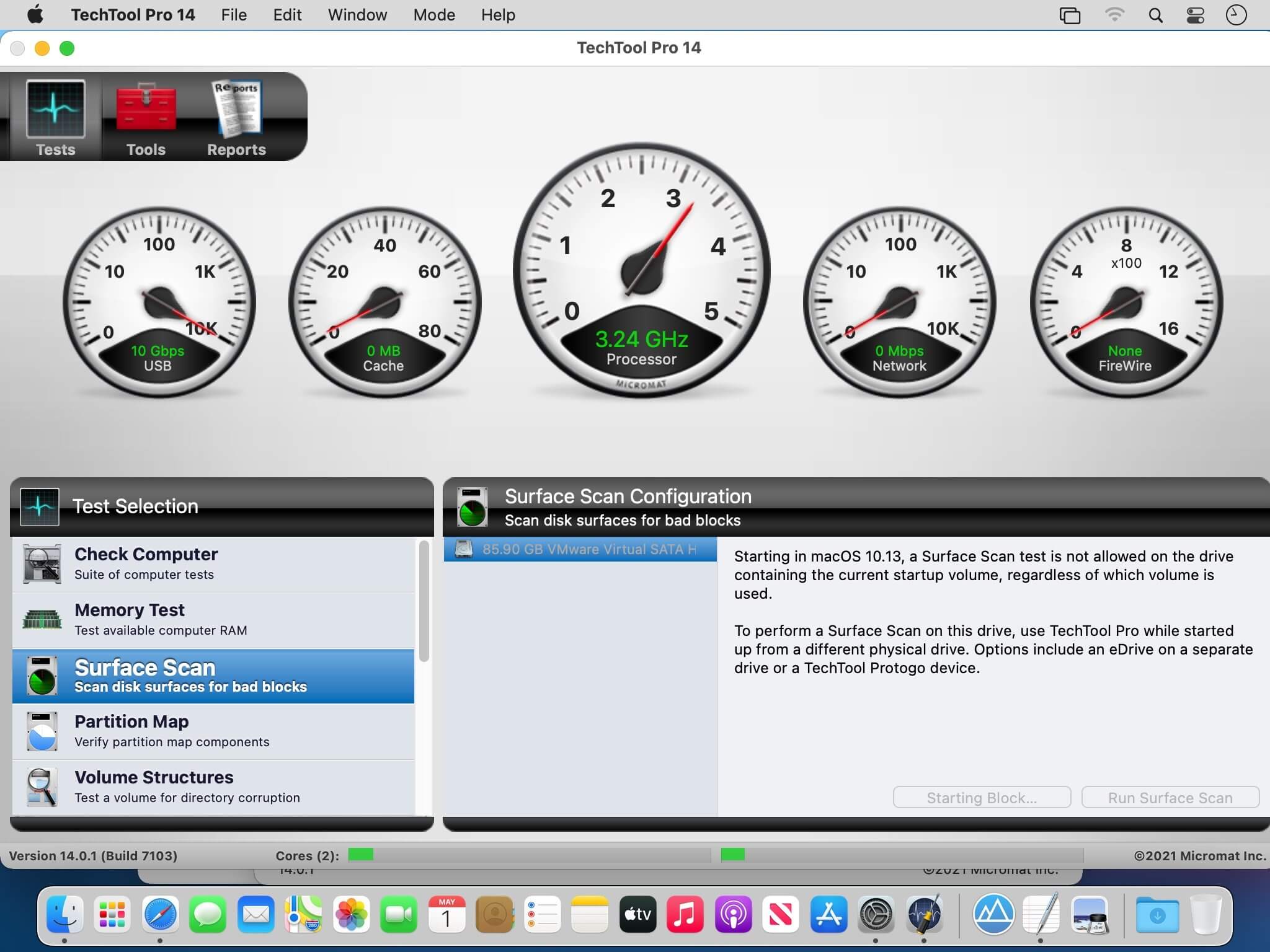
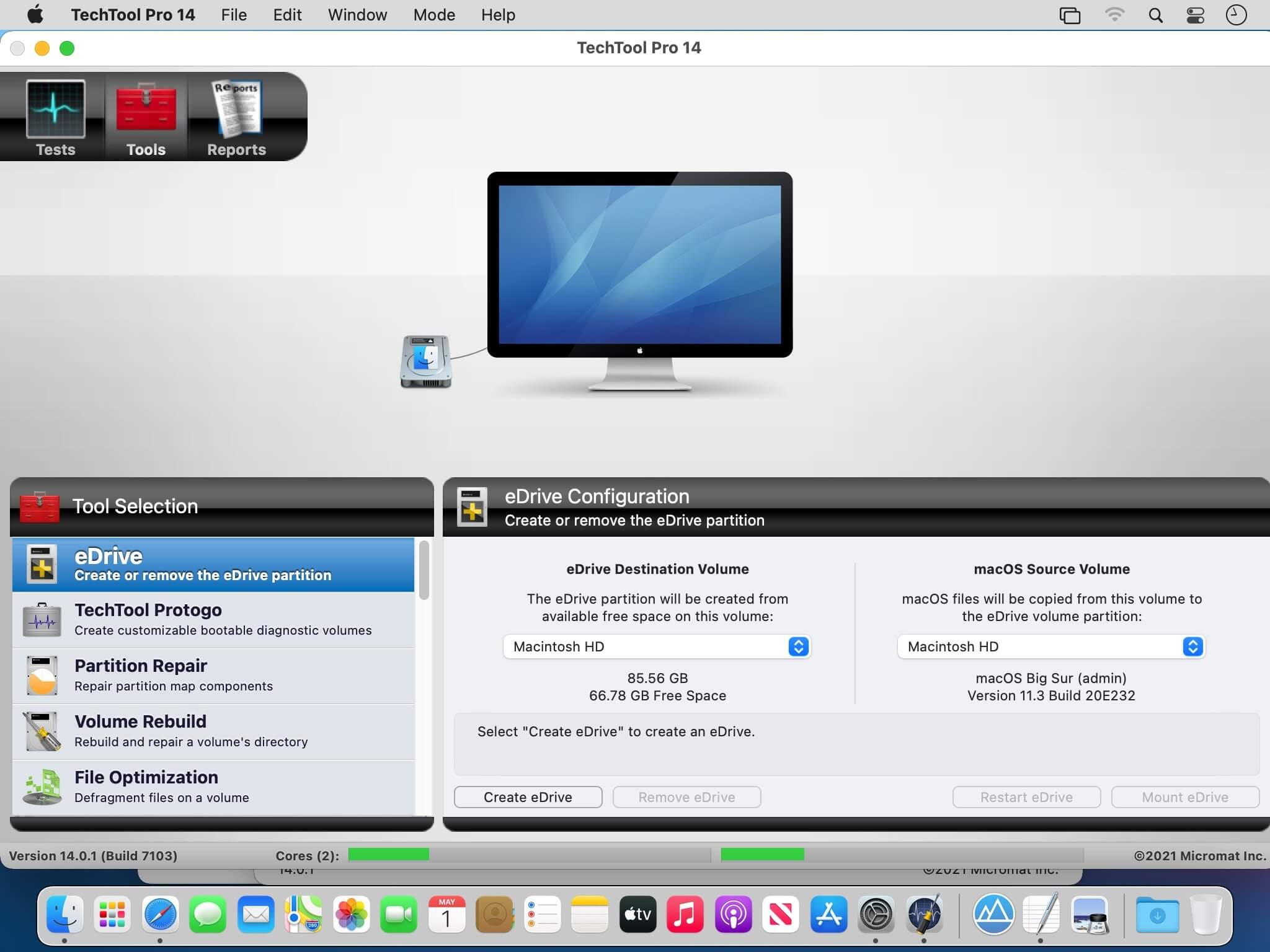
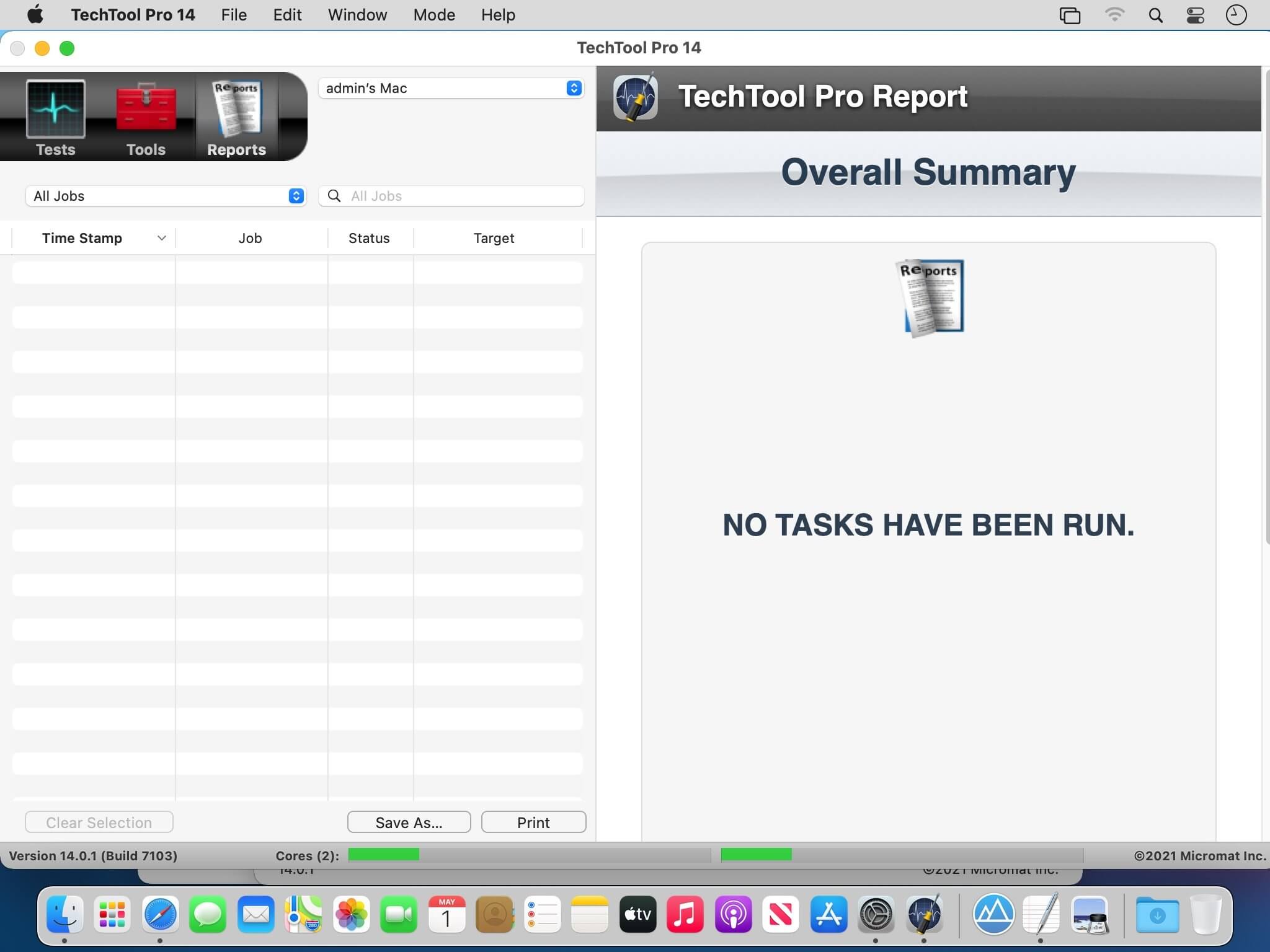
TechTool Pro has long been one of the foremost utilities for keeping your Mac running smoothly and efficiently. With the release of version 14, it has become more proficient than ever. Techtool Pro 14 is compatible with all current Macintosh models and system versions.
New in Techtool Pro 14:
Apple Silicon Compatibility
Techtool Pro 14 is a Universal Mac app, and runs natively on both Apple Silicon* and Intel Macs. Techtool Pro is deeply connected to your Mac’s hardware, so nearly every test and tool has been updated to support Apple’s latest processor technology.
Apple Silicon Compatibility
Techtool Pro 14 is a Universal Mac app, and runs natively on both Apple Silicon* and Intel Macs. Techtool Pro is deeply connected to your Mac’s hardware, so nearly every test and tool has been updated to support Apple’s latest processor technology.
Volume Initialization
Techtool Pro 14 can now reformat volumes connected to your Mac. Use the Volume Initialization tool to quickly reformat drives as either APFS, Mac OS Extended, or even Ex-Fat or FAT 32.
App Check
Techtool Pro 14 introduces a new tool to quickly inspect your apps to ensure that they full support Apple Silicon, as well as whether they support Apple’s latest security features.
Live Startup Disk Repair
Techtool Pro 14 now supports “live” volume repair on your APFS startup volume. Perform volume repairs without restarting to a separate startup disk.
Frequently asked questions
How do I install the app?
Mount the image, drag the app into the "Applications" folder and launch it. If the system blocks the launch, allow it in "System Settings → Privacy & Security".
The app is damaged or won't launch
Reinstalling from a fresh image usually helps. Make sure your macOS version matches the one listed in the compatibility specs.
How do I update?
Download the new version from the site and install it over the current one — your settings will be preserved.
The download link doesn't work
Try a mirror or a download manager. For large files the browser often drops the connection.
How do I completely remove the app?
Use an uninstaller utility — it cleans up the service files that remain after moving the app to the trash.





Choose a download source
Techtool Pro 14.0.2 Build 7175 · 246.23 MB
Previous versions
Techtool Pro 14.0.2 Build 7175
Previous versions are available to registered users.