
Beyond Blue 1.4
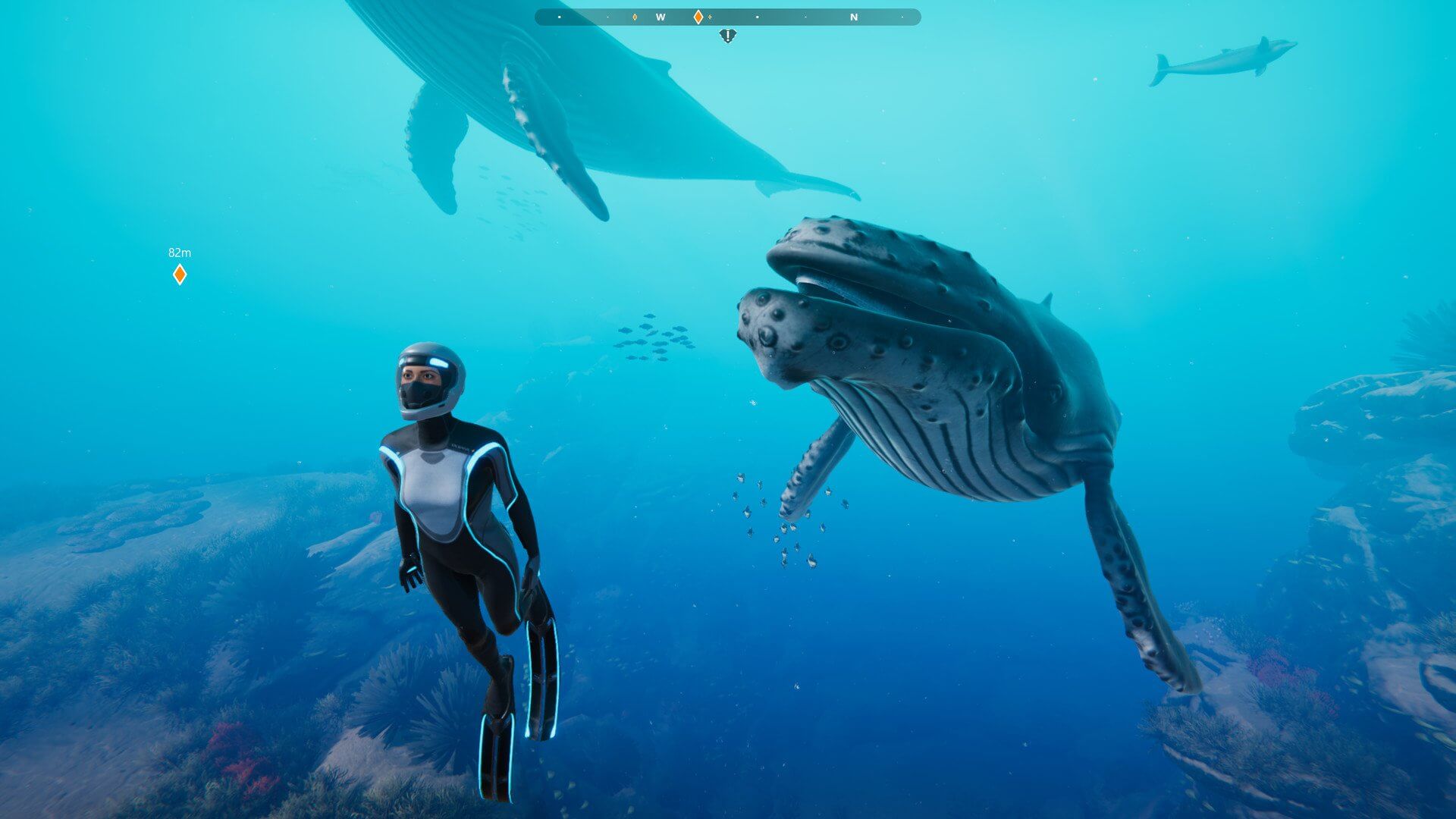
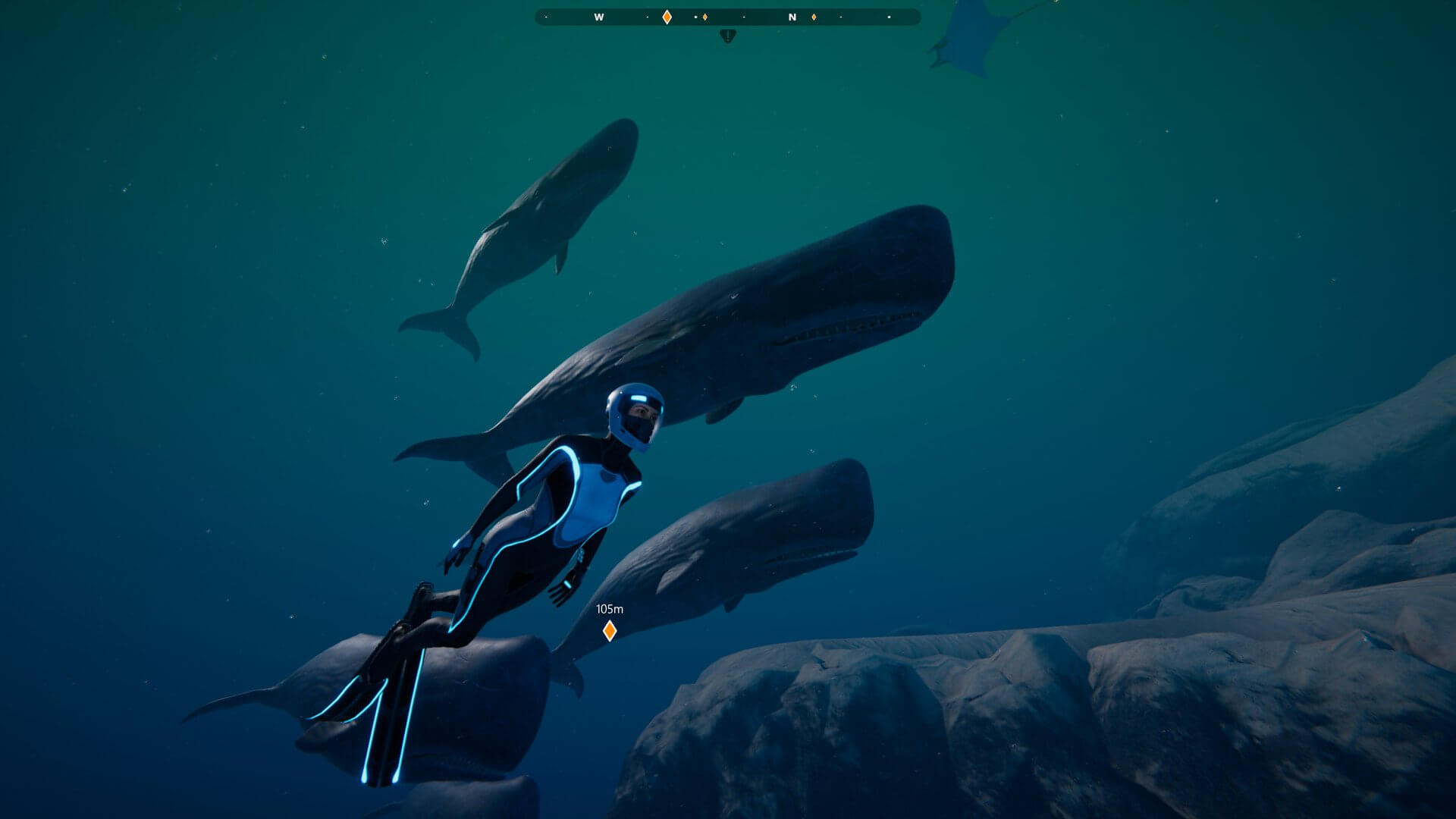

Beyond Blue takes you into the near future, where you’ll have the opportunity to explore the mysteries of our ocean through the eyes of Mirai, a deep sea explorer and scientist. You and your newly-formed research team will use groundbreaking technologies to see, hear, and interact with the ocean in a more meaningful way than has ever been attempted. The game features an evocative narrative, exploration of an untouched world, and adventure during the crew’s expedition.
Embracing the same inclusive development process that was used to create Never Alone (Kisima Ingitchuna), E-Line’s BAFTA award-winning game about Alaska Native culture, the company partnered with BBC Studios (developers of the acclaimed Blue Planet II), OceanX Media, world-class game makers, and some of science’s leading ocean experts to craft an experience that reflects the awesome wonder and unbounded mystery that infuses our planet’s beating blue heart.
Version 1.4
We're excited to announce that Version 1.4 brings one of our most-requested features to Beyond Blue: Photo Mode! In Photo Mode, you'll be able to freeze time to move, zoom and tilt the camera in order to set up the perfect shot. Use your device's native screenshot functionality to save it and share it! Access Photo Mode using the Photo Mode button.
In addition to Photo Mode, this update adds the following features and fixes:
We're excited to announce that Version 1.4 brings one of our most-requested features to Beyond Blue: Photo Mode! In Photo Mode, you'll be able to freeze time to move, zoom and tilt the camera in order to set up the perfect shot. Use your device's native screenshot functionality to save it and share it! Access Photo Mode using the Photo Mode button.
In addition to Photo Mode, this update adds the following features and fixes:
- Fixed issue that prevented players from scrolling in certain instances (e.g. Free Dive Menu, Music Player)
- Disabled on-screen icons when using a controller
- Additional minor fixes and improvements
Frequently asked questions
How do I install the app?
Mount the image, drag the app into the "Applications" folder and launch it. If the system blocks the launch, allow it in "System Settings → Privacy & Security".
The app is damaged or won't launch
Reinstalling from a fresh image usually helps. Make sure your macOS version matches the one listed in the compatibility specs.
How do I update?
Download the new version from the site and install it over the current one — your settings will be preserved.
The download link doesn't work
Try a mirror or a download manager. For large files the browser often drops the connection.
How do I completely remove the app?
Use an uninstaller utility — it cleans up the service files that remain after moving the app to the trash.
VersionBeyond Blue 1.4
DeveloperE-Line Ventures
GenreAdventure, Casual, Indie, Simulation
Release Date11 Jun, 2020
CompatibilitymacOS 11.0 or later
LanguageMultilingual

Information
Visitors in the group Guests cannot leave comments on this publication.
Choose a download source
Beyond Blue 1.4 · 6.08 GB