
Movavi Video Suite 22.4.1
Screenshots
Click to enlarge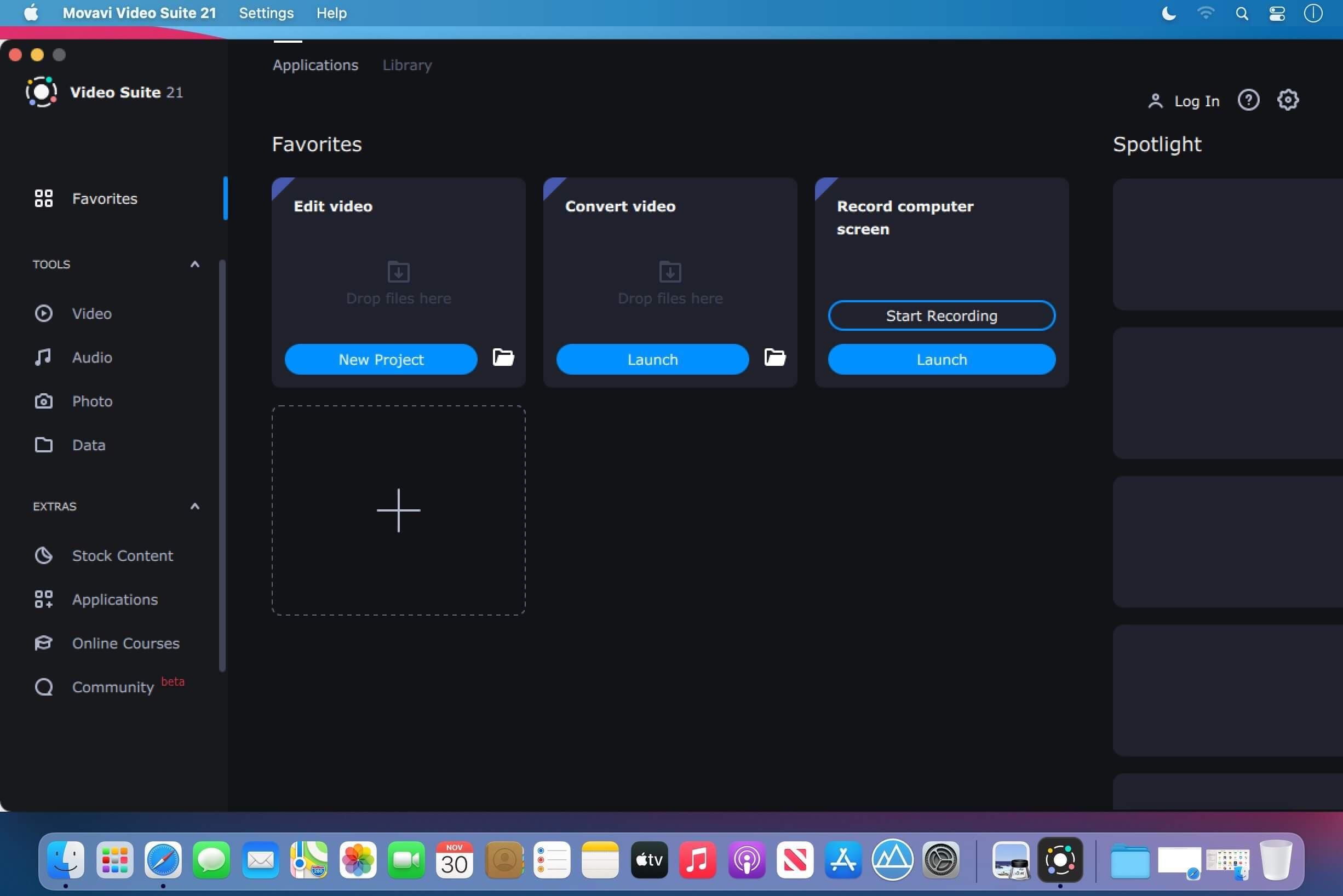
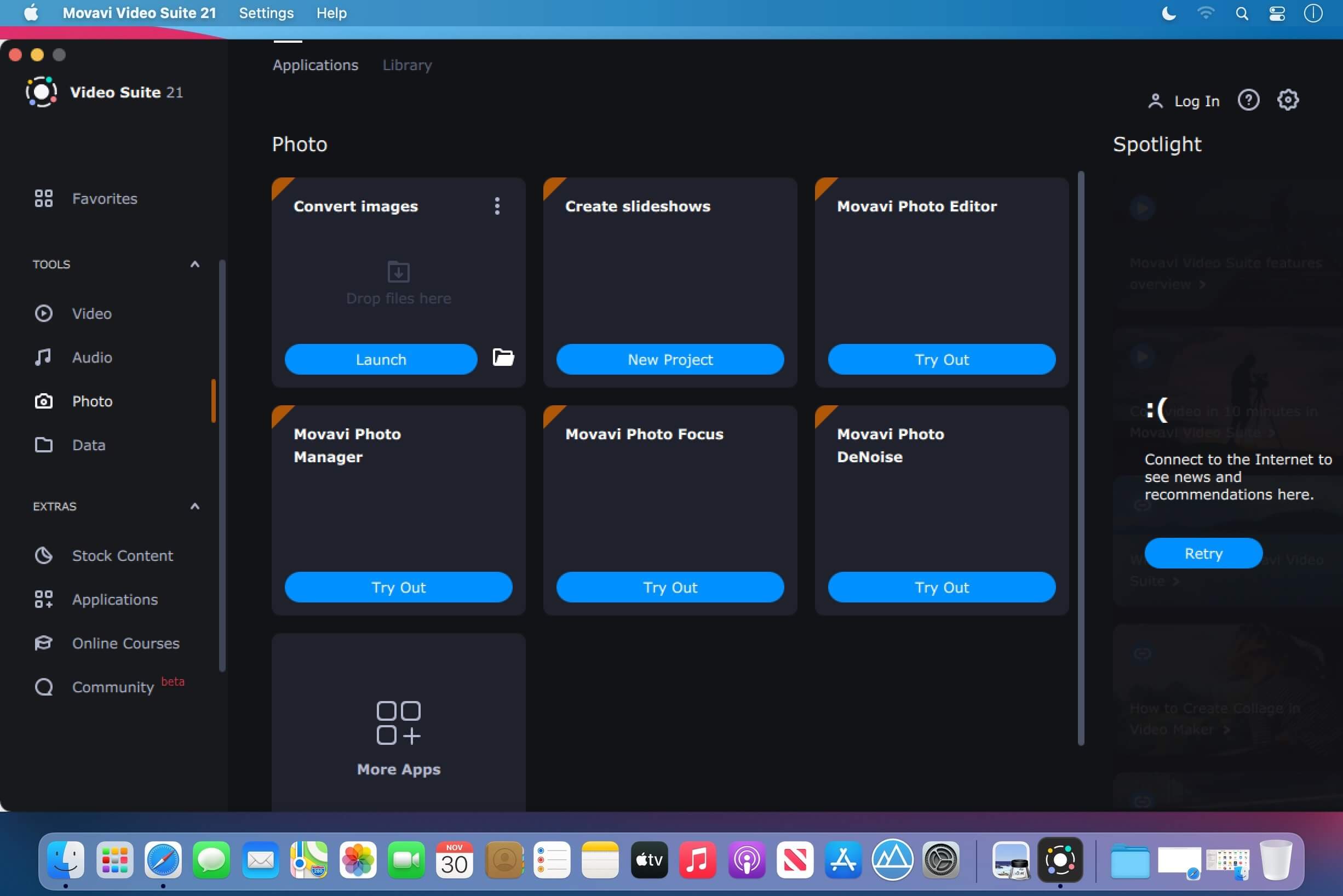
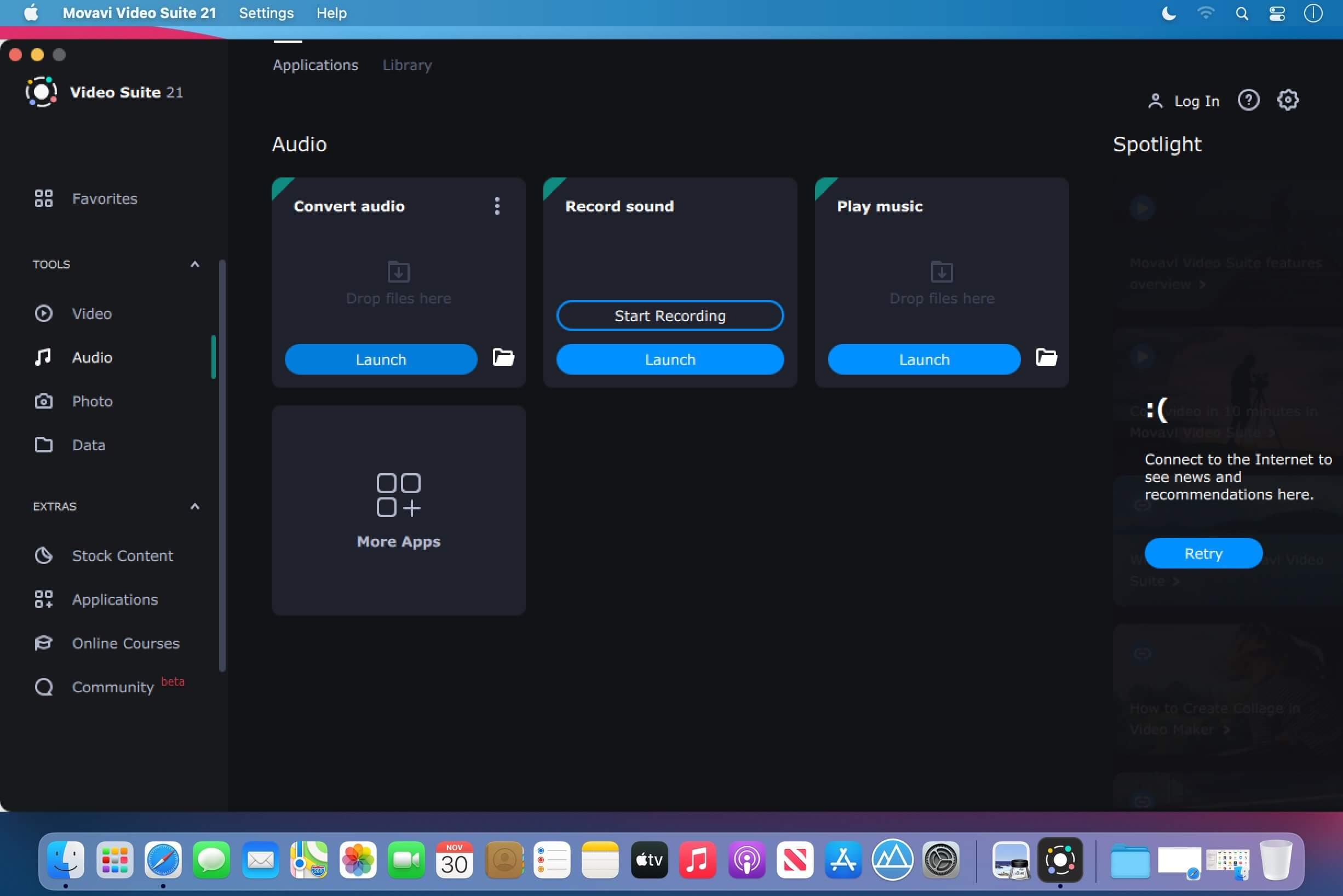
Movavi Video Suite is comprehensive video making software that helps you create professional-looking movies and slideshows on your home computer – even if you have no experience.Incorporate music, create text captions, apply visual effects and transitions – you can do whatever you want with your video. In addition to the video making app, Movavi Video Suite contains a number of useful apps to help every video maker: powerful video converter that supports 180+ media formats, convenient utility for burning DVDs, a special tool for digitizing analog video, and more.
Version 22.4.1:
- Minor improvements and bug fixes.
Comments
No comments yet. Be the first.
Information
Visitors in the group Guests cannot leave comments on this publication.