

Tenorshare 4DDiG 3.2.0.5
Screenshots
Click to enlarge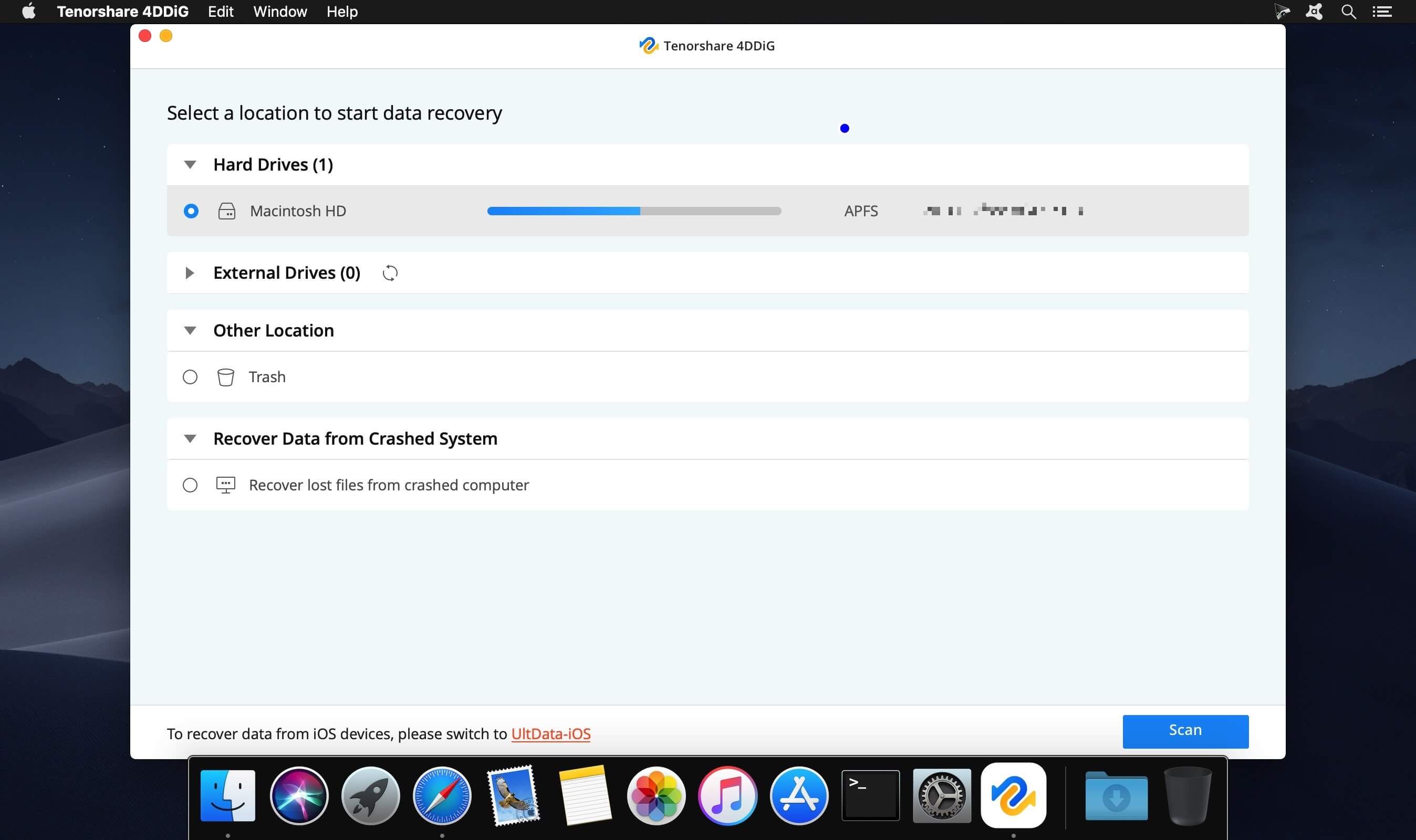
Description
Recover Everything without Risk. Get back deleted, formatted or lost data from Mac. Recover from hard drive, memory card, and removable devices. High data recovery rate and 100% secure.
Recover Unlimited Mac Data for You
- Recover data deleted, formatted or lost on Mac
- Restore files from a hard drive and external storage devices
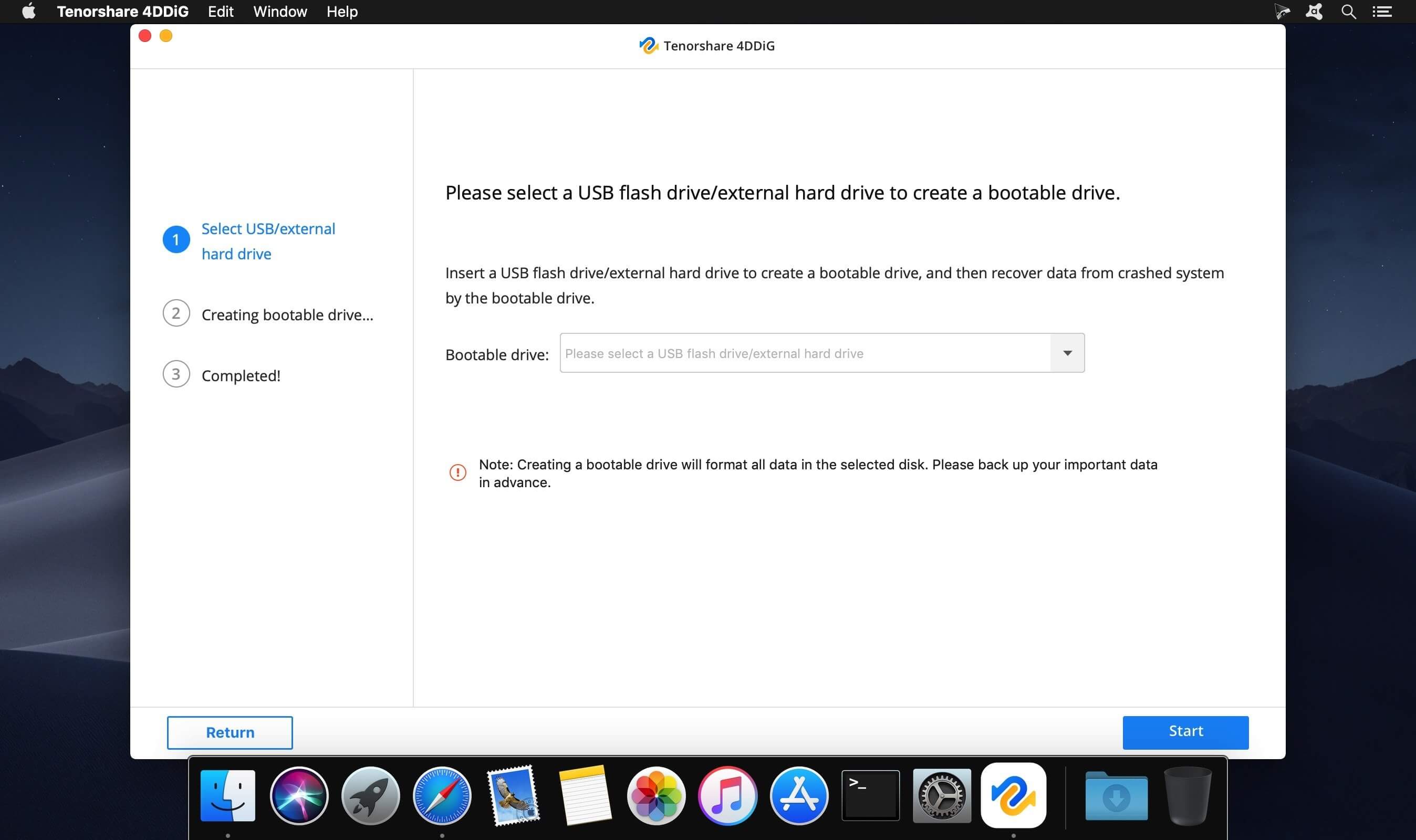
- Recover data from failed/crashed/dead MacBookNEW
- Support Mac T2 Chip Data RecoveryNEW
- High data recovery rate and 100% secure
- Fully supported latest macOS Big Sur
- What's New: UltData - Mac Data Recovery renamed 4DDiG
Comments
No comments yet. Be the first.
Information
Visitors in the group Guests cannot leave comments on this publication.