
AnyDroid 7.5.0.20230626
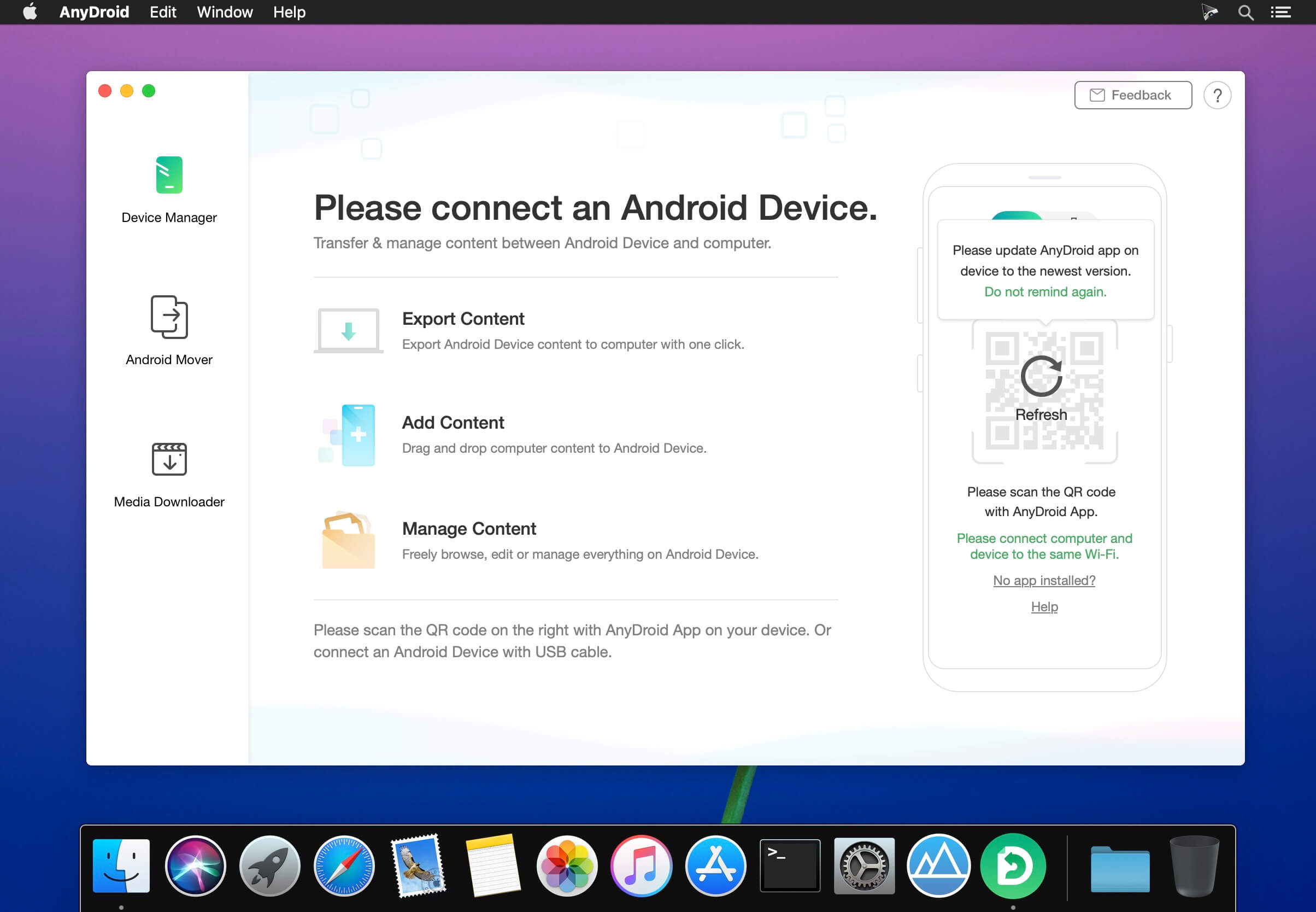
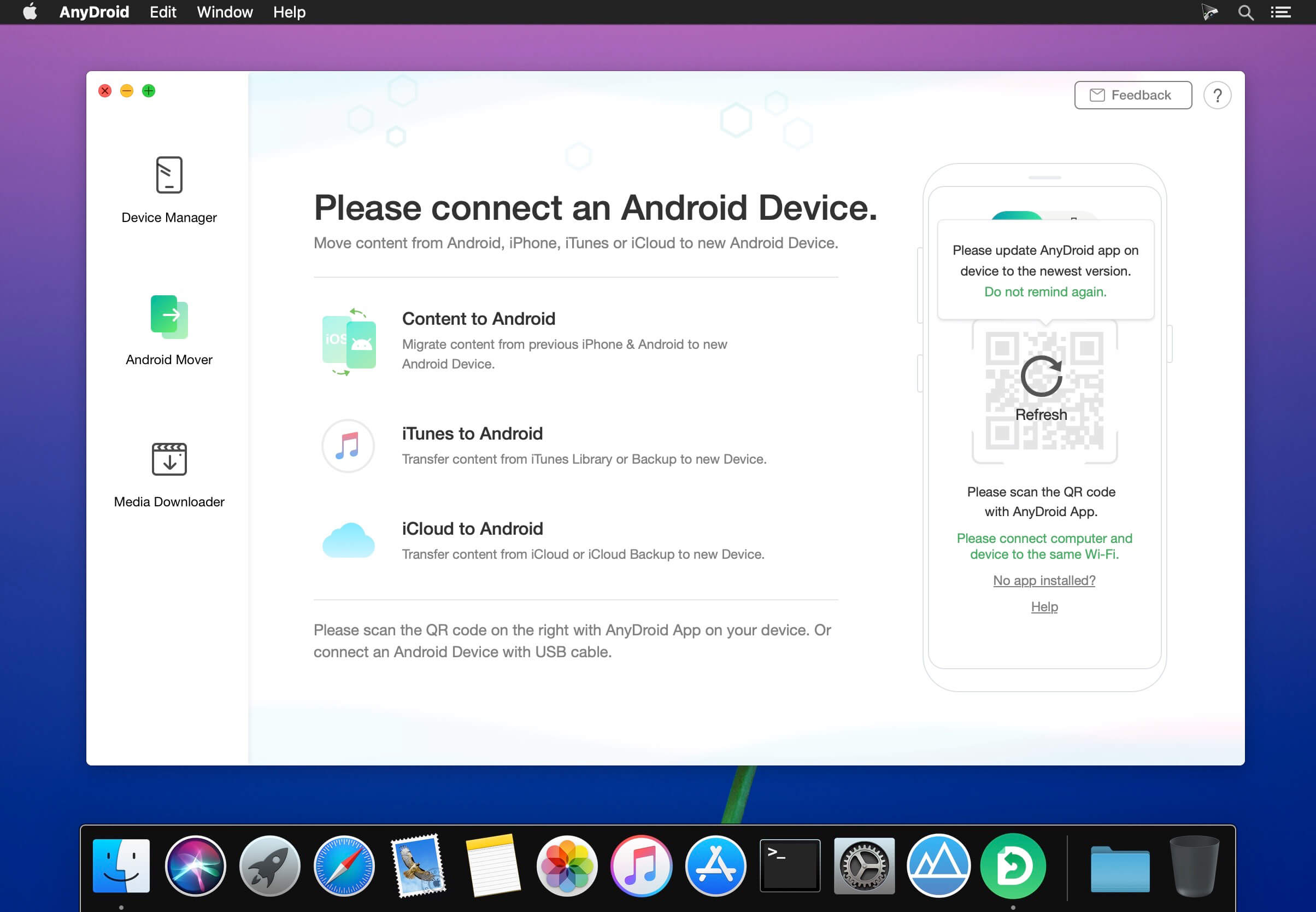
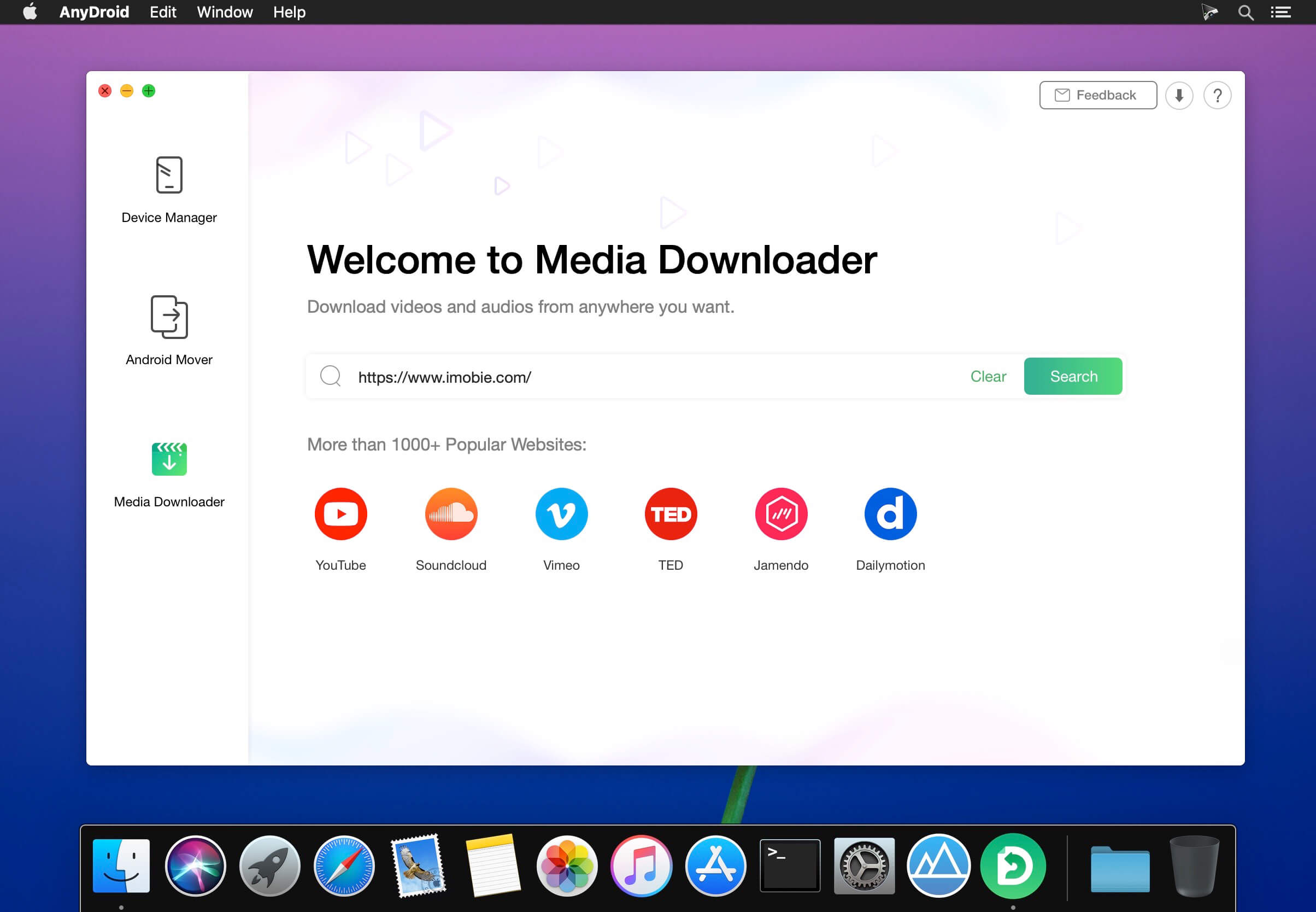
Easily Transfer Music, Videos and Photos from / to Your Android. AnyDroid manager that breaks the sync boundary and consolidates every access to all your content in one place, including music, videos, photos and etc.
- Manages Android phone’s music library by transferring songs to / from computer
- Adds, deletes and exports movie videos on Android phone
- Moves photos on Android phone, views pictures on computer and sets images as wallpaper
- One-click design to manage Android phone media content without browsing file system
Android Phone Series:
- SAMSUNG, Google, HTC, SONY, LG, MOTOROLA, HUAWEI, ZTE, Xiaomi, OPPO, SHARP, ViVo, LENOVO, MEIZU, OnePlus, TCL, Gionee, Meitu, Nubia, Smartisan, etc.
Android Pad Series:
- SAMSUNG, Google, SONY, HUAWEI, LG, Lenovo, Xiaomi
Frequently asked questions
How do I install the app?
Mount the image, drag the app into the "Applications" folder and launch it. If the system blocks the launch, allow it in "System Settings → Privacy & Security".
The app is damaged or won't launch
Reinstalling from a fresh image usually helps. Make sure your macOS version matches the one listed in the compatibility specs.
How do I update?
Download the new version from the site and install it over the current one — your settings will be preserved.
The download link doesn't work
Try a mirror or a download manager. For large files the browser often drops the connection.
How do I completely remove the app?
Use an uninstaller utility — it cleans up the service files that remain after moving the app to the trash.




Choose a download source
AnyDroid 7.5.0.20230626 · 71.95 MB
Previous versions
AnyDroid 7.5.0.20230626
Previous versions are available to registered users.