Alto's Odyssey 1.0.7

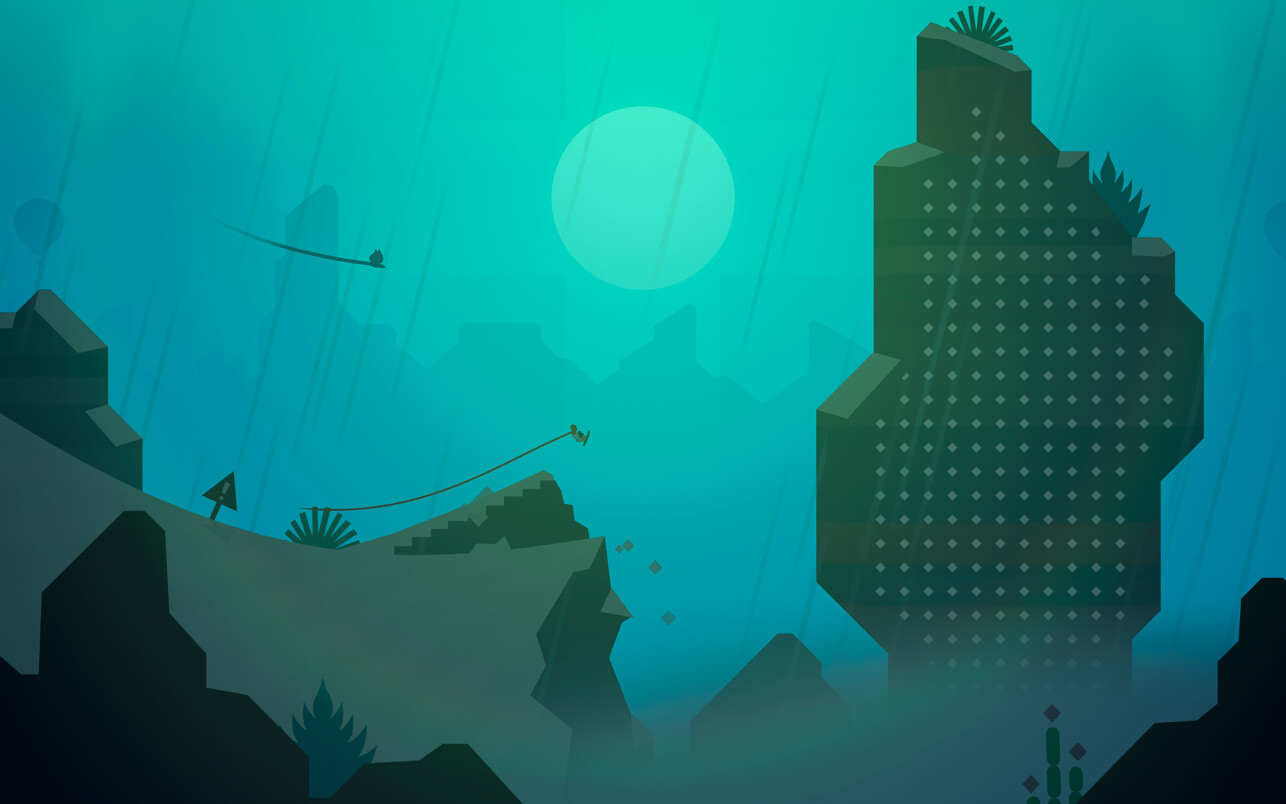
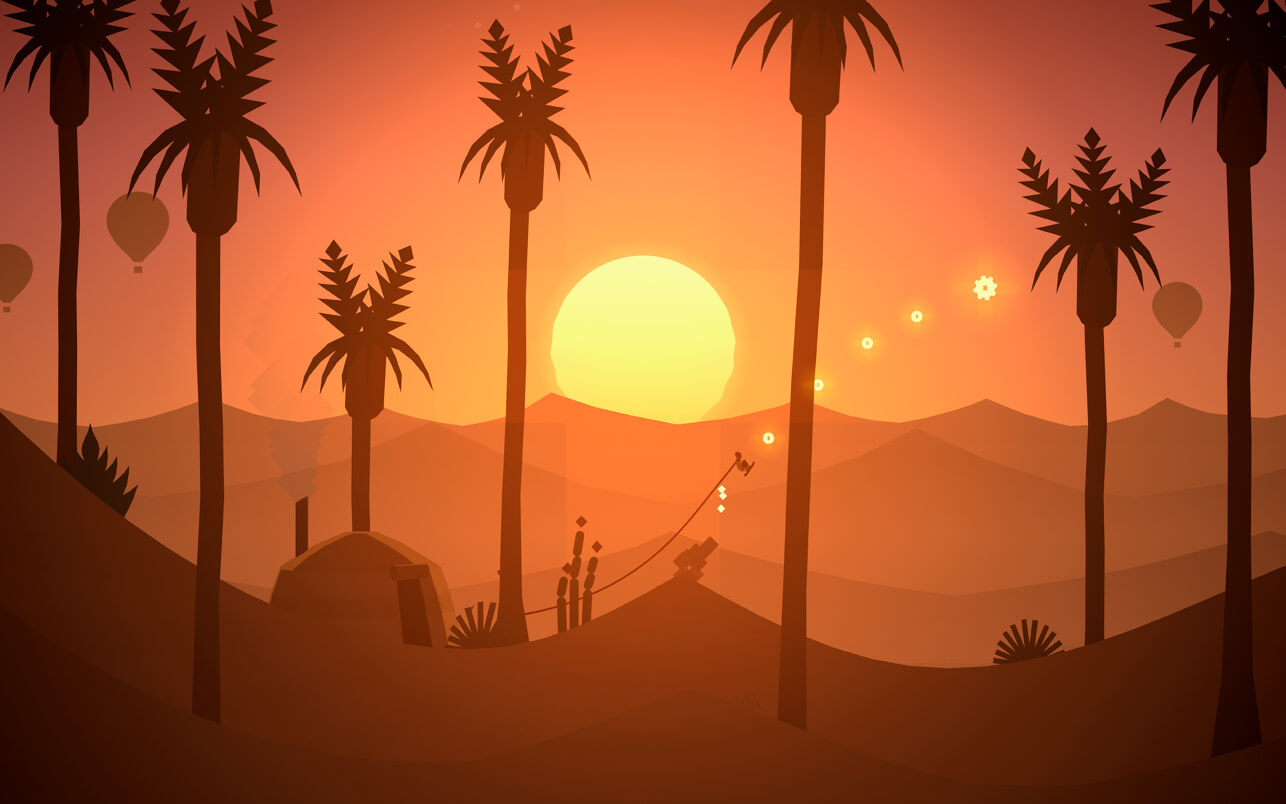
Join Alto and his friends and set off on an endless sandboarding journey to discover its secrets.
Soar above windswept dunes, traverse thrilling canyons, and explore long-hidden temples in a fantastical place far from home.
Along the way, you’ll grind across vines, bounce atop hot air balloons, ride towering rock walls, and escape mischievous lemurs – all while uncovering the desert’s many mysteries.
Features:
- A standalone experience. Alto’s Odyssey is the follow-up to the critically acclaimed Alto’s Adventure, but you don’t need to have played one to enjoy the other.
- Easy to learn, difficult to master. At the heart of the Alto series is an elegant one-touch trick system. Chain together combos, and complete 180 goals — all with intuitive controls.
- Explore Biomes. From the dunes, to the canyons, to the temples, explore a rich and diverse landscape, with each area boasting unique visuals and gameplay.
- Newfound heights. Discover secrets in the sky with hot-air balloons, moving grind rails, and wall riding.
- Master the elements. In addition to dynamic lighting and weather effects like sandstorms and shooting stars, the desert is home to swirling wind vortexes and rushing water.
- Meet Alto and friends. Unlock six unique characters, each with their own attributes and abilities.
- Zen Mode. Complete with its own serene soundtrack, this relaxing mode distills Odyssey down to its purest elements: no scores, no coins, and no power-ups. Just you and the endless desert.
- Photo Mode. From the pause screen, get behind the lens and take stunning photos of your trip through the desert. Pan and zoom to frame the ideal shot, and share them with friends and family.
- Original music and handcrafted audio. Headphones recommended!
- iCloud support. Play on your Mac, iPhone, iPad, and Apple TV, and your progress will always be in sync.
- Alto’s Odyssey is a premium game with no ads or in-app purchases. Purchase once, play forever.
Frequently asked questions
How do I install the app?
Mount the image, drag the app into the "Applications" folder and launch it. If the system blocks the launch, allow it in "System Settings → Privacy & Security".
The app is damaged or won't launch
Reinstalling from a fresh image usually helps. Make sure your macOS version matches the one listed in the compatibility specs.
How do I update?
Download the new version from the site and install it over the current one — your settings will be preserved.
The download link doesn't work
Try a mirror or a download manager. For large files the browser often drops the connection.
How do I completely remove the app?
Use an uninstaller utility — it cleans up the service files that remain after moving the app to the trash.
VersionAlto's Odyssey 1.0.7
DeveloperSnowman
GenreAction, Adventure, Indie
CompatibilitymacOS 10.14.0 or later, 64-bit processor
LanguageEnglish
IncludesK'ed by HCiSO

Information
Visitors in the group Guests cannot leave comments on this publication.
Choose a download source
Alto's Odyssey 1.0.7 · 227.28 MB