
Logicly 1.12.1
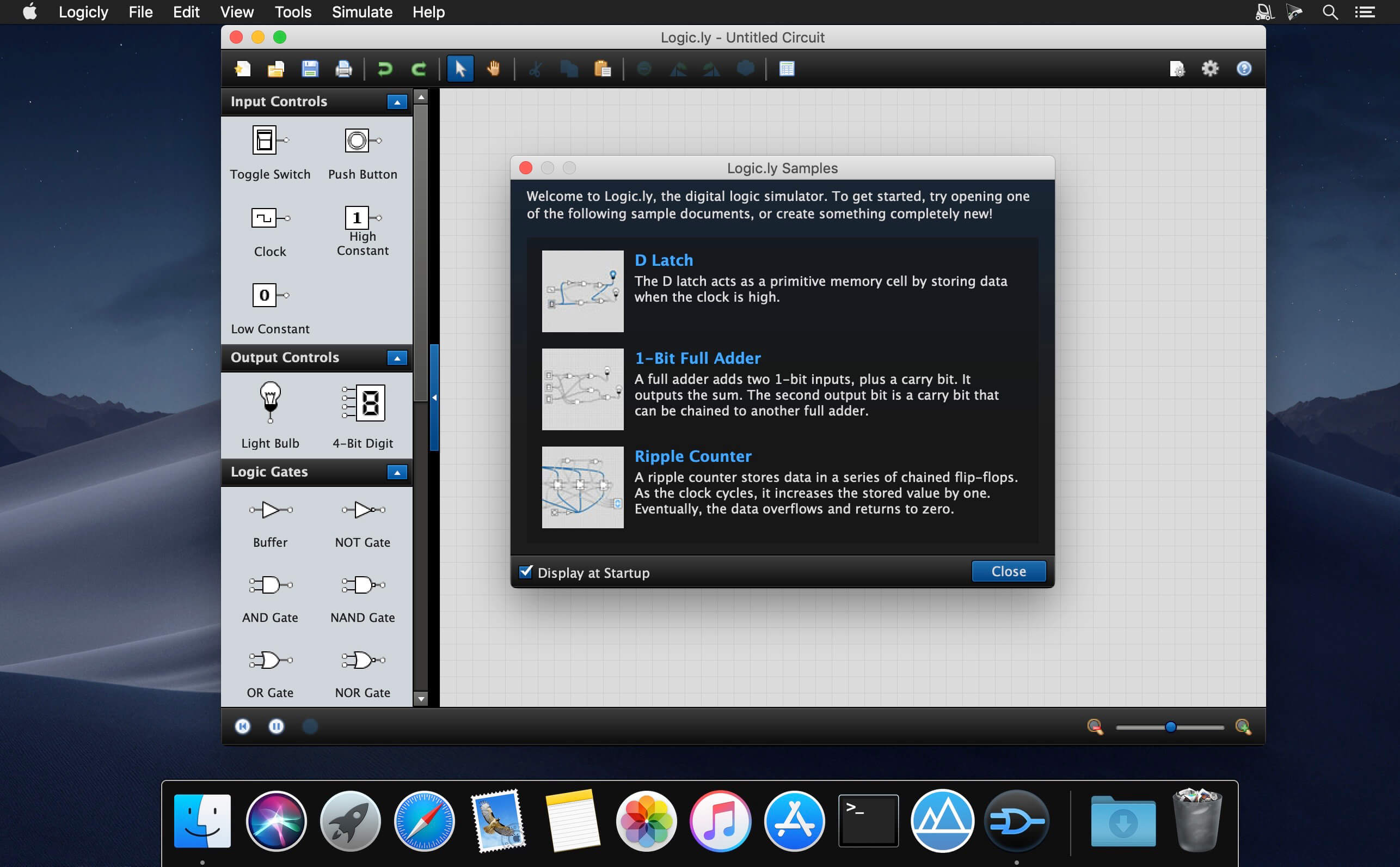
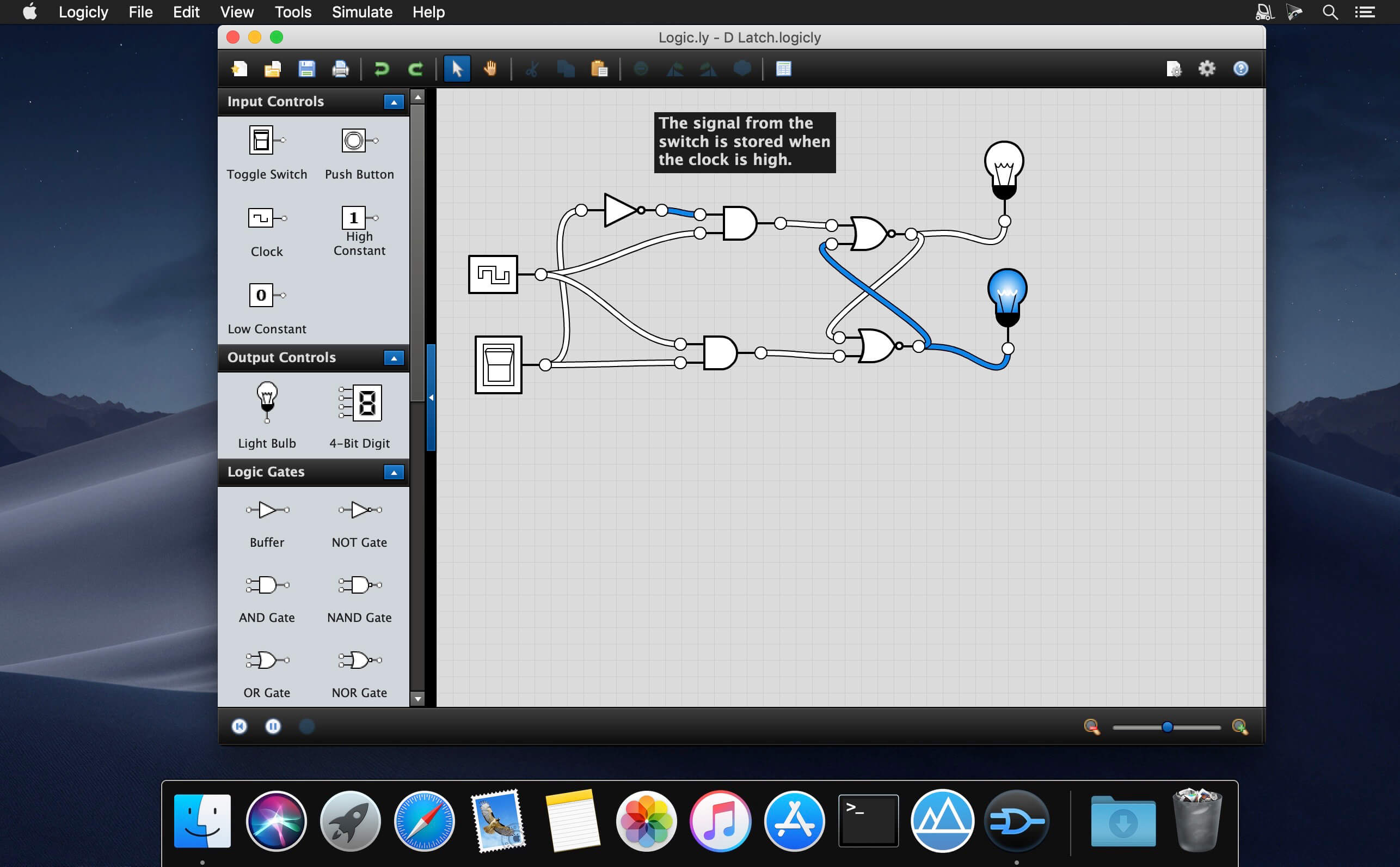

Teach logic gates + digital circuits effectively — with Logicly. Helps you learn or teach logic gates and circuits effectively. Logicly aims to keep students engaged and put them to work on their Physics or Informatics classes. Logicly lets you easily add new elements in your schemes, then helps you draw connections among them.
- Design circuits quickly and easily with a modern and intuitive user interface with drag-and-drop, copy/paste, zoom & more.
- Take control of debugging by pausing the simulation and watching the signal propagate as you advance step-by-step.
- Don't worry about multiple platforms on student computers. Install on both Windows and macOS.
- Let students experiment in a "no worries" simulation where undo is a click away — before building physical circuits.
- Encapsulate and avoid duplication by creating custom integrated circuits that you can drag and drop… just like gates.
- Customize Logicly for your curriculum by building libraries of custom circuits that students can “import” into their work.
Build logic circuits with a variety of gates, including AND, OR, XOR, NAND, NOR, XNOR, and NOT. Use either ANSI/IEEE or IEC symbols.
Flip-flops:
Need to build something a little more complex? Logicly also offers pre-built SR, D, JK, and T flip-flops with preset and clear inputs.
Input and Output:
- Toggle switches, clocks, and buttons change the state of the circuit, while light bulbs and 4-bit digits provide human-readable output.
- Build and simulate basic logic circuits with just a few mouse clicks. Drag components into the editor.
- Control the Simulation
- Watch the simulator run in real time, or pause it to advance step by step at your own pace. Control clock components and drive signal propagation with a click of your mouse.
- When you are finished designing your circuit, you can save it to your hard drive. Great for handing in homework assignments and providing a starting point for lab activities.
- Cross-Platform
Frequently asked questions
How do I install the app?
Mount the image, drag the app into the "Applications" folder and launch it. If the system blocks the launch, allow it in "System Settings → Privacy & Security".
The app is damaged or won't launch
Reinstalling from a fresh image usually helps. Make sure your macOS version matches the one listed in the compatibility specs.
How do I update?
Download the new version from the site and install it over the current one — your settings will be preserved.
The download link doesn't work
Try a mirror or a download manager. For large files the browser often drops the connection.
How do I completely remove the app?
Use an uninstaller utility — it cleans up the service files that remain after moving the app to the trash.
VersionLogicly 1.12.1
DeveloperBowler Hat LLC
CompatibilityOS X 10.8 or later 64-bit
LanguageEnglish
IncludesSerial





Information
Visitors in the group Guests cannot leave comments on this publication.
Choose a download source
Logicly 1.12.1 · 20.39 MB