

Filmwizard 3.5.0
Screenshots
Click to enlarge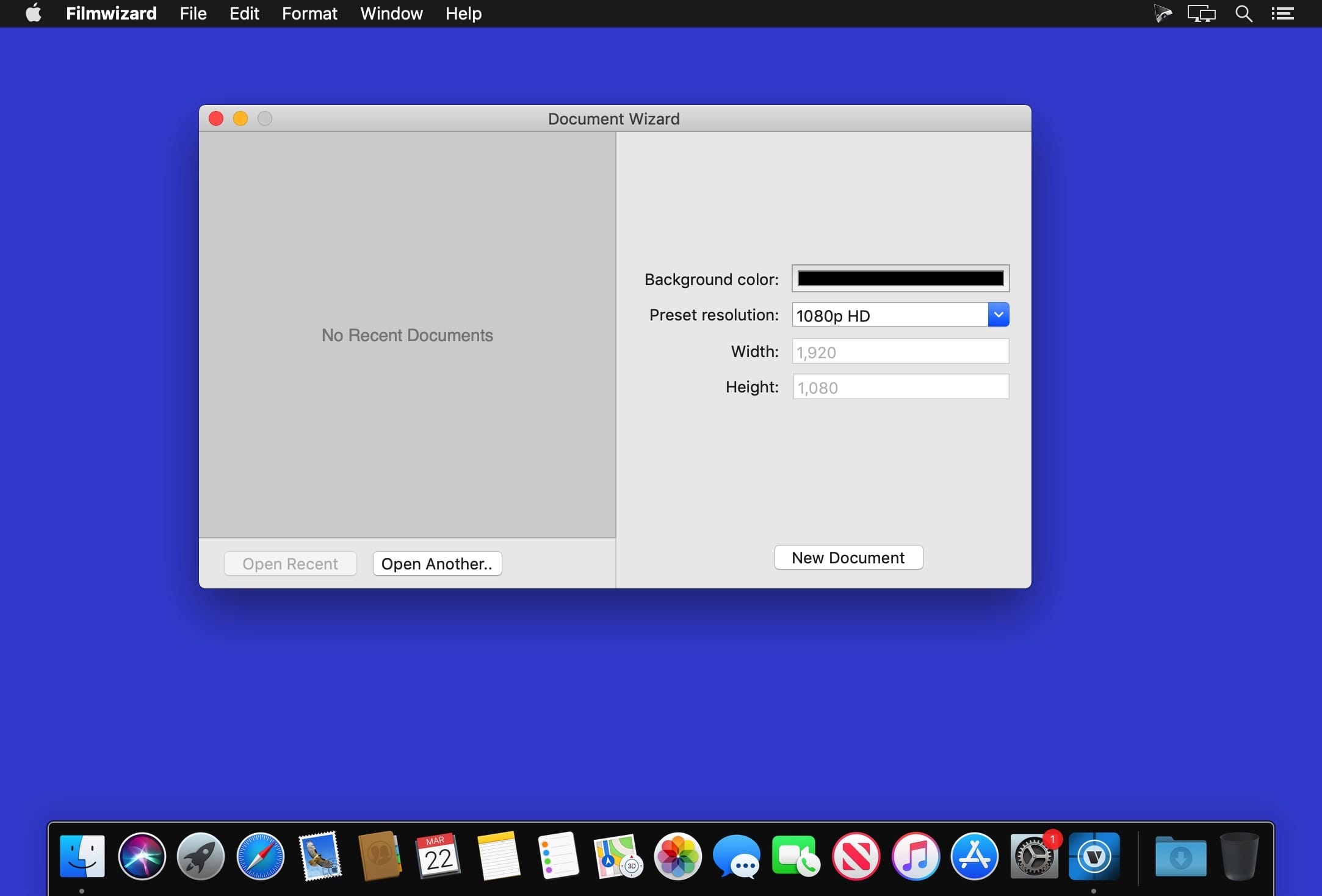
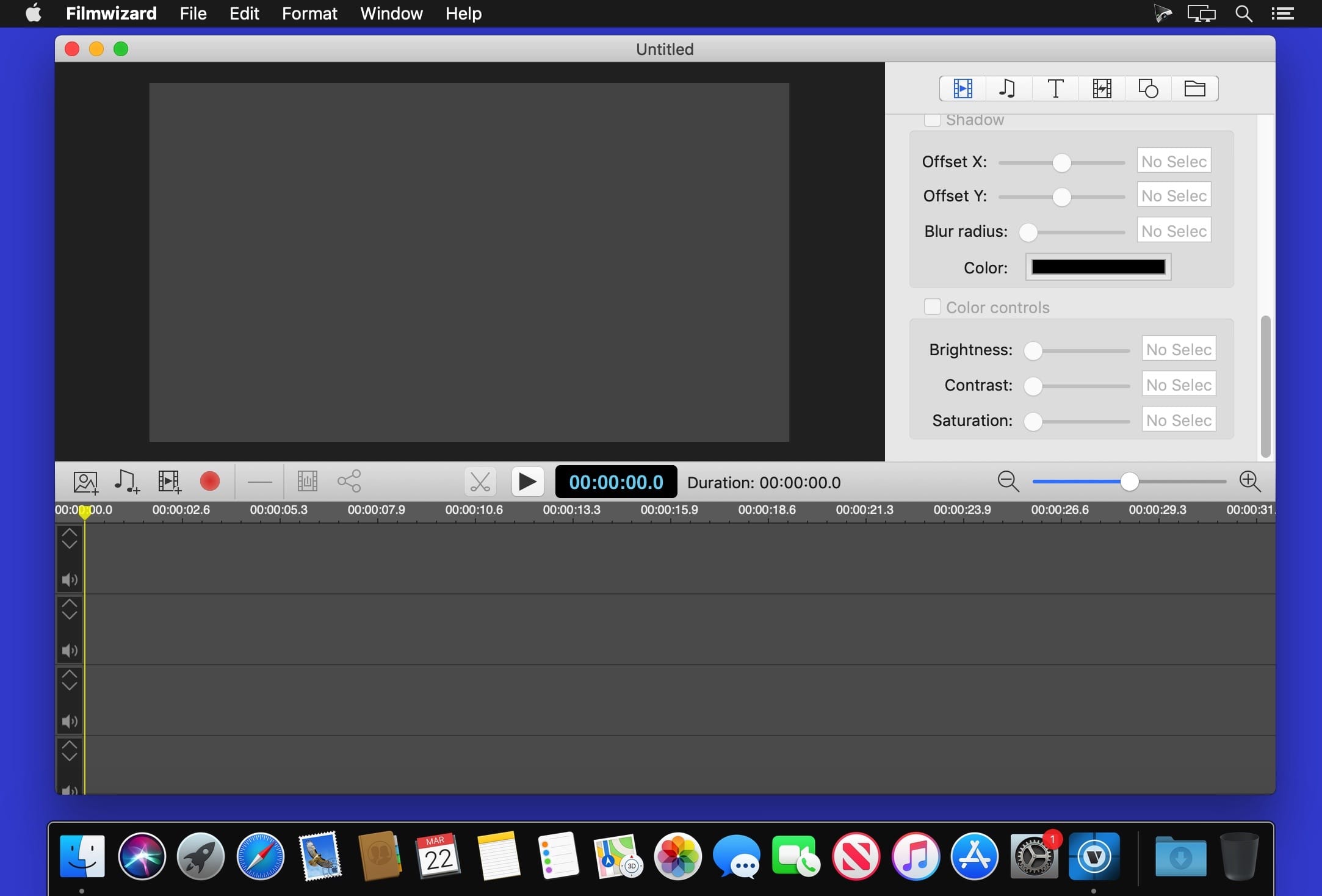
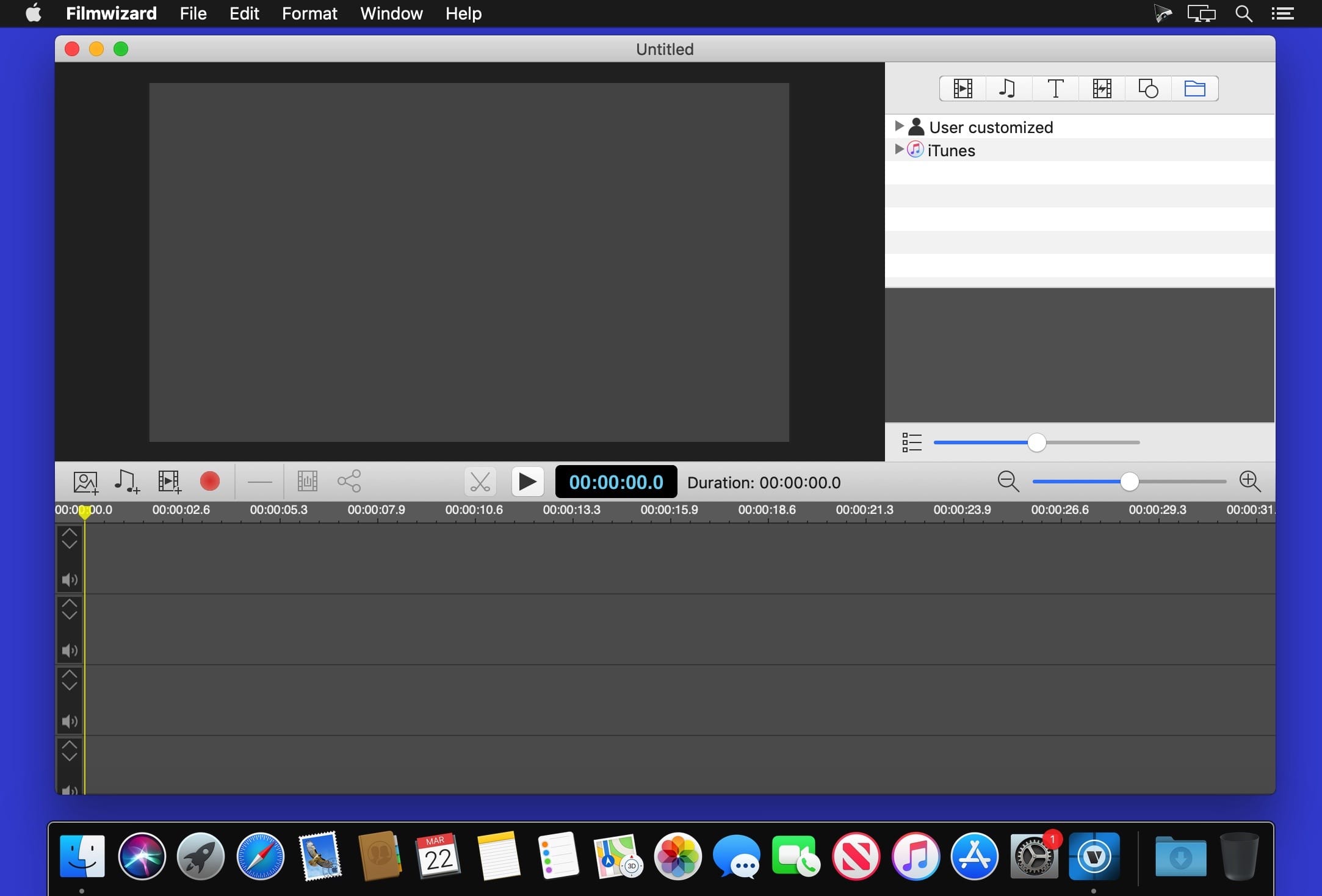
Filmwizard is easy-to-use tools for make movies. It’s can record, edit and create high-quality movies and encode them as MPEG-4 files, or publish them directly to video sites such as Youtube, for your audience to enjoy.
Support Import Format
- Photo format: JPG, JPEG-2000, PNG, BMP, TIFF, GIF
- Audio format: AAC, AC3, AIFF, AMR, 3GA, APE, AU, DTS, EA, EAC3, FLAC, MP3, WMA, MKA, OGG, MP2, M4A, WAVE
- Video format(In-App): ASF, AVI, AVS, AVR, DV, FILMSTRIP, FLV, MV, NUT, M4V, RM, MOV, MP4, RMVB, TS, MTS, MKV, WEBM, XMV, WMV, MPG, MPEG, M2TS, AVC, TP, 3GP, 3G2, F4V
Support Output Format
- MP4 file with high-quality AVC encoded
- M4A file with high-quality AAC encoded
- MP3
- WAVE
Version 3.5.0:
- Release notes were unavailable when this listing was updated.
Comments
No comments yet. Be the first.
Information
Visitors in the group Guests cannot leave comments on this publication.