
Stellar Data Recovery Technician 10.0.0.0
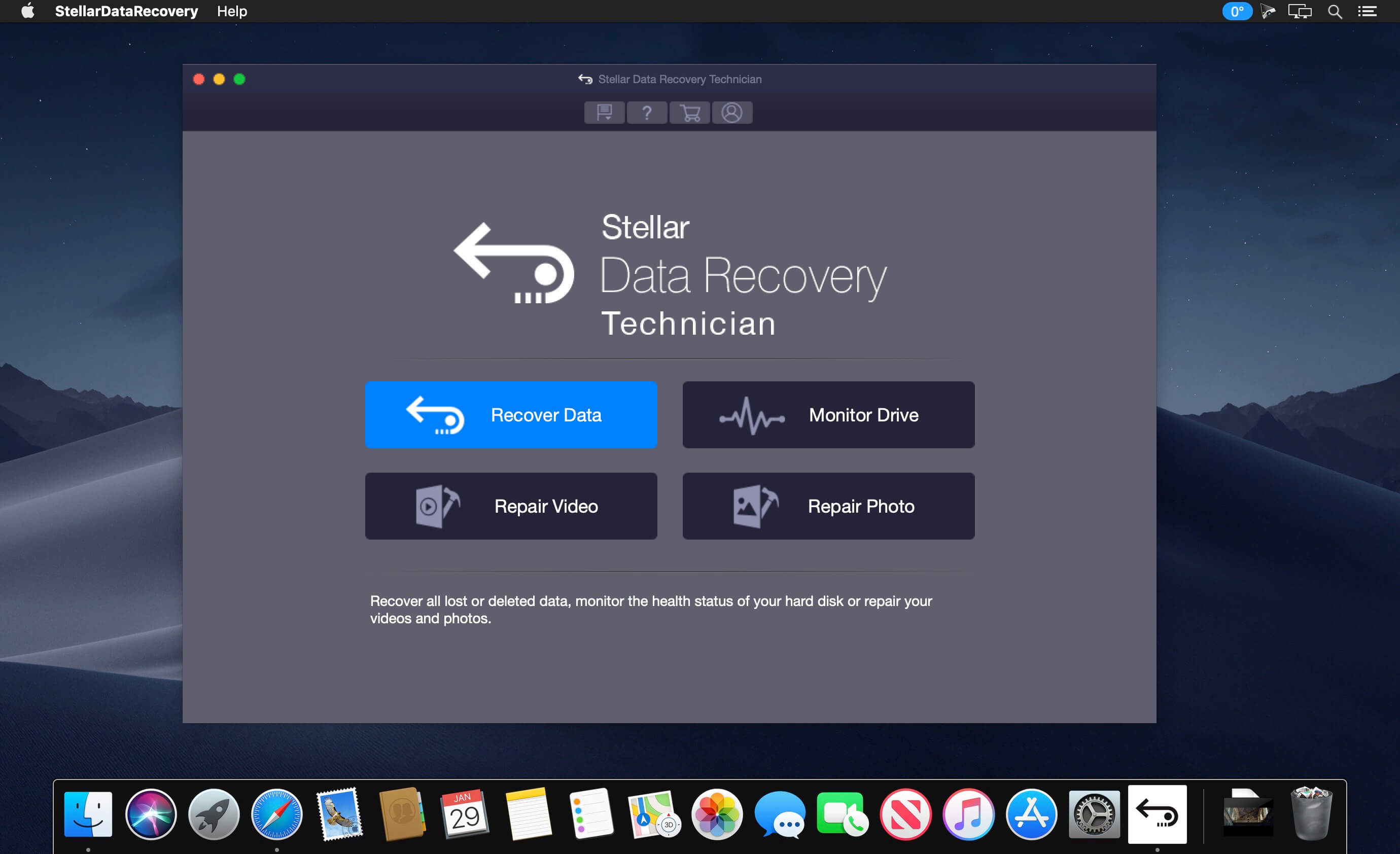
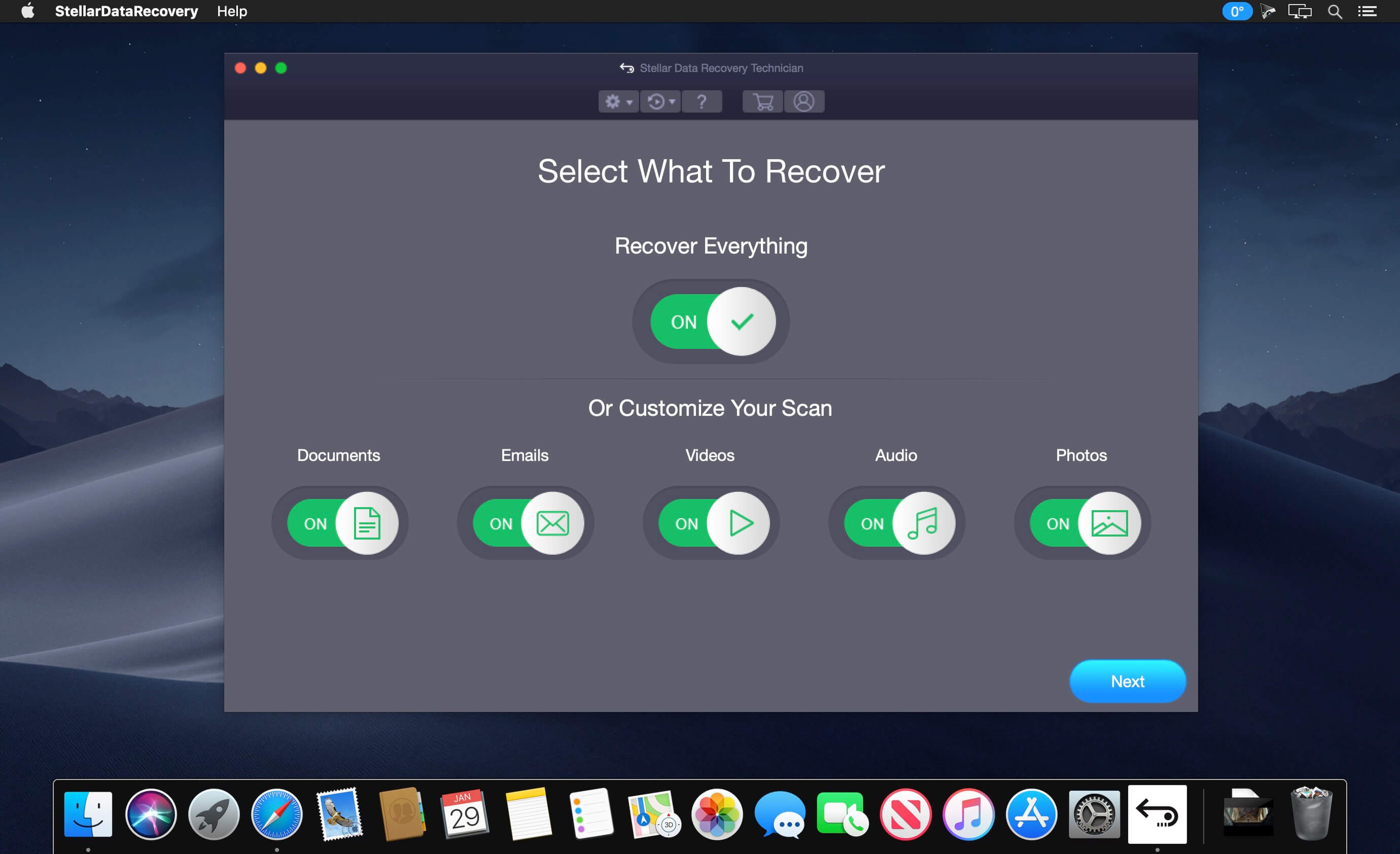
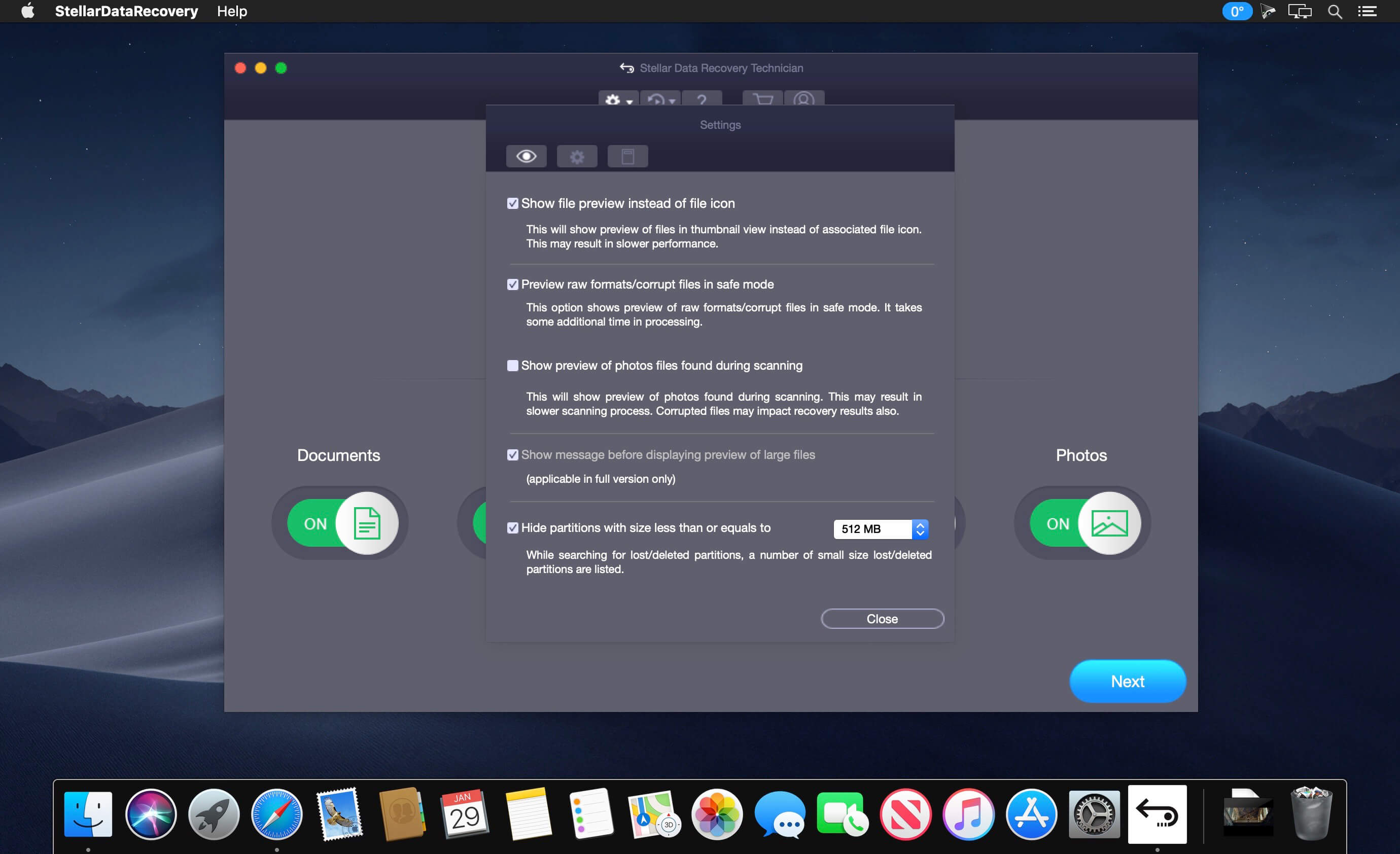
Stellar Data Recovery Technician - powerful tool to recover lost or deleted data from all Mac devices
- Recovers deleted documents, photos, videos, audio, emails & more
- Recovers files lost due to emptied Trash & formatted drive
- Recovers data from corrupt drives & unmountable USB drives
- Recovers data from APFS, HFS+, FAT & NTFS drives
- Supports latest MacBook (Pro & Air), iMac, Mac mini
- Monitors S.M.A.R.T. status of Mac drives & clones HDD
- Recovers any photo, video or audio file formats
- Retrieves any documents such as Word, Excel, PPT, etc.
- Allows you to add any file format for recovery
- Recovers Permanently Deleted Data
- Recovers Files from Time Machine
- Recovers Files from BootCamp Partition
- Creates Disk Image for File Recovery
- Monitors Mac Hard Drive Health
- Repairs Corrupt Photos
- Repairs Corrupt Videos
Version 10.0.0:
- Create recovery drive
- macOS Catalina Compatible
Frequently asked questions
How do I install the app?
Mount the image, drag the app into the "Applications" folder and launch it. If the system blocks the launch, allow it in "System Settings → Privacy & Security".
The app is damaged or won't launch
Reinstalling from a fresh image usually helps. Make sure your macOS version matches the one listed in the compatibility specs.
How do I update?
Download the new version from the site and install it over the current one — your settings will be preserved.
The download link doesn't work
Try a mirror or a download manager. For large files the browser often drops the connection.
How do I completely remove the app?
Use an uninstaller utility — it cleans up the service files that remain after moving the app to the trash.
VersionStellar Data Recovery Technician 10.0.0.0
DeveloperStellar Information Technology
CompatibilityOS X 10.9 or later, 64-bit processor
LanguageMultilangual
IncludesK'ed by TNT





Choose a download source
Stellar Data Recovery Technician 10.0.0.0 · 68.38 MB
Previous versions
Stellar Data Recovery Technician 10.0.0.0
Previous versions are available to registered users.
Comments 3