
JixiPix Grungetastic 2.70.3
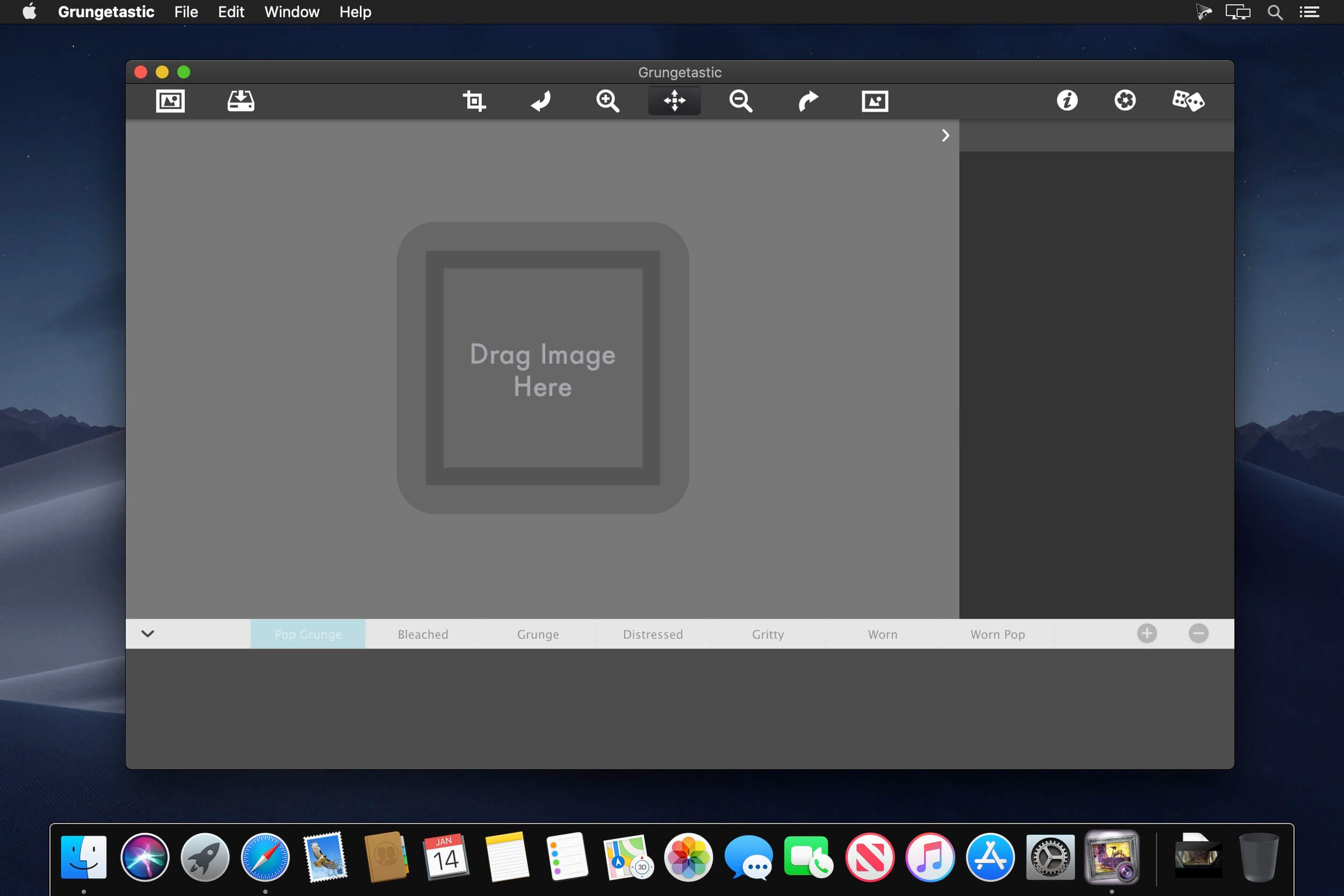
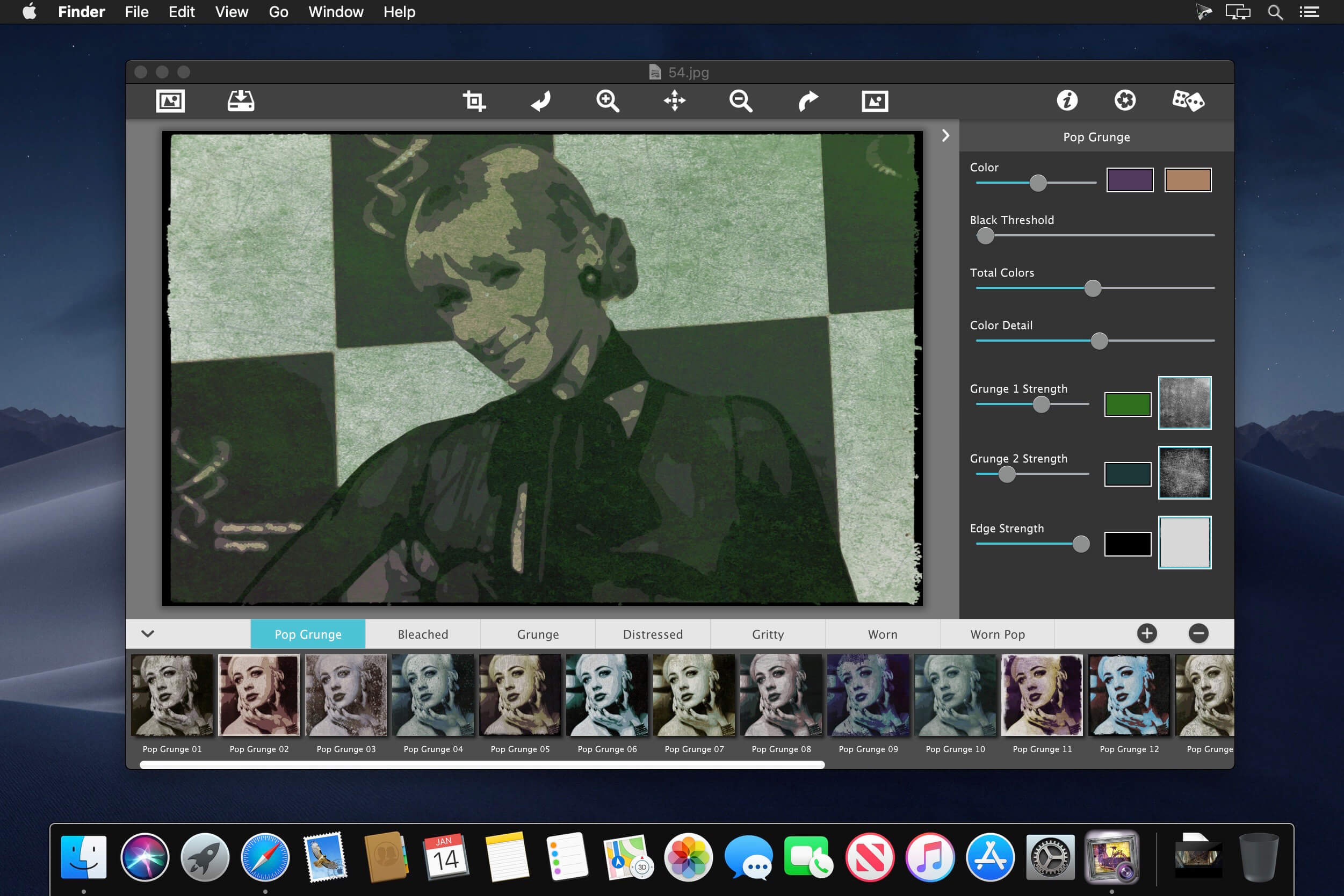
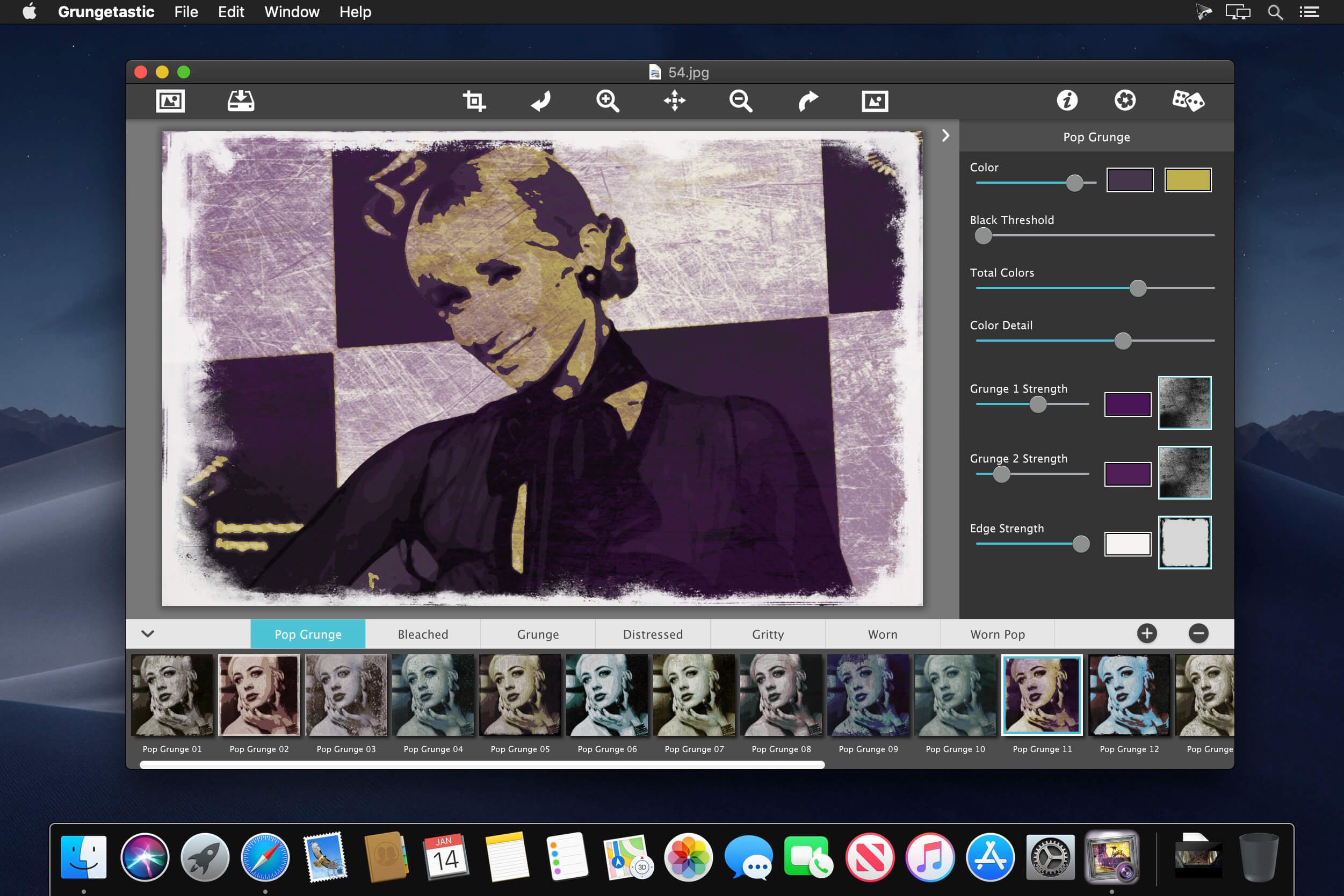
Grungetastic cranks your photo to 11 different styles using seven hot and heavy looks: Classic Grunge, Bleached Grunge, Worn Pop, Worn Grunge, Gritty Grunge, Distressed and Pop Grunge. These seven fun and aggressive styles let you get down and dirty with your photos. Faster than you can say 'filthy', these styles and Grungetastic's easy, hands-on interface will have you smushing delightfully unwell textures and tones with deeply satisfying contrasts, and explosively pleasurable pops for dangerously-addictive ultra-Grungy art.
If Andy Warhol, Kurt Cobain, Hunter S.Thompson and Quentin Tarantino created a photo app…chances are it would rock sick photos like Grungetastic. Grungetastic is for the Photographer that loves everything grungy! Shadows, Rubbing, Scratching, Ripping, Shredding, Stressing, Distressing, Popping, Exploding, Splatters, Smudging, Glowing, Glaring and Smoking are just some of the wildness that Grungetastic hooks you up with. You can't get a cooler, hotter photo anywhere!
GRUNGETASTIC INCLUDES
- 7 Ultra grungy styles
- Auto-combining of two grunge textures for lots of variation
- Adjustable image toning and colorization of grunge textures
- 140 distressed and scratched grunge textures
- 140 One touch grunge settings
Version 2.70.0:
- Release notes were unavailable when this listing was updated.
Frequently asked questions
How do I install the app?
Mount the image, drag the app into the "Applications" folder and launch it. If the system blocks the launch, allow it in "System Settings → Privacy & Security".
The app is damaged or won't launch
Reinstalling from a fresh image usually helps. Make sure your macOS version matches the one listed in the compatibility specs.
How do I update?
Download the new version from the site and install it over the current one — your settings will be preserved.
The download link doesn't work
Try a mirror or a download manager. For large files the browser often drops the connection.
How do I completely remove the app?
Use an uninstaller utility — it cleans up the service files that remain after moving the app to the trash.
VersionJixiPix Grungetastic 2.70.3
DeveloperJixiPix Software
CompatibilityOS X 10.9 or later, 64-bit processor
LanguageEnglish
IncludesK'ed by TNT




Information
Visitors in the group Guests cannot leave comments on this publication.
Choose a download source
JixiPix Grungetastic 2.70.3 · 95.51 MB