
Autodesk Maya (LT) 2020.1
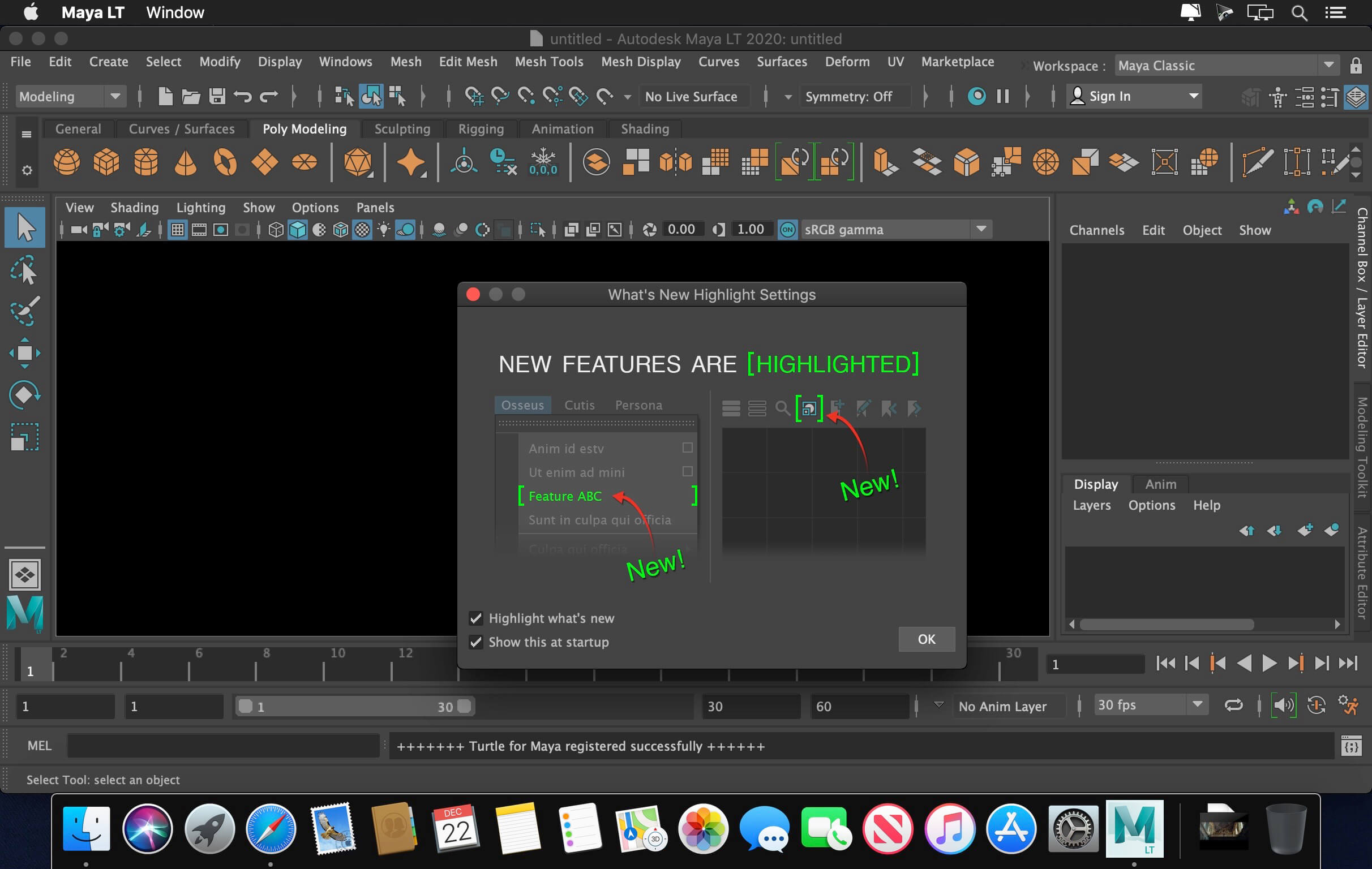
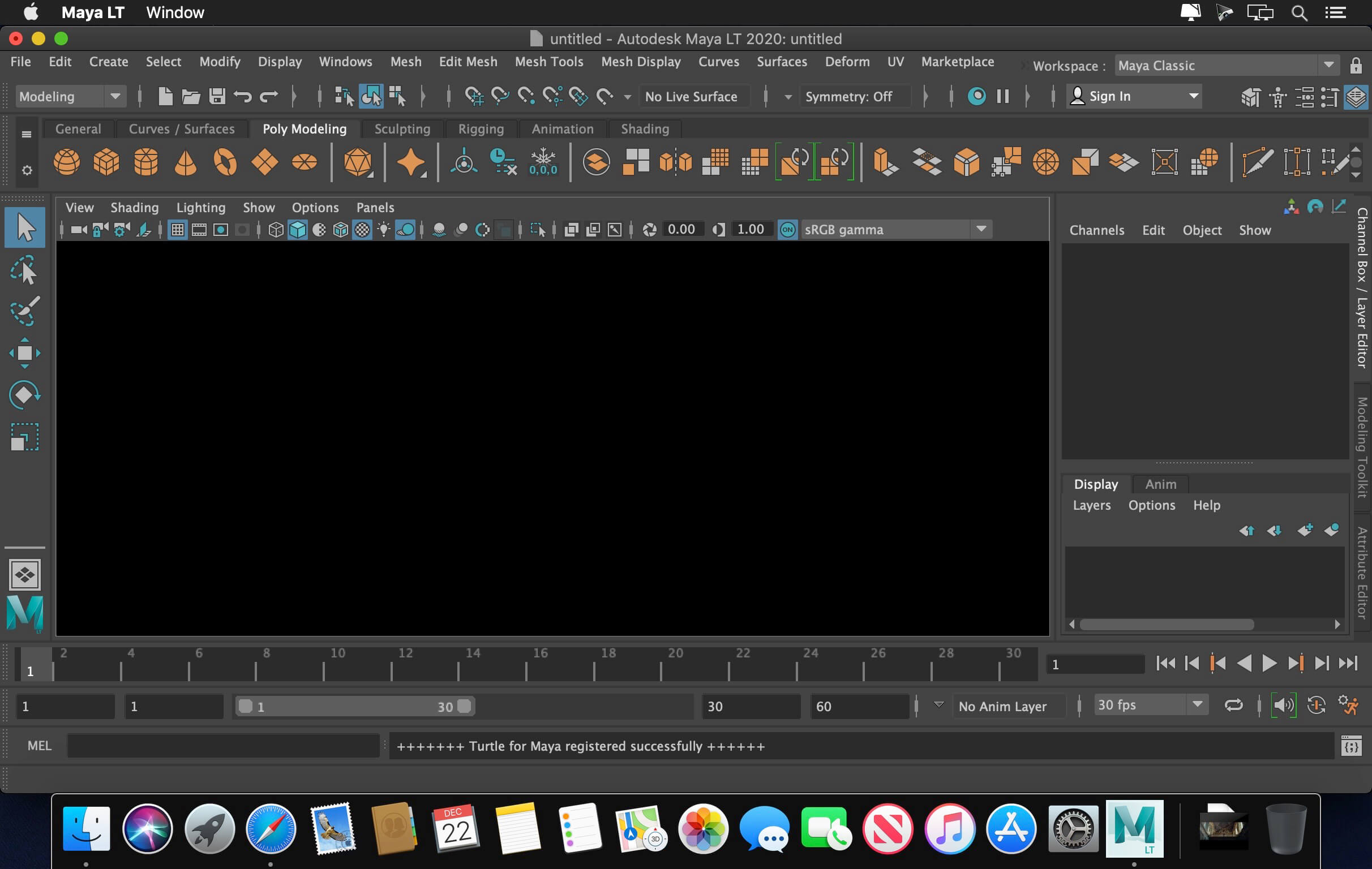

The Autodesk products team is pleased to announce the availability of Maya LT 2020. This release includes improved Cached Playback improvements, as well as new features and improvements in Animation, Rigging, Modeling, and Lighting. It provides many performance enhancements as well as bug fixes, including fixes delivered in Maya and Maya LT 2019.1 and 2019.2 updates.
Welcome to Maya and Maya LT 2020. These release notes describe known limitations, issues, and fixes in Autodesk Maya, Maya LT, or both.
For the full list of new and improved features, and fixed bugs please refer to the release notes located here
Autodesk has released Maya 2020, the latest version of its 3D animation software, extending the cached playback system to support simulations, and updating the Bifrost for Maya multiphysics plugin.
The release also adds Remesh and Retopologize tools, support for a new matrix-driven rigging workflow, a GPU-based Proximity Wrap deformer and a new system of animation bookmarks.
The retopology tools and improvements to animation workflow also feature in Maya LT 2020, the latest version of the cut-down edition of Maya aimed at games artists.
In related news, Autodesk has released Arnold 6, the latest version of the renderer, officially making Arnold GPU, its new GPU rendering system, available as a stable production release.
This release provides new tools and updates to help animators, modelers, riggers, and technical artists be more efficient and productive so they can spend more time on the creative.
There's no denying there is a lot here for animators to be happy аbout: over sixty new animation features build on the Maya 2019 release, plus new Time Slider bookmarks to help you organize your work in time and playback ranges. Updates to Cached Playback provide new preview modes and efficient caching for image planes and dynamics, giving you faster playback and more predictable results.
New Remesh and Retopologize commands let modelers spend less time cleaning up models, and for riggers and character TDs, we have new matrix-driven workflows plus a new wrap deformer. Overall, we hope you'll notice a smoother overall experience with the viewport, now that we've made some improvements that make more efficient use of your hardware.
Arnold GPU rendering is freshly out of beta and included with Maya 2020, alongside the new version of Bifrost that delivers significant performance improvements and several new pre-build graphs.
There's no denying there is a lot here for animators to be happy аbout: over sixty new animation features build on the Maya 2019 release, plus new Time Slider bookmarks to help you organize your work in time and playback ranges. Updates to Cached Playback provide new preview modes and efficient caching for image planes and dynamics, giving you faster playback and more predictable results.
New Remesh and Retopologize commands let modelers spend less time cleaning up models, and for riggers and character TDs, we have new matrix-driven workflows plus a new wrap deformer. Overall, we hope you'll notice a smoother overall experience with the viewport, now that we've made some improvements that make more efficient use of your hardware.
Arnold GPU rendering is freshly out of beta and included with Maya 2020, alongside the new version of Bifrost that delivers significant performance improvements and several new pre-build graphs.
Frequently asked questions
How do I install the app?
Mount the image, drag the app into the "Applications" folder and launch it. If the system blocks the launch, allow it in "System Settings → Privacy & Security".
The app is damaged or won't launch
Reinstalling from a fresh image usually helps. Make sure your macOS version matches the one listed in the compatibility specs.
How do I update?
Download the new version from the site and install it over the current one — your settings will be preserved.
The download link doesn't work
Try a mirror or a download manager. For large files the browser often drops the connection.
How do I completely remove the app?
Use an uninstaller utility — it cleans up the service files that remain after moving the app to the trash.
VersionAutodesk Maya (LT) 2020.1
DeveloperAutodesk Inc.
CompatibilityOS X 10.11 or later, 64-bit processor
LanguageEnglish
IncludesK

Information
Visitors in the group Guests cannot leave comments on this publication.
Choose a download source
Autodesk Maya (LT) 2020.1 · 1.06 GB
Previous versions
Autodesk Maya (LT) 2020.1
Previous versions are available to registered users.