
FontExplorer X Pro 7.3.0
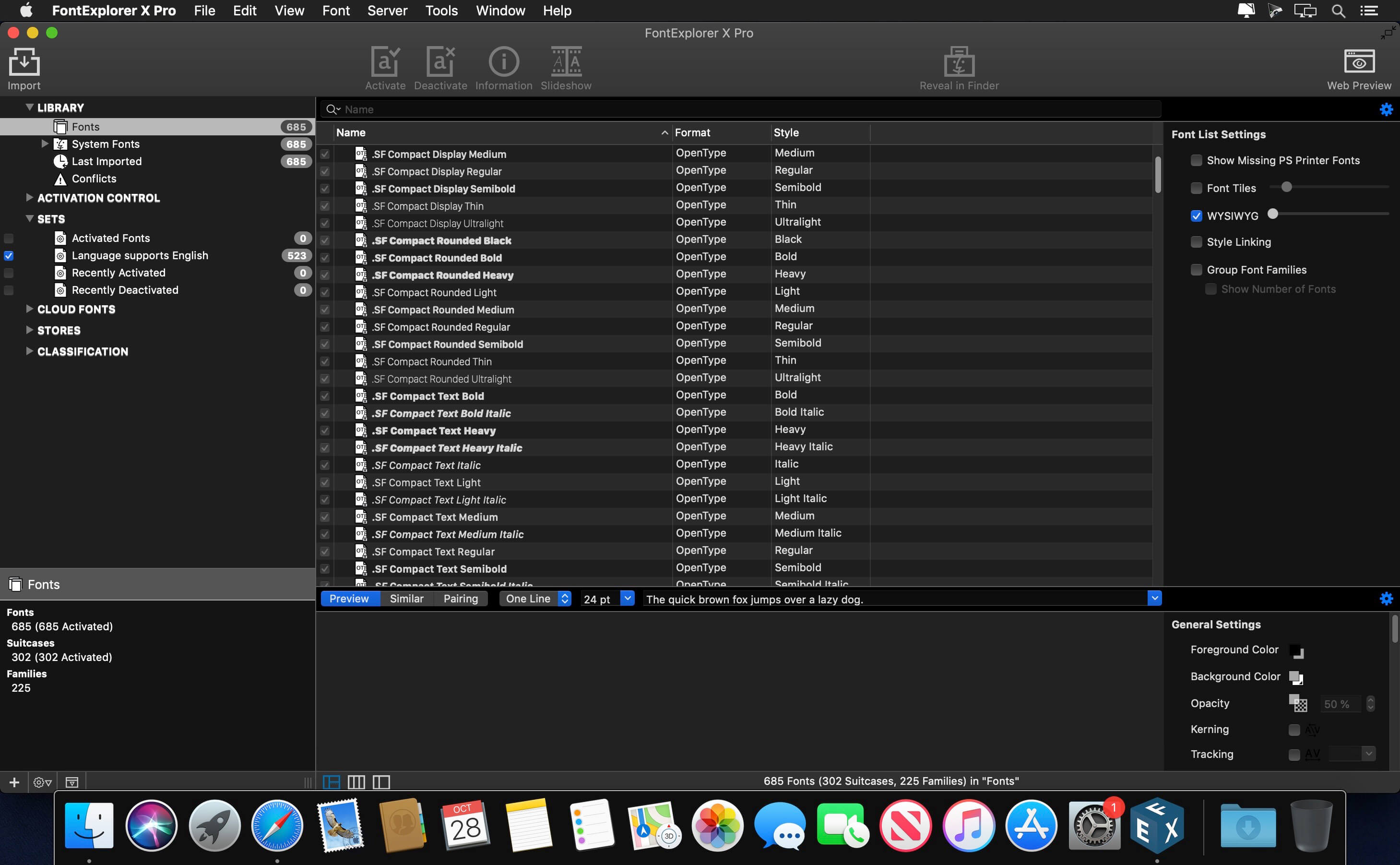
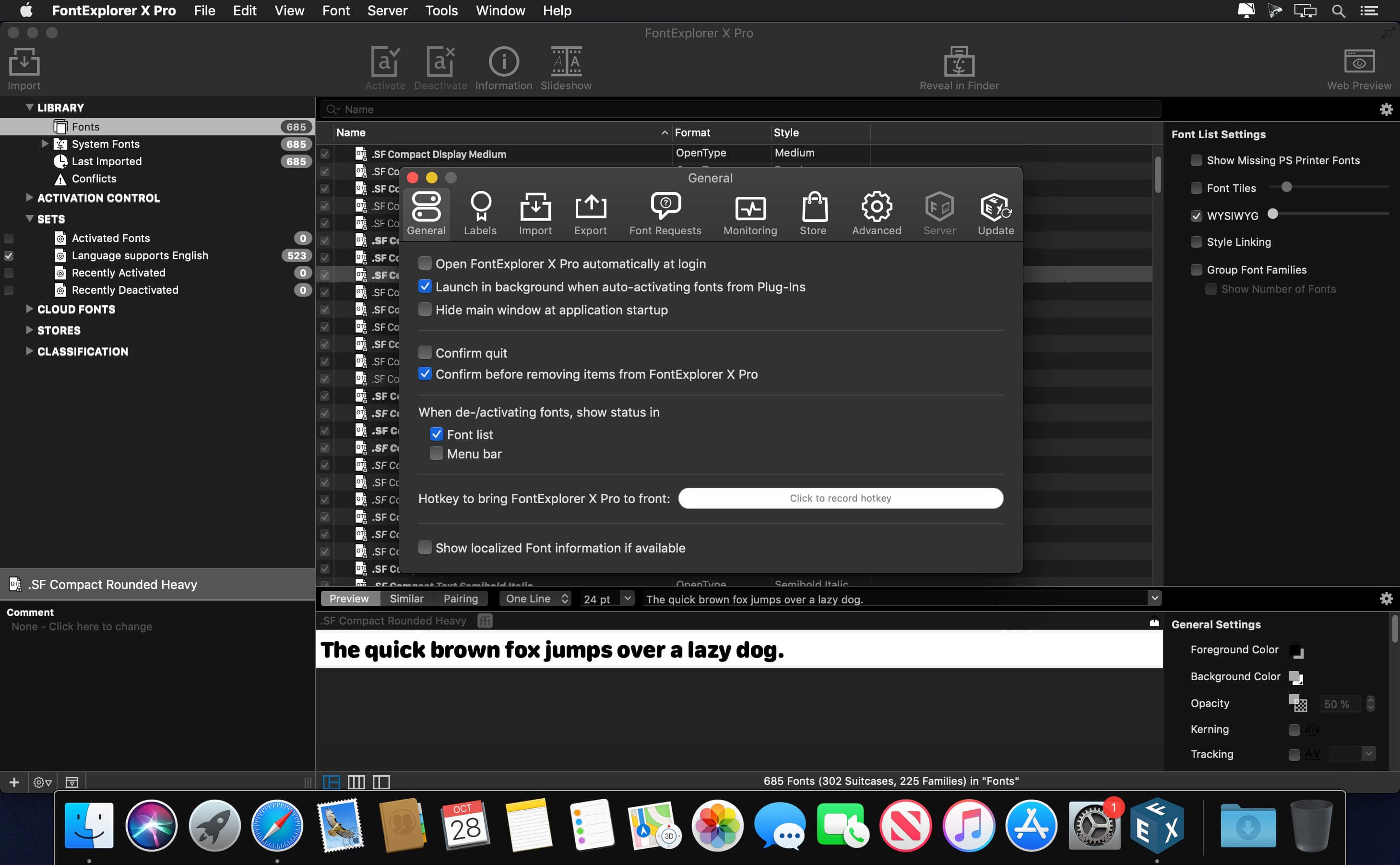
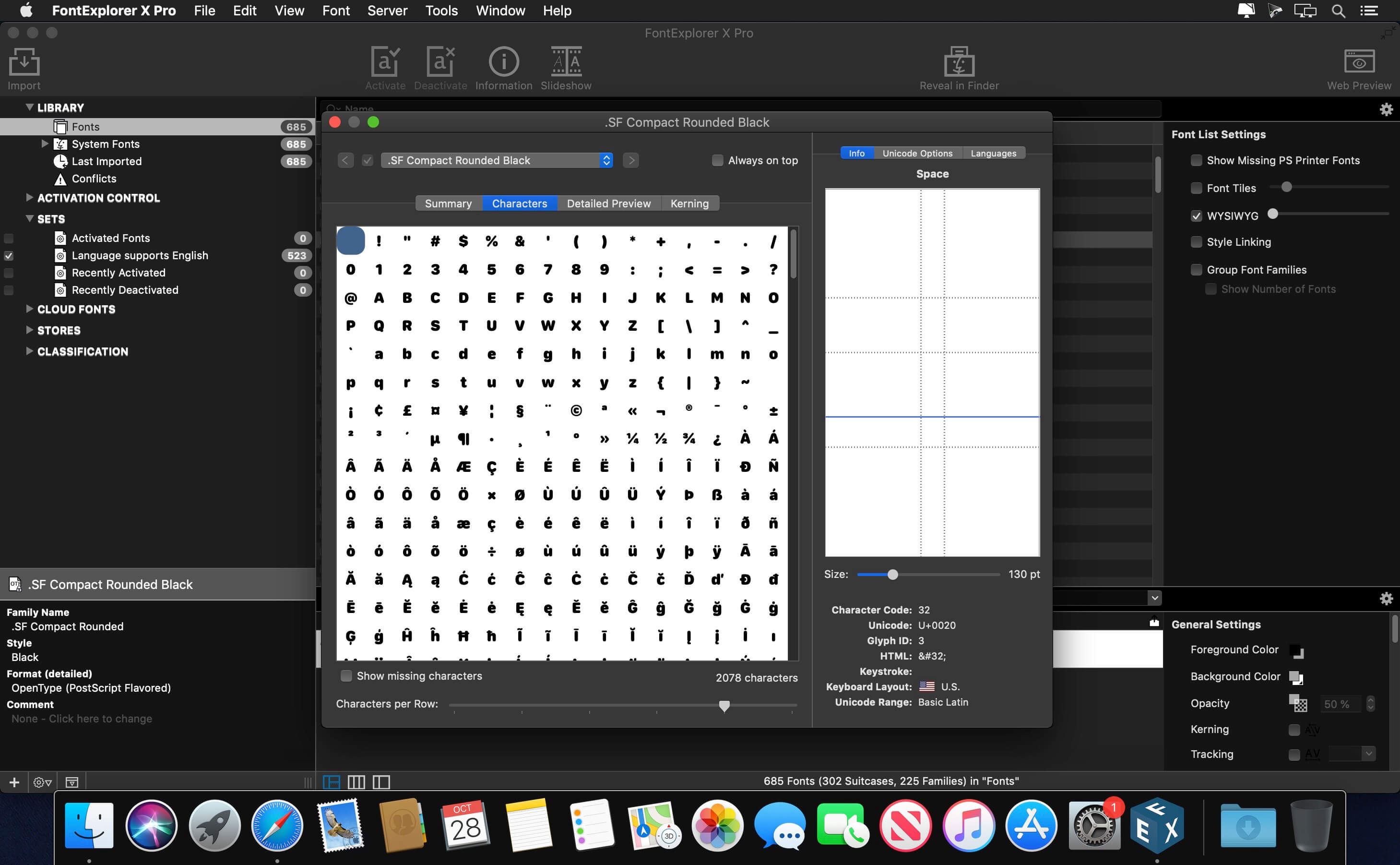
FontExplorer X Pro is the simple, speedy way to find and organize all of your fonts. For seasoned typographers, or designers just starting out, FontExplorerX Pro 7 instantly boosts your type expertise with new AI-powered features to help you organize and explore your catalog, while providing time-saving automations.
With version 7, you can:
- Find similar fonts in your library
- Find pairing suggestions within your library
- Organize your fonts by Classification, automatically
- Over $1,000 in fonts bundled in for free!
Discovery Engine
- Automated organization
- Find similar fonts in library
- Find pairing suggestions
Font Management
- Enable/disable fonts
- Clear system font caches
- Organize fonts with Sets
Font Information
- Customizable previews
- Character view
- Detailed font info
System Integration
- Spotlight support
- Dark mode support
- Optimized for Retina Displays
Miscellaneous
- Conflict handling
- Backup functionality
- Print functionality
Version 7.0.0:
- Similarity panel: Find fonts similar to a selected font
- Pairing panel: Find fonts that will pair well with a selected font
- Improved classification: Discovery Engine will match most of your fonts
- Auto-classification on import
- Automatic Classification smart sets for improved browsing
- New Classification interface
- Run in background when launched from Plug-ins
- Last deactivation timestamp to track when fonts were deactivated
- Recently Activated and Recently Deactivated smart sets
- Relative date options for smart sets: Last 30, 90, and 180 days
- Auto-detection of apps for Plug-Ins during set up
- Fixed transparency issue in Slideshow
- Simplified Classification groupings: Style, Usage, Theme
- Right-click font in Similar and Pairing suggestion to "Show in Library"
Frequently asked questions
How do I install the app?
Mount the image, drag the app into the "Applications" folder and launch it. If the system blocks the launch, allow it in "System Settings → Privacy & Security".
The app is damaged or won't launch
Reinstalling from a fresh image usually helps. Make sure your macOS version matches the one listed in the compatibility specs.
How do I update?
Download the new version from the site and install it over the current one — your settings will be preserved.
The download link doesn't work
Try a mirror or a download manager. For large files the browser often drops the connection.
How do I completely remove the app?
Use an uninstaller utility — it cleans up the service files that remain after moving the app to the trash.





Choose a download source
FontExplorer X Pro 7.3.0 · 218.06 MB
Previous versions
FontExplorer X Pro 7.3.0
Previous versions are available to registered users.