

DSSW Power Manager 5.4.9
Screenshots
Click to enlarge
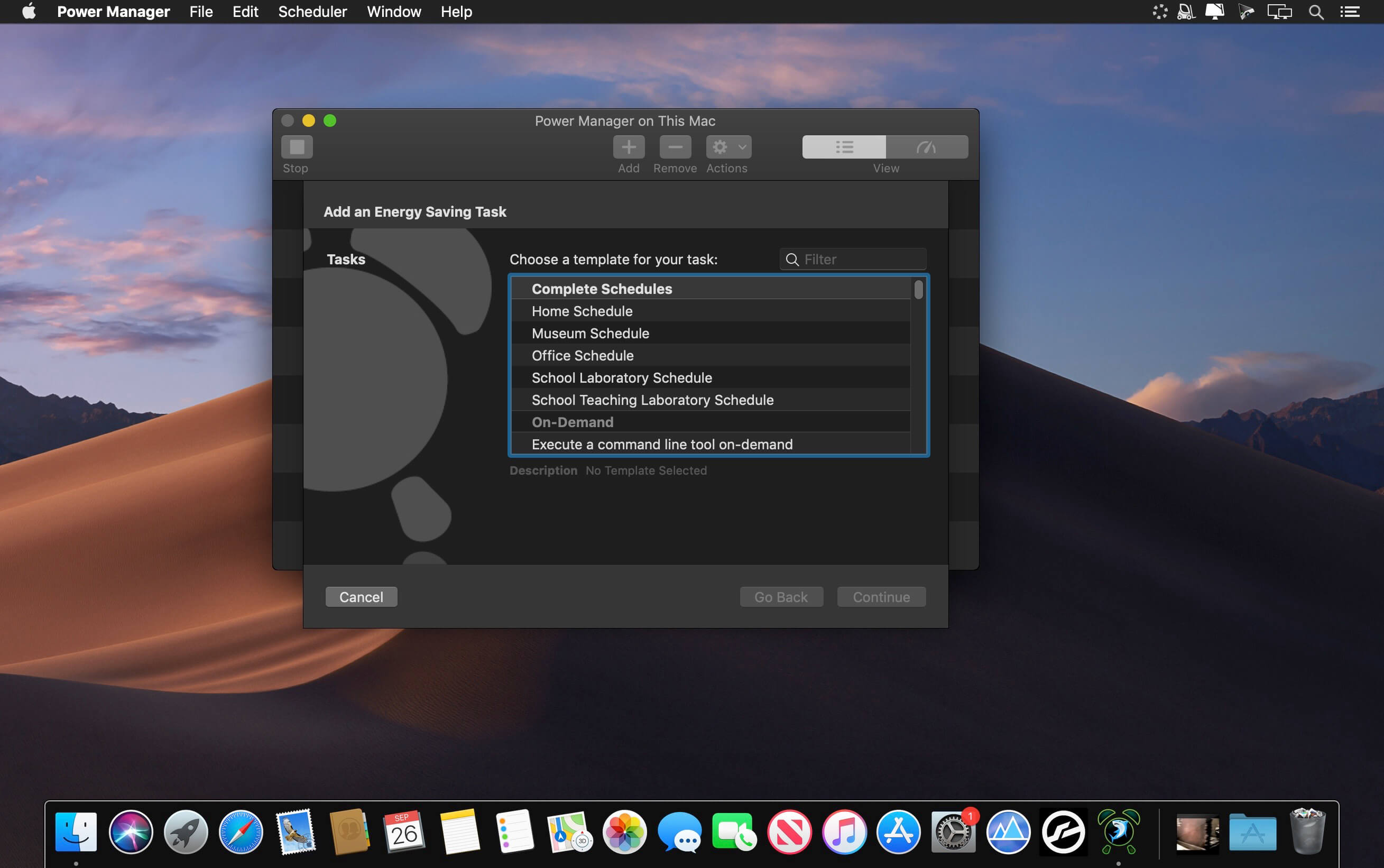
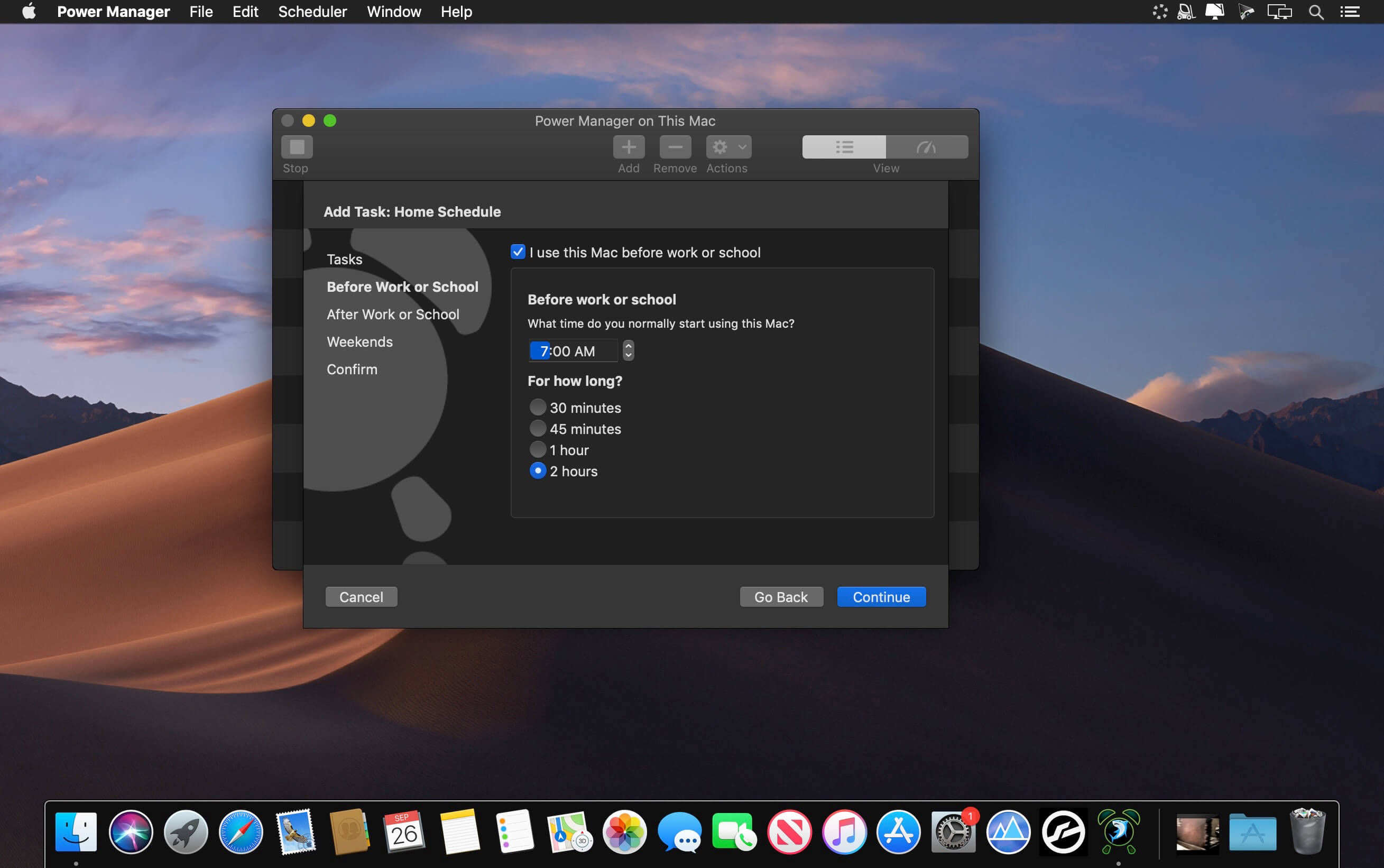
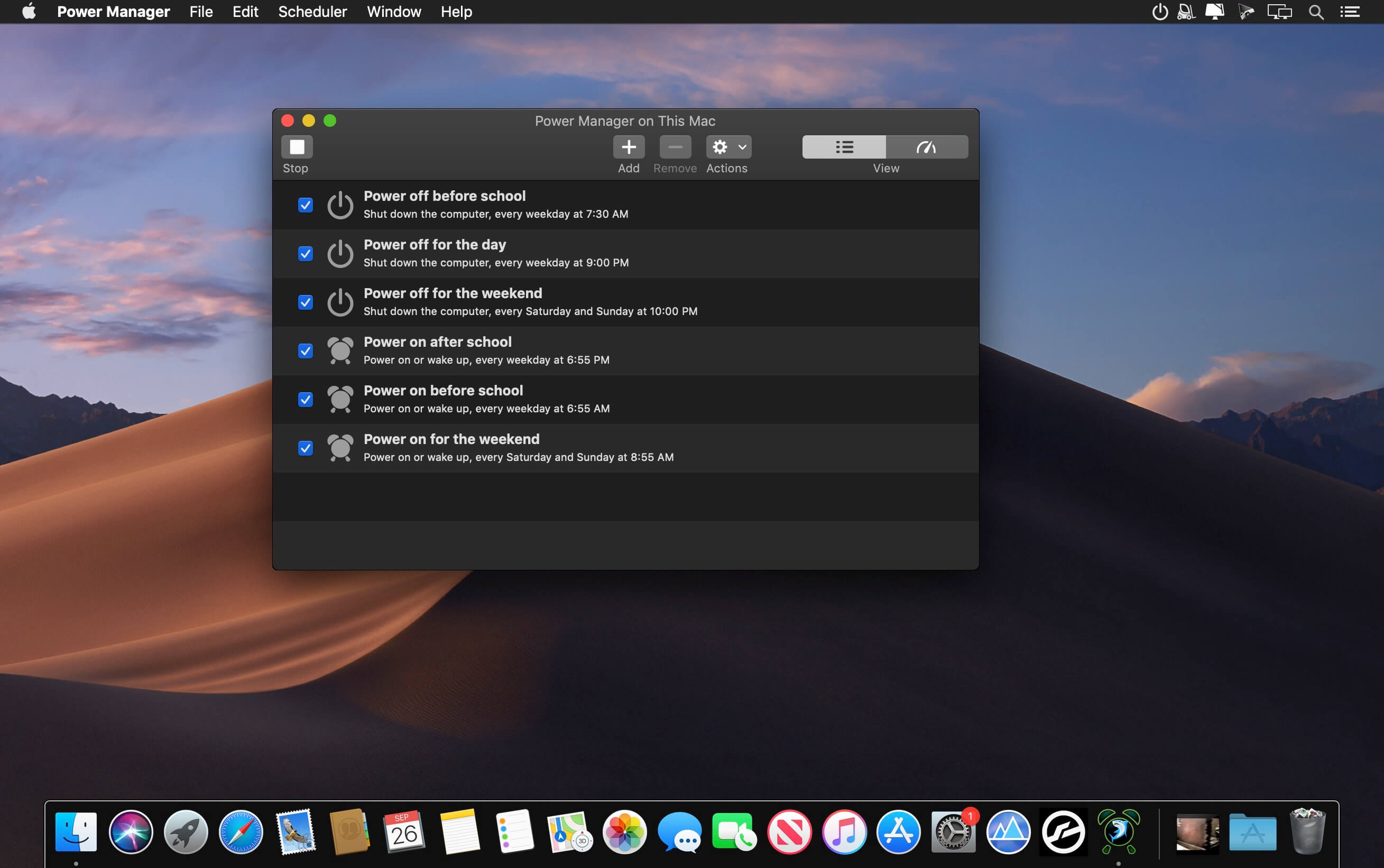
Power Manager is the solution for reducing the energy costs of Mac computers. Use Power Manager to assert control over when your Macs are available and when they are switched off.
Power Manager extends the scheduling functionality provided by OS X's Energy Saver. Unlike Energy Saver, Power Manager is aware of multiple users, offers unrestricted schedules, provides greater customisation, and supports a wider range of actions.
Power Manager includes the ability to schedule applications, launch documents, and run scripts. Includes AppleScript support, Automator actions, command-line interface, and programming interface.
Version 5.4.9:
Changed:
Changed:
- Added alternative method of detecting local service TCP/IP port.
- Updated AstronomicalAlgorithms framework.
- Updated CodeMirror library.
- Updated UpdateKit library.
- Fixed Power Assertions condition failing to detect some assertions.
- Restored Full Screen condition in the event editor.
Comments
No comments yet. Be the first.
Information
Visitors in the group Guests cannot leave comments on this publication.