
MovieMator Video Editor Pro 3.2.0
Screenshots
Click to enlarge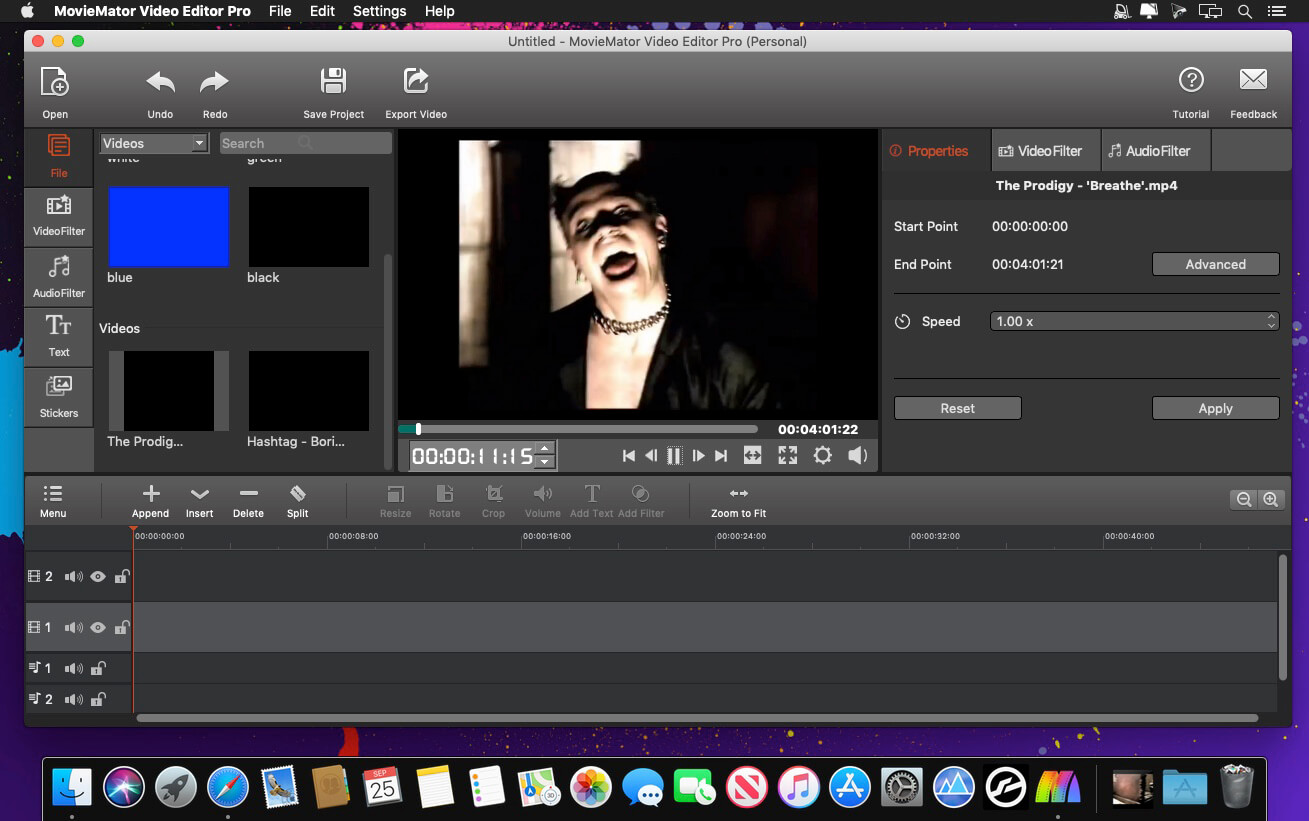
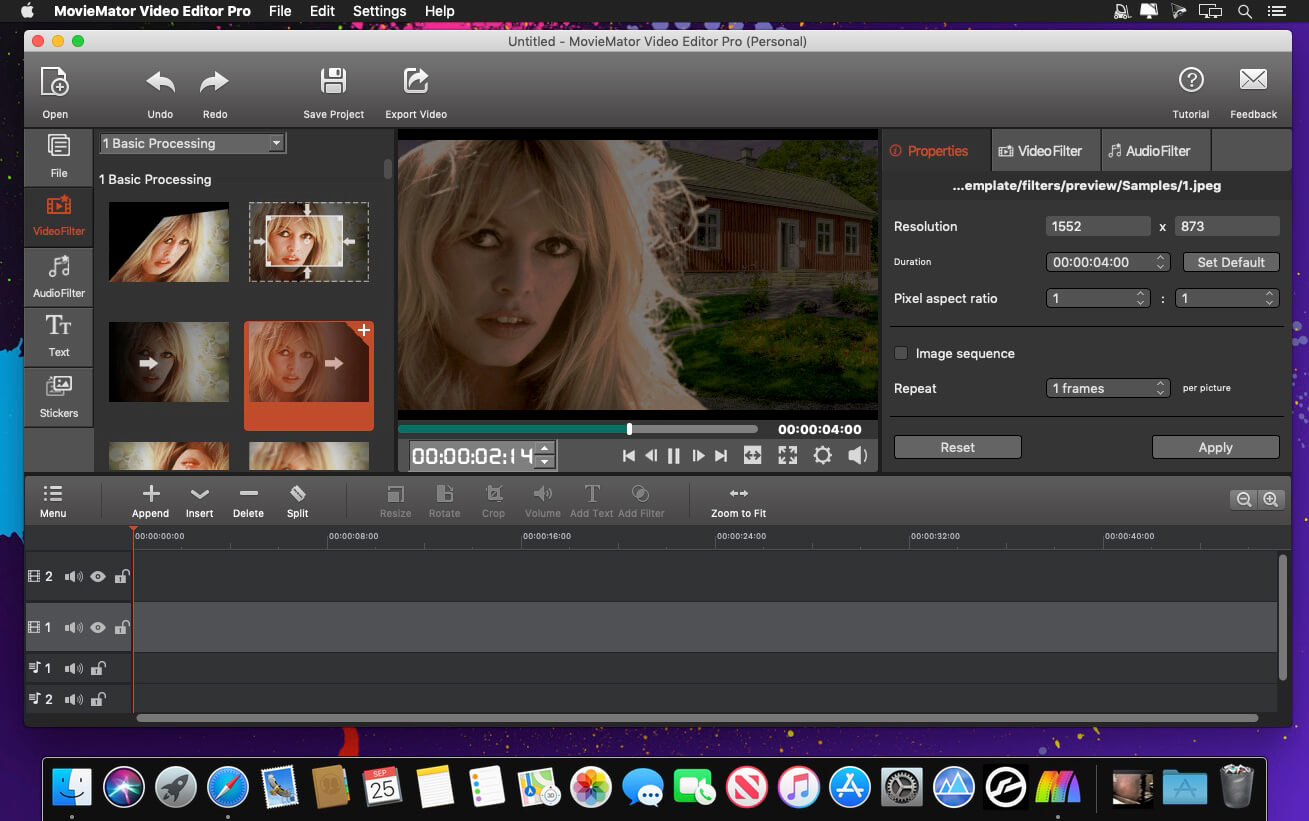
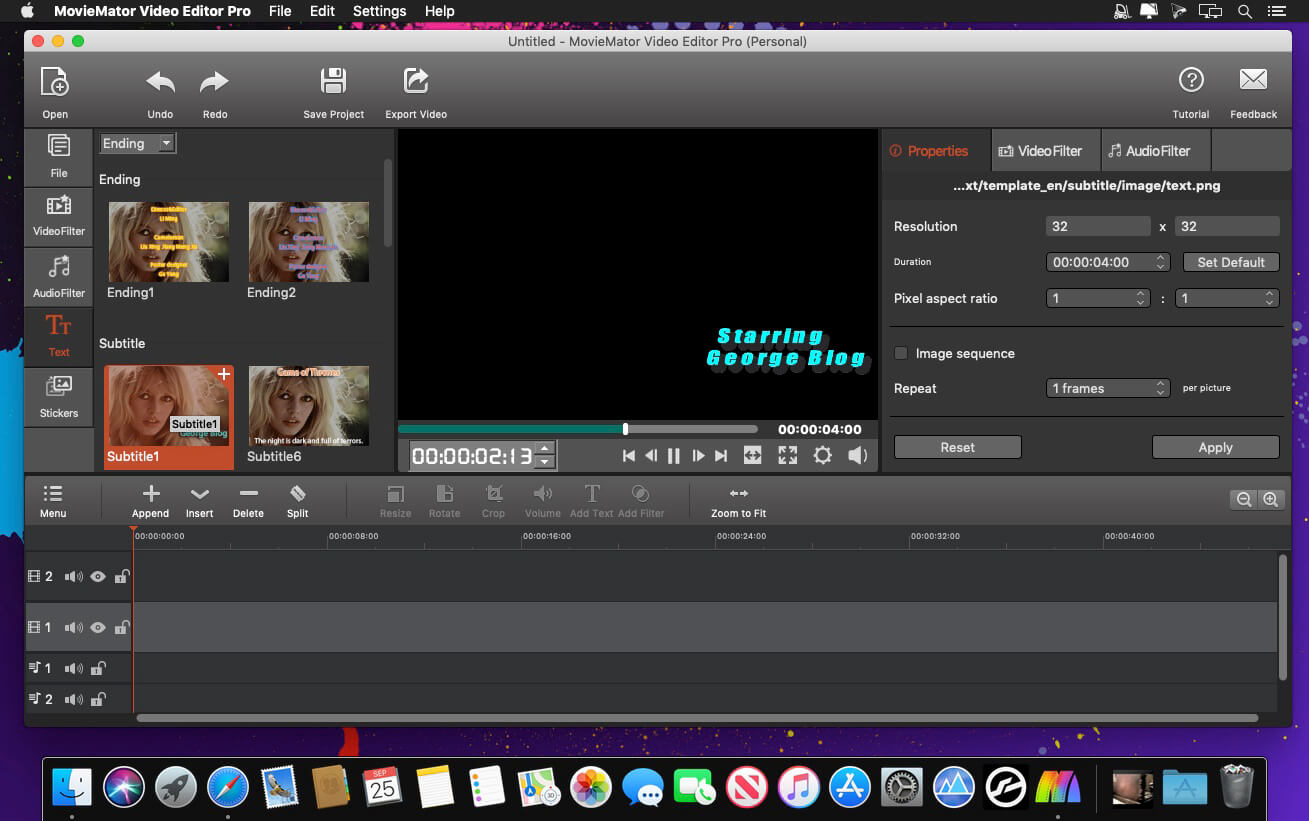
MovieMator Video Editor Pro is a full-featured video editor for creating videos in minutes. It allows users to edit video in many ways, like trimming, cropping, splitting, rotating, and more. With 40+ filter effects supported by keyframes techniques, it is possible to create videos with a variety of eye-catching animation effects. MovieMator Video Editor Mac Pro comes with unlimited video and audio tracks and fully supports all media formats like 4K UltraHD, H.265, MP3, OGG, JPG, SVG, etc. It also supports many export formats, which helps you to save your video for YouTube, Facebook, and Instagram.
Create smooth animations by key frames, which will greatly enhance your video quality in many ways:
- Text animation: text varies from one frame to another; this feature can be used to add subtitles to your video
- Blur animation: add smooth transition by blurring some frames; it makes your video more eye-catching
- Rotate animation: zoom in and zoom out video to make a popular vlog; you can also use this feature to spin you video
- White balance animation: color your video in different frame of your clip; 6his feature can be used to color some scenes, for example, making the color of sunset and sunrise deeper
- Unlimited video tracks and audio tracks help users handle all projects
- Import and mix music tracks to make music video like a pro
- Seamlessly assemble clips and edit them frame by frame in the timeline
- Separate the audio track from a video file with ease
- Create your vivid slideshows with photos, music, and fades
- Make a video tutorial/advertisement and create your personalized greetings for special occasions
- Full of visual effects: blur, old film, sharpen, stabilize, vignette, white balance
- Create the fantastic animation videos with keyframe animation
- Play multiple videos at the same time with the picture-in-picture effect
- Stabilize your shaky action camera footage in one click
- Create Fast/Slow-motion video by adjusting the playback speed as you like
- Support volume adjustment and various audio filters to create a perfect sound effect
- Set fade in/out time for videos and audios freely
- Enhance your movie by adding personalized subtitles and stunning transitions
- 20+ stunning transitions: dissolve, iris circle, clock top, cut, bar vertical
- Standalone video file to share online or put on portable devices
- The interface is intuitive and real-time preview feature ensures what you see is what you get
- Easy-to-use cut, copy, and paste operations
- Hide, mute, and lock the video /audio track by one-click
- Supports all popular video/audio/image formats
- Import all videos/photos from iPhone 6s, GoPro, camcorder or other devices
- Support videos/images downloaded from Facebook, Instagram, Flickr, and more sites
- Support voice-over videos that recorded by any screen recording software
- Support all popular video/audio/image formats: MP4, AVI, MPEG, WMV, MKV, MPG, RMVB, M4V, 3GP, FLV, TS, M4V, VOB, F4V, MP3, WAV, MKA, OGG, FLAC, AAC, JPG, PNG, TIF, BMP, and SVG
- Work natively with a broad range of formats including ProRes, RED, XAVC, AVCHD, H.264 from DSLR, and more
Version 3.2.0
- Thumbnails will be automatically displayed in video clips at each time point now. (Previously only thumbnails for start, middle, and end time points were shown).
- Improves the click switching speed between video clips.
- The clip can be edited frame by frame on the preview window by double-clicking the single video clip.
- The gaps between the main track video clips will be filled automatically.
- The interface has been optimized.
- The sound display is temporarily turned off.
Comments
No comments yet. Be the first.
Information
Visitors in the group Guests cannot leave comments on this publication.