
Photo Recovery Guru 4.3
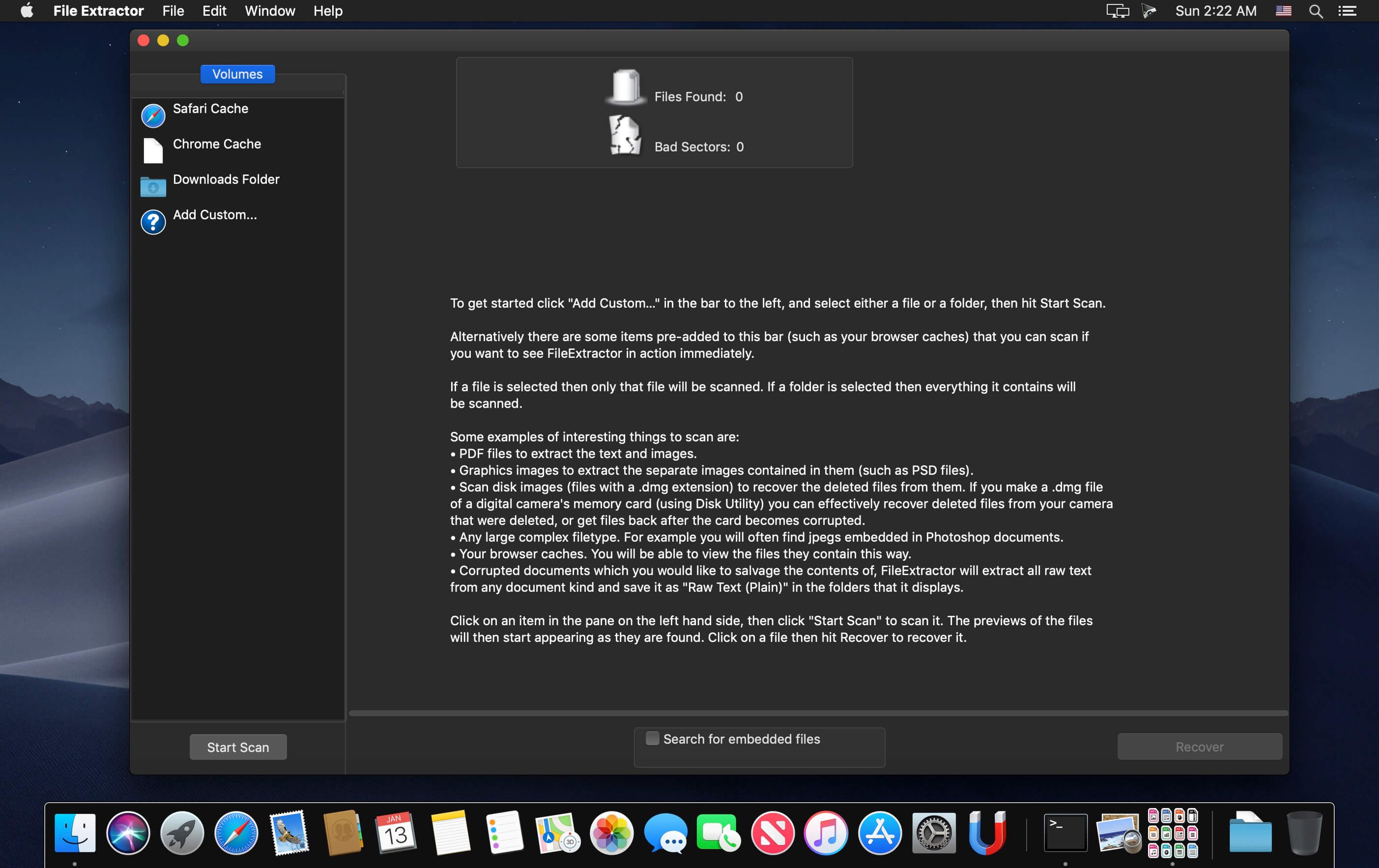

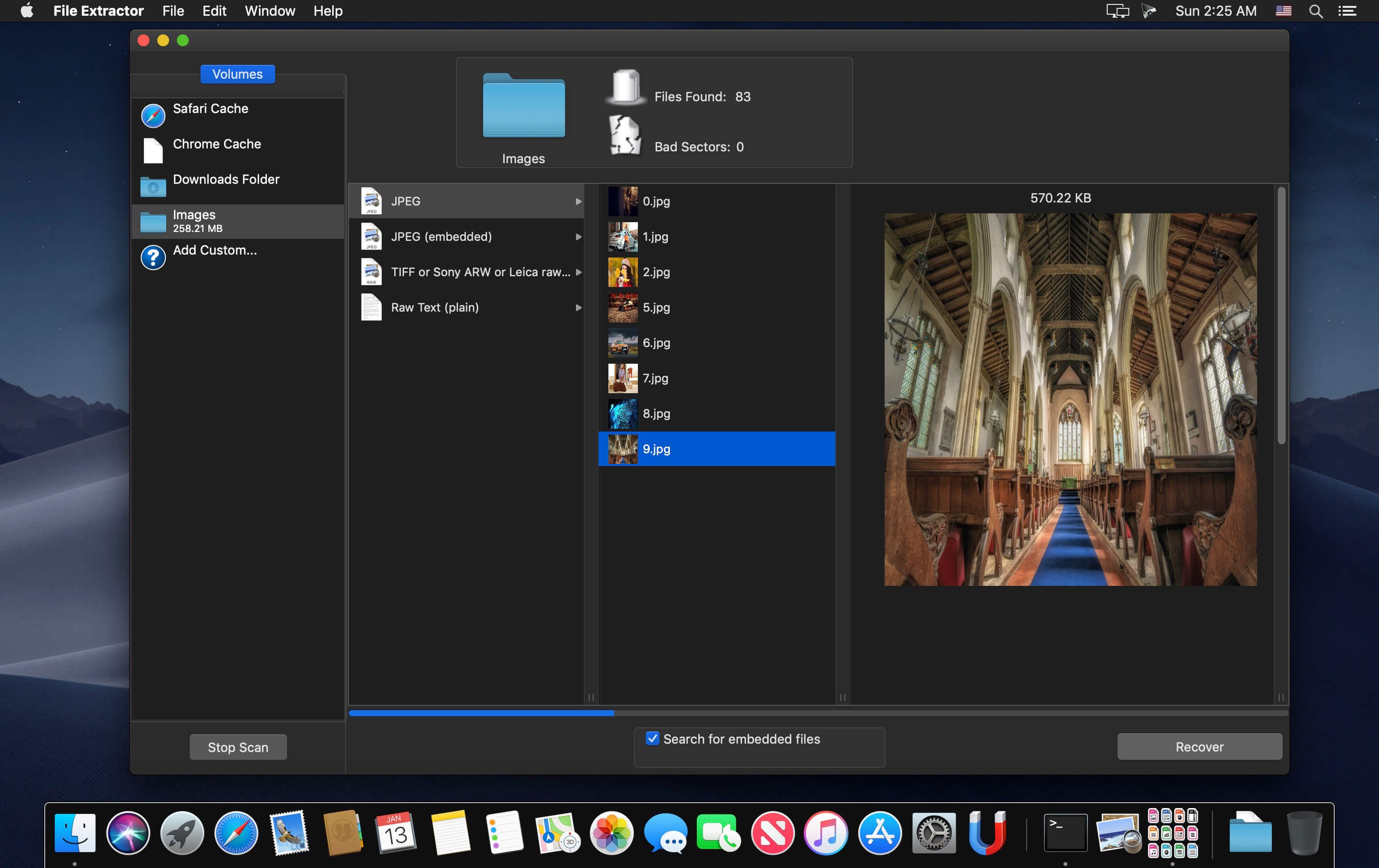
Photo Recovery Guru gets back deleted files and videos from digital cameras. This is most often needed after the memory card is formatted by accident, or gets corrupted.
It is an all too common occurrence with digital cameras that they get loaded up with important media that they have grabbed, and they end up losing it all. Corruption is quite a common cause, which is usually caused by removing the media card before turning the camera off, or by a power failure of some kind. Accidental formatting is also quite common. That is why Photo Recovery Guru exists. It actually works on any media, from Cameras to Disks to CD’s, but it is cheaper than Mac Data Recovery Guru (which also works on any media), and is restricted to recovery filetypes that are commonly found on cameras. This application is here to be a cheap solution to recovering lost data from a memory card or digital camera, where one does not necessarily want the full blown master data recovery application that is Data Recovery Guru.
Frequently asked questions
How do I install the app?
Mount the image, drag the app into the "Applications" folder and launch it. If the system blocks the launch, allow it in "System Settings → Privacy & Security".
The app is damaged or won't launch
Reinstalling from a fresh image usually helps. Make sure your macOS version matches the one listed in the compatibility specs.
How do I update?
Download the new version from the site and install it over the current one — your settings will be preserved.
The download link doesn't work
Try a mirror or a download manager. For large files the browser often drops the connection.
How do I completely remove the app?
Use an uninstaller utility — it cleans up the service files that remain after moving the app to the trash.
VersionPhoto Recovery Guru 4.3
DeveloperFelixDev
CompatibilityOS X 10.8 or later, 64-bit processor
LanguageEnglish
IncludesK'ed by TNT





Information
Visitors in the group Guests cannot leave comments on this publication.
Choose a download source
Photo Recovery Guru 4.3 · 4.91 MB