Pillars of Eternity II: Deadfire (2018)

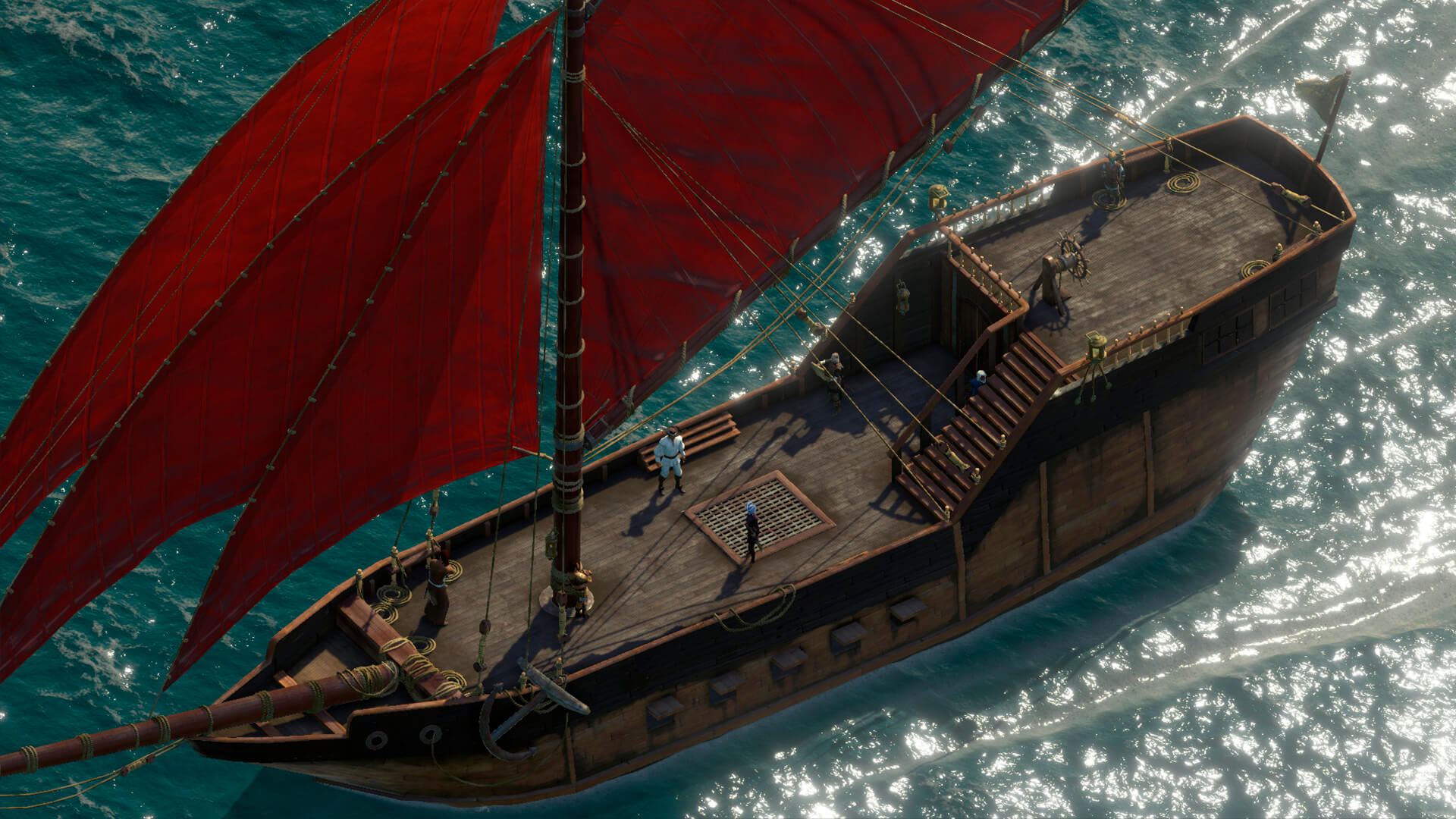
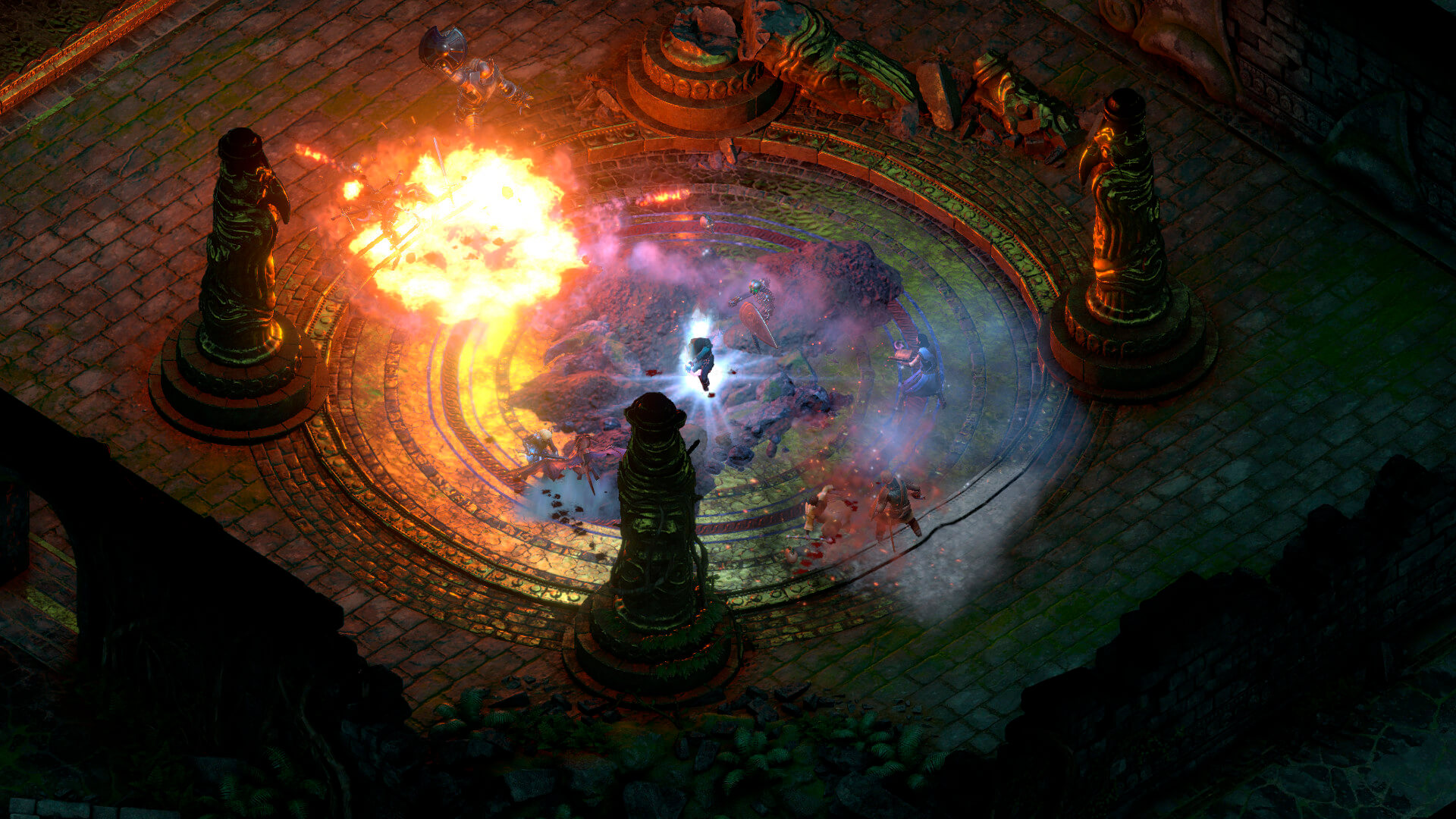
Pursue a rogue god over land and sea in the sequel to the multi-award-winning RPG Pillars of Eternity. Captain your ship on a dangerous voyage of discovery across the vast unexplored archipelago region of the Deadfire. Bend the world to your will, as you explore the depths of infinite possibilities, including detailed character customization, total freedom of exploration, and more meaningful choices at every turn.
- Immerse yourself in a deeper single player RPG game experience - enriched with cutting edge technology and features, Deadfire builds on the foundation of classic D&D gameplay with vastly improved graphics, deeper game mechanics and a whole new hand-crafted adventure where choices truly matter.
- Discover the new region of the Deadfire – plot your own course by ship and explore the rich and exotic islands of the archipelago region, discovering new places interacting with their inhabitants and engaging in a variety of quests at every port.
- Build your party and customize your companions – choose from 7 different companions to join you on your quest and assign multiple classes and deeper abilities for each. Witness their personal relationships and interactions unfold with the addition of the new companion system.
- Captain your ship across the seas – as your stronghold on the seas, your ship is much more than simply a vessel for exploring. Upgrade your ship and crew and choose what skills you improve in order to survive dangerous encounters along the way.
Frequently asked questions
How do I install the app?
Mount the image, drag the app into the "Applications" folder and launch it. If the system blocks the launch, allow it in "System Settings → Privacy & Security".
The app is damaged or won't launch
Reinstalling from a fresh image usually helps. Make sure your macOS version matches the one listed in the compatibility specs.
How do I update?
Download the new version from the site and install it over the current one — your settings will be preserved.
The download link doesn't work
Try a mirror or a download manager. For large files the browser often drops the connection.
How do I completely remove the app?
Use an uninstaller utility — it cleans up the service files that remain after moving the app to the trash.
VersionPillars of Eternity II: Deadfire
DeveloperObsidian Entertainment
GenreRPG
Release Date8 May, 2018
CompatibilitymacOS 10.12 or later, 64-bit processor
LanguageMultilangual
IncludesPre-K'ed


Information
Visitors in the group Guests cannot leave comments on this publication.
Choose a download source
Pillars of Eternity II: Deadfire (2018) · 21.85 GB
Previous versions
Pillars of Eternity II: Deadfire (2018)
Previous versions are available to registered users.