Adobe Premiere Pro CC 2019 v13.1.5
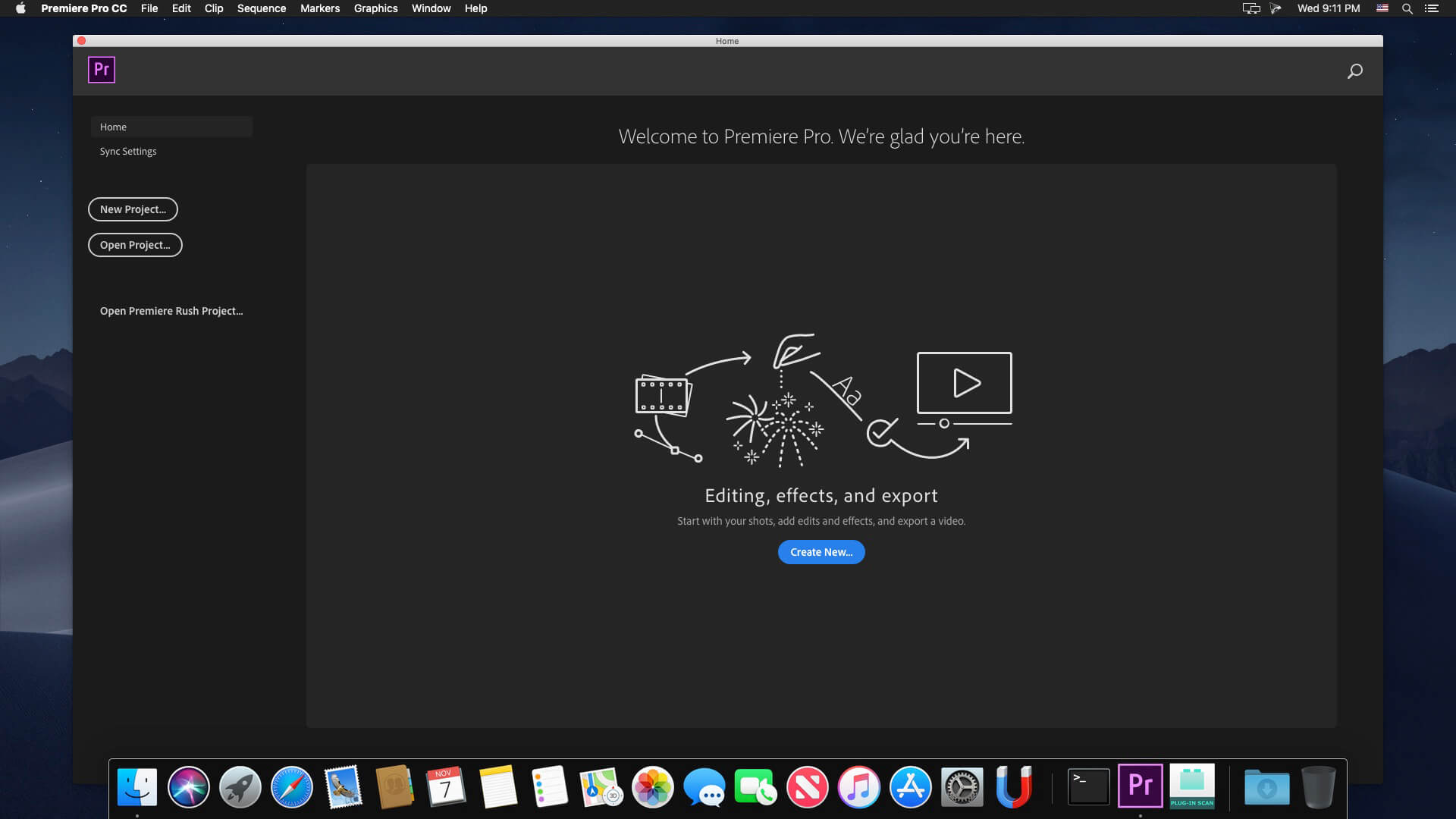
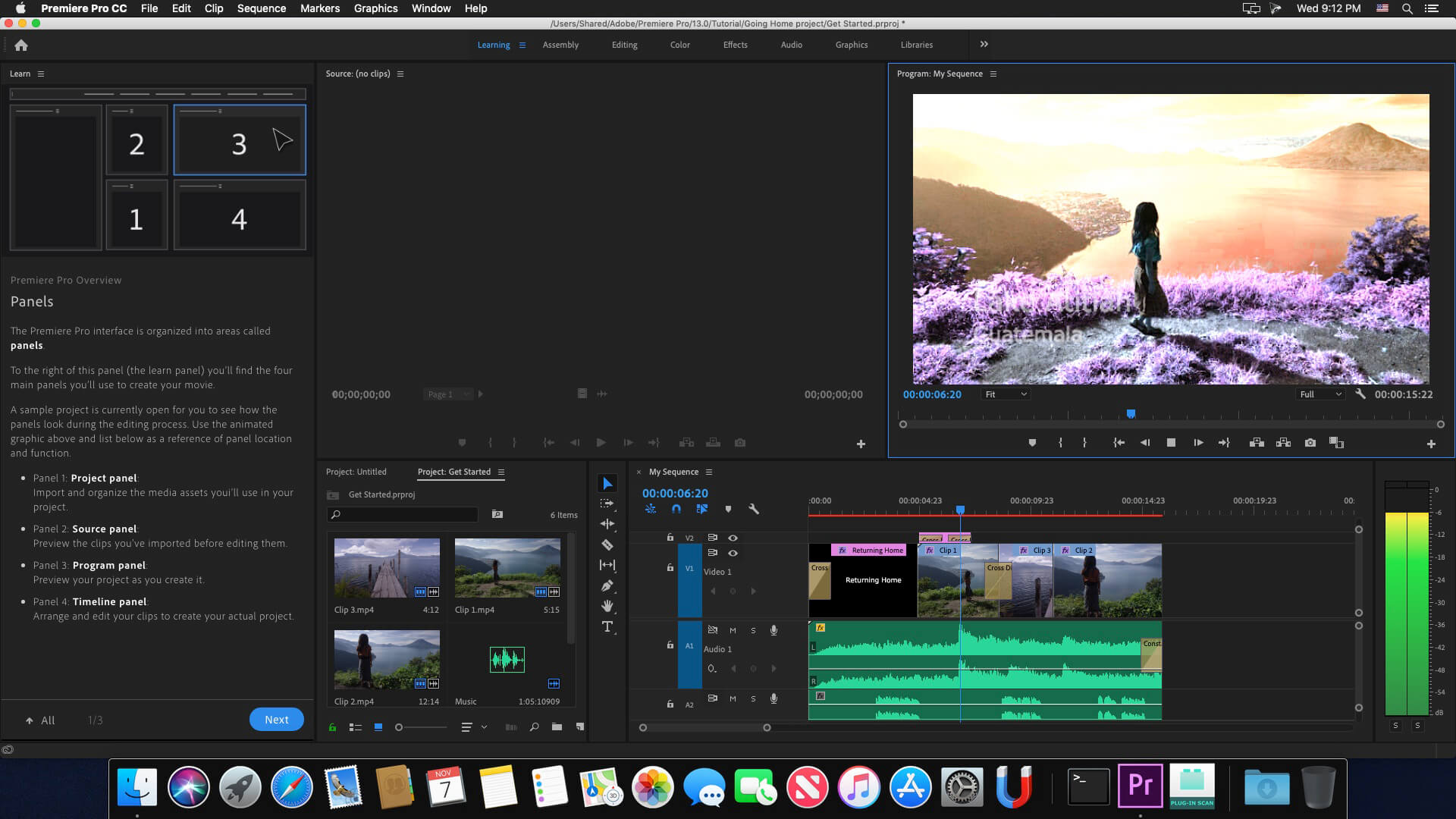
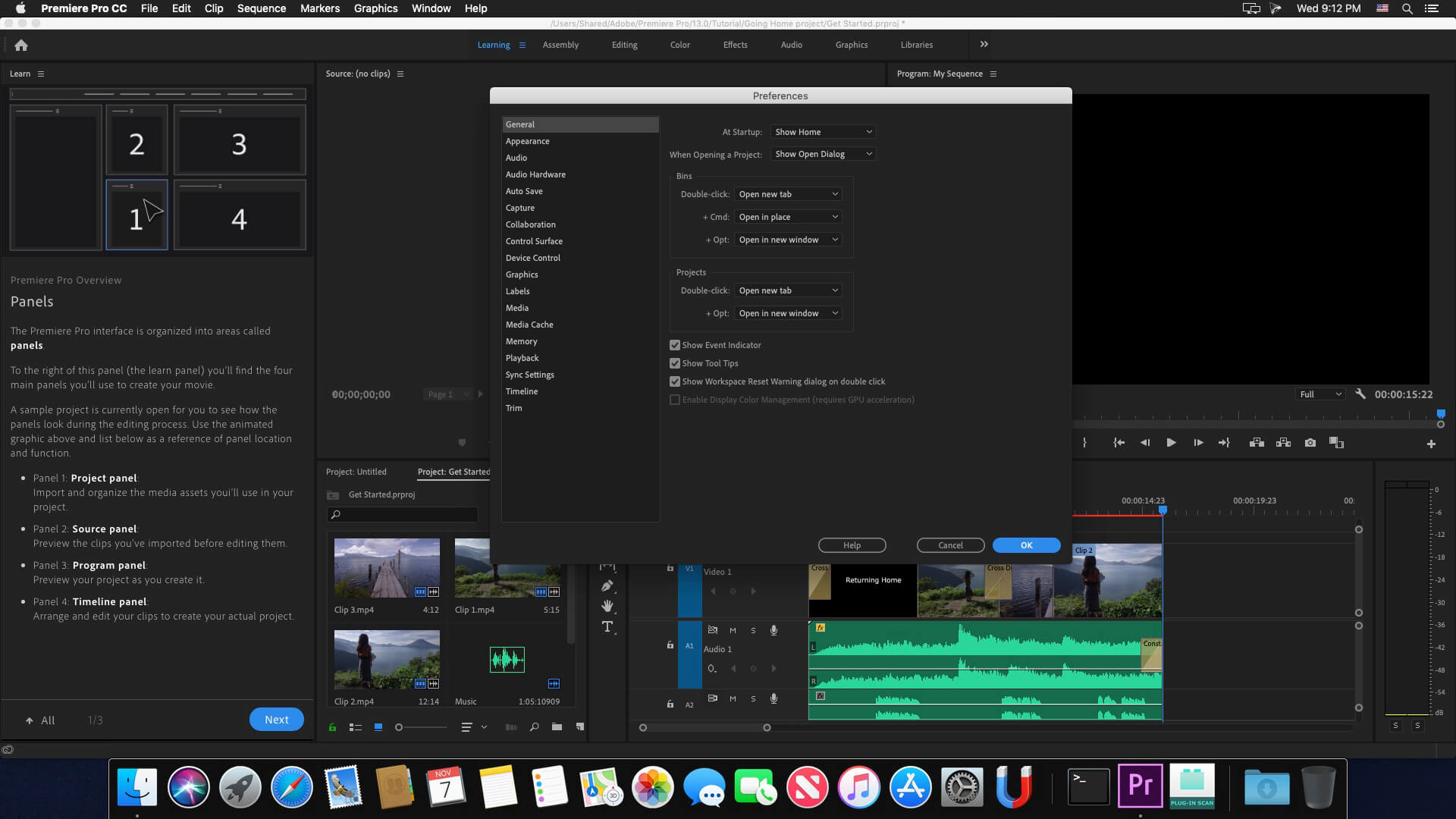
Adobe Premiere Pro CC 2019 is a professional program for non-linear video editing. The application provides high-quality editing of video resolution 4K and higher, with 32-bit color, both in RGB and YUV color space. Editing audio samples, support for VST audio plug-ins (plug-in) and audio tracks 5.1 surround. The Premiere Pro plug-in architecture allows you to import and export QuickTime or DirectShow container materials, and also supports a huge number of video and audio formats from MacOS.
The main advantages of Adobe Premiere CC 2019:
- Working with multiple projects simultaneously
- General projects with the lock function
- Adaptive design - Time
- Adaptive design - Position
- Animated graphics templates available in Adobe Stock
- Realistic editing of VR
- Realistic sound processing for 360 / VR
- immersive
- Transitions immersive
- Subtitles and graphics for video with immersive
- Rotation VR sphere
- Improved process of "Basic Graphic Elements"
- Support for new formats
- Regional subtitle standards
- Support Updates "group projects as Adobe"
- Improved conditions beginning work for beginners
- Optimized support for built-in camera in the shooting settings Lumetri
- working with templates After Effects motion graphics without installing the After
- Effects application
- And much more …
Version 13.0.1:
Note: Now requires macOS 10.12 or later
Note: Now requires macOS 10.12 or later
- Compatibility issues AVI codecs: erroneous warning message on launching Premiere Pro; Crash on launch when loading ExporterAVI.prm
- Issues with importing Blackmagic Video Assist & Hyper Deck ProRes files
- Keying issue with ProRes444 and Alpha channel
- Issue with exporting certain Sony files as JPEG2000 MXF op1 file
- Incorrect fonts appearing in Motion Graphics Templates created in After Effects 15.0 and 15.1
- Issue with Motion Graphic Templates with font controls not rendering correctly after the font is changed
Frequently asked questions
How do I install the app?
Mount the image, drag the app into the "Applications" folder and launch it. If the system blocks the launch, allow it in "System Settings → Privacy & Security".
The app is damaged or won't launch
Reinstalling from a fresh image usually helps. Make sure your macOS version matches the one listed in the compatibility specs.
How do I update?
Download the new version from the site and install it over the current one — your settings will be preserved.
The download link doesn't work
Try a mirror or a download manager. For large files the browser often drops the connection.
How do I completely remove the app?
Use an uninstaller utility — it cleans up the service files that remain after moving the app to the trash.
VersionAdobe Premiere Pro CC 2019 v13.1.5
DeveloperAdobe Systems
CompatibilitymacOS 10.12 or later, 64-bit processor
LanguageMultilangual
IncludesK


Choose a download source
Adobe Premiere Pro CC 2019 v13.1.5 · 1.85 GB
Previous versions
Adobe Premiere Pro CC 2019 v13.1.5
Previous versions are available to registered users.
Comments 13