ChronoBurn 2.4.6
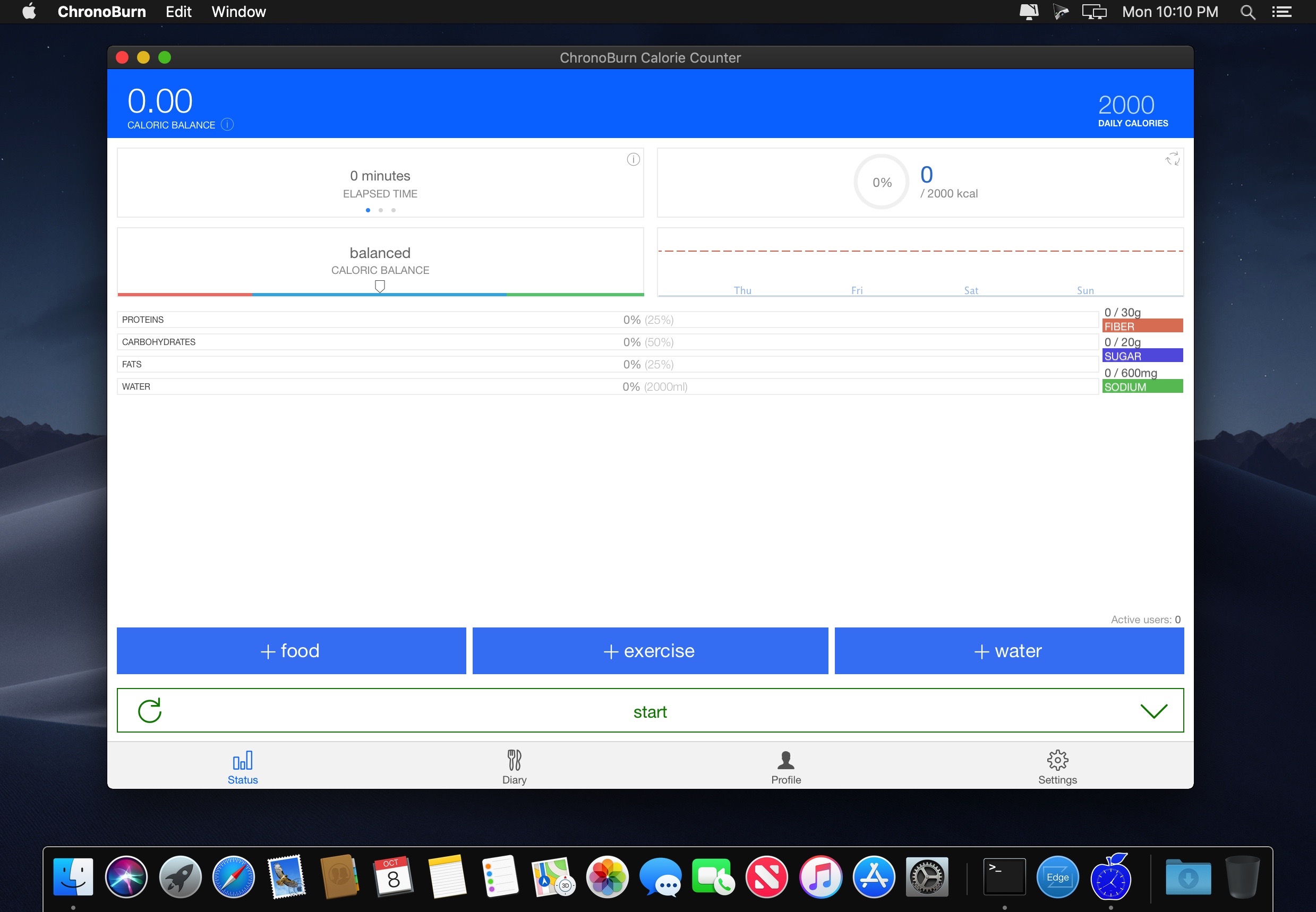
Track your calorie intake and usage in real-time with ChronoBurn! Whether you’re trying to lose or gain weight, ChronoBurn helps you keep on track and achieve your weight or fitness goals by counting your food calorie intake, calories burned and total calorie target for the day.
HOW DOES IT WORK?
ChronoBurn works like a calorie chronometer and it’s super simple to use, showing you how much to eat every day depending on your fitness or weight goals.
- Set your total calorie target for the day or check your profile to determine your ideal calorie intake
- Log your food – ChronoBurn will add to the total calorie intake
- Log your exercise – any calories burned will be subtracted from your total intake
- Elapsed time is converted into calories burned to simulate your metabolic rate
- Real time calorie counting
- Translated into 26 languages
- Available in 10 different platforms
- Simple, clean and intuitive interface
- Automatic backup and data synchronization across devices
- Realistic estimation of weight loss
- Shows how fast your body burns calories
- Complete nutritional information (fiber, sugar, sodium)
- Adjustable macronutrient ratio (proteins, carbohydrates, fats)
- Advanced search engine
- Statistics on calorie consumption
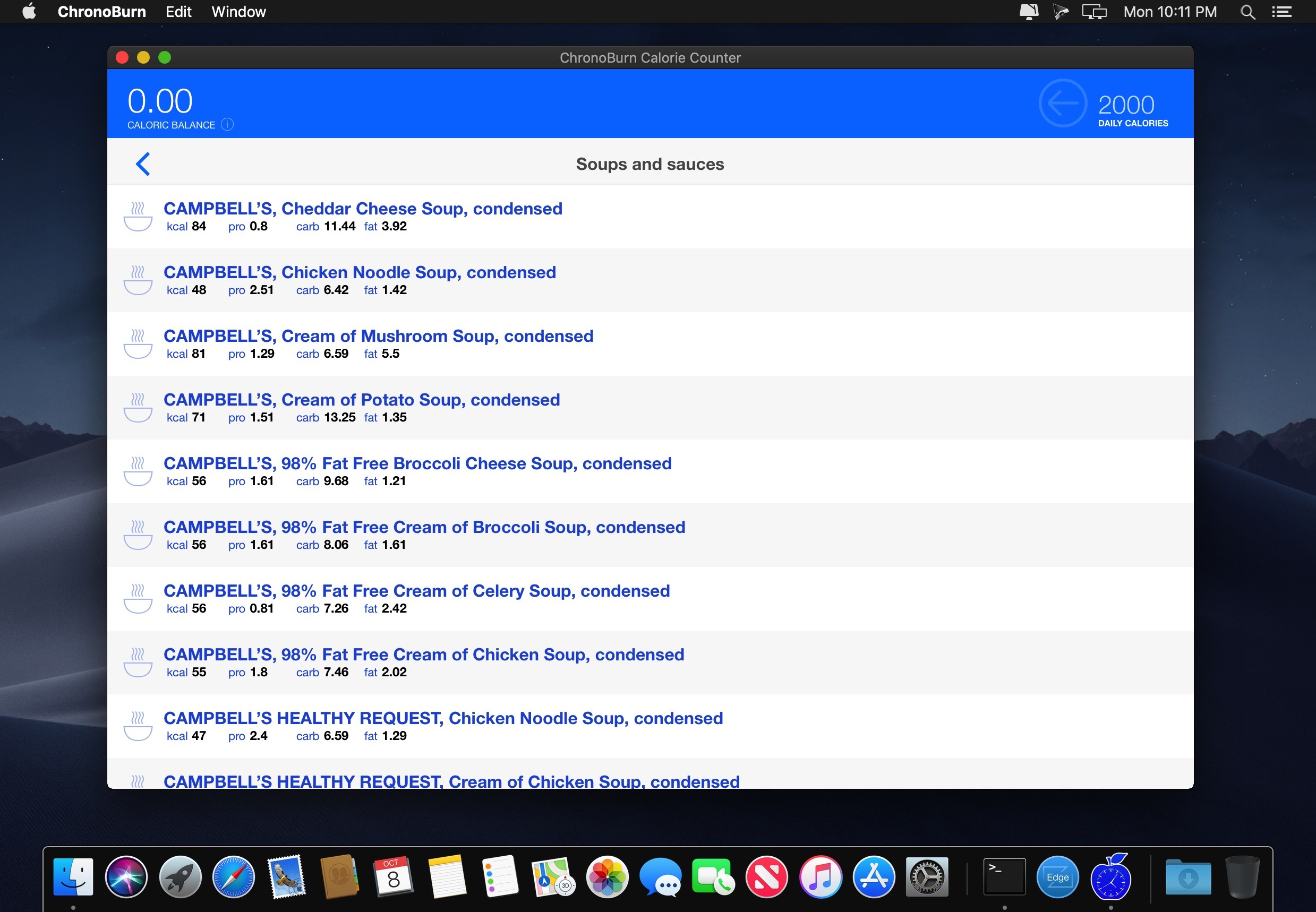
- Large food database
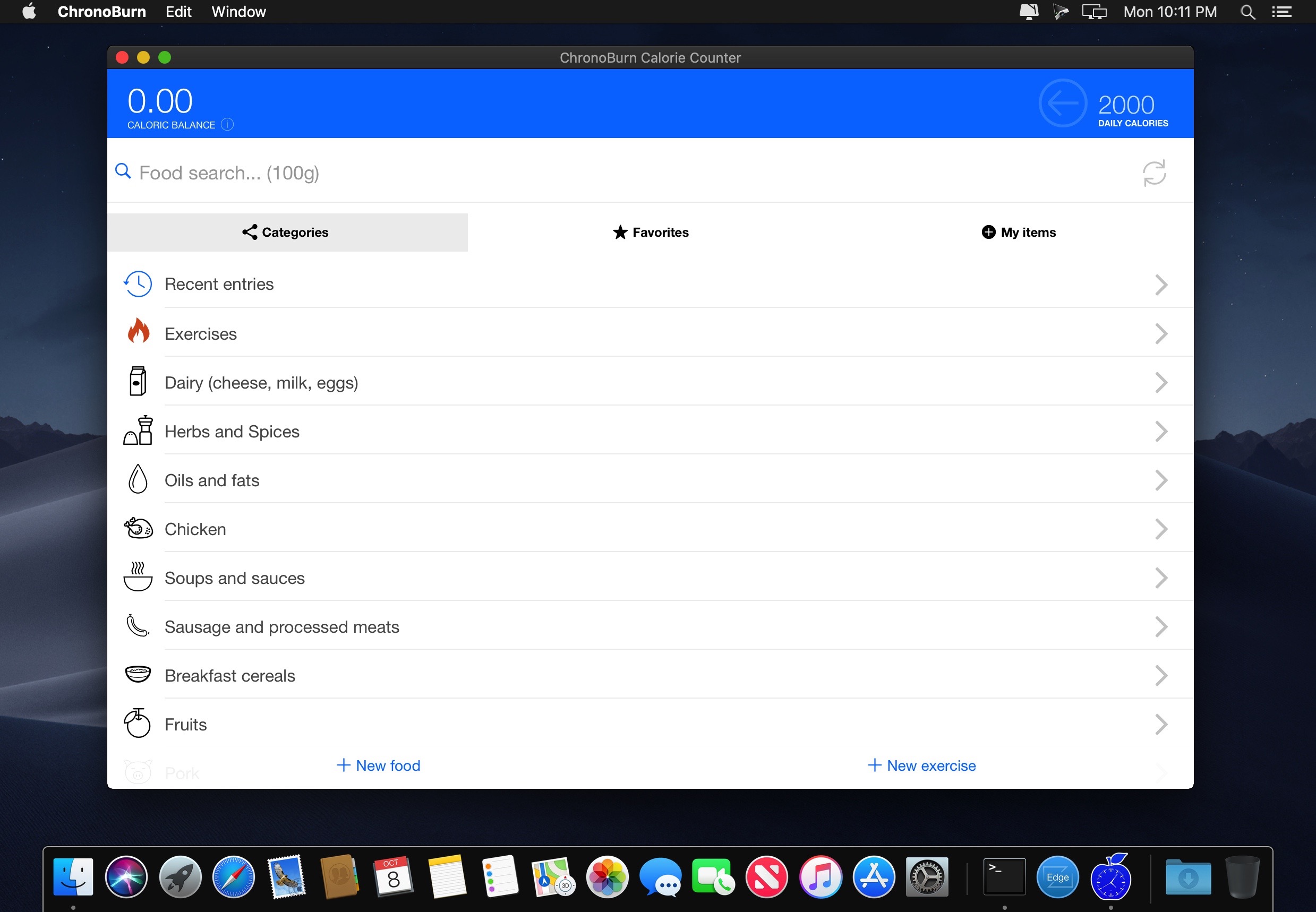
- Foods divided into easy to navigate categories
- Add your own foods and exercises
- Bookmark your favourite items
- Fully editable entries
- Automatic updates
- Today's overview
- Adjustable calorie threshold
- Cyclic mode
Version 2.4.6
- bug fixes
Frequently asked questions
How do I install the app?
Mount the image, drag the app into the "Applications" folder and launch it. If the system blocks the launch, allow it in "System Settings → Privacy & Security".
The app is damaged or won't launch
Reinstalling from a fresh image usually helps. Make sure your macOS version matches the one listed in the compatibility specs.
How do I update?
Download the new version from the site and install it over the current one — your settings will be preserved.
The download link doesn't work
Try a mirror or a download manager. For large files the browser often drops the connection.
How do I completely remove the app?
Use an uninstaller utility — it cleans up the service files that remain after moving the app to the trash.
VersionChronoBurn 2.4.6
DeveloperAndre Cancian
CompatibilityOS X 10.6 or later, 64-bit processor
LanguageMultilangual
IncludesK'ed by HCiSO




Information
Visitors in the group Guests cannot leave comments on this publication.
Choose a download source
ChronoBurn 2.4.6 · 2.49 MB