
FontBook 5.4.1
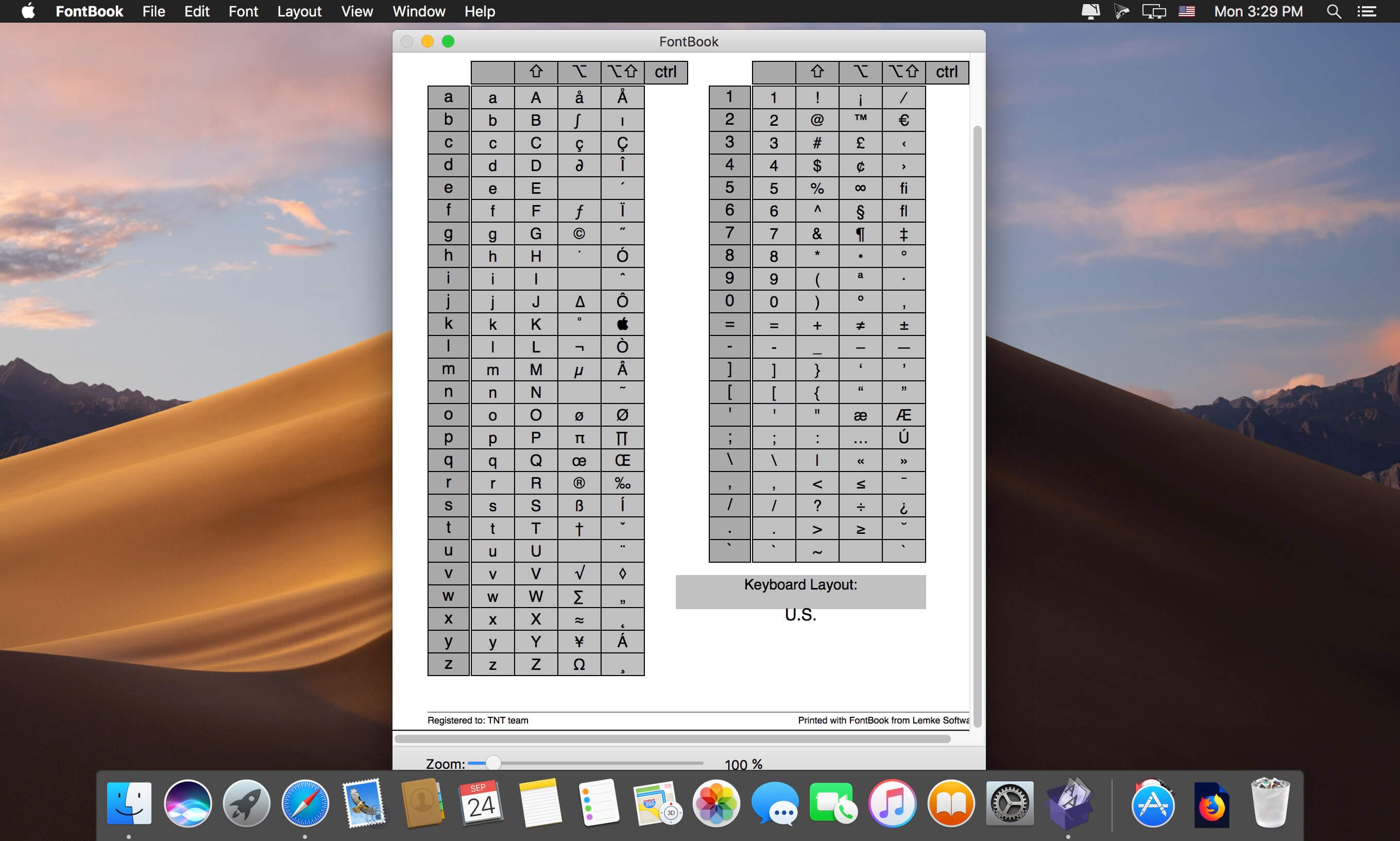
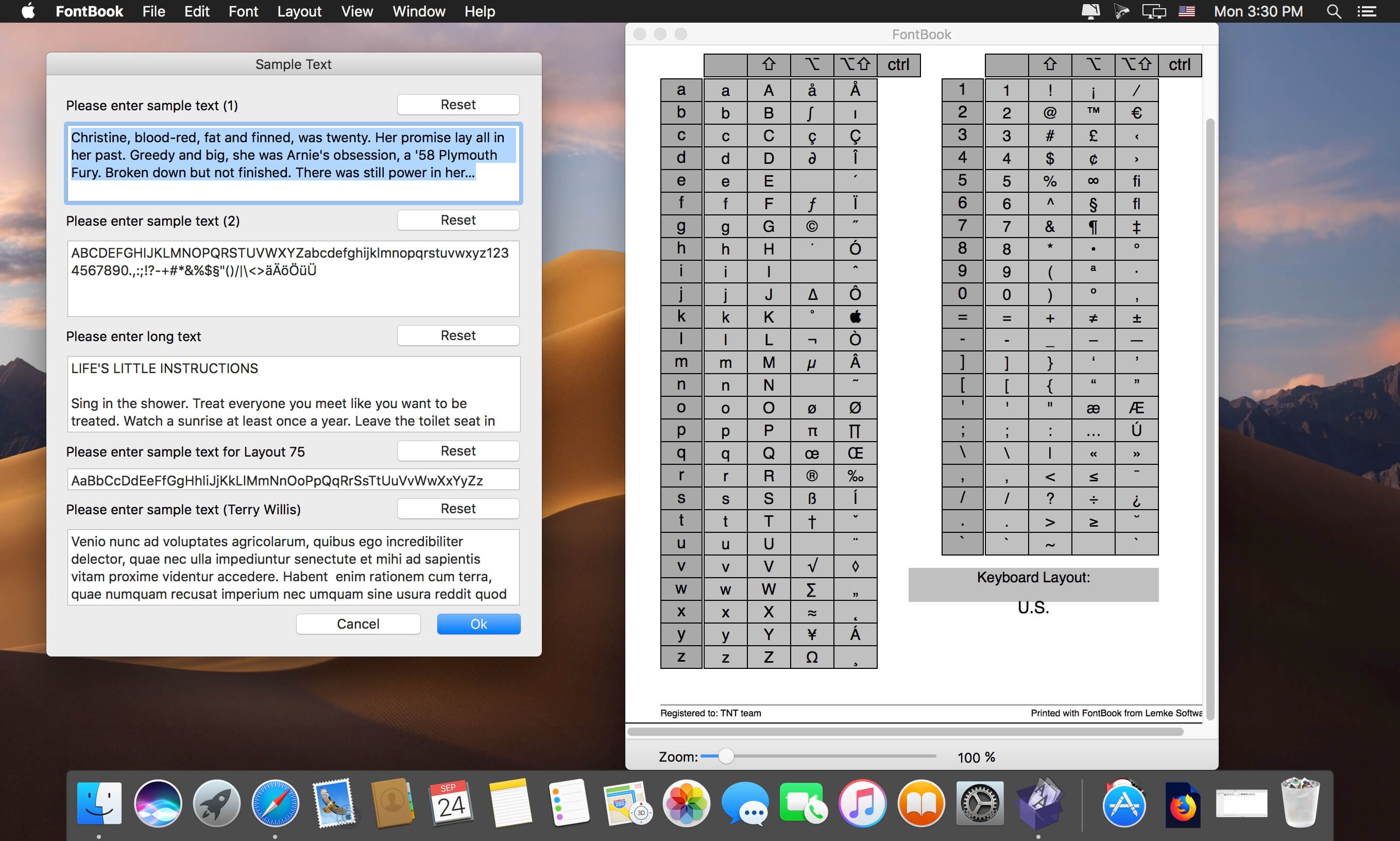
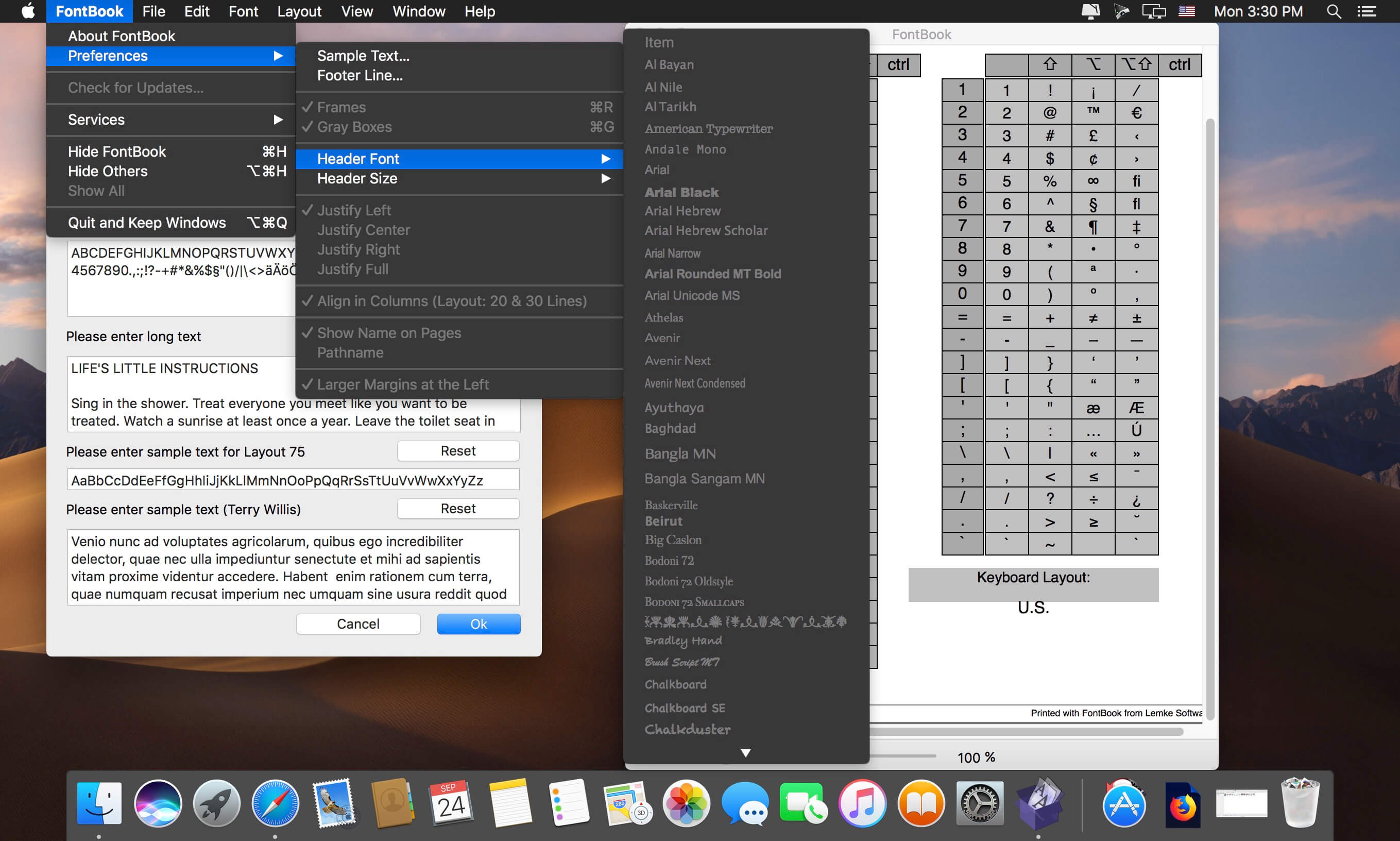
FontBook is the ultimate font utility for all macOSusers who require a quick, easy and comprehensive overview of all their fonts.
Let FontBook display uninstalled fonts on the screen in various layouts. You can print reference pages with selected fonts to assess the typeface, sizes and impression. Or you can find keyboard shortcuts for less-used special characters.
In short, FontBook is the ideal font utility if you regularly have to look for a suitable font or special character.
Version 5.4:
New features
- next/previous font buttons in the footer line if the window
Updates features
- updated French manual
- View > View at menu items
- View > removed unused items
Frequently asked questions
How do I install the app?
Mount the image, drag the app into the "Applications" folder and launch it. If the system blocks the launch, allow it in "System Settings → Privacy & Security".
The app is damaged or won't launch
Reinstalling from a fresh image usually helps. Make sure your macOS version matches the one listed in the compatibility specs.
How do I update?
Download the new version from the site and install it over the current one — your settings will be preserved.
The download link doesn't work
Try a mirror or a download manager. For large files the browser often drops the connection.
How do I completely remove the app?
Use an uninstaller utility — it cleans up the service files that remain after moving the app to the trash.





Choose a download source
FontBook 5.4.1 · 27.92 MB
Previous versions
FontBook 5.4.1
Previous versions are available to registered users.