
Apeaksoft Video Converter Ultimate 2.2.68
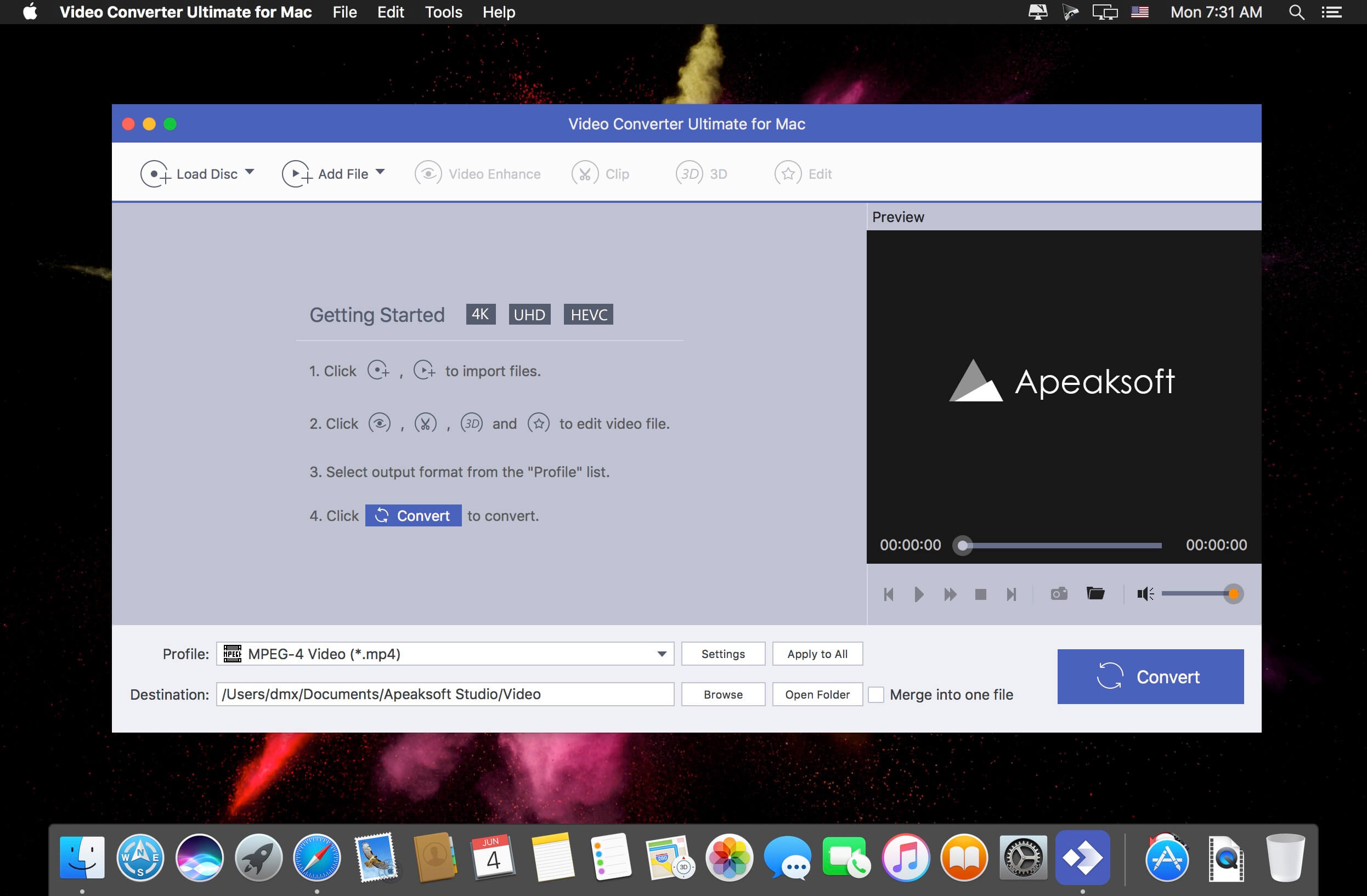
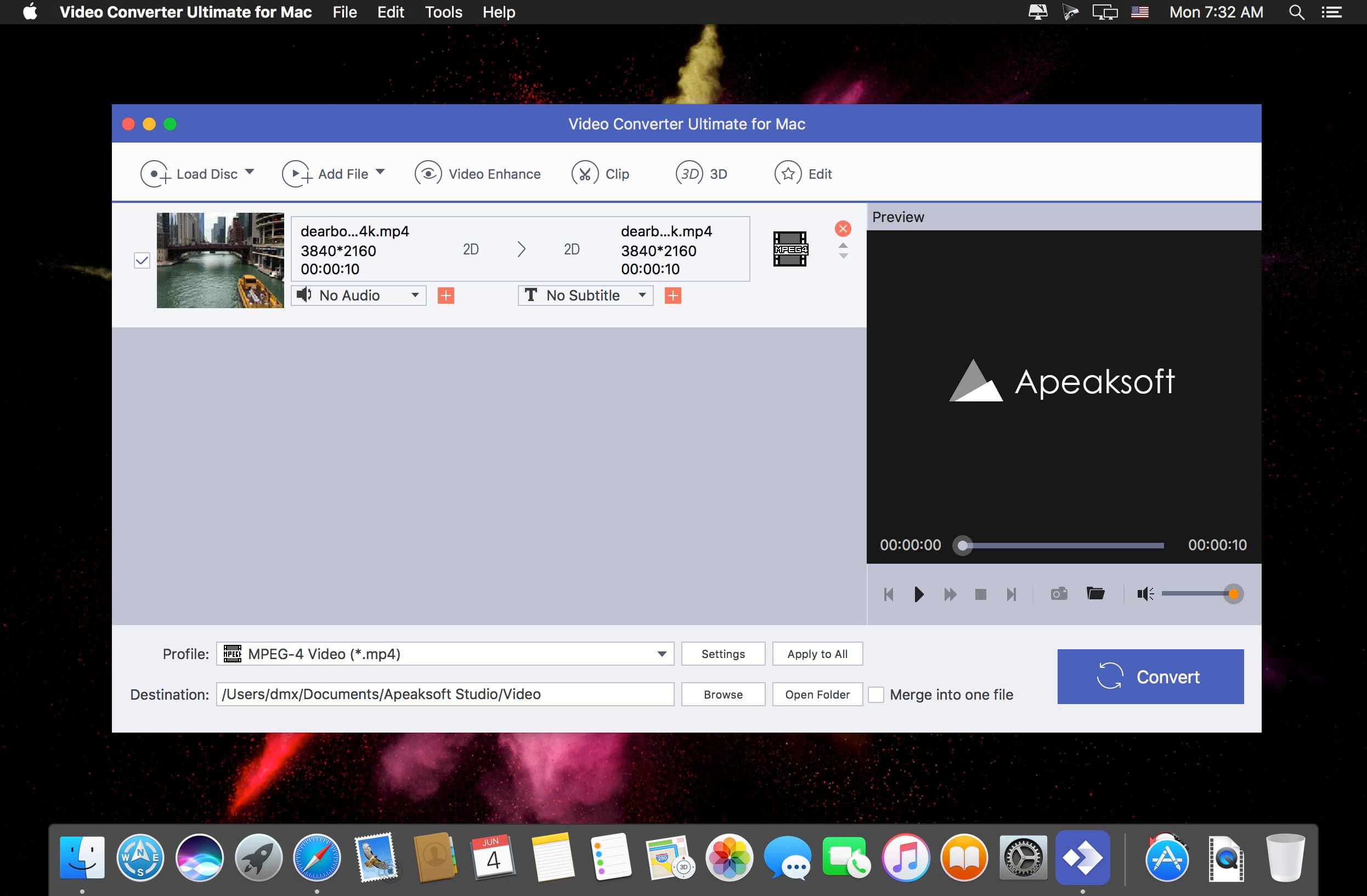
Video Converter Ultimate is the mighty video converting software, which works on various video files in input and output, whether your videos files are from/to iOS/Android, USB flash drives or external hard drivers easily.
Convert various video/audio formats: MP4, MOV, MTS, M2TS, MKV, FLV, 3GP, SWF, AVI, WMV, MP3, FLAC, WMA, OGG, AAC, AIFF, M4R, DVD, etc.
Convert videos downloaded from different sources: Videos downloaded from Facebook, Instagram, camcorder, phone, etc.
Convert videos to different devices: Samsung Galaxy S10/S9, iPhone 13/13 Pro/13 Pro Max/12/12 Pro/12 Pro Max/12 mini, Xbox One/360, PSP, Avid, Wii, Adobe Permiere, TV, DV, etc.
- Convert videos, audio and home-made DVDs over 1000 formats.
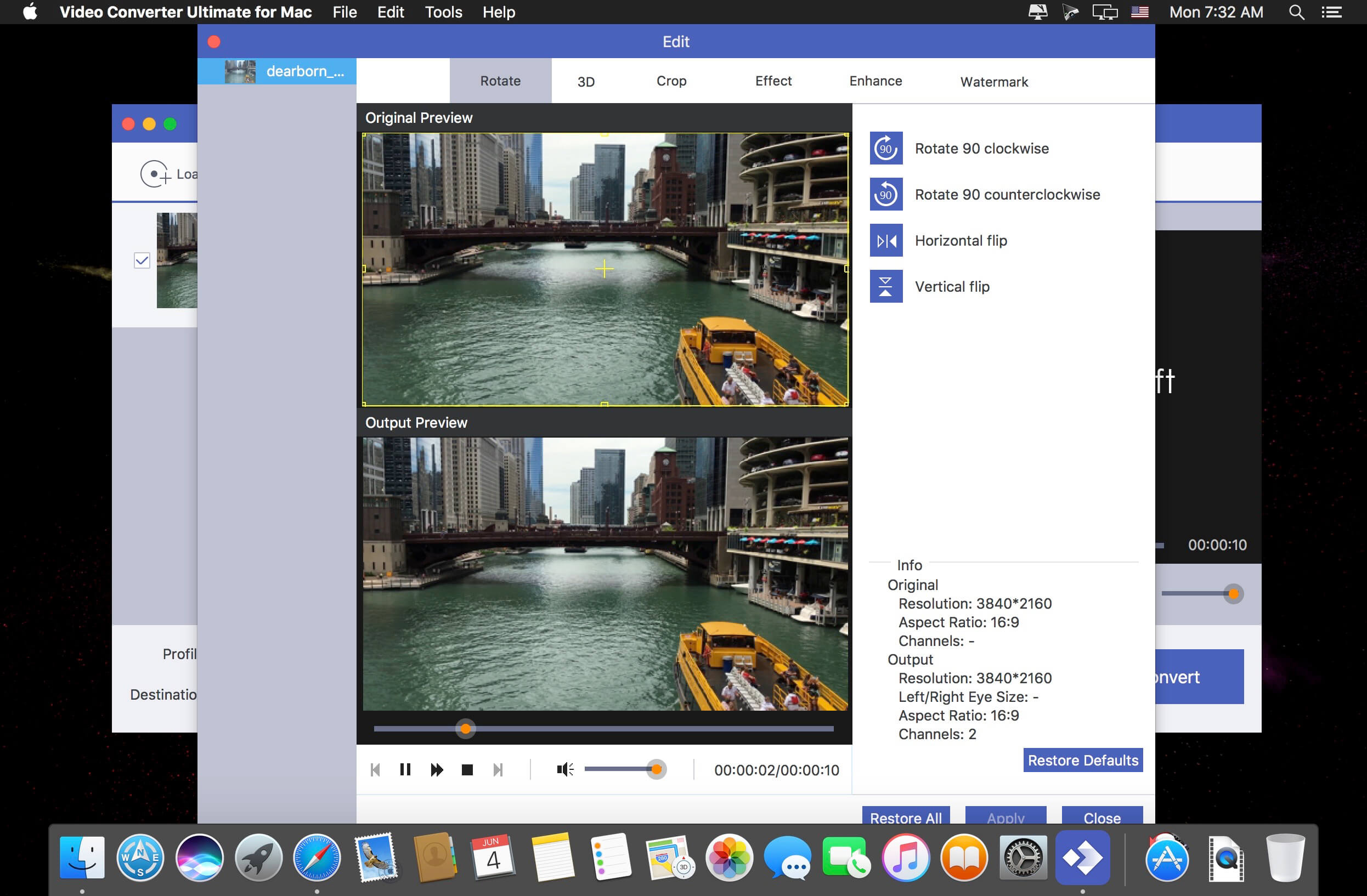
- Mirror, flip, clip, merge, crop, filter, watermark and adjust video effects.
- Enhance video to improve video quality in 4 ways.
- Create 3D videos, make GIF, compress video and edit ID3 tag.
Version 2.2.68:
- Release notes were unavailable when this listing was updated.
Frequently asked questions
How do I install the app?
Mount the image, drag the app into the "Applications" folder and launch it. If the system blocks the launch, allow it in "System Settings → Privacy & Security".
The app is damaged or won't launch
Reinstalling from a fresh image usually helps. Make sure your macOS version matches the one listed in the compatibility specs.
How do I update?
Download the new version from the site and install it over the current one — your settings will be preserved.
The download link doesn't work
Try a mirror or a download manager. For large files the browser often drops the connection.
How do I completely remove the app?
Use an uninstaller utility — it cleans up the service files that remain after moving the app to the trash.




Choose a download source
Apeaksoft Video Converter Ultimate 2.2.68 · 135.55 MB
Previous versions
Apeaksoft Video Converter Ultimate 2.2.68
Previous versions are available to registered users.